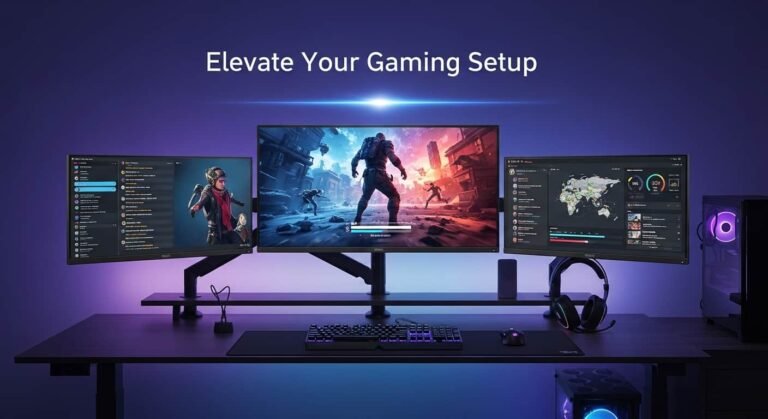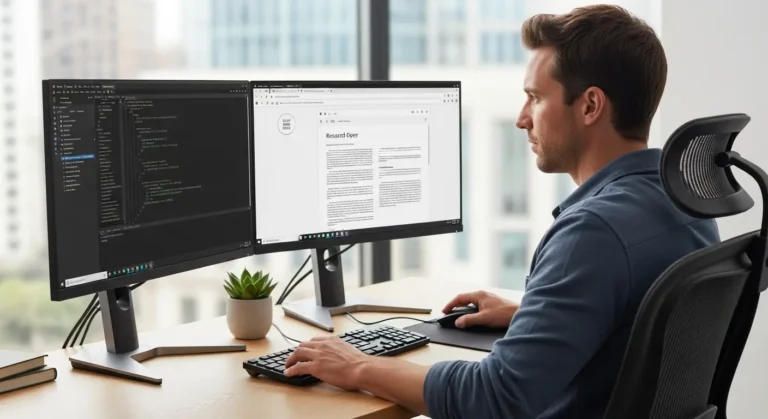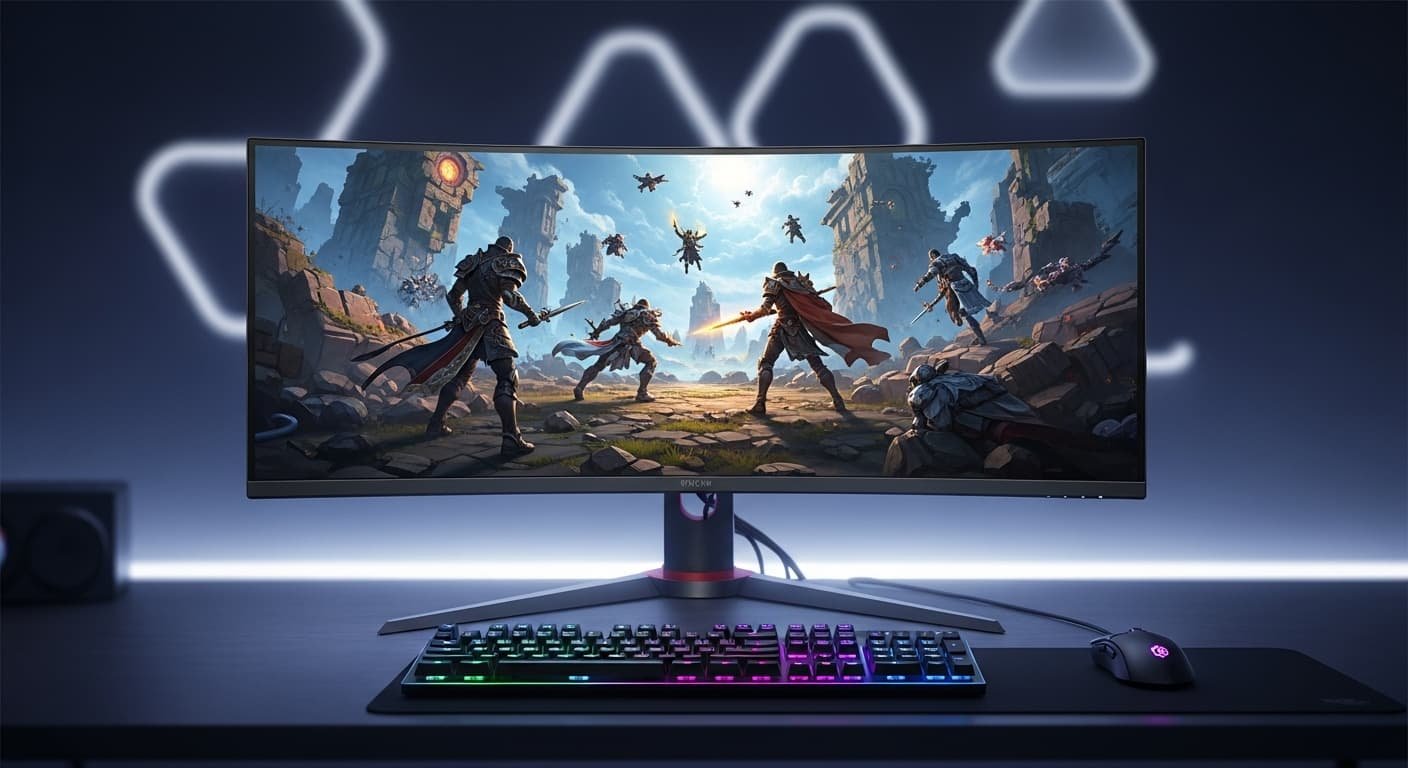
When I first considered replacing my dual-monitor setup with a single ultrawide, I was torn. I needed something that could handle intense gaming sessions but also let me code, read documentation, and work from home comfortably. After hours of research, Reddit threads, and testing, I finally understand what makes an ultrawide truly great for both work and gaming.
Overview
The Dell Alienware AW3425DW (34-inch QD-OLED, 240Hz) stands out as the best overall ultrawide gaming monitor for 2026, combining vibrant colors, deep blacks, and lightning-fast refresh rates. If you want extreme immersion, the Samsung Odyssey OLED G9 at 49 inches delivers a panoramic experience, while the LG 45GX950A-B is perfect for those seeking a massive, immersive 45-inch screen. For those mindful of budgets, models like the ASRock Phantom PG34WQ15R2B offer solid performance without breaking the bank. In short, ultrawide monitors now offer everything from high-speed, color-accurate panels for competitive gaming to large, visually rich setups for cinematic immersion.
My Top Picks for 2026
Dell Alienware AW3425DW – 34-inch QD-OLED, 240Hz.
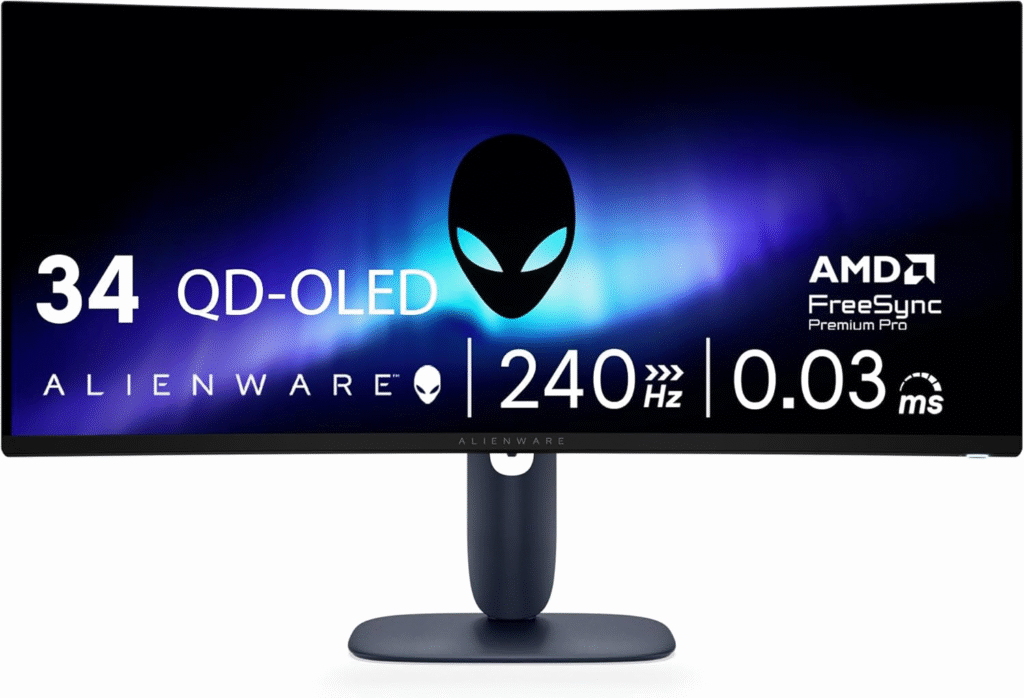
Perfect blend of gaming and productivity. Colors are vivid, blacks are deep, and motion handling is flawless.
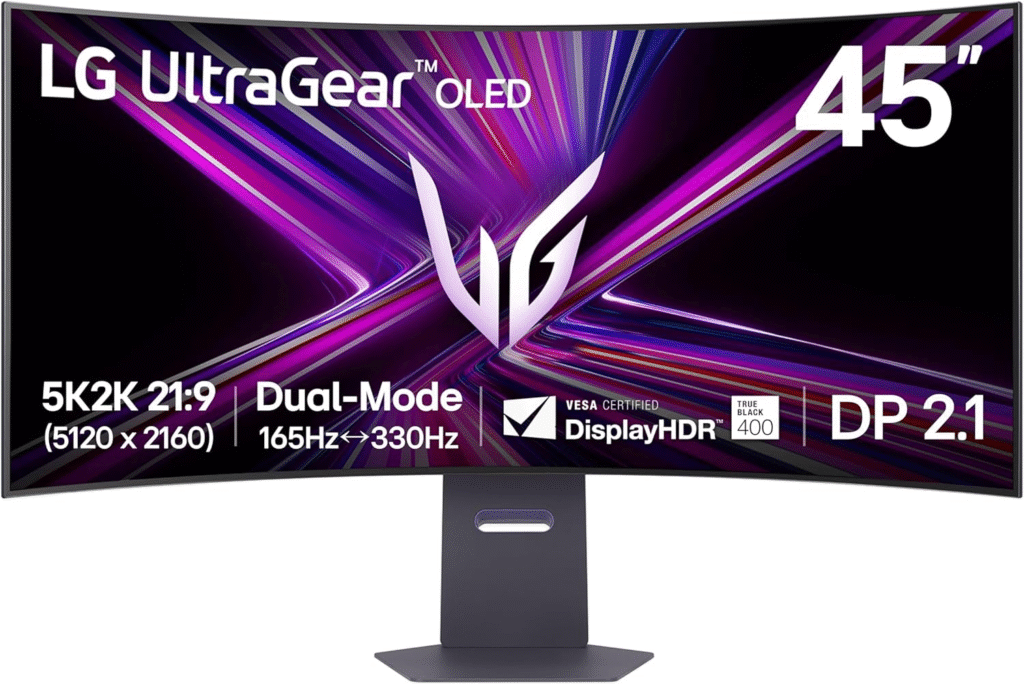
Immersive and bright, excellent for cinematic gaming and multitasking on one giant screen.
Samsung Odyssey OLED G9 (49-inch)
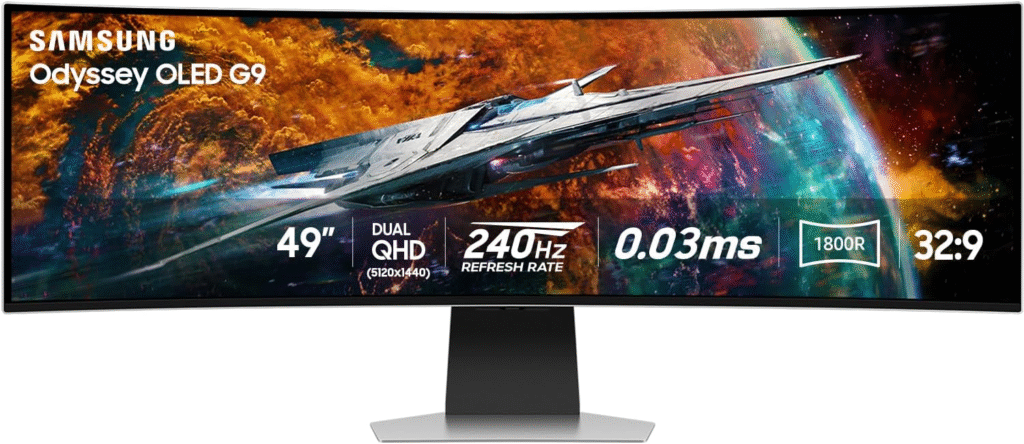
If you want extreme immersion for games and ultra-wide spreadsheets, this is it.
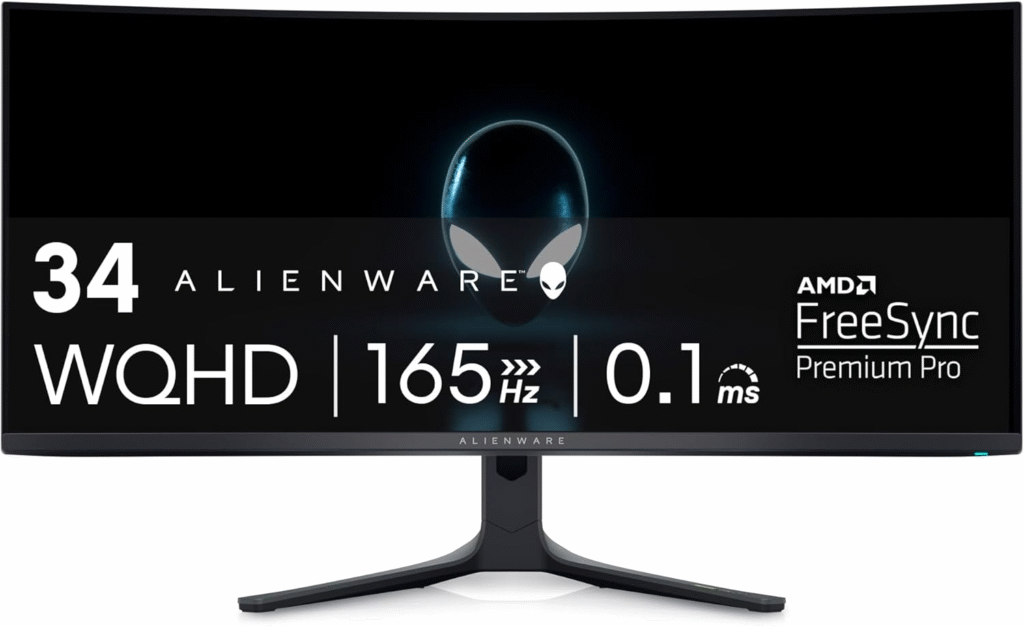
More affordable than the flagship OLED, yet still high-performing.
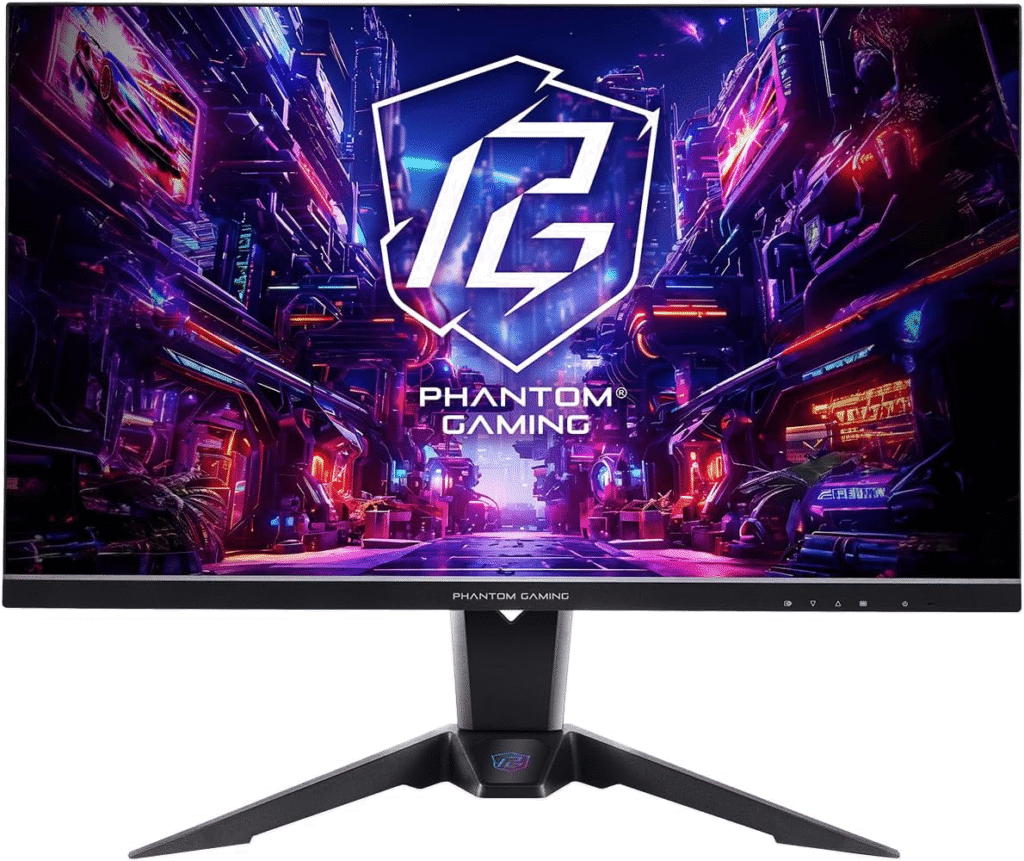
A solid 34-inch ultrawide that balances price with performance.
I personally settled on the AW3425DW after weighing text clarity, refresh rate, and long-term usability. It handles everything I throw at it from work spreadsheets to ARPGs at high settings.
Practical Tips From My Experience
- Font scaling is essential on OLEDs with low PPI; I increased text size slightly to avoid fringing.
- Use pixel refresh cycles and rest periods to minimize OLED burn-in.
- Try before buying if possible, big ultrawides can feel overwhelming without testing the curve and height.
- Check KVM functionality if you plan to share the monitor between multiple devices.
Reddit users confirmed that these steps prevented eye strain and helped maximize both productivity and gaming enjoyment.
Amazon Affiliate Disclaimer
Some of the links in this article are affiliate links. If you click through and make a purchase, I may earn a small commission at no extra cost to you. This helps me keep testing monitors and sharing honest advice.
Why I Chose an Ultrawide Over Dual Monitors
For me, the appeal of ultrawide monitors wasn’t just aesthetics. I was tired of window juggling and bezels breaking up my workflow. Ultrawides, especially in the 34–45 inch range, allow me to:
- Have VS Code, browser tabs, and documentation open side by side
- Enjoy immersive gaming without sacrificing clarity or responsiveness
- Reduce the clutter of multiple cables and stands
Reddit users echoed my concerns. Many highlighted that going OLED or high-end IPS meant striking a balance between gaming performance and text clarity for work. Some warned about burn-in issues on OLED, while others noted that VA panels may introduce gamma shifts, affecting dark backgrounds during coding sessions.
OLED vs IPS vs VA: What I Learned
I tested different panels extensively, and here’s what worked for me:
QD-OLED
- Pros: Exceptional color, deep blacks, fast refresh rates (240Hz+), immersive gaming.
- Cons: Burn-in risk with static office content, slightly lower text clarity in some models.
IPS
- Pros: Clear, sharp text for coding, reliable for office work, decent gaming performance at 144Hz–160Hz.
- Cons: Not as contrast-rich as OLED, more expensive at high-end sizes.
VA
- Pros: Good contrast, immersive visuals for media.
- Cons: Dark areas can shift gamma; black smearing on some models can affect office use.
From my experience and user reports on Reddit, QD-OLED 34–45 inch monitors are ideal if gaming is your priority but can still handle work with some font scaling. For office-heavy users who game occasionally, IPS ultrawides remain the safest choice.
Key Features I Looked For
- Refresh Rate
I wanted 240Hz for smooth gaming, and monitors like the AW3425DW delivered flawless responsiveness. - Resolution & PPI
A 34-inch 3440×1440 (WQHD) monitor gives enough screen real estate for work without sacrificing pixel density. - Curvature
1500R offers a natural wrap-around feel, while larger 49-inch displays provide ultra-panoramic immersion. - Color & HDR
OLED panels have deep blacks and HDR vibrancy; IPS models offer consistent color for text and productivity apps. - Burn-in Management
If I spent long hours in coding IDEs, I needed pixel refresh cycles and screen savers to prevent OLED burn-in.
FAQs
Can I use an OLED ultrawide for coding without eye strain?
Yes, as long as you scale text appropriately and take regular breaks. Most Reddit users reported no long-term fatigue after adjusting font sizes and enabling pixel refresh cycles.
Is a 49-inch super ultrawide practical for office work?
It’s immersive for gaming, but some find the height limiting for coding and spreadsheets. 34–45 inch ultrawides are a more versatile middle ground.
Should I worry about burn-in on OLED monitors?
Only if you leave static content on the screen for hours daily. Using dark mode, screensavers, and pixel refresh features significantly reduces risk.
Are VA panels suitable for a work-and-play setup?
They can be, but be aware of gamma shifts and black smearing in dark areas. IPS or QD-OLED panels generally offer better text clarity and color consistency.
Final Thoughts
Choosing the best ultrawide gaming monitor comes down to your priorities. If gaming dominates your setup, QD-OLED ultrawides like the AW3425DW deliver unmatched motion clarity and color. If work is your focus but you still game casually, IPS ultrawides provide the sharp text and comfortable viewing that long coding sessions demand.
Personally, switching from dual monitors to a 34-inch QD-OLED made my desk cleaner, my workflow smoother, and my gaming more immersive. It’s a balance of performance, comfort, and eye care, exactly what I needed.