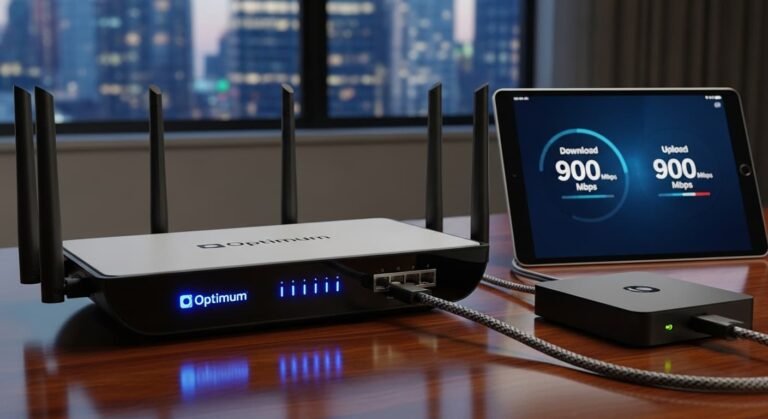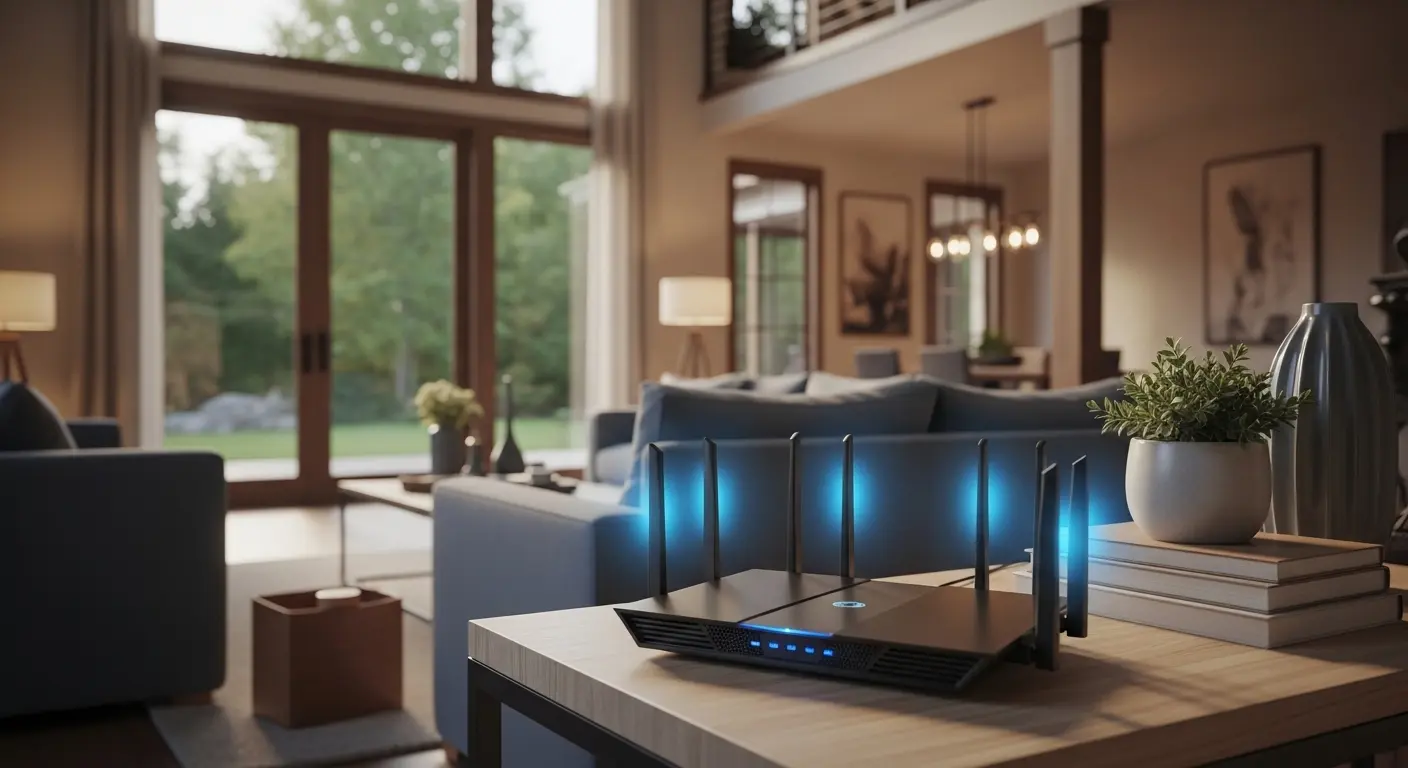
Ever felt like your “high-speed” internet turns into a buffering nightmare the moment you walk upstairs? Or your Zoom calls drop right when you move to the other room? I’ve been there, and if you’re trying to cover a 3000 sq ft house, the truth might surprise you.
Most people (including me at first) think: “I just need a more powerful router.”
But after digging into real user experiences and testing setups, I realized something critical:
The problem isn’t your internet speed… it’s your WiFi coverage system.
For homes this size, modern solutions rely on mesh WiFi systems and multiple access points, not just a single router. Top-performing options today include premium mesh systems like Eero Max 7, powerful whole-home setups like Orbi, and high-performance routers like ASUS ROG Rapture GT-AXE16000 that can also work in mesh configurations. These newer systems even use the 6GHz band (WiFi 6E/7) to handle dozens of devices smoothly across large spaces.
In this guide, I’ll break down:
- What actually works in a 3000 sq ft home
- Real product recommendations (based on real-world use)
- And how to avoid wasting money on the wrong setup
Quick Picks (Based on Your Needs)
- Best Overall: Eero 7 Max
- Best for Tough Homes: Netgear Orbi 970
- Best for Gamers: ASUS ROG Rapture
- Best Budget: TP-Link Deco X55 Pro
- Best Advanced Setup: Ubiquiti system
Best WiFi Routers & Systems for 3000 Sq Ft
1. Eero 7 Max – Best Premium Mesh System
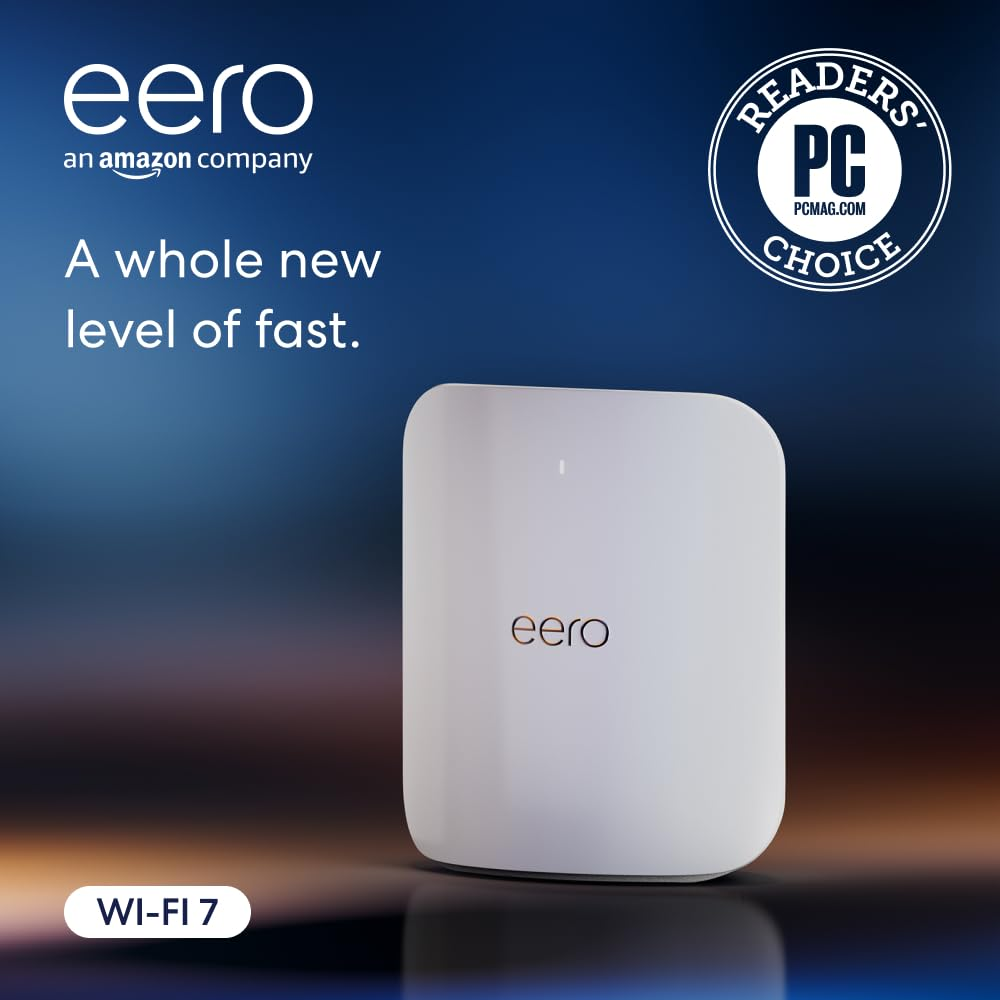
If you want something that just works without headaches, this is it.
What it is
A next-gen WiFi 7 mesh system designed for large homes with heavy usage, perfect if you’re working from home, streaming, and running smart devices all at once.
Key Features
- WiFi 7 with 6GHz support
- Covers 3000–5000+ sq ft easily
- Handles 100+ devices
- Seamless mesh roaming
- App-based simple setup
Why I like it
- Insanely easy to set up (seriously, minutes)
- Rock-solid coverage across floors
- Perfect for non-technical users
Why I dislike it
- Expensive
- Limited advanced customization
Buy if: You want plug-and-play reliability
Don’t buy if: You want deep network control
2. Netgear Orbi 970 – Best for Thick Walls & Large Layouts
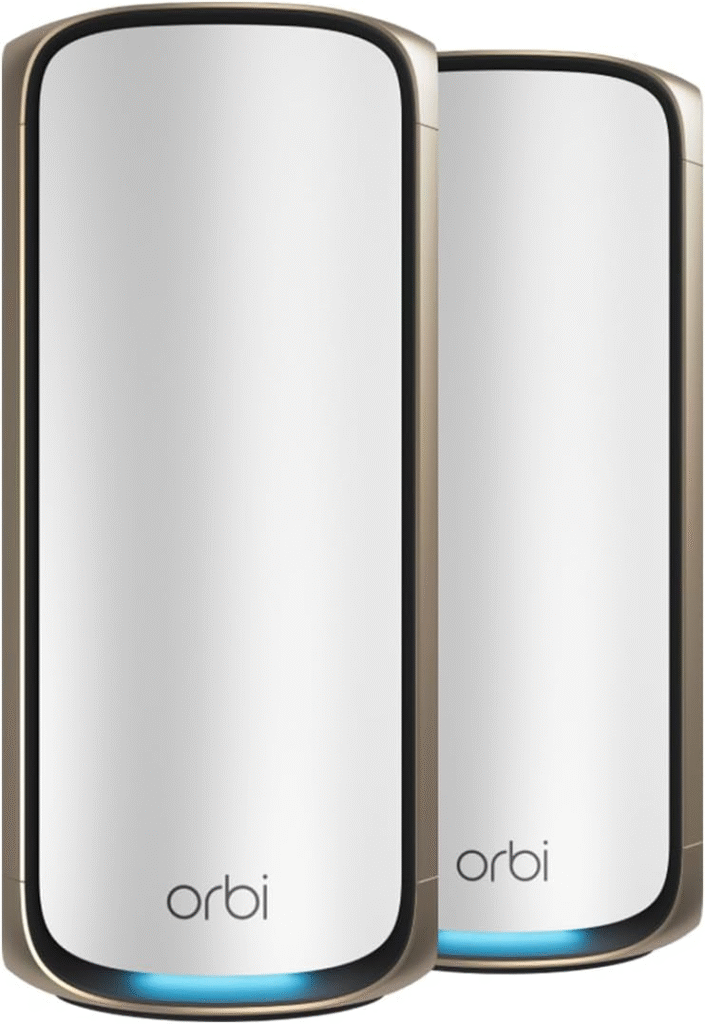
This is what people recommend when nothing else works.
What it is
A high-end mesh system known for strong signal penetration, especially in multi-story or concrete homes.
Key Features
- Quad-band WiFi 7
- Massive coverage (up to ~10,000 sq ft)
- Dedicated backhaul channel
- Multi-gig ports
Strengths
- Excellent for difficult layouts
- Strong signal through walls
- Stable performance under load
Weaknesses
- Expensive
- Interface isn’t very user-friendly
Best for: Big homes with tough layouts
3. ASUS ROG Rapture GT-AXE16000 – Best High-Performance Router
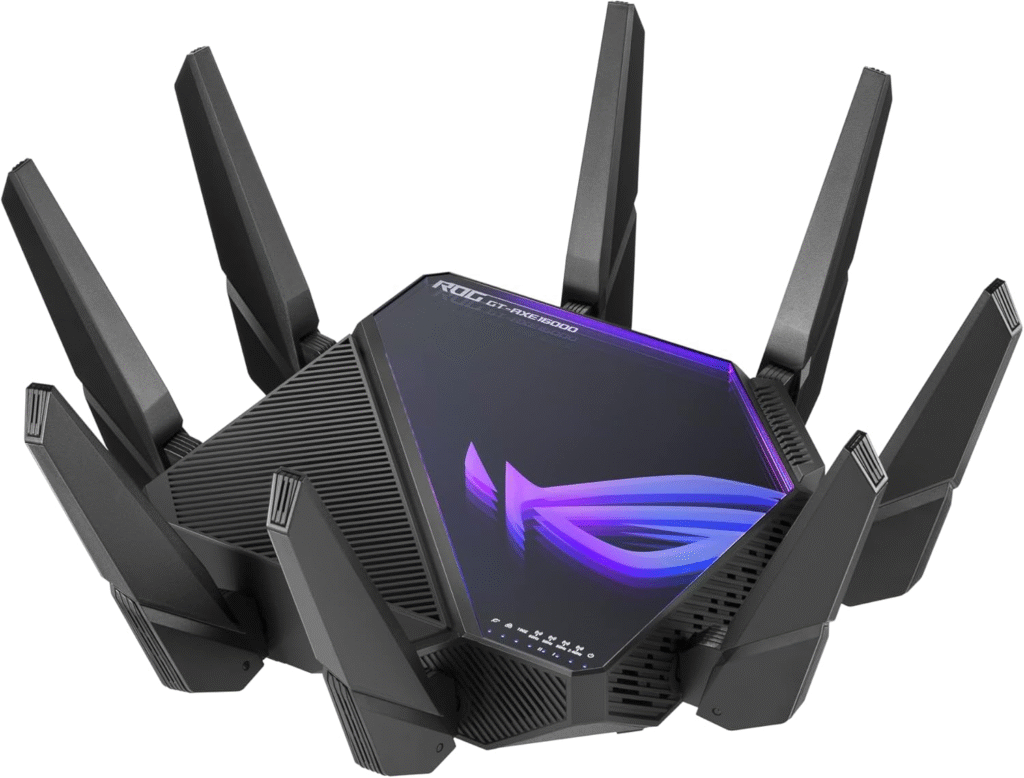
This is for power users and gamers.
What it is
A flagship gaming router that can also be expanded into a mesh system using ASUS AiMesh.
Key Features
- Quad-band WiFi 6E
- Dual 10G ports
- Advanced gaming optimization
- AiMesh support
Pros
- Extreme performance
- Great for gaming & 4K streaming
- Expandable into mesh
Cons
- Overkill for casual users
- Expensive
- Setup can be complex
Buy if: You want maximum performance
Don’t buy if: You want simplicity
4. TP-Link Deco X55 Pro – Best Budget Mesh Option
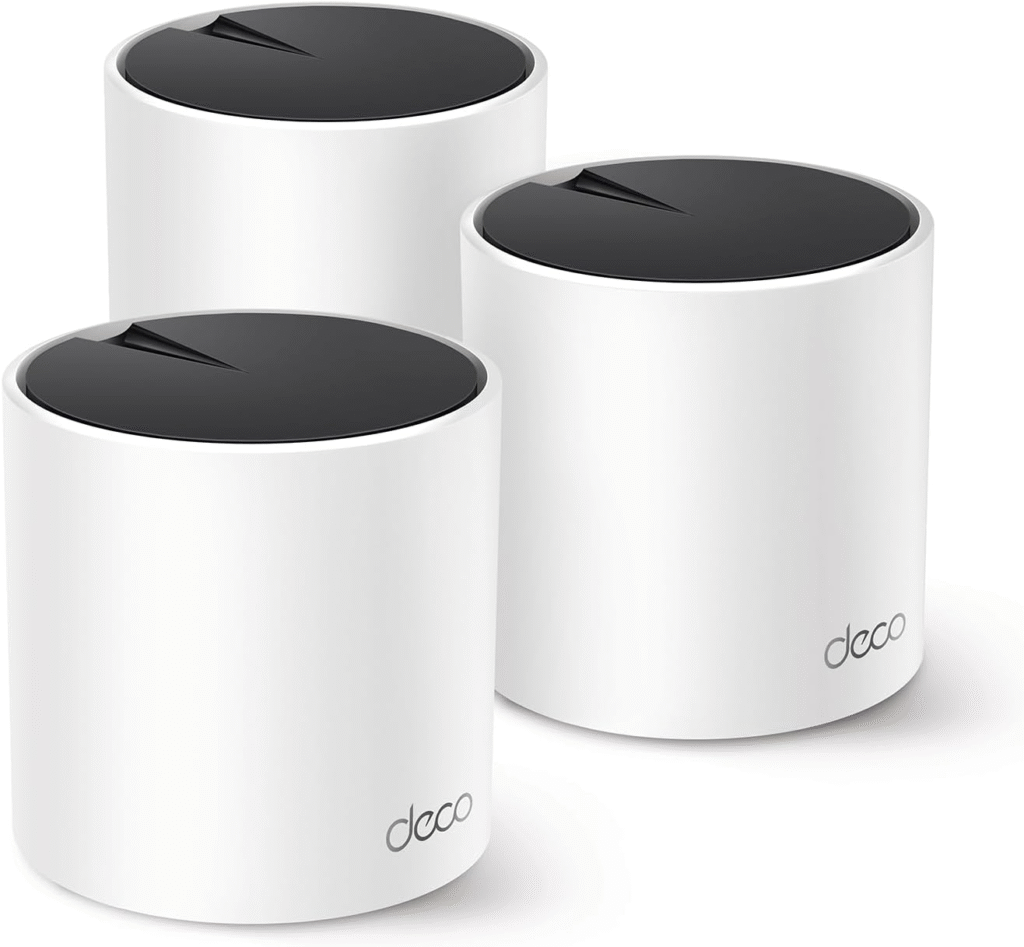
If you want solid coverage without spending a fortune, this is a great pick.
What it is
A reliable WiFi 6 mesh system that delivers consistent coverage for medium-to-large homes.
Key Features
- WiFi 6 support
- 3-pack coverage for ~3000 sq ft
- Easy setup
- Stable performance
Why I like it
- Affordable
- Great value
- Simple to use
Why I dislike it
- Not future-proof like WiFi 7
- Fewer advanced features
Best for: Budget-conscious buyers
5. Ubiquiti Dream Machine Pro + Access Points – Best Advanced Setup
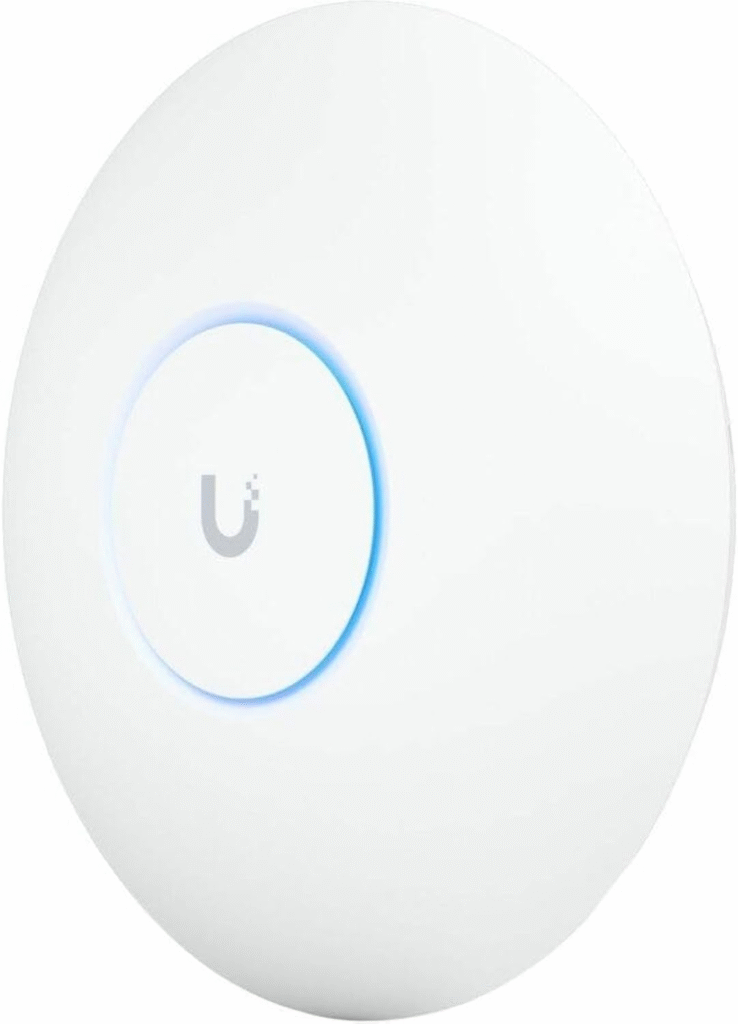
This is what enthusiasts and professionals use.
What it is
A prosumer networking system where you combine a central router with multiple wired access points.
Key Features
- VLAN support
- Advanced security
- Scalable system
- Works with PoE access points
Pros
- Best performance possible
- Highly customizable
- Professional-grade reliability
Cons
- Requires setup knowledge
- Needs Ethernet wiring
- Higher initial cost
Best for: Tech-savvy users or custom setups
Why Your “Powerful Router” Still Fails in a Big House
When I first upgraded my internet, I assumed faster speed = better WiFi everywhere. I was wrong.
Here’s what I discovered:
- A router’s job is just to route traffic, not cover your entire house
- WiFi signal weakens with:
- Walls (especially concrete)
- Floors (multi-story homes)
- Distance
- Even a $500+ router can’t reliably cover 3000 sq ft alone
That’s why most experts recommend:
- Mesh systems (2–3 nodes minimum)
- OR multiple wired access points
Mesh vs Router vs Access Points (Simple Explanation)
Let me simplify this the way someone explained it to me:
- Router = traffic controller
- Access Points = WiFi signal providers
- Mesh system = multiple WiFi points working together seamlessly
For your home size:
- Single router → inconsistent coverage
- Mesh system → best balance
- Wired access points → best performance
What Most People Get Wrong (Avoid This)
From real user discussions, these are the biggest mistakes:
- Thinking router = coverage
- Ignoring house construction
- Not planning access point placement
- Overpaying for speed instead of coverage
Truth:
1 Gbps is already more than enough for most homes
Coverage matters more than raw speed.
Pro Tips for Perfect WiFi in 3000 Sq Ft
- Place nodes centrally, not in corners
- Use 2–3 mesh nodes minimum
- Consider wired backhaul if possible
- Avoid placing routers behind walls or furniture
FAQs
1. Can a single router cover 3000 sq ft?
No. Even high-end routers struggle. You need a mesh system or multiple access points.
2. Is mesh WiFi better than a router?
For large homes, yes. Mesh systems provide consistent coverage across rooms and floors.
3. Do I need WiFi 7?
Not necessary, but it’s future-proof if you have multi-gig internet or many devices.
4. What’s better: mesh or wired access points?
- Mesh → easier
- Wired APs → better performance
5. How many nodes do I need?
Typically:
- 3000 sq ft → 2–3 nodes
Final Thoughts
If there’s one thing I learned, it’s this:
Stop chasing the “best router” and start building the right system.
- Want simplicity? → Go mesh (Eero, TP-Link)
- Want power? → ASUS or Ubiquiti
- Want reliability everywhere? → Add more access points
No solution is perfect, but choosing the right one depends on:
- Your home layout
- Your budget
- Your technical comfort
Affiliate Disclaimer
This article may contain affiliate links. If you purchase through these links, I may earn a small commission at no extra cost to you.