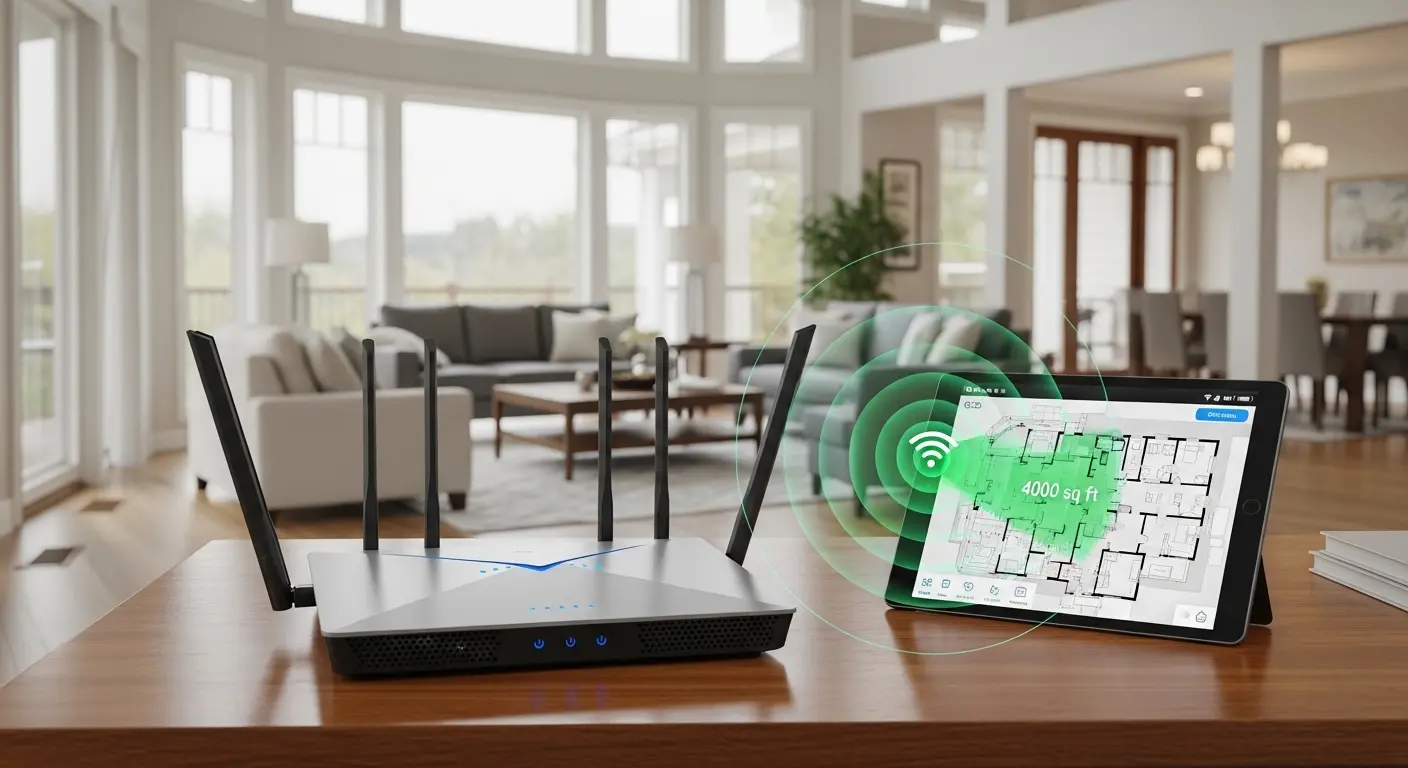
These days I keep hearing the same thing from friends and even clients: “My Wi‑Fi just doesn’t reach half my house.” Recently my cousin moved into a 4,000 sq ft two‑story home and said the router in the living room barely made it past the hallway, dead zones, buffering, and dropped calls were part of everyday life. Sound familiar?
If you have a large house (around 4000 sq ft or more) and you’re tired of poor signal, dropped connections, or slow speeds in far rooms, you’re in the right place. In this article, I’ll help you understand what kind of router or mesh Wi‑Fi system you need to blanket your entire space in strong wireless coverage without guesswork.
Here’s what you’ll learn:
- Why traditional routers often fail in bigger homes
- What features matter most when choosing a router for 4000 sq ft
- Top recommended devices and systems for different budgets
- Quick answers to your most common questions
Let’s get started.
Best Quick Picks
Best WiFi Router for 4000 Sq Ft House – Top Picks
Amazon eero 7 Dual‑Band Mesh Wi‑Fi 7 Router
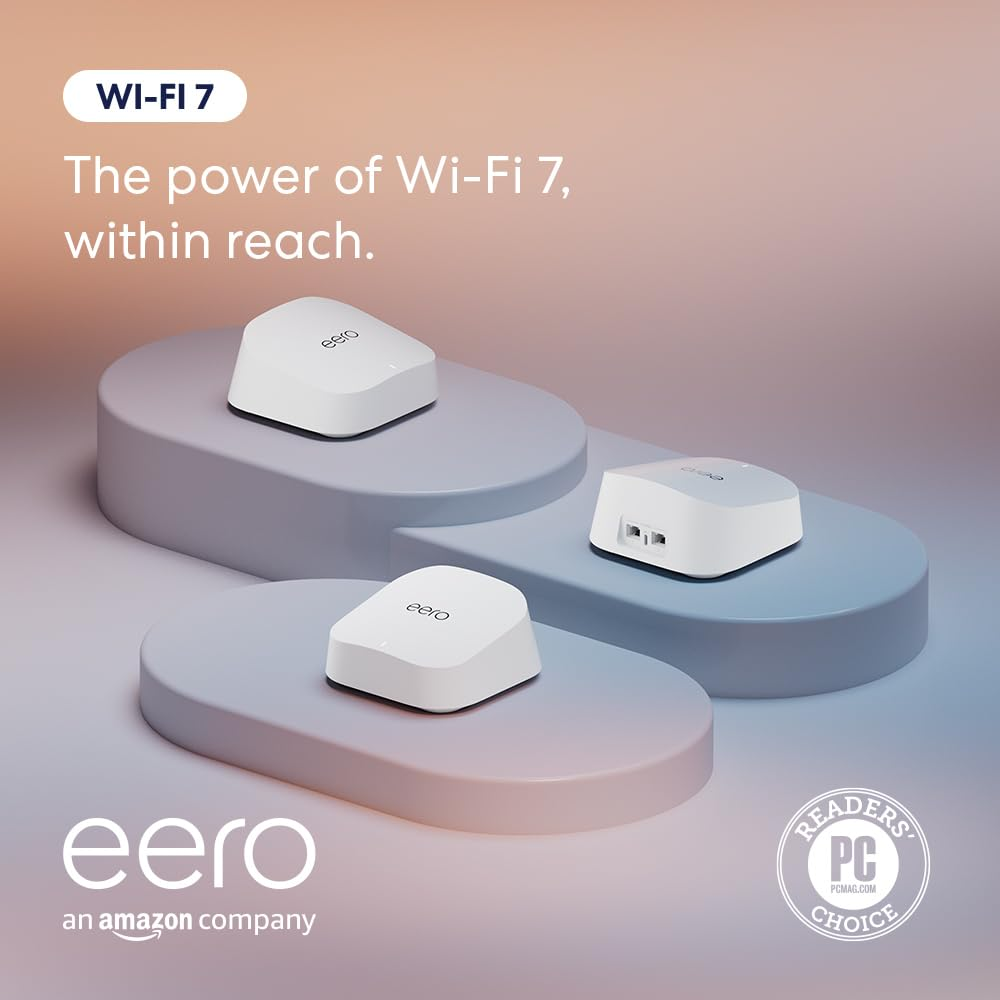
This has become one of the best value mesh systems for large homes thanks to its Wi‑Fi 7 support and good coverage promise (around 4000 sq ft with a 2‑pack). It’s easy to set up and works well with internet plans up to 2.5 Gbps, ideal for modern fiber or high‑speed cable plans.
Key Features
- Dual‑Band Wi‑Fi 7 with latest wireless tech for fast speeds
- Designed coverage ~4000 sq ft with two units
- Supports many devices simultaneously
- Two 2.5 GbE ports on each unit for high‑speed wired connections
Pros
- Easy setup with app
- Great future‑proof performance
- Excellent for streaming, gaming, and multitasking
Cons
- Dual‑band only (no dedicated 6 GHz band like some tri‑band systems)
- Only covers 4000 sq ft with two units, might need a third for tricky layouts
TP‑Link Deco X55 AX3000 Wi‑Fi 6 Mesh System
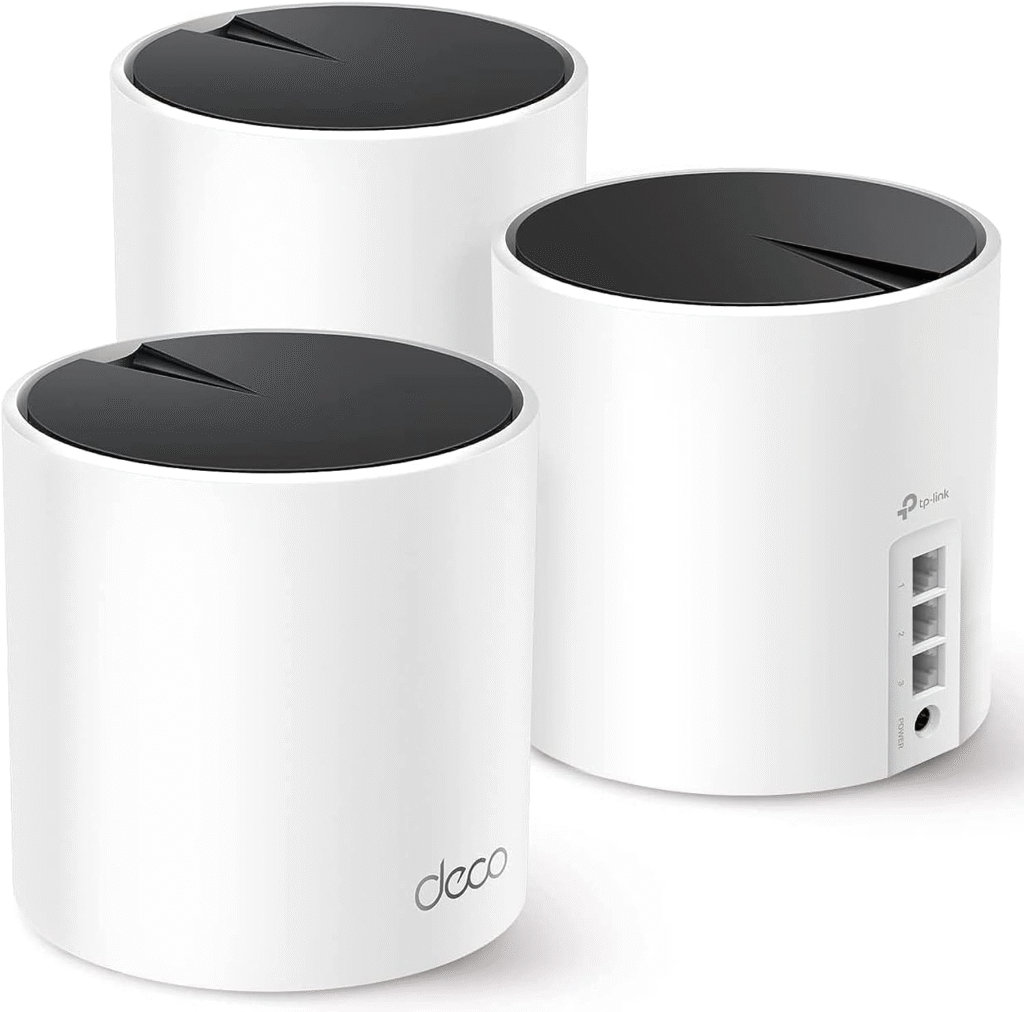
If you want reliable coverage and seamless whole‑home Wi‑Fi with a slightly more budget‑friendly approach, the Deco X55 is a strong choice. With Wi‑Fi 6 technology and mesh coverage that can exceed 6500 sq ft with enough nodes, it’s good for families with lots of devices.
Key Features
- Wi‑Fi 6 with AX3000 speeds
- Mesh system replacing router + extender
- Gigabit ports and optional wired backhaul support
- Can support many devices at once
Pros
- Large coverage radius
- Smooth roaming between nodes
- Works with older and newer devices
Cons
- Speeds won’t match the top Wi‑Fi 7 systems
- Base model may need more units for full 4000 sq ft
ASUS ZenWiFi XD5 Wi‑Fi 6 Mesh System
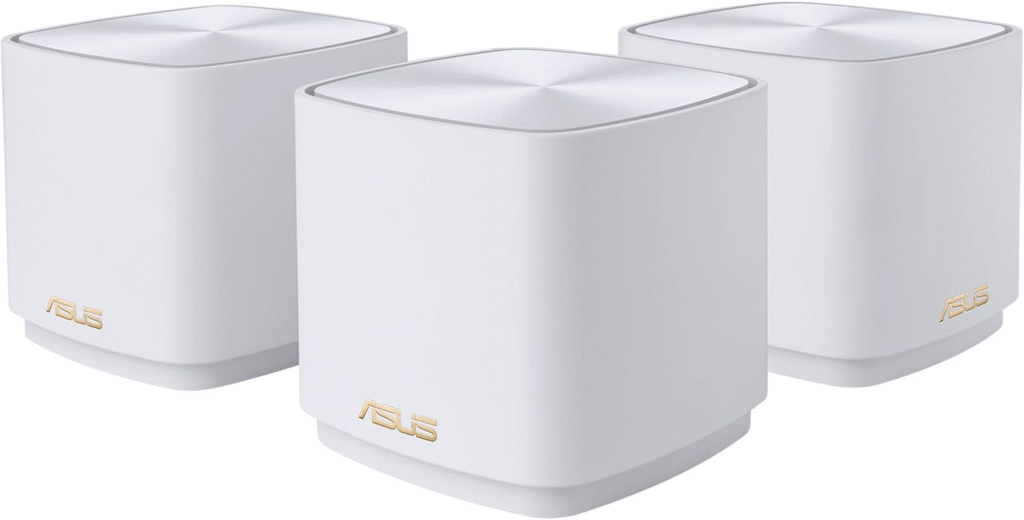
The ASUS ZenWiFi XD5 is another excellent mesh option that’s not only strong on coverage (often rated up to 5000 sq ft) but also carries solid app controls and security features. It’s ideal if you want strong signals upstairs and downstairs with minimal manual tweaking.
Key Features
- Tri‑band Wi‑Fi 6 mesh system
- Elegant design with powerful antennas
- Fast roaming and good app control
- Coverage beyond 4000 sq ft with 2‑3 nodes
Pros
- Excellent range even through thick walls
- Great overall performance for medium‑heavy usage
- Easy to manage via ASUS Router app
Cons
- Slightly more expensive
- Wi‑Fi 6 only (no 6E or 7)
What is the Problem?
When you live in a really big house (4000 sq ft and upward), a single basic router rarely gets the job done. Walls, floors, appliances, and building materials can weaken wireless signals. That’s why you might notice great Wi‑Fi near the router but weak or nonexistent coverage in bedrooms, basements, or backyards.
Traditional single‑router setups usually work fine in apartments or small homes. But once you cross about 2500 sq ft, you’ll usually need a mesh Wi‑Fi system or a high‑end long‑range router setup to deliver consistent coverage. Mesh systems use multiple nodes to spread the signal evenly, think of it like placing friendly “Wi‑Fi helpers” throughout your home.
Quick Buying Guide (Important Things to Consider)
Choosing a router for a 4000 sq ft home isn’t just about coverage numbers. Here are the most practical things to look for:
- Mesh vs. Standalone Router – Mesh systems with multiple nodes are usually better for large multi‑floor layouts. Standalones sometimes do okay but can struggle with dead zones.
- Wi‑Fi Standard (6, 6E, or 7) – Wi‑Fi 6 and Wi‑Fi 7 are the most future‑proof standards today, offering faster speeds and better handling of many connected devices.
- Bands (2.4 GHz, 5 GHz, 6 GHz) – Tri‑band systems (especially with 6 GHz if Wi‑Fi 6E or Wi‑Fi 7) help manage congestion and improve performance.
- Backhaul Options – Some mesh systems let you connect nodes with wired backhaul (Ethernet), which is great if you have cables run through your home.
- Device Capacity – Large homes often have dozens of connected devices, phones, laptops, TVs, security cameras, smart home gear, choose systems that handle high device counts.
- Router App and Features – Easy setup and robust apps make management, parental controls, and updates much easier.
- Security Features – Built‑in protections like WPA3 and network monitoring help keep your Wi‑Fi safe.
Frequently Asked Questions
1. Can one router cover a 4000 sq ft house?
In most cases, especially with multiple walls or floors, a single traditional router struggles to cover everything. Mesh systems or additional access points are usually the best solution for truly consistent coverage.
2. What’s better: Mesh Wi‑Fi or a long‑range router?
Mesh Wi‑Fi typically wins for large, complex floor plans because it places nodes throughout the house so signals reach far corners without losing strength. Single long‑range routers work okay in open layouts but often fall short in multi‑story homes.
3. Do I need Wi‑Fi 7 for a large house?
Wi‑Fi 7 offers amazing speeds and future‑proofing, but Wi‑Fi 6 mesh systems can still deliver excellent coverage and performance for most homes. If you have extremely high‑speed internet and many connected devices, Wi‑Fi 7 is worth it.
4. How many nodes do I need in a mesh system?
Two nodes often cover around 3000–4000 sq ft depending on layout. For complex floor plans, you may want three nodes. one on each level or at strategic distances.
5. Does the layout of the house affect Wi‑Fi coverage?
Absolutely. Concrete walls, metal studs, appliances, and floors all impact signal strength. That’s one more reason mesh systems work better. they bring the Wi‑Fi signal physically closer to devices.
Final Verdict
If you’re upgrading your Wi‑Fi because your current router just doesn’t reach far enough, you’re making the right call. For most large homes around 4000 sq ft:
- Mesh Wi‑Fi systems are usually the most reliable solution.
- Wi‑Fi 7 mesh (like Amazon eero 7) gives you excellent future‑proofing and speeds.
- Wi‑Fi 6 mesh systems (like TP‑Link Deco X55 and ASUS ZenWiFi XD5) offer solid performance and great value.
More than speed, choose a system that consistently covers the farthest rooms in your home. And remember, placement matters, central locations and evenly spaced nodes = best performance.
Here’s to stronger, faster Wi‑Fi in every corner of your house, no more dead zones!
Amazon Affiliate Disclosure: We may earn a small affiliate commission if you click through and make a purchase through the links provided in this article, at no extra cost to you.