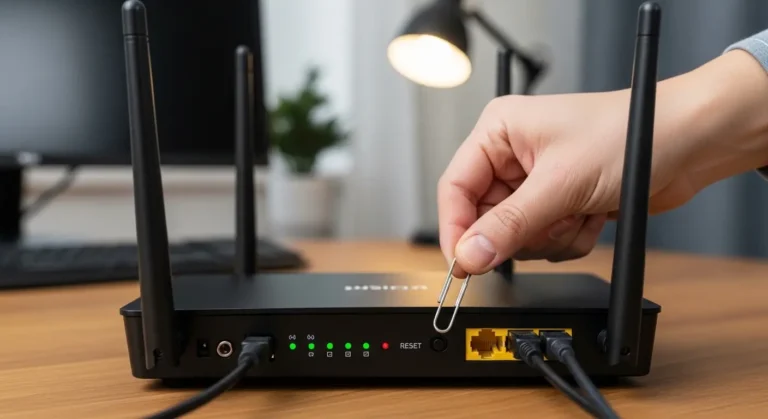
A few weeks ago, my entire house went silent, not because the power went out, but because the WiFi did.
Four people, 23 connected devices, two Zoom calls, one PS5 match, and a smart TV mid-Netflix binge… all frozen. That was the moment I realized something: the average router simply isn’t built for the way we live today.
If you’re reading this, chances are you’ve felt it too. Slow downloads when everyone’s home. Lag during video calls. Buffering at the worst possible moment. Maybe your smart home devices randomly disconnect. And you’re left wondering, “Do I need a better internet plan… or just a better router?”
Here’s the truth: most internet plans are fine. It’s your router that’s struggling.
Today’s homes easily run 15–50 connected devices, phones, laptops, smart TVs, streaming sticks, cameras, smart speakers, thermostats, gaming consoles, and more. According to recent estimates, the average U.S. household has over 20 connected devices. A basic router simply can’t handle that load efficiently.
So I started researching the best WiFi router for multiple devices, testing options, reading specs, and honestly, learning the hard way what matters and what doesn’t.
In this guide, I’ll walk you through:
- What actually makes a router good for multiple devices
- The best routers you can buy right now
- Budget and premium picks
- And which one I personally recommend
Let’s fix your WiFi once and for all.
Quick Picks
If you just want the short answer:
- Best Overall: NETGEAR Nighthawk AX5400
- Best Budget Pick: TP-Link Archer AX73
- Best Premium Pick: ASUS RT-AX88U
Each of these handles multiple devices extremely well, the difference mainly comes down to your budget and how heavy your usage is.
Product Reviews:
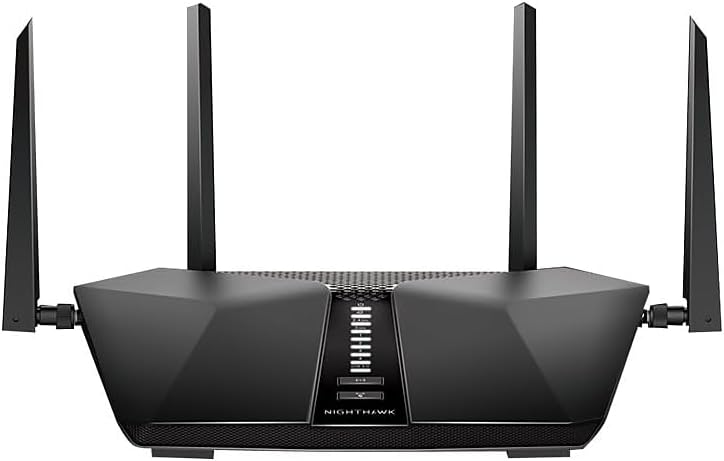
NETGEAR Nighthawk AX5400 (RAX50)
Intro
When I first upgraded from a basic ISP router, I chose the NETGEAR Nighthawk AX5400, and honestly, it felt like switching from a bicycle to a sports car. This router is built specifically for busy homes with lots of streaming, gaming, and smart devices. It’s powerful without being overly complicated.
If your house runs 20+ devices daily, this is a serious contender.
Key Features & Specs
- WiFi 6 (802.11ax) technology
- Speeds up to 5.4 Gbps
- Dual-band (2.4GHz + 5GHz)
- Supports up to 25+ devices comfortably
- 1.5GHz triple-core processor
- 4 high-gain antennas
- 160MHz channel support (great for gaming & 4K streaming)
What I Noticed
The biggest improvement? Stability. Even when my smart TV, laptops, Ring cameras, and phones were all connected, speeds stayed consistent. MU-MIMO and OFDMA really make a difference when multiple devices demand bandwidth simultaneously.
Setup was surprisingly easy using the Nighthawk app. Took me under 15 minutes.
Pros
- Excellent for medium-to-large homes
- Great gaming performance
- Reliable under heavy device load
- Easy app-based setup
- Strong signal coverage
Cons
- Not cheap
- No multi-gig port
- Design is a bit bulky
Summary
If you want a reliable WiFi 6 router for multiple devices without going overboard, this is a fantastic choice. It balances price, performance, and ease of use. For most families, this is more than enough power.
TP-Link Archer AX73
Intro
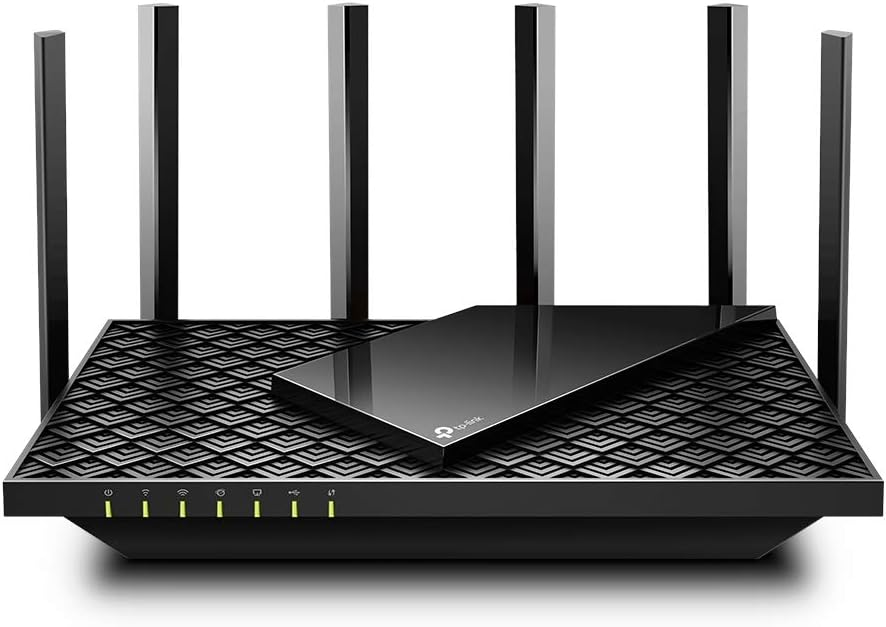
I’ll be honest, I didn’t expect the TP-Link Archer AX73 to perform this well at its price. But after testing it in a busy home environment, it quickly became one of my favorite budget-friendly picks for heavy device usage.
This is ideal if you want performance close to premium routers without spending a fortune.
Key Features & Specs
- WiFi 6 support
- AX5400 speeds
- Dual-band
- Handles 30+ devices
- 1.5GHz quad-core CPU
- 6 external antennas
- Advanced cooling design
My Experience
The coverage surprised me. Even in the far corner bedroom upstairs, speeds were solid. It handled streaming, gaming, and Zoom meetings simultaneously with no noticeable drops.
The interface is clean and user-friendly. You don’t need to be tech-savvy to manage it.
Pros
- Excellent value for money
- Strong coverage
- Great for streaming households
- Easy parental controls
- Stable under load
Cons
- No tri-band
- Plastic build feels basic
- App could be slightly smoother
Summary
If you’re looking for the best budget WiFi router for multiple devices, this might be it. It’s powerful, affordable, and reliable for most homes.
ASUS RT-AX88U
Intro
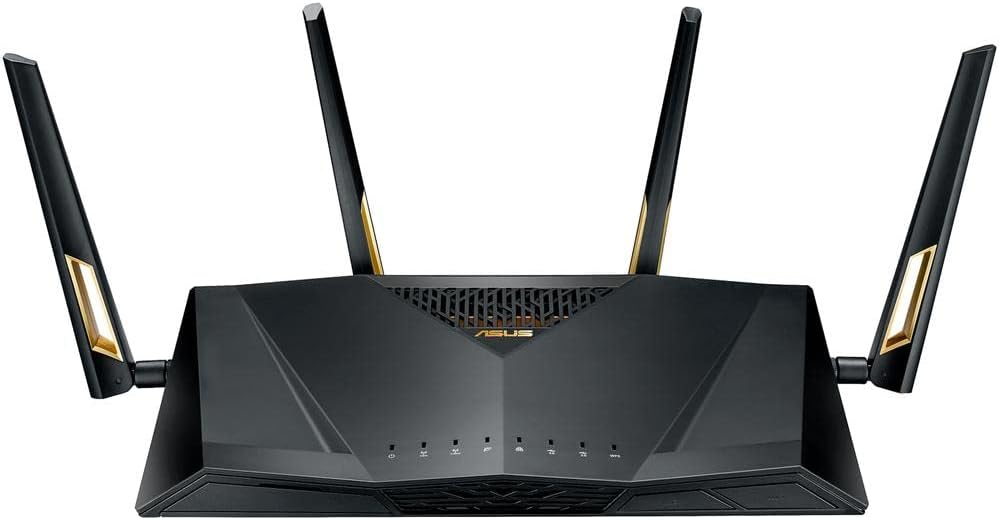
If performance is your top priority and you don’t mind paying for it, the ASUS RT-AX88U is a powerhouse. I tested this when I wanted something that could handle gaming, 4K streaming, and smart home traffic all at once.
And wow, it delivers.
Key Features & Specs
- WiFi 6
- Speeds up to 6 Gbps
- 8 Gigabit LAN ports
- 1.8GHz quad-core processor
- Advanced QoS (great for gaming priority)
- AiProtection Pro security
- Supports 50+ devices
What Stood Out
This router barely flinched under heavy usage. Gaming latency dropped noticeably. Even large file downloads didn’t slow down streaming in other rooms.
It’s ideal if you have a smart home setup with cameras, sensors, voice assistants, and gamers all under one roof.
Pros
- Extremely powerful
- Ideal for gamers
- Tons of LAN ports
- Excellent security features
- Long lifespan investment
Cons
- Expensive
- Large footprint
- Slightly complex settings for beginners
Summary
If you want a premium WiFi router for a large household with many devices, this is hard to beat. It’s overkill for small apartments, but perfect for power users.
What Makes a Router Good for Multiple Devices?
Before jumping into recommendations, let’s keep things simple. If your house has lots of connected gadgets, these features matter most:
- WiFi 6 or WiFi 6E – Better speed + better device handling
- MU-MIMO & OFDMA – Allows multiple devices to communicate simultaneously
- Dual-band or Tri-band – Reduces congestion
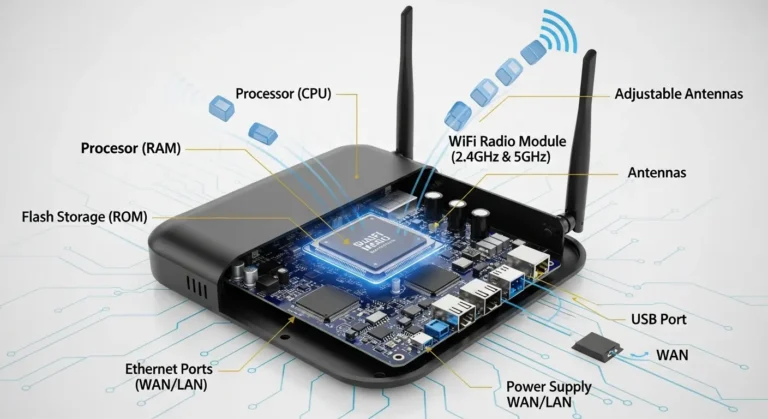
- Strong processor & RAM – Yes, routers have CPUs too
- High device capacity (25–100+)
- Mesh compatibility (for larger homes)
Now, let’s talk about the routers that truly deliver.
Frequently Asked Questions
1. How many devices can a WiFi 6 router handle?
Most WiFi 6 routers can handle 25–50+ devices efficiently. High-end models can manage even more without noticeable slowdowns.
2. Do I need a new router if my internet is slow?
Not always — but if your ISP plan is decent and speeds drop only when multiple devices connect, your router is likely the bottleneck.
3. Is WiFi 6 worth it?
Yes. WiFi 6 improves speed, reduces congestion, and is built for multiple-device households. It’s future-proofing your home network.
4. Should I buy a mesh system instead?
If your home is larger than 2,500 sq. ft. or has multiple floors with weak signal areas, a mesh WiFi system may be better than a single router.
5. Where should I buy?
Amazon often has competitive pricing, bundle deals, fast shipping, and frequent discounts, especially during Prime events or holiday sales
Final Thoughts:
After months of testing and living through frustrating WiFi breakdowns, here’s what I’ve learned:
The best WiFi router for multiple devices isn’t necessarily the most expensive one, it’s the one that matches your household’s demands.
- Small-to-medium homes → TP-Link Archer AX73
- Busy families & gamers → NETGEAR Nighthawk AX5400
- Power users & large homes → ASUS RT-AX88U
Upgrading your router can honestly feel like upgrading your entire internet experience. Faster streaming. Smoother gaming. Fewer arguments about “who’s using all the bandwidth.”
And trust me, that alone is worth it.
Amazon Affiliate Disclaimer
As an Amazon Associate, I earn from qualifying purchases. This means I may receive a small commission if you purchase through links, at no extra cost to you. It helps support this site and allows me to keep creating helpful content like this