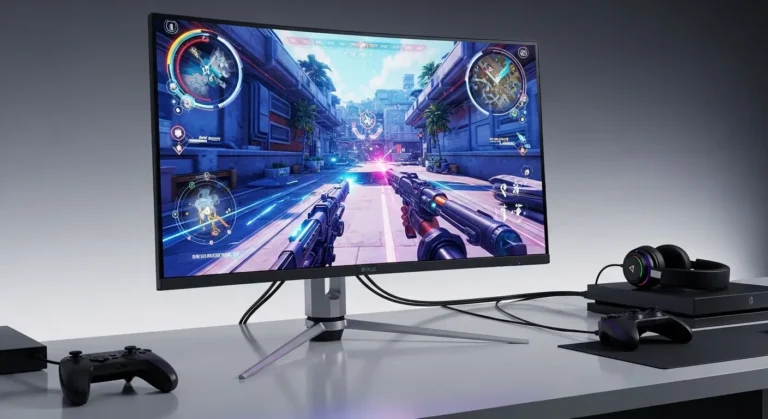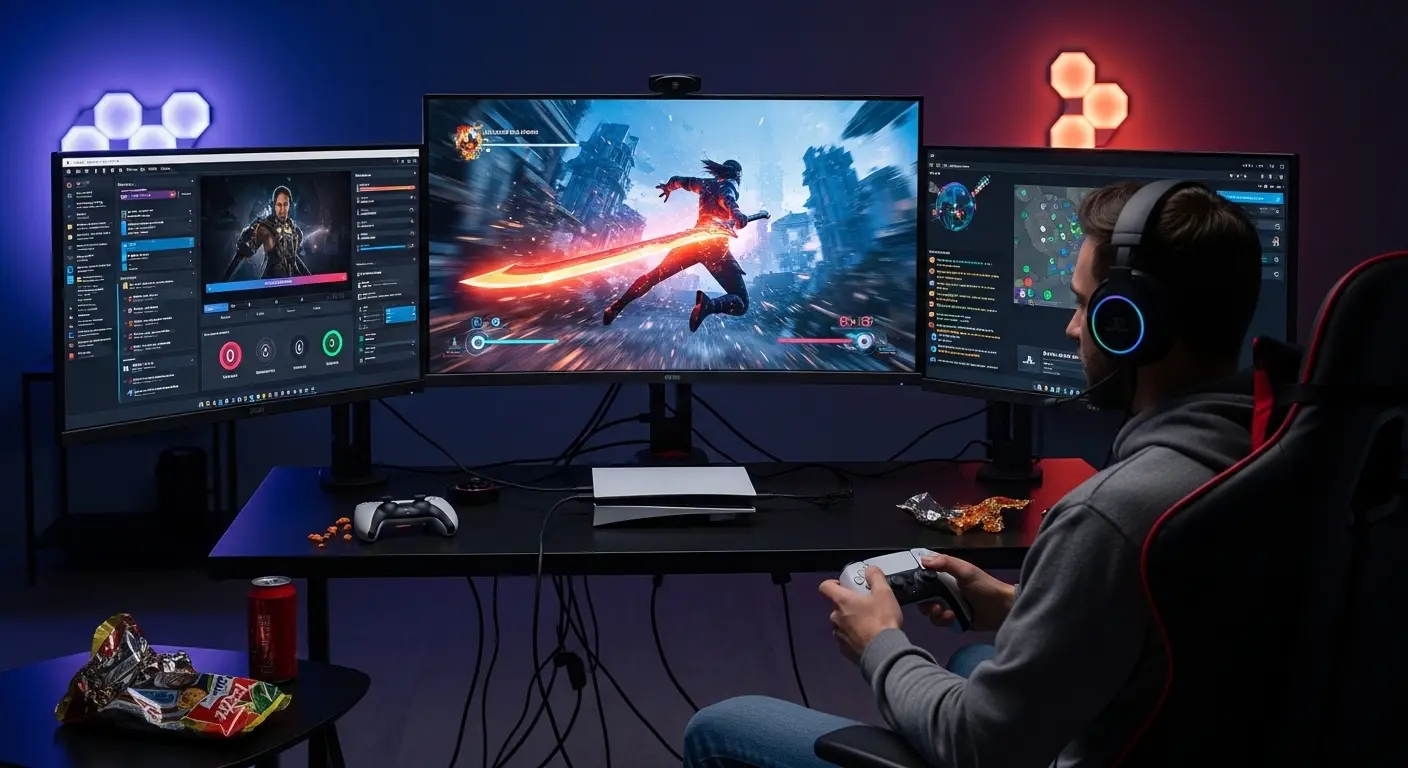
I still remember the exact moment I realized my PS5 deserved better. I had just unboxed my PlayStation 5, fired up Spider-Man: Miles Morales, and… something felt off. The gameplay was smooth, the graphics were stunning, but the screen? Meh. I was using a regular office monitor, and honestly, it was holding my PS5 back.
That’s when I went down the rabbit hole of best gaming monitors for PS5. I tested, returned, upgraded, and even rage-bought one at 2 a.m. This article is the result of my real experience, not just specs pulled from Amazon.If you’re confused about 4K vs 1440p, HDMI 2.1, or whether 120Hz really matters, don’t worry, we’ve all been there. Let me walk you through what actually works, what’s marketing fluff, and which monitors truly unlock the PS5’s power.
Why Your PS5 Monitor Matters More Than You Think
I used to think, “A screen is a screen.”
Big mistake.
The PS5 is capable of 4K resolution, 120Hz gameplay, HDR, ray tracing, and ultra-fast response times. If your monitor can’t keep up, you’re literally wasting money on performance you can’t see.
When I switched from a basic 60Hz panel to a high-refresh gaming monitor, I noticed:
- Smoother motion instantly
- Less input lag (especially in Call of Duty)
- Better colors and contrast
- Games felt more alive
It wasn’t placebo, it was night and day.
What I Learned After Testing Multiple PS5 Monitors
Here’s my biggest realization:
Not every “gaming monitor” is PS5-friendly.
Some monitors have high refresh rates but no HDMI 2.1. Others look great on PC but lock PS5 at 60Hz. And some claim HDR but look washed out in real use.
I tested monitors across:
- 1080p, 1440p, and 4K
- IPS vs VA panels
- Budget and premium options
And trust me, spec sheets lie, but your eyes don’t.
Key Features a PS5 Gaming Monitor MUST Have
Before we talk products, here’s what actually matters (based on real use):
🎮 HDMI 2.1 (or Optimized HDMI 2.0)
If you want 4K at 120Hz, HDMI 2.1 is non-negotiable.
For 1440p at 120Hz, some HDMI 2.0 monitors still work—but compatibility varies.
⚡ 120Hz Refresh Rate
Once you experience 120Hz in shooters or racing games, you cannot go back.
⏱️ Low Input Lag
This matters more than response time numbers on paper. A good gaming monitor feels instant.
🌈 IPS Panel (Highly Recommended)
IPS panels offer:
- Better colors
- Wider viewing angles
- More consistent HDR performance
🔆 Real HDR (Not Just a Sticker)
Most budget monitors fake HDR. True HDR should feel brighter and more dynamic, not gray.
Best Gaming Monitors for PS5 (Based on My Experience)
🎯 LG UltraGear 27GP850-B – My Daily Driver
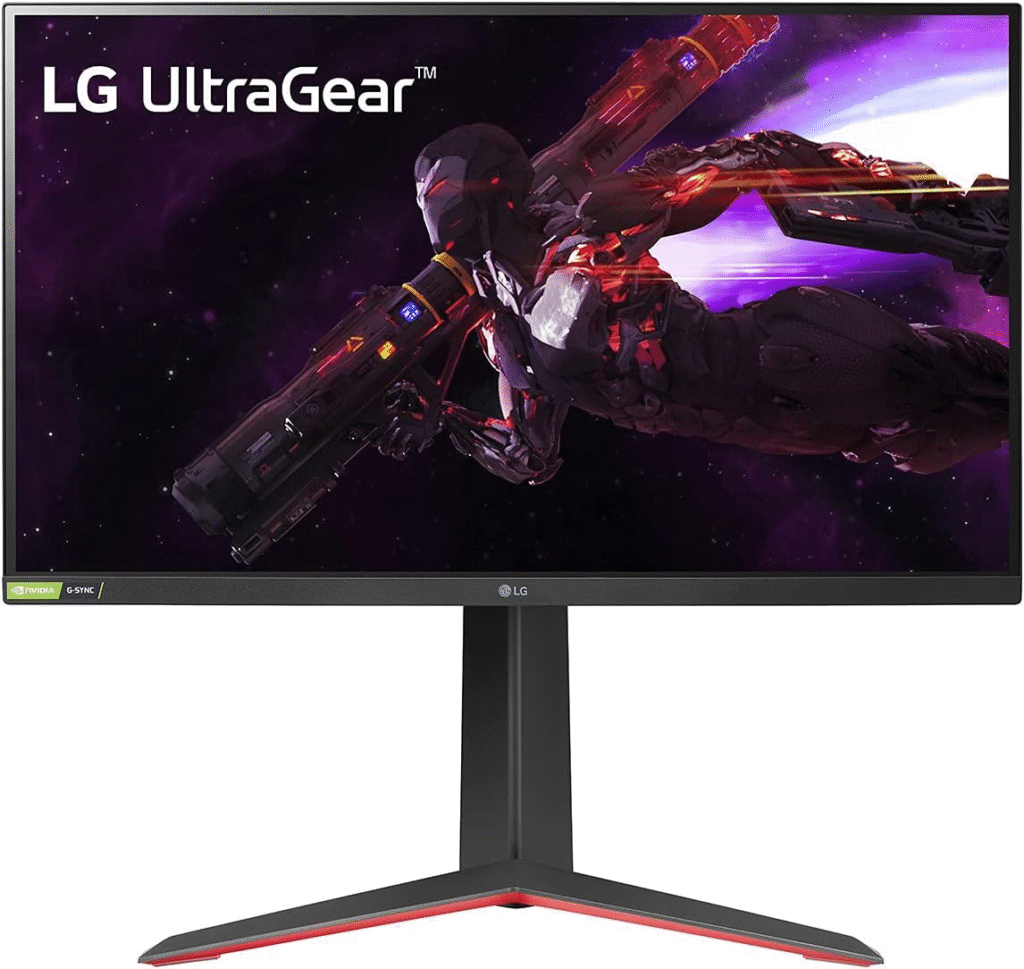
**LG UltraGear monitors are popular for a reason and after using this one daily, I get the hype. When I first connected my PS5, the 1440p + 120Hz combo felt insanely smooth. What surprised me most was the color accuracy, games like Horizon Forbidden West looked cinematic.
Key Features
- 27-inch QHD (1440p) IPS panel
- 165Hz refresh rate (120Hz supported on PS5)
- Ultra-fast response time
- Excellent color reproduction
Who is it best for?
- Competitive gamers
- Players who want smooth gameplay over 4K
- Gamers who also use PC
My Honest Take:
This is the sweet spot if you care about performance more than raw resolution.
See More Details: Best Monitors for PS5
🔥 Gigabyte M28U – The 4K Monster
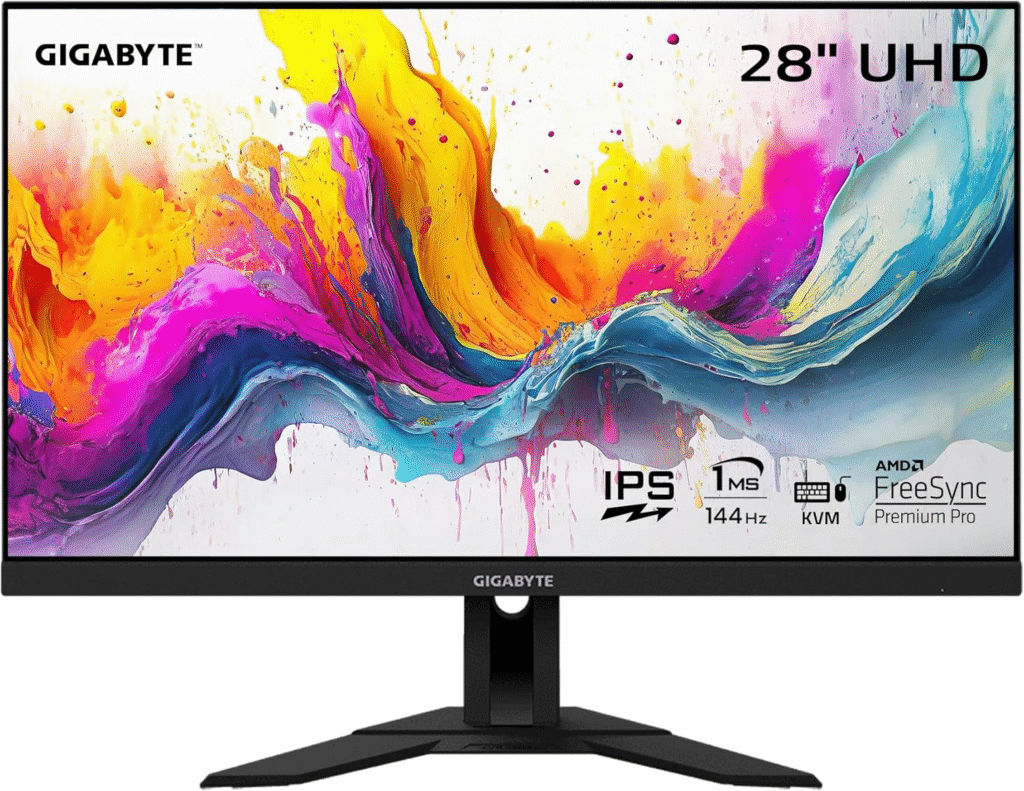
**Gigabyte absolutely nailed it with this one. The first time I played God of War Ragnarök in true 4K at 120Hz, I actually paused the game just to admire the visuals. No joke.
Key Features
- 28-inch 4K IPS display
- HDMI 2.1 support
- 144Hz refresh rate
- Sharp, crisp image quality
Who is it best for?
- Story-driven gamers
- Players who want full PS5 capabilities
- Gamers upgrading from a TV
My Honest Take:
If you want zero compromise, this monitor delivers. It’s expensive, but worth it.
🛡️ ASUS TUF Gaming VG28UQL1A – Built Like a Tank
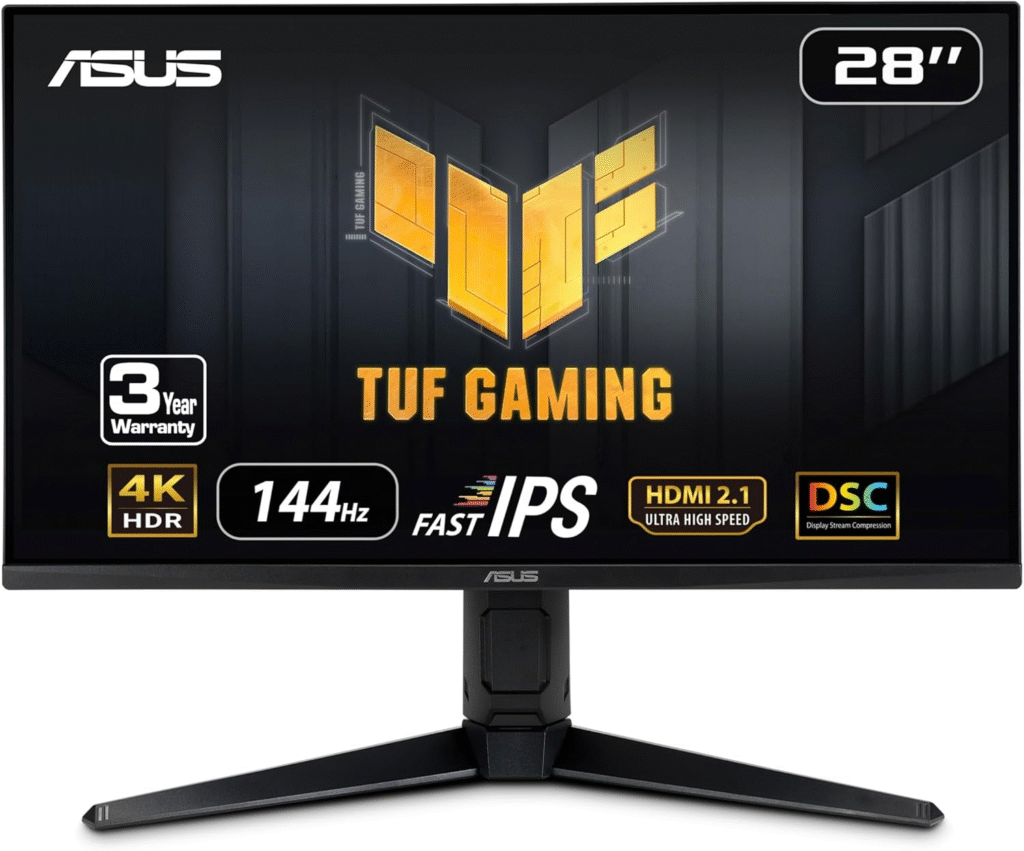
I didn’t expect to like this one as much as I did.
**ASUS TUF monitors are known for durability, but this one also brings serious performance.
Key Features
- 4K UHD resolution
- HDMI 2.1 for PS5
- Excellent motion handling
- Strong HDR brightness
Who is it best for?
- Long gaming sessions
- Console-first gamers
- Players who want reliability
My Honest Take:
It feels premium, stable, and reliable, like a monitor that’ll last years.
Mini Buyer’s Guide: How to Choose the Right PS5 Monitor
Here’s how I’d simplify it for a friend:
- Want smooth competitive gameplay? → Go 1440p, 120Hz
- Want cinematic visuals? → Go 4K + HDMI 2.1
- Limited desk space? → 27–28 inches is perfect
- Budget-conscious? → Skip fake HDR, focus on refresh rate
And please, don’t buy a 240Hz monitor just for PS5. You won’t use that refresh rate.
Common Mistakes PS5 Gamers Make (Yes, I Did These)
- Buying a monitor without checking PS5 compatibility
- Assuming “HDR” always means good HDR
- Ignoring input lag
- Overspending on PC-only features
Learn from my wallet’s pain.
FAQs – Real Questions Gamers Ask
Is 1440p supported on PS5?
Yes, PS5 officially supports 1440p with 120Hz on compatible monitors.
Is HDMI 2.1 really necessary?
Only if you want 4K at 120Hz. Otherwise, optimized HDMI 2.0 can still work well.
Should I choose a monitor or a TV for PS5?
If you sit close and want competitive performance, monitor wins every time.
Amazon Disclaimer
As an Amazon Associate, I earn from qualifying purchases. This helps support the time and testing that goes into creating honest, experience-based content like this—at no extra cost to you.
Final Thoughts: My Honest Recommendation
If I had to start over today?
- Best overall value: LG UltraGear 27GP850-B
- Best premium experience: Gigabyte M28U
- Best long-term reliability: ASUS TUF VG28UQL1A
Your PS5 is a beast. Don’t let a weak monitor hold it back.