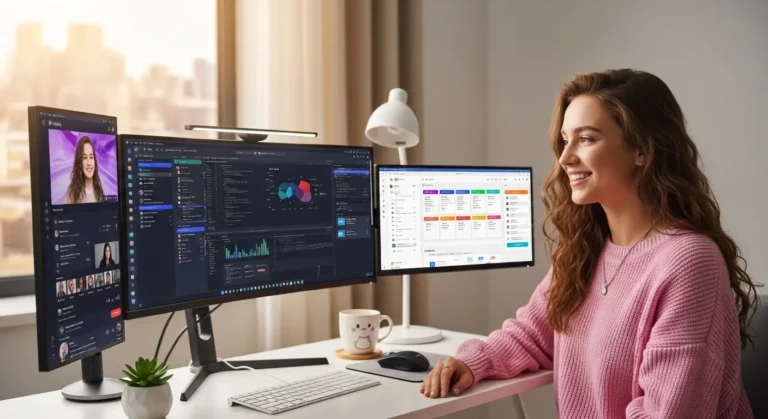
Eight hours into debugging a stubborn block of code, my eyes start burning before my brain does. That’s when I stopped blaming “long hours” and started fixing my setup. Choosing the Best Monitor for Eye Strain Reduction While Programming isn’t about flashy specs, it’s about protecting focus, productivity, and long-term eye health.
Overview
From my research and hands-on comparisons, the displays that truly help reduce digital eye strain combine flicker-free backlighting, certified low blue light modes, and anti-glare matte panels. Models specifically built for extended coding comfort, such as the BenQ RD lineup (RD240Q, RD270Q, RD280U, RD320U), BenQ GW series, ASUS Eye Care monitors, and ViewSonic’s curved VP series, prioritize ergonomic flexibility, brightness control, and reduced harsh light emission for prolonged programming sessions.
In this guide, I’ll break down what actually matters when selecting the Best Monitor for Eye Strain Reduction While Programming, and how to configure it for maximum comfort
Read More…10 Most Expensive Monitors
Understanding Eye Strain in Programming
When I code for extended sessions, my eyes aren’t just staring, they’re constantly refocusing between small fonts, syntax highlights, and dark backgrounds. That repeated micro-adjustment leads to:
- Dry eyes
- Headaches
- Blurred vision
- Neck and shoulder tension
- Reduced concentration
This condition is commonly linked to digital eye strain (also called computer vision syndrome). Poor lighting, glare, low pixel density, and unstable brightness all amplify the problem.
The Best Monitor for Eye Strain Reduction While Programming minimizes these stressors at the hardware level before I even adjust software settings.
What to Look for in the Best Monitor for Eye Strain Reduction While Programming
Not all “eye care” monitors are equal. Marketing claims are cheap, measurable features matter.
1. Flicker-Free Technology
Many LED-backlit displays rapidly flicker to control brightness. Even if I can’t consciously see it, my eyes detect it. Flicker-free monitors eliminate high-speed brightness modulation, reducing fatigue and headaches during long coding sessions.
This is non-negotiable if you want the Best Monitor for Eye Strain Reduction While Programming.
2. Low Blue Light Solutions
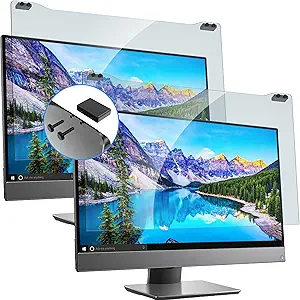
Blue light in the 415–455nm range is associated with eye fatigue and sleep disruption. Modern monitors reduce harmful blue-violet emissions while preserving colour accuracy.
Some premium displays integrate multi-level low blue light settings and even circadian-aware adjustments. That means the color temperature adapts based on the time of day, warmer at night, cooler during daytime productivity hours.
3. Anti-Glare or Matte Panel
Reflections force my eyes to work harder. A high-quality matte or nano-texture panel diffuses light without overly reducing clarity.
Advanced matte coatings outperform standard anti-glare finishes by maintaining contrast while minimizing reflection hotspots, especially important in bright offices or near windows.
4. Brightness Intelligence & Adaptive Control
Ambient light changes throughout the day. A monitor that automatically adjusts brightness and color temperature reduces the harsh contrast between screen and surroundings.
Adaptive brightness is one of the most underrated features in the Best Monitor for Eye Strain Reduction While Programming, especially for developers who work day and night.
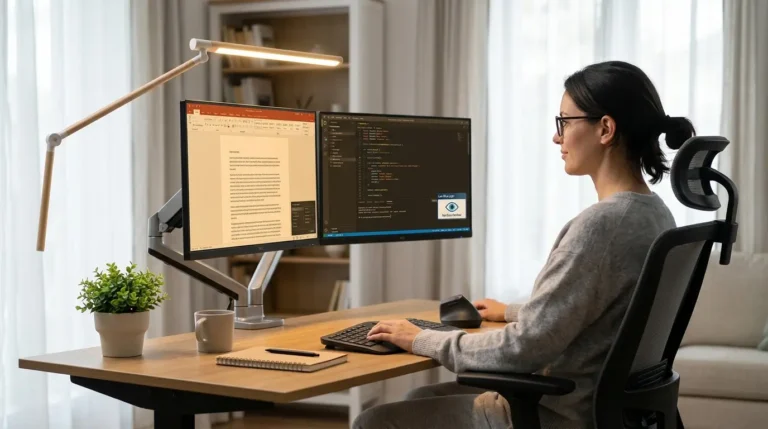
5. Ergonomic Adjustability
Posture directly affects eye comfort. A fully adjustable stand (height, tilt, swivel, pivot) allows:
- Top of screen at or slightly below eye level
- Proper viewing distance (about arm’s length)
- Reduced neck strain
An ergonomic arm can further optimize alignment and prevent physical fatigue during extended coding sessions.
Essential Eye Care Technologies in Modern Programming Monitors
Let’s break down the advanced features that separate average screens from the Best Monitor for Eye Strain Reduction While Programming.
Low Blue Light with Certification
Some monitors are certified by independent labs like TÜV Rhein land, verifying low blue light and flicker-free compliance. Certification adds credibility and trust.
Nano Matte or Advanced Anti-Reflection Panels
Premium matte technology creates a paper-like viewing experience while maintaining sharp text renderin, ideal for code-heavy workflows.
Eye Reminder Systems
Certain displays include break reminders that detect user presence and suggest rest intervals (30–60 minutes). While not mandatory, this supports healthier habits.
Bias Lighting Features
Integrated rear lighting systems reduce the contrast between a bright display and a dark room. By softening background darkness, they reduce strain caused by extreme light contrast.
Top Monitor Categories for Programming Comfort
While many brands offer eye care features, the strongest performers typically fall into these categories:
- Monitors specifically designed for coding comfort
- Certified eye-care office monitors
- Professional-grade curved displays for immersive workflows
- Budget-friendly ergonomic office monitors
When evaluating the Best Monitor for Eye Strain Reduction While Programming, I focus on how well these features work togethe, not just whether they exist.
Additional Ways I Reduce Eye Strain
Even the best hardware needs proper habits.
Follow the 20-20-20 Rule
Every 20 minutes, I look 20 feet away for 20 seconds. It resets focus and reduces fatigue.
Use Dark Mode Strategically
Dark mode helps in dim rooms but can cause halation in some users. I test both light and dark themes depending on environment.
Optimize Brightness
My screen should match ambient lighting, not overpower it. Excess brightness is a hidden strain trigger.
Maintain Proper Distance
An arm’s-length distance with clear, sharp text prevents unnecessary squinting.
Making the Right Choice
If I had to summarize: the Best Monitor for Eye Strain Reduction While Programming combines flicker-free performance, verified low blue light filtering, glare reduction, ergonomic flexibility, and intelligent brightness control.
Avoid buying based on resolution alone. Eye comfort comes from stability, consistency, and proper lighting harmony, not just pixel count.
When upgrading, I prioritize long-term eye health over aesthetic features. Productivity depends on comfort.
Amazon Affiliate Disclaimer
As an Amazon Associate, I earn from qualifying purchases. This means I may receive a small commission at no extra cost to you if you purchase through my affiliate links. I only recommend products that meet strict eye-care and ergonomic standards for programming use.
FAQs
1. Is 4K better for eye strain while programming?
Higher resolution increases text clarity and pixel density, which can reduce squinting. However, brightness control and flicker-free technology matter more than resolution alone.
2. Do curved monitors reduce eye strain?
A gentle curve can reduce edge distortion and minimize eye refocusing in ultrawide setups, but it’s not mandatory for eye comfort.
3. What brightness level is best for coding?
Ideally, match screen brightness to ambient lighting. Excessively bright screens increase fatigue; moderate, adaptive brightness is optimal.
4. Are gaming monitors good for programming?
Some are, especially if they include flicker-free and low blue light modes. High refresh rate alone does not reduce eye strain.