
I’ve worked remotely for over a decade, and if there’s one thing I’ve learned, it’s this: your laptop isn’t just a tool, it’s your entire office. When mine glitches mid-meeting or the battery dies before lunch, my whole day falls apart. So when I set out to find the best laptops for working from home, I wasn’t just comparing spec sheets — I wanted machines that actually hold up under the chaos of real remote work.
Quick answer: the best work-from-home laptops need a sharp webcam, a keyboard you can type on for hours without complaint, battery life that survives a full day untethered, and a processor that won’t choke when you’ve got a dozen tabs, a video call, and a spreadsheet open at once. Get that balance right, and switching between meetings, browsers, and apps feels effortless instead of like a countdown to a crash.
Below are my top picks, organized by what kind of remote worker you actually are — because the “best” laptop depends a lot on whether you’re bouncing between rooms all day, editing video, or just need something that won’t die by 2 p.m.
Amazon Affiliate Disclosure: I’m a participant in the Amazon Associates Program. Some links in this article are affiliate links, meaning I may earn a small commission if you purchase through them — at no extra cost to you. I only recommend products I’d genuinely suggest to a friend.
My Top Picks at a Glance
- Best Overall & Best Battery Life: Apple MacBook Air (M4)
- Best Premium Windows Laptop: Dell XPS 16
- Best for Typing & Durability: Lenovo ThinkPad X1 Carbon
- Best Budget Option: Acer Aspire Go 15 / HP 15s
Best Overall & Best Battery Life: Apple MacBook Air (M4)
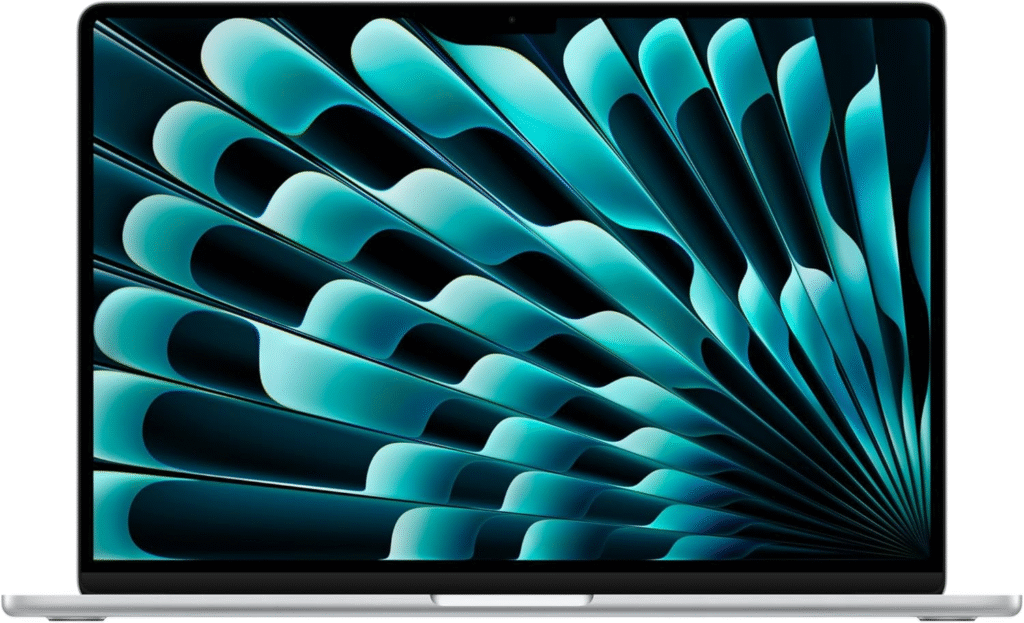
If someone asked me to hand them one laptop for remote work without any follow-up questions, I’d hand them this one. The MacBook Air has become something close to the default recommendation for a reason — it’s fanless, so you’ll never hear it whirring during a call, and the M4 chip handles multitasking without breaking a sweat. I’ve had mine loaded with a dozen tabs, two documents, and a video call running simultaneously, and it never once stuttered.
What sold me most is the portability. At under three pounds, it moves easily from my desk to the kitchen table to a coffee shop without feeling like a chore. And the battery genuinely lasts — I’m talking a full workday without hunting for an outlet, which matters more than people expect until they don’t have it. The 13-inch screen can feel tight if you’re a heavy multitasker, so if you frequently split windows side by side, you might want a second monitor or the 15-inch version instead.
See More About: Best Budget Laptops
Best Premium Windows Laptop: Dell XPS 16
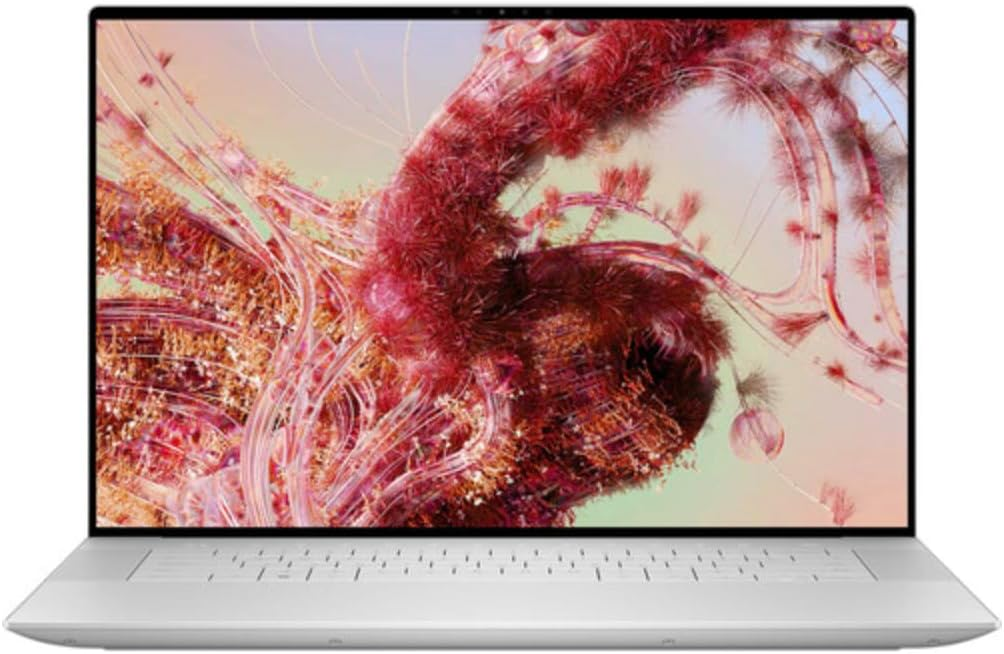
For Windows users who want something that competes with Apple on polish, the Dell XPS 16 is where I’d point you. Dell brought back the XPS name for a reason this year — the redesign is lighter, the OLED touch display is genuinely stunning, and the Panther Lake processor inside delivers strong sustained performance for a laptop this size.
I’d recommend this specifically if your remote work leans creative — think color grading, photo editing, or building out detailed presentations. The screen’s color accuracy is excellent, and the extra real estate on the 16-inch display makes juggling multiple windows far less cramped than on smaller machines. Just know you’re trading off port variety for that slim design; you’re mostly working with Thunderbolt USB-C here, so if you rely on USB-A accessories, keep a dongle handy.
Best for Typing & Durability: Lenovo ThinkPad X1 Carbon
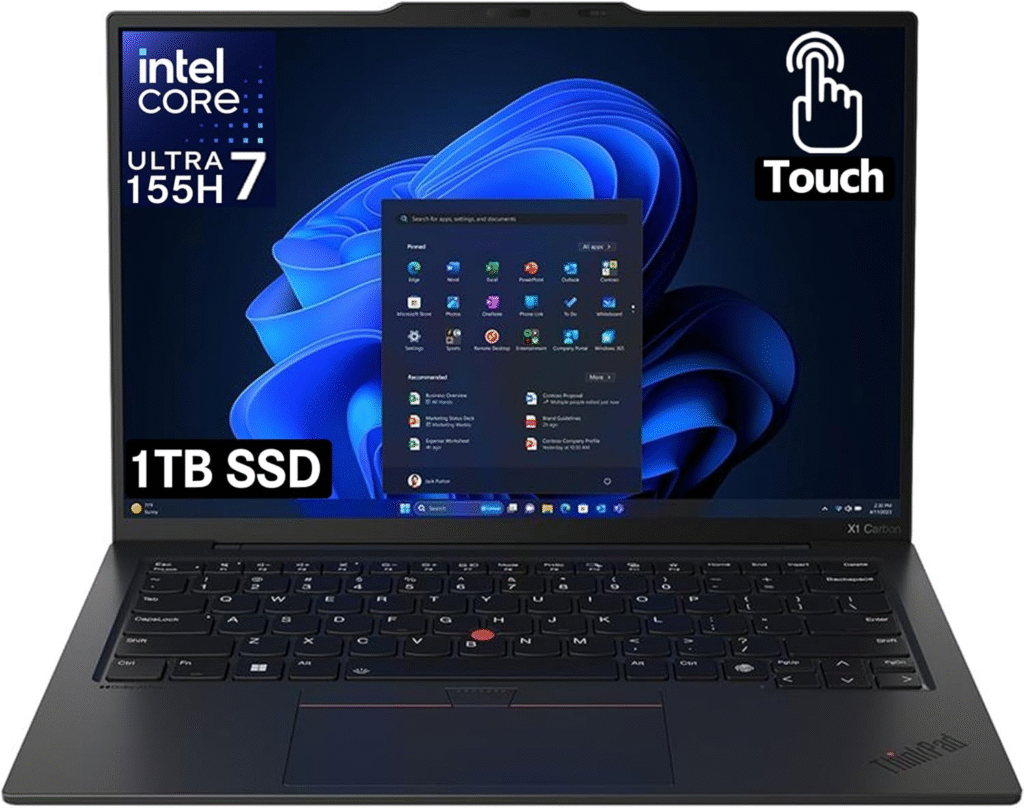
I’ve typed on a lot of laptops over the years, and nothing consistently beats a ThinkPad keyboard. The X1 Carbon remains the gold standard here — the key travel feels snappy without being loud, and after a full day of writing emails and documents, my hands genuinely feel less fatigued than on flatter keyboards.
Beyond typing comfort, this is simply a tough machine. It’s built to survive drops, spills, and the general wear of being tossed in a bag daily, which matters if your “home office” sometimes means a train seat or a client’s conference room. You also get a wider mix of ports than most ultraportables offer these days, plus solid built-in security features — handy if you’re handling sensitive client data. It’s not the lightest or flashiest option on this list, but if durability and comfortable typing top your priority list, it’s hard to beat.
Best Budget Option: Acer Aspire Go 15 or HP 15s
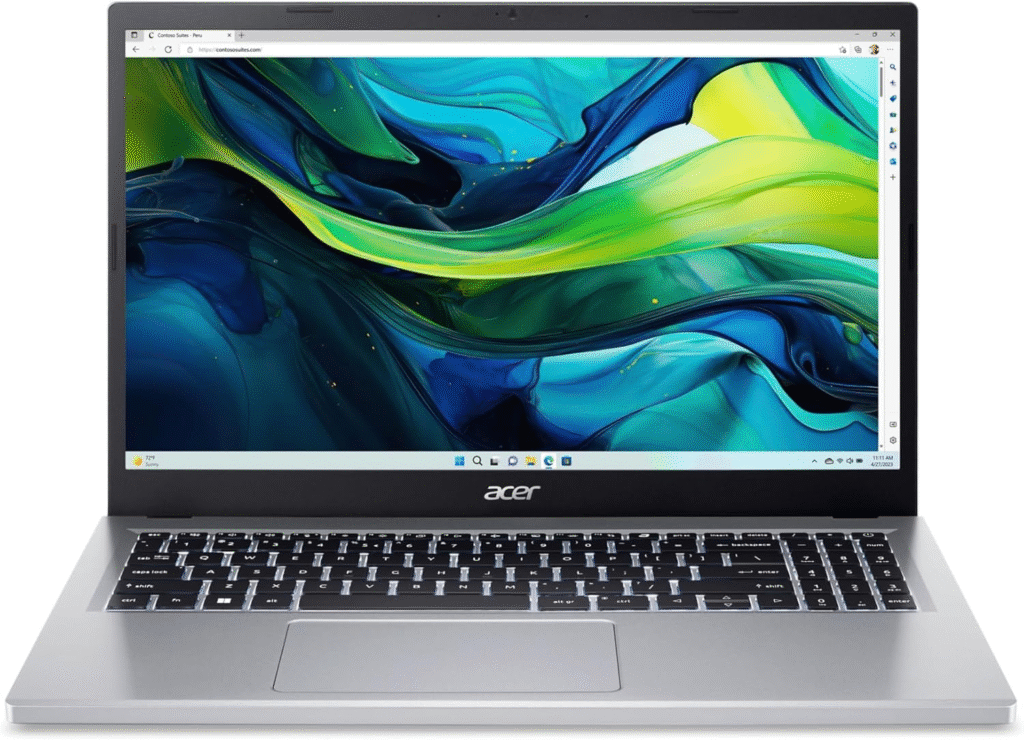
Not everyone needs — or wants — to spend over a thousand dollars on a laptop that mostly handles email, video calls, and spreadsheets. That’s exactly where the Acer Aspire Go 15 and HP 15s come in. Neither is going to wow you with build quality or a premium screen, but both reliably do what they’re supposed to: boot up, stay connected, and get you through your workday.
I appreciate that both options give you a generous number of physical ports, which matters if you’re plugging in an external monitor, mouse, and headset without needing a hub. Battery life clears 10 hours on both, which is more than enough for a standard office day of browsing, documents, and video calls. If your job doesn’t demand heavy editing software or intense multitasking, either of these will save you real money without leaving you frustrated.
Key Specs to Actually Pay Attention To
Shopping by brand name alone can lead you astray. Here’s what I actually check before recommending any laptop for remote work:
RAM: Sixteen gigabytes is the floor, not the ceiling. That’s enough to comfortably run a browser with two dozen tabs, a video call, and office software at the same time without lag creeping in. If your work involves heavier editing or design tools, bump up to 32GB if your budget allows it.
Storage: A 512GB solid-state drive should be your minimum. It’s fast enough for quick boot times and app loading, and it gives you enough breathing room for local files without constantly offloading to the cloud.
Webcam and audio: This one gets overlooked constantly, and it shouldn’t. If your job involves video calls — and honestly, whose doesn’t these days — look for at least a 1080p camera and a microphone with real noise cancellation. I’ve sat through enough meetings with people sounding like they’re calling from inside a wind tunnel to know this matters more than people think.
Battery life: Anything under eight hours is going to leave you tethered to an outlet more than you’d like. If you move around your home or work from cafes occasionally, aim higher.
How I Approached This
I didn’t just skim spec sheets for this list. I looked at real usage patterns — how each laptop handled multiple demanding browser tabs running simultaneously, how the keyboards felt after actual hours of typing, and how believable the advertised battery life numbers were against real-world use. I also weighed portability against performance, since a laptop that’s powerful but miserable to carry around defeats half the purpose of “working from home” flexibility.
Frequently Asked Questions
What is the best laptop for working from home? For most people, the Apple MacBook Air (M4) is the strongest overall pick. It balances battery life, portability, and processing power better than almost anything else in its price range. If you’re a Windows user who wants something comparable, the Dell XPS 16 is the closest match in terms of build quality and display.
How much RAM does a laptop for working from home actually need? Sixteen gigabytes is the practical minimum for most remote work — enough for video calls, multiple browser tabs, and standard office software running together. If you regularly work with design software, large spreadsheets, or heavier multitasking, 32GB will future-proof your setup and keep things running smoothly for years.
Do gaming laptops make good work-from-home computers? They can, but there are trade-offs. Gaming laptops usually pack serious processing power, which is great for demanding software, but they tend to run hotter, sound louder under load, and have noticeably shorter battery life away from an outlet. If you want one laptop for work and evening gaming, it’s a reasonable compromise — just don’t expect all-day battery life on the go.
Is a MacBook or Windows laptop better for remote work? It really comes down to personal workflow and software needs. MacBooks tend to offer better battery efficiency and a more seamless experience if you’re already in the Apple ecosystem. Windows laptops, meanwhile, offer more flexibility with ports, pricing tiers, and specialized software that may only run on Windows. Neither is objectively “better” — it depends on what tools your job actually requires.