

I’ve bought my fair share of cheap laptops over the years, and I’ll be honest — most of them taught me the same lesson: you get what you pay for, unless you know exactly what to look for. That’s the trap with budget shopping. Spend too little, and you’ll be staring at a spinning wheel every time you open a browser tab. Spend a little smarter, though, and you can walk away with a machine that handles real work without draining your bank account.
Quick answer: getting real value from a budget laptop comes down to hitting the sweet spot between processing power, battery life, and build quality that won’t fall apart in a year. A few standouts consistently rise above the rest — the Apple MacBook Air (M1) still holds up remarkably well for anyone wanting long-term reliability, the HP Envy x360 delivers flexible 2-in-1 functionality without the premium price tag, and the Acer Nitro 5 remains one of the smartest entry points into PC gaming if you’re patient enough to catch it on sale.
Amazon Affiliate Disclosure: I participate in the Amazon Associates Program, which means I may earn a small commission from qualifying purchases made through links in this article — at no extra cost to you. Every recommendation here is based on genuine research and hands-on impressions, not sponsorship.
My Top Budget Picks
Best Value All-Rounder: A compact, well-built option in this category is worth prioritizing if you mostly want something tidy for browsing, note-taking, and everyday tasks — students and light travelers especially benefit from a smaller, lighter chassis that doesn’t sacrifice build quality. (Note: some previously popular ultra-compact Windows options have recently been discontinued, so double-check current retailer stock before committing to older, out-of-production models.)
Best for Everyday Productivity:
The Lenovo IdeaPad 3 and Acer Aspire 3 both live in that sub-$400 range and do exactly what they promise — reliable web browsing, word processing, and schoolwork without unnecessary bloat. These aren’t flashy machines, but they’re dependable, and dependability is exactly what most budget buyers actually need.
Best for Content Creators & Travel:
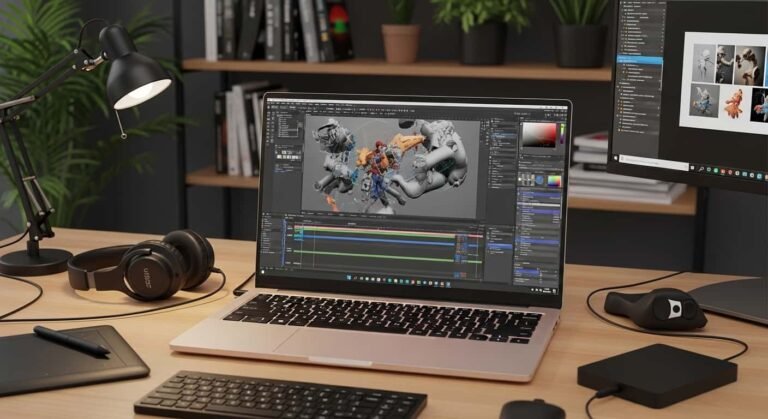
The Apple MacBook Air (M1) genuinely surprises me every time I revisit it. Even years after its release, that fanless design and efficient chip still outclass a lot of mid-range Windows competitors twice its price. Battery life remains outstanding, and the build quality has never felt “cheap” despite its now-budget pricing.
Best Budget Gaming:
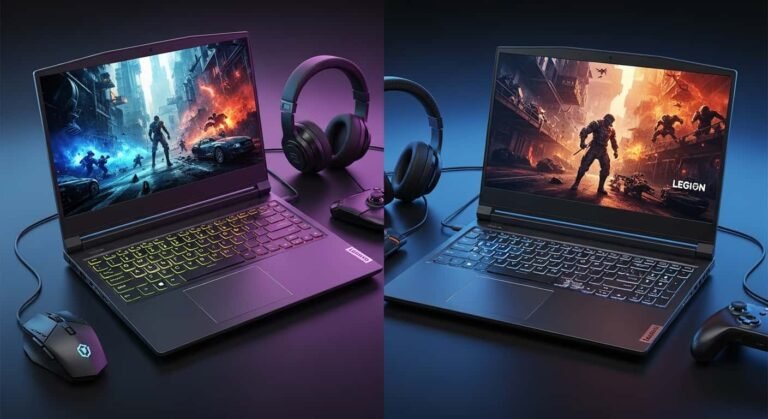
The Acer Nitro 5 has earned its reputation as the go-to entry point for PC gaming on a tight budget. Watch for sales — this laptop frequently dips well below its usual price, and when it does, it becomes one of the strongest value propositions in the entire gaming laptop space. It won’t max out demanding AAA titles, but for popular multiplayer games and moderate settings, it holds its own.
Best Student 2-in-1: T
he HP Envy x360 gives you a touchscreen convertible that flips into tablet mode, which is genuinely useful for note-taking, sketching, or just watching lectures in bed. For students who want one device that pulls double duty, this is one of the smarter buys in the budget bracket.
Buying Tips to Actually Get Your Money’s Worth
I’ve made mistakes shopping on price alone, so let me save you the trouble. Here’s what actually matters when you’re trying to stretch a tight laptop budget.
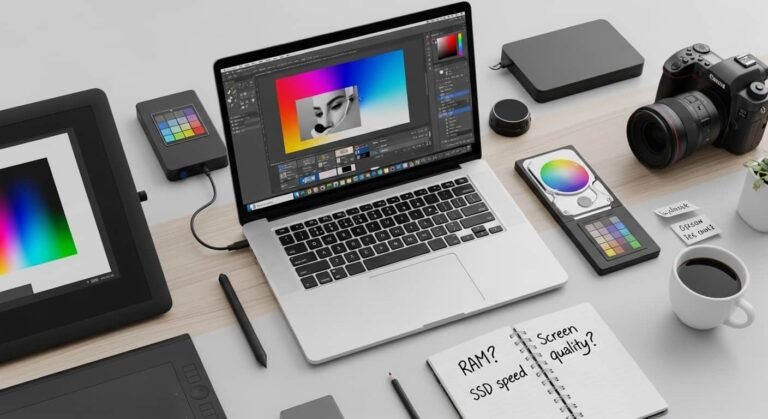
Never skip the SSD. This is non-negotiable in my book. Older or ultra-cheap laptops sometimes still ship with eMMC storage or, worse, a traditional spinning hard drive. Both will make even simple tasks feel sluggish. Look for at least a 256GB solid-state drive — it’s the single biggest factor in whether a cheap laptop feels fast or frustrating.
Don’t go below 8GB of RAM. I get the appeal of saving an extra $50 by dropping to 4GB, but don’t do it. You’ll hit a wall the moment you have more than a couple of browser tabs open alongside any other app. Eight gigabytes is the realistic minimum for smooth, everyday multitasking in 2026.
Look seriously at refurbished models. Certified refurbished laptops — especially older generation business machines — can stretch your budget considerably further than buying new. Just make sure you’re purchasing from a retailer with a real return policy and warranty coverage, since refurbished quality can vary a lot depending on the seller.
What I Look for Before Recommending Anything
I don’t recommend budget laptops based on spec sheets alone. I pay attention to how a machine actually behaves after real use — does the battery estimate match reality, does the keyboard start feeling mushy after a few weeks, does the trackpad register accurate clicks without lag. Budget laptops cut corners somewhere; the trick is figuring out which corners actually affect your daily experience and which ones you’ll never notice.
I also weigh how a laptop performs against its price point relative to the rest of the market, not in isolation. A $600 laptop that matches the performance of an $800 competitor is a better buy even if it’s not the cheapest option on the shelf. Real value isn’t about hitting the lowest number — it’s about not overpaying for what you’re actually getting.
Frequently Asked Questions
How much RAM do I really need in a budget laptop? Eight gigabytes should be your floor, not your ceiling. It’s enough to run a browser with a dozen tabs alongside office software without stuttering. If you can stretch your budget toward 16GB, you’ll get noticeably more headroom for multitasking and a laptop that ages better over the next few years.
Are there any decent laptops under $300? Yes, though your options narrow considerably. Chromebooks tend to be the smarter pick at this price point rather than Windows machines, since ChromeOS is lighter and doesn’t demand the same hardware overhead. A basic Chromebook under $300 with 8GB of RAM and a solid-state style storage setup will feel far more usable than a Windows laptop crammed into the same budget.
Should I buy a cheap Windows laptop or a Chromebook? It depends entirely on what software you need. If your work or school life revolves around browser-based tools, cloud documents, and streaming, a Chromebook will likely outperform a similarly priced Windows machine in day-to-day smoothness. If you need specific desktop software — certain creative programs, legacy business tools, or PC gaming — you’ll want to stick with Windows, even if it means spending a bit more to get a config that runs comfortably.
Is it worth buying a refurbished laptop instead of new? Often, yes — provided you buy from a certified retailer offering a warranty and clear return window. Refurbished units, especially previous-generation business laptops, frequently offer better build quality and components than a brand-new budget model at the same price. Just verify the battery health and confirm the return policy before finalizing any purchase.