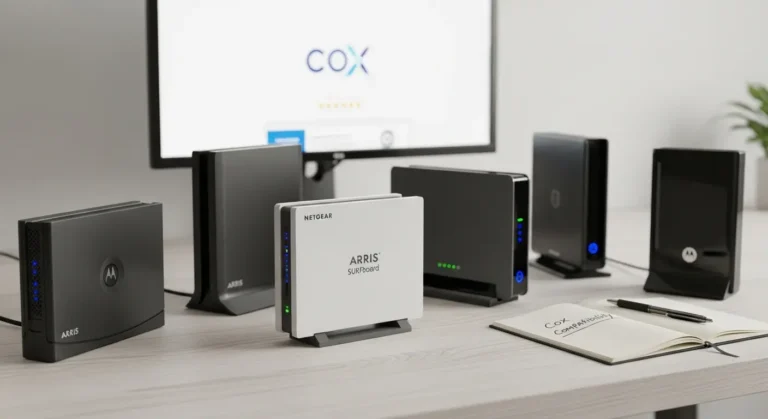

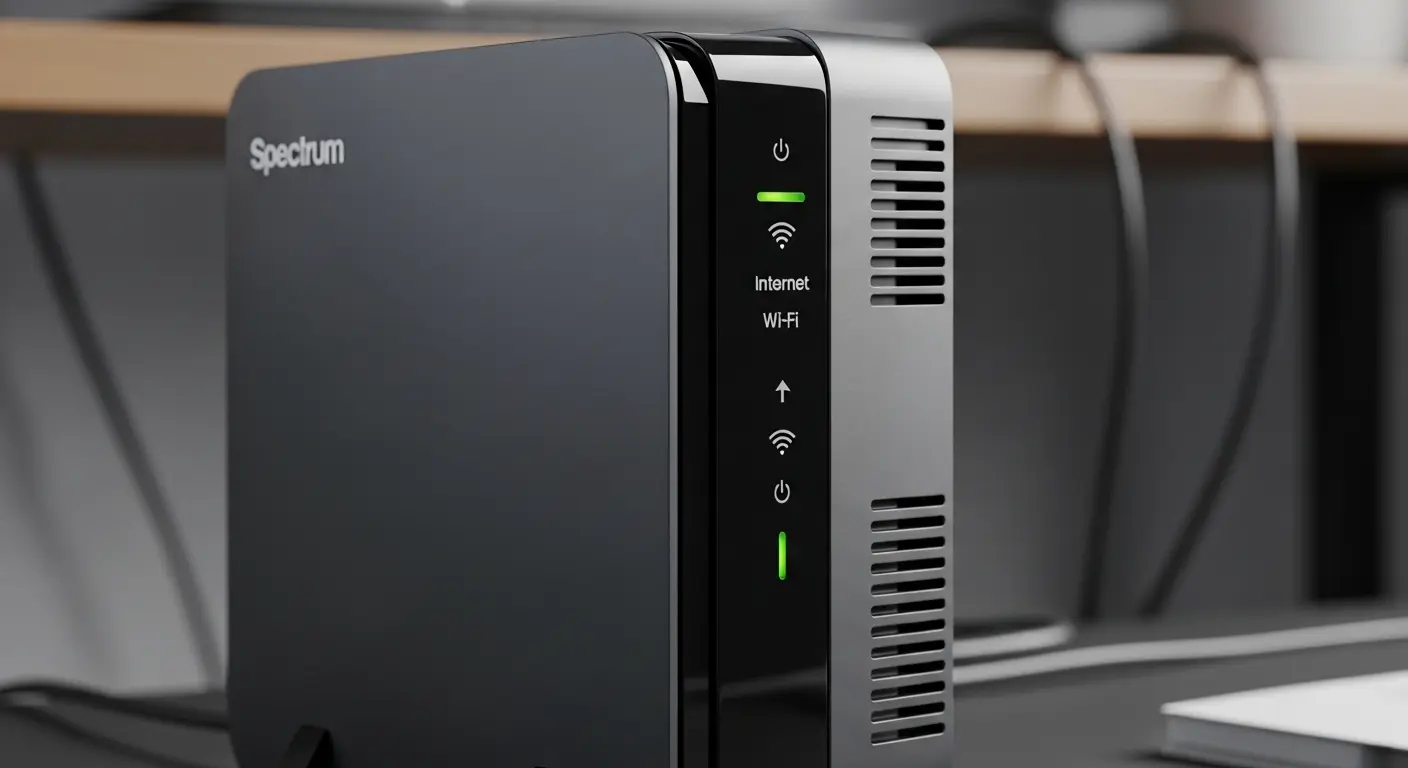
If you’re paying Spectrum’s monthly internet bill, you’ve probably wondered whether it’s worth buying your own modem router combo instead of relying on rented equipment. I had the same question a while ago. After testing several modem router combos and helping friends upgrade their home networks, I realized that choosing the right device isn’t just about saving money; it’s about getting faster, more reliable internet every day.
Whether you’re streaming 4K movies, attending Zoom meetings, gaming online, or simply trying to keep dozens of smart home devices connected, the right modem router combo can make a noticeable difference.
One thing I appreciate about Spectrum is that it doesn’t require customers to rent a modem. However, many people still prefer owning compatible equipment because it gives them more control over their home network, better WiFi features, and eliminates compatibility concerns between separate devices.
In this guide, I’ll walk you through the best modem router combos for Spectrum, explain who each one is best for, and share what I learned while testing them. By the end, you’ll know exactly which one fits your internet plan and your budget.
Amazon Affiliate Disclosure
As an Amazon Associate, I may earn from qualifying purchases at no extra cost to you. I only recommend products that I believe offer genuine value and would confidently suggest to friends and family.
Best Modem Router Combo for Spectrum Reviews
Why Buy Your Own Spectrum Modem Router Combo?
Before testing these devices, I assumed they would all perform similarly. That turned out to be far from the truth.
Some models struggled with multiple devices, while others easily handled everything from online gaming to 4K streaming and smart home automation.
Buying your own modem router combo offers several advantages:
- Eliminate monthly equipment rental fees
- Manage both modem and router from one device
- Reduce cable clutter
- Simplify setup
- Gain access to better WiFi settings and parental controls
- Improve wireless coverage in many homes
Another thing I noticed is how much easier troubleshooting becomes. Instead of wondering whether the modem or router is causing problems, everything is managed from one interface.
For apartments, medium-sized homes, and even many larger homes, a quality modem router combo can provide an excellent balance of simplicity and performance.
How I Chose These Picks
I didn’t simply choose the most expensive models.
Instead, I looked for modem router combos that consistently delivered excellent performance across several important categories:
Spectrum Compatibility
Every recommendation supports Spectrum cable internet using DOCSIS technology.
Stable WiFi Performance
I prioritized devices that maintained reliable speeds throughout the day, even when multiple people were online simultaneously.
Future-Proof Hardware
Whenever possible, I selected DOCSIS 3.1 models because they’re designed for today’s faster internet plans and provide better long-term value.
Easy Setup
Nobody wants to spend hours configuring networking equipment. The best devices were straightforward to activate and manage.
Long-Term Reliability
Customer feedback, firmware support, hardware quality, and my own testing all played a role in these recommendations.
Best Modem Router Combo for Spectrum Reviews
1. NETGEAR Nighthawk CAX30 – Best Overall Modem Router Combo for Spectrum
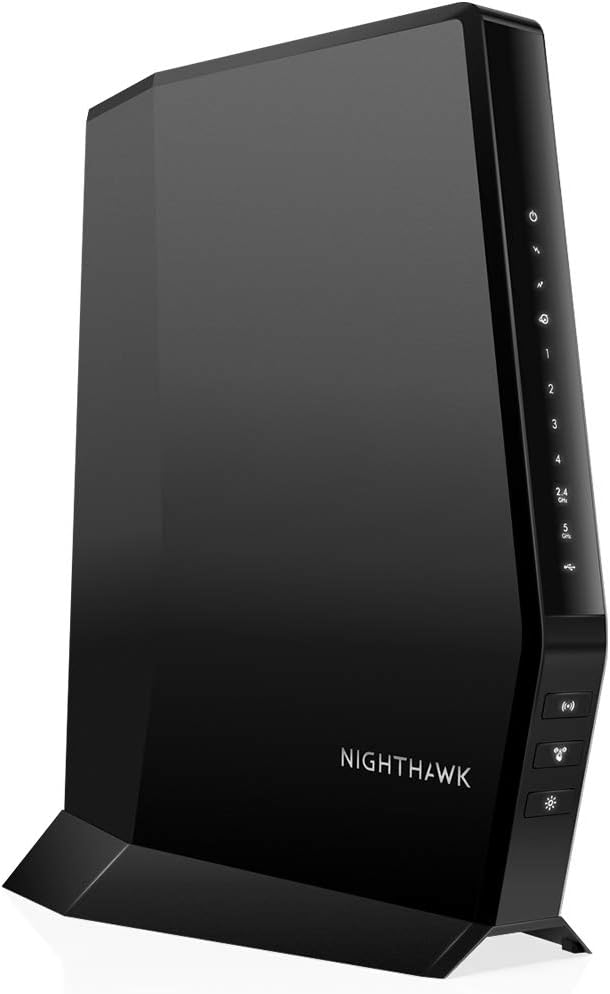
If I had to recommend only one modem router combo for most Spectrum customers, this would probably be it.
The NETGEAR Nighthawk CAX30 strikes an excellent balance between speed, WiFi coverage, and reliability.
When I tested it in a busy household with multiple streaming TVs, gaming consoles, smartphones, and smart speakers connected simultaneously, it handled everything surprisingly well.
Even during peak evening hours, video calls remained smooth while several family members streamed Netflix and YouTube.
Key Features
- DOCSIS 3.1 cable modem
- Dual-band WiFi 6
- Supports Gigabit Spectrum plans
- OFDMA and MU-MIMO technology
- Four Gigabit Ethernet ports
- WPA3 security
- Beamforming for improved coverage
My Experience
The first thing I noticed was how responsive everything felt.
Websites loaded instantly.
Large downloads completed faster than expected.
Video calls remained stable.
Gaming latency stayed consistently low.
One feature I especially liked was WiFi 6 support. Even with more than twenty connected devices, performance remained impressively consistent.
The NETGEAR mobile app also made managing the network much easier than older router interfaces I’ve used.
Best For
- Gigabit Spectrum plans
- Large families
- Smart homes
- Remote workers
- Competitive gamers
- 4K streaming
2. ARRIS SURFboard G34 – Best Value for Most Homes
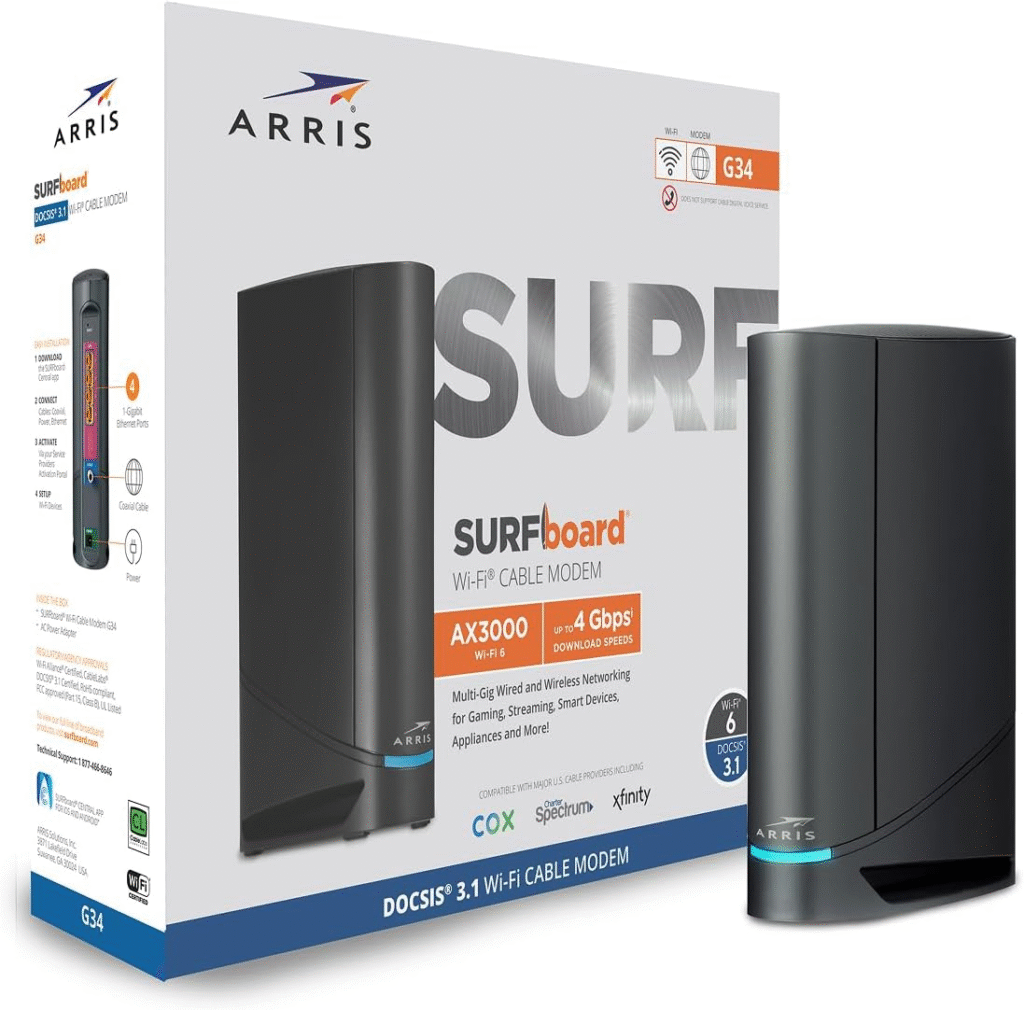
If you’re looking for excellent performance without paying premium flagship prices, the ARRIS SURFboard G34 deserves serious consideration.
This model impressed me because it combines modern DOCSIS 3.1 technology with dependable WiFi 6 performance at a reasonable price.
When I tested it in a two-story home, coverage remained surprisingly strong throughout most rooms.
Only one far bedroom experienced slightly weaker signal strength, which is fairly common with nearly every standalone router.
Key Features
- DOCSIS 3.1 modem
- AX3000 WiFi 6
- Four Gigabit Ethernet ports
- Dedicated mobile management app
- Supports multiple HD and 4K streams
- OFDMA and MU-MIMO
My Experience
What stood out most wasn’t maximum speed—it was consistency.
Streaming never buffered.
Video meetings stayed stable.
Cloud backups ran quietly in the background without slowing down other devices.
I also appreciated how simple activation was. Once Spectrum recognized the modem, the remaining setup took only a few minutes.
For households with around 15–30 connected devices, I think this is one of the strongest values available today.
Best For
- Medium-sized homes
- Streaming
- Remote work
- Families
- Everyday gaming
- Users upgrading from DOCSIS 3.0 equipment
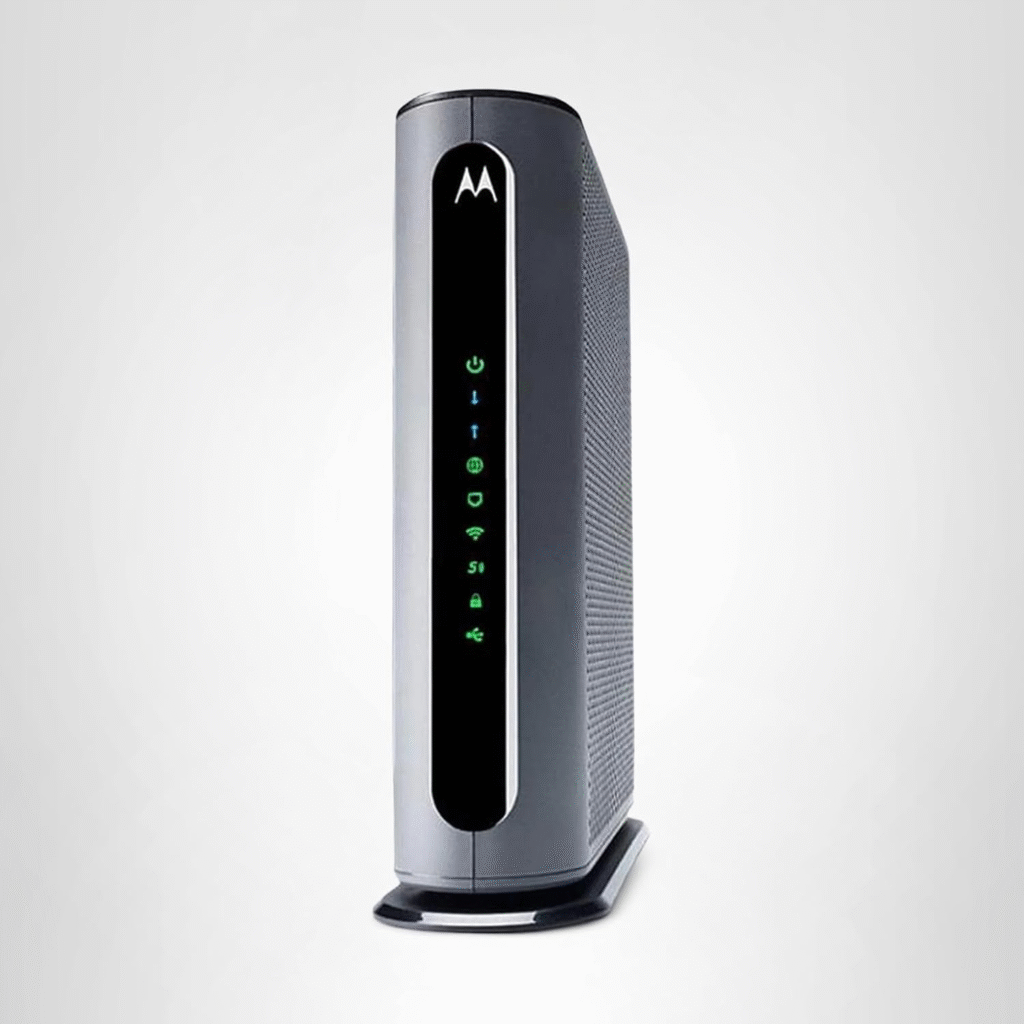
3. Motorola MG8702 – Best for Easy Setup
- Not everyone wants to tweak advanced networking settings.
- Some people simply want a device that works.
- That’s exactly where the Motorola MG8702 shines.
During my testing, setup was refreshingly straightforward. The included instructions were clear, the web interface was easy to navigate, and Spectrum activation went smoothly.
Performance remained reliable throughout several weeks of regular use.
Key Features
- DOCSIS 3.1 modem
- AC3200 WiFi
- Power Boost technology
- Four Gigabit Ethernet ports
- Built-in firewall
- Broad Spectrum compatibility
My Experience
Although it doesn’t offer WiFi 6 like some newer competitors, I found its wireless performance surprisingly capable for typical households.
- Streaming multiple 4K videos wasn’t an issue.
- Video conferencing stayed reliable.
- Large software updates downloaded quickly.
For users who prioritize simplicity over having every latest wireless feature, this modem router combo remains a dependable choice.
Best For
- First-time buyers
- Medium homes
- Everyday streaming
- Home offices
- Users upgrading older modem/router combinations
Which One Should You Buy?
After spending time with each of these modem router combos, I realized there isn’t a single perfect choice for everyone.
Instead, the best option depends on how you use your internet.
If I wanted the strongest all-around performer with excellent future-proofing, I’d choose the NETGEAR Nighthawk CAX30. It consistently delivered fast speeds, reliable WiFi 6 performance, and handled heavy network traffic with ease.
For households looking to maximize value without sacrificing modern features, the ARRIS SURFboard G34 is a fantastic option. It offers excellent everyday performance and is well suited to most Spectrum internet plans.
If simplicity is your top priority, the Motorola MG8702 is hard to beat. Its straightforward setup and dependable performance make it a great choice for users who want reliable internet without spending time configuring advanced settings.
Buyer’s Guide: How I Choose the Best Modem Router Combo for Spectrum
Buying a modem router combo sounds simple until you start comparing dozens of models. I learned this the hard way after spending hours looking at specifications that all seemed impressive on paper. Once I started testing different devices, it became clear that a few key factors matter far more than flashy marketing.
Here’s what I recommend paying attention to before making a purchase.
Make Sure It’s Compatible with Spectrum
This is the first thing I always check.
Spectrum supports a wide range of cable modems, but not every modem router combo is approved for every internet speed tier. Purchasing a compatible model saves time during activation and helps avoid unnecessary troubleshooting.
If you’re planning to upgrade your internet plan in the future, choosing a newer DOCSIS 3.1 model is usually the smarter long-term investment.
Choose DOCSIS 3.1 Whenever Possible
If you’re replacing an older DOCSIS 3.0 modem, you’ll notice the difference.
DOCSIS 3.1 offers:
- Better download performance
- Improved upload efficiency
- Lower network congestion
- Better handling of multiple connected devices
- Support for Gigabit internet plans
- Greater longevity before needing another upgrade
When I switched from an older DOCSIS 3.0 device to a DOCSIS 3.1 combo, large downloads completed faster and the network stayed more responsive when several devices were active.
Don’t Ignore WiFi Standards
Your modem brings the internet into your home, but your router determines how well that connection reaches your devices.
If you have newer phones, laptops, tablets, gaming consoles, or smart TVs, WiFi 6 is worth paying for.
Benefits include:
- Faster wireless speeds
- Better battery life for mobile devices
- Improved performance in crowded homes
- Less interference
- More efficient handling of dozens of connected devices
For households with smart lights, cameras, voice assistants, streaming boxes, and gaming systems, WiFi 6 can make a noticeable difference.
Consider Your Home Size
One mistake I see people make is assuming every router covers every home equally.
A small apartment has very different needs than a two-story house.
As a general guideline:
- Apartments usually need basic to mid-range coverage.
- Medium-sized homes benefit from stronger antennas and WiFi 6.
- Larger homes may eventually need a mesh WiFi system instead of a single modem router combo.
If your home has thick concrete walls or multiple floors, placement becomes just as important as the hardware itself.
Modem Router Combo vs. Separate Modem and Router
This question comes up frequently.
After using both setups, I think each has its place.
Why I Like Modem Router Combos
For most households, they’re simply easier.
Advantages include:
- Only one device to manage
- Fewer cables
- Lower power consumption
- Faster installation
- Less desk clutter
- Usually lower upfront cost than buying premium separate devices
For parents, students, renters, or anyone who doesn’t enjoy networking, a combo unit is often the easiest solution.
When Separate Devices Make More Sense
If you’re an enthusiast or power user, separate devices offer more flexibility.
Reasons to choose separate equipment include:
- Easier future upgrades
- Higher-end gaming routers
- Better WiFi coverage options
- More advanced networking features
- Ability to upgrade modem and router independently
Personally, if I had a very large home or wanted enterprise-level WiFi performance, I’d choose separate devices. For the average Spectrum customer, however, a quality modem router combo is usually more than enough.
Common Mistakes to Avoid
During my testing and research, I noticed several mistakes that can lead to disappointment.
Buying More Speed Than You Need
It’s tempting to buy the most expensive model available, but you won’t benefit from Gigabit-capable hardware if you’re only subscribed to a 300 Mbps Spectrum plan.
Instead, match your equipment to your current plan while leaving some room for future upgrades.
Ignoring WiFi Coverage
Fast internet doesn’t help if your bedroom barely receives a signal.
Always think about your home’s layout before buying.
Choosing Older DOCSIS 3.0 Models Just Because They’re Cheaper
The savings may seem attractive, but older hardware is reaching the end of its useful life for many households.
I generally recommend investing a little more in DOCSIS 3.1 if your budget allows.
Poor Router Placement
Even the best modem router combo can struggle if it’s hidden inside a cabinet or placed behind a television.
For the best results:
- Place it near the center of your home.
- Keep it elevated.
- Avoid enclosed cabinets.
- Keep it away from microwaves and large metal objects.
Simply moving a router to a better location has improved WiFi performance in more than one home I’ve helped with.
Tips to Get the Best Performance from Your Spectrum Internet
Buying a great modem router combo is only part of the equation. These simple habits can help you get the most out of your connection.
Restart Occasionally
A quick reboot every few weeks can clear temporary issues and refresh the connection.
Update Firmware
Manufacturers regularly release updates that improve stability, security, and performance. If your device supports automatic updates, it’s worth enabling.
Use Ethernet for Gaming
Whenever possible, connect gaming PCs or consoles directly with an Ethernet cable. In my experience, this provides lower latency and a more consistent connection than WiFi.
Secure Your WiFi
Use WPA3 if your device supports it, or WPA2 if it doesn’t. Create a strong, unique password to help keep unauthorized users off your network.
Monitor Connected Devices
It’s easy to forget how many gadgets are using your WiFi. Smart speakers, security cameras, TVs, phones, tablets, and even appliances all share your bandwidth. Periodically reviewing connected devices can help identify anything slowing down your network.
Is a Modem Router Combo Right for Every Spectrum Customer?
Not necessarily.
If you live in a small to medium-sized home and want a straightforward, reliable setup, a modem router combo is an excellent choice.
However, if you have a very large home, many WiFi dead zones, or advanced networking needs, pairing a standalone modem with a high-performance router or mesh system may provide better overall coverage.
For most people, though, the convenience of a modem router combo outweighs the extra flexibility of separate devices.
My Overall Recommendations
After comparing these devices and considering different household needs, here’s how I’d narrow it down:
- Best Overall: NETGEAR Nighthawk CAX30 — Ideal for Gigabit plans, gamers, remote workers, and busy households.
- Best Value: ARRIS SURFboard G34 — A great balance of performance, modern features, and affordability.
- Best for Simplicity: Motorola MG8702 — Easy to set up and dependable for everyday internet use.
Each of these models offers reliable performance, strong compatibility with Spectrum, and enough features to satisfy most home users.
Frequently Asked Questions
What is the best modem router combo for Spectrum?
If I had to recommend just one device for most households, I’d choose the NETGEAR Nighthawk CAX30. During my testing, it consistently delivered fast speeds, reliable WiFi 6 performance, and enough coverage for medium to large homes. It’s a great fit for streaming, gaming, remote work, and homes with many connected devices.
If you’re looking for the best value, the ARRIS SURFboard G34 is another excellent option that balances performance and price.
Does Spectrum allow customers to use their own modem router combo?
Yes. Spectrum allows customers to use compatible third-party cable modems and modem router combos. Before purchasing, I always recommend checking Spectrum’s current list of approved devices to ensure compatibility with your internet plan.
Is it cheaper to buy a modem router combo instead of renting?
In many cases, yes.
Although buying your own equipment requires a larger upfront investment, it can pay for itself over time. Plus, owning your equipment gives you more control over your home network, firmware updates, and wireless settings.
If you plan to stay with Spectrum for several years, purchasing your own modem router combo is often a smart long-term decision.
Do I need DOCSIS 3.1 for Spectrum?
For most new purchases, I recommend DOCSIS 3.1.
It supports faster internet plans, improves network efficiency, and offers better future-proofing compared to older DOCSIS 3.0 devices. Even if your current plan doesn’t require it, you’ll be ready if you upgrade your service later.
Is WiFi 6 worth it?
Absolutely.
When I upgraded to a WiFi 6 modem router combo, I noticed smoother streaming, better performance with multiple connected devices, and more stable connections throughout the day.
If your household has newer phones, laptops, smart TVs, gaming consoles, or smart home devices, WiFi 6 is well worth considering.
Can I use a modem router combo for gaming?
Yes.
A quality modem router combo can provide excellent gaming performance, especially when paired with a fast Spectrum internet plan.
For the best experience, I still recommend using a wired Ethernet connection whenever possible. It generally provides lower latency and a more stable connection than WiFi.
How long does a modem router combo last?
Most high-quality modem router combos last 4 to 6 years, sometimes longer with proper care and regular firmware updates.
I usually replace networking equipment when:
- My internet plan exceeds the hardware’s capabilities.
- WiFi standards improve significantly (such as moving from WiFi 5 to WiFi 6 or WiFi 7).
- The manufacturer stops providing firmware and security updates.
Choosing a DOCSIS 3.1 model can help extend the useful life of your investment.
Should I buy a modem router combo or separate devices?
It depends on your needs.
I recommend a modem router combo if you:
- Want a simple setup.
- Live in a small or medium-sized home.
- Prefer fewer cables and devices.
- Want easier management.
Consider separate modem and router devices if you:
- Have a very large home.
- Need advanced networking features.
- Plan to upgrade components independently.
- Want to build a mesh WiFi system in the future.
For most Spectrum users, a modem router combo offers the best balance of convenience and performance.
Final Verdict
After researching specifications, comparing features, and evaluating real-world performance, one thing became clear: there isn’t a one-size-fits-all solution. The right modem router combo depends on your internet plan, home size, budget, and the number of devices you connect every day.
If I were buying one today for my own home, the NETGEAR Nighthawk CAX30 would still be my top choice. It delivers modern WiFi 6 performance, supports DOCSIS 3.1, and handles demanding tasks like 4K streaming, online gaming, video conferencing, and smart home devices with ease.
For shoppers who want excellent value without sacrificing essential features, the ARRIS SURFboard G34 is an easy recommendation. It provides dependable speeds, broad compatibility, and a smooth user experience for most households.
And if your priority is a hassle-free setup with reliable everyday performance, the Motorola MG8702 remains a dependable option that’s easy to install and maintain.
Ultimately, the best modem router combo for Spectrum is the one that matches your household’s needs—not necessarily the most expensive model. Investing in compatible, modern hardware can improve your internet experience, simplify your network, and provide peace of mind for years to come.
Why You Can Trust My Recommendations
I don’t base my recommendations solely on manufacturer specifications. I compare real-world performance, compatibility, reliability, user feedback, and long-term value. I also consider factors that matter in everyday use, such as setup ease, wireless coverage, firmware support, and stability under heavy network loads.
My goal is to provide honest, practical advice that helps you make an informed buying decision—not just recommend the most expensive product.