
I bought my first “college laptop” the week before orientation, and I still cringe thinking about it. I picked based on price alone, ended up with a machine that couldn’t survive a full day of lectures without hunting for an outlet, and spent half my freshman year lugging a charger everywhere like it was a security blanket. Since then, I’ve helped more friends, siblings, and coworkers pick out school laptops than I can count — and I’ve learned exactly what actually matters versus what’s just marketing noise.
Quick answer: a genuinely good college laptop needs at least 16GB of RAM, a processor in the Intel Core i5 or AMD Ryzen 5 range (or Apple’s equivalent chips), and battery life that survives back-to-back classes without a charger in sight. Beyond that, sticking to a compact 13- to 14-inch build makes a real difference once you’re actually hauling it between lecture halls, the library, and wherever you end up studying at 11 p.m.
Amazon Affiliate Disclosure: I’m part of the Amazon Associates Program, so I may earn a small commission from qualifying purchases made through links in this article, at no extra cost to you. Every recommendation here reflects genuine research and real-world use, not sponsorship.
Who Needs What: Figuring Out Your Actual Use Case
Before picking a laptop, it’s worth being honest about how you’ll actually use it. A design student editing video needs something completely different from someone majoring in literature who mostly needs Google Docs and Spotify open at once. Here’s how I’d break it down.
Best Overall: Apple MacBook Air (M-Series)
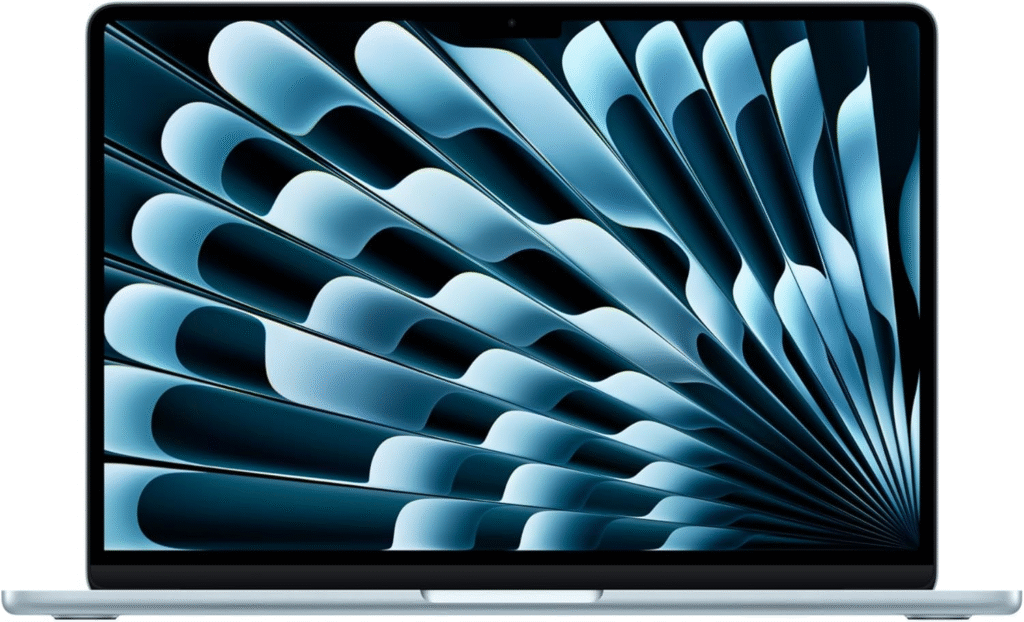
If you want one laptop that just works, day after day, without drama, this is where I’d point almost anyone. The fanless design means it runs silently even under pressure, and the battery routinely lasts well past a full day of classes — I’ve gone 15+ hours on a single charge without babying it.
Who this is for: students handling general coursework, essay writing, light coding, and everyday streaming or media use. It’s not built for heavy-duty video editing or gaming, but for the vast majority of majors, it’s more than capable.
Why I like it: macOS integration feels seamless if you’re already in the Apple ecosystem, the keyboard and trackpad are genuinely pleasant for hours of typing, and the lightweight chassis makes it easy to carry all day without your bag feeling like a workout.
Best Windows Option: HP ProBook 440 Series
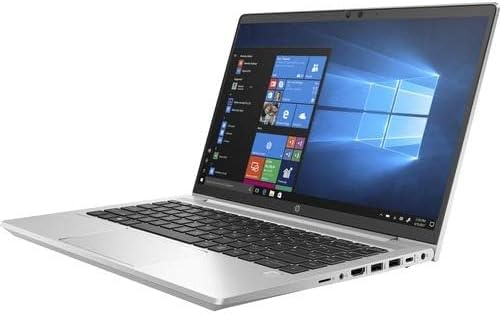
For students who need or prefer Windows, this is the laptop I’d recommend without much hesitation. It’s built with a business-grade mindset, which in practice means a sturdier aluminum chassis and a keyboard that holds up to years of note-taking.
Who this is for: anyone juggling research papers, dozens of open browser tabs, and PDF-heavy coursework. The 13th-gen Intel Core i5 processor handles multitasking comfortably without stuttering.
Why I like it: it doesn’t try to be flashy — it just performs reliably, which is exactly what you want from a machine you’re relying on for four years of assignments and deadlines.
Best 2-in-1: HP Pavilion x360 14
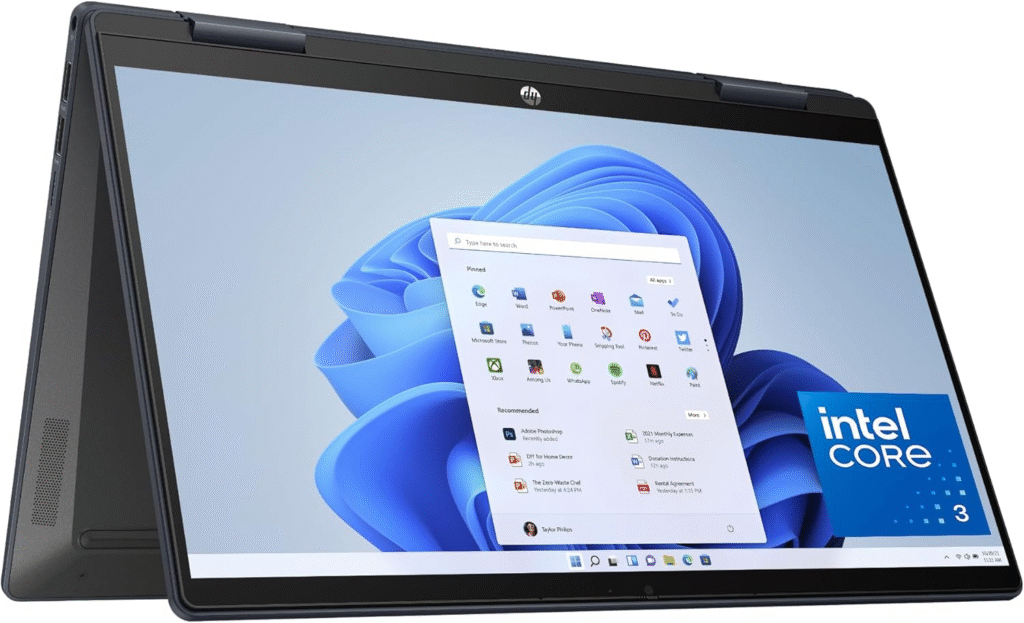
If you’re someone who takes handwritten notes during lectures but types up essays at night, a convertible laptop solves a real problem instead of forcing you to choose one workflow.
Who this is for: students who like flexibility — flip it into tablet mode for note-taking with a stylus, then fold it back into laptop mode for typing.
Why I like it: the touchscreen is responsive, the 360-degree hinge feels sturdy rather than gimmicky, and the 14-inch footprint stays light enough for daily carrying without feeling bulky in a backpack.
Budget-Friendly Picks That Won’t Let You Down
Not everyone has the budget for a premium laptop, and that’s completely fine — you don’t need to overspend to get through classes reliably.
Refurbished business laptops are genuinely underrated here. Models like the Lenovo ThinkPad T480 or Dell Latitude 5490 were built for corporate durability, which means they can survive years of dorm-room abuse far better than flashier consumer laptops at the same price. I’ve recommended these to several students on tight budgets, and the biggest complaint I ever hear is “I wish the screen was a bit sharper” — which is a pretty small trade-off for the reliability you get.
New budget models like the Lenovo IdeaPad Slim 3 or Acer Aspire 3 are solid picks if you’d rather buy new. They won’t win any design awards, and you’ll notice a difference in build quality compared to premium options, but for word processing, note-taking, and online classes, they get the job done without any major compromises.
What to Actually Check Before Buying
Skip the marketing copy and focus on these details instead:
- RAM: 16GB should be your baseline. Anything less, and you’ll notice slowdown the moment you have multiple tabs, a video call, and a document open simultaneously.
- Processor: Look for an Intel Core i5, AMD Ryzen 5, or Apple’s own chip lineup. These handle typical coursework without breaking a sweat.
- Battery life: Aim for at least 8-10 hours of real-world use. Manufacturer claims are often optimistic, so check independent reviews for tested numbers rather than trusting the box.
- Portability: A 13- to 14-inch screen size hits the sweet spot between usability and actually being comfortable to carry across campus daily.
- Warranty and condition: If buying refurbished or from a local retailer, always confirm the warranty terms and inspect the unit’s condition before finalizing your purchase — this matters just as much as the specs themselves.
Frequently Asked Questions
How much RAM do I actually need for college? Sixteen gigabytes is the realistic minimum in 2026. It’s enough to comfortably run research browsers, note-taking apps, and office software together without lag. If your major involves heavier software like video editing or CAD tools, consider bumping up to 32GB for extra headroom.
Is a MacBook or Windows laptop better for college students? It depends on your major and personal workflow. MacBooks tend to offer excellent battery life and a smoother overall experience if you’re already comfortable with Apple’s ecosystem. Windows laptops offer more flexibility with pricing, ports, and specialized software that some programs — especially engineering or business courses — may specifically require.
Are refurbished laptops a good option for students? Absolutely, as long as you buy from a reputable seller with a real warranty. Refurbished business laptops are often built tougher than budget consumer models at the same price point, making them a smart way to stretch a tight college budget without sacrificing reliability.
Do I need a 2-in-1 laptop for taking notes? Not necessarily, but it helps if you genuinely prefer handwriting notes during lectures. A convertible laptop with a responsive touchscreen and stylus support lets you switch between note-taking and typing without needing a separate tablet, which can simplify your bag and your budget.