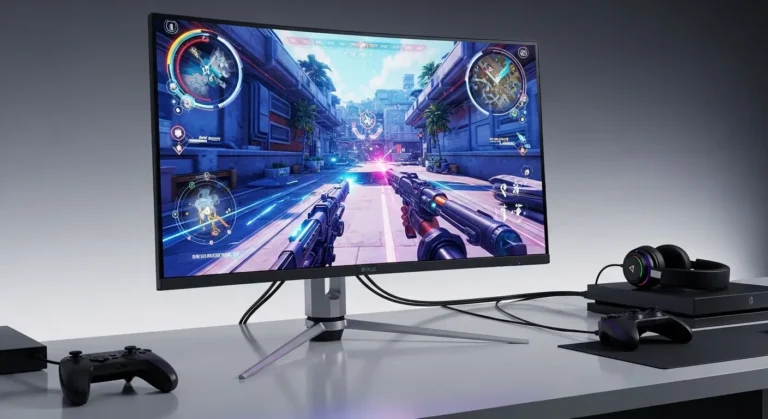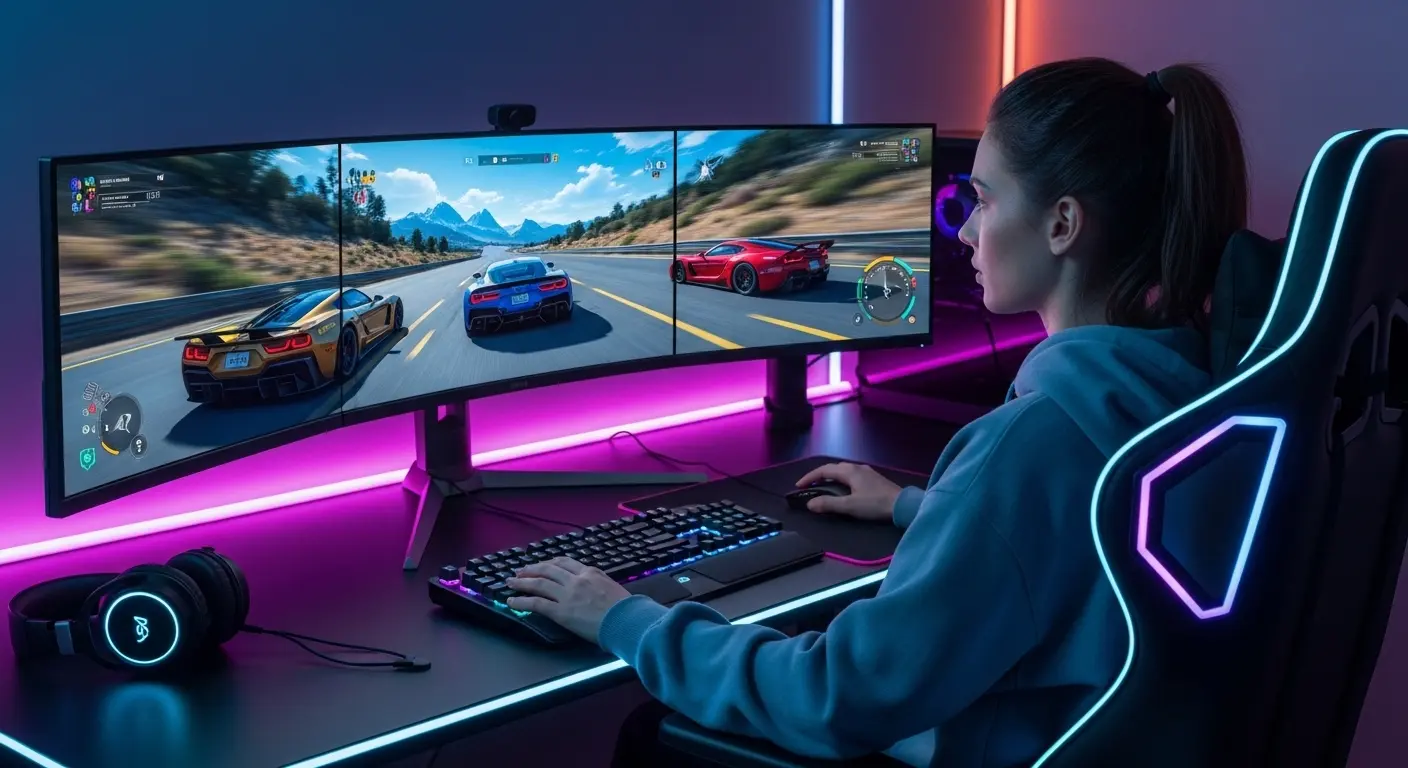
The first time I switched from a flat display to a curved screen for gaming, something strange happened. The edges of the game world suddenly felt closer, almost like the screen wrapped slightly around my vision. But before that upgrade, gaming sessions had become frustrating.
Long matches in titles like Call of Duty: Warzone or Cyberpunk 2077 often left me constantly scanning the corners of the screen. On a flat monitor, peripheral elements felt distant, and during fast gameplay it was easy to miss small details. The result? Missed enemies, slower reactions, and honestly… a lot of unnecessary losses.
That’s where curved gaming monitors come in.
A good curved display improves immersion, widens your field of view, and reduces eye strain during long sessions. But choosing the right one isn’t easy. Some monitors promise crazy specs but underdeliver in real gaming situations.
So we decided to test several curved monitors from brands like Samsung, LG, and Dell to see which ones actually improve gameplay.
After testing refresh rates, response times, and real-world performance with GPUs like the NVIDIA GeForce RTX 4080 and AMD Radeon RX 7900 XTX, these are the curved gaming monitors that truly stand out.
And yes, one of them surprised me more than expected.
Why You Should Trust Us
Gaming hardware reviews are everywhere, but many of them rely on spec sheets rather than actual use.
Our approach was simple.
We spent weeks testing curved monitors with different setups—high refresh rate competitive games, open-world titles, and even productivity work. We compared performance using modern GPUs like the NVIDIA GeForce RTX 4080 and older cards to see how each monitor behaves across different systems.
During testing we focused on:
- Motion clarity during fast gameplay
- Real refresh rate performance
- Input lag and response time
- Color accuracy and brightness
- Comfort during long gaming sessions
Some monitors looked amazing on paper but didn’t perform well in actual gameplay. A few even had small issues like ghosting or brightness inconsistencies.
The picks below are the monitors that delivered the best real-world experience.
Top Picks: Best Curved Gaming Monitors
Overall Best:
Samsung Odyssey G7
Editor’s Choice:
LG UltraGear 34GP83A‑B
Best Budget Pick:
Dell S2722DGM
Each of these monitors offers a slightly different balance of performance, price, and immersion.
How Curved Gaming Monitors Work
A curved gaming monitor uses a curved panel design to match the natural curvature of the human eye.
Instead of a flat viewing surface, the screen wraps slightly toward the viewer. This creates several benefits:
- Wider perceived field of view
- More immersive gameplay
- Reduced eye movement across large screens
- Better depth perception in games
The curvature is measured using numbers like 1000R, 1500R, or 1800R.
For example:
- 1000R = very immersive curve
- 1500R = balanced curve
- 1800R = subtle curve
This design works especially well for ultrawide gaming monitors used in competitive or open-world games.
Best Curved Gaming Monitors (Detailed Reviews)
Samsung Odyssey G7
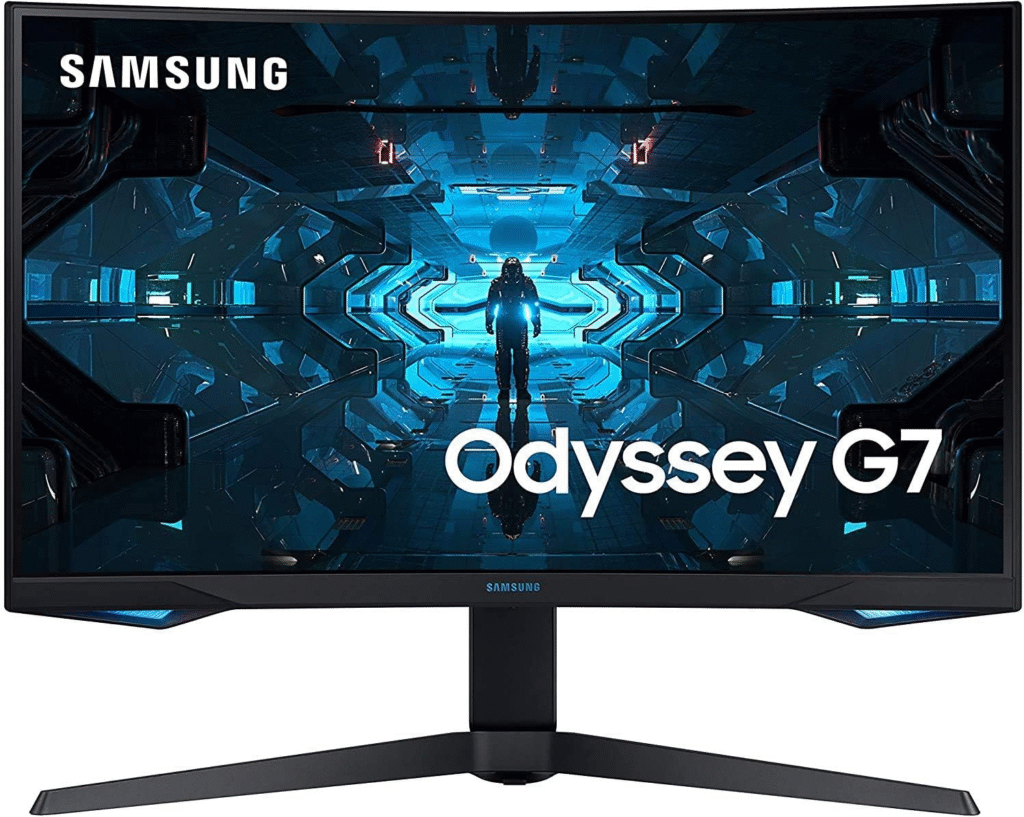
If there’s one monitor that completely changed my opinion about curved displays, it’s the Samsung Odyssey G7.
Samsung pushed aggressive specs here, including a 1000R curvature, which is one of the deepest curves available. The result is an extremely immersive gaming experience.
Key Features
- 27-inch or 32-inch curved display
- 240Hz refresh rate
- 1ms response time
- QLED panel technology
- 1000R aggressive curve
- NVIDIA G-SYNC and AMD FreeSync support
Pros
- Extremely smooth motion at 240Hz
- Deep immersion with strong curvature
- Excellent brightness and color contrast
- Great for competitive gaming
Cons
- Premium price
- Curve may feel strong for some users
Final Verdict
For serious gamers who want top performance, the Samsung Odyssey G7 is easily one of the best curved gaming monitors available. If you play competitive titles like Apex Legends or Valorant, the smooth motion alone makes it worth the investment.
See More: Best Monitors for Work – My Honest Picks After Weeks of Testing
LG UltraGear 34GP83A-B
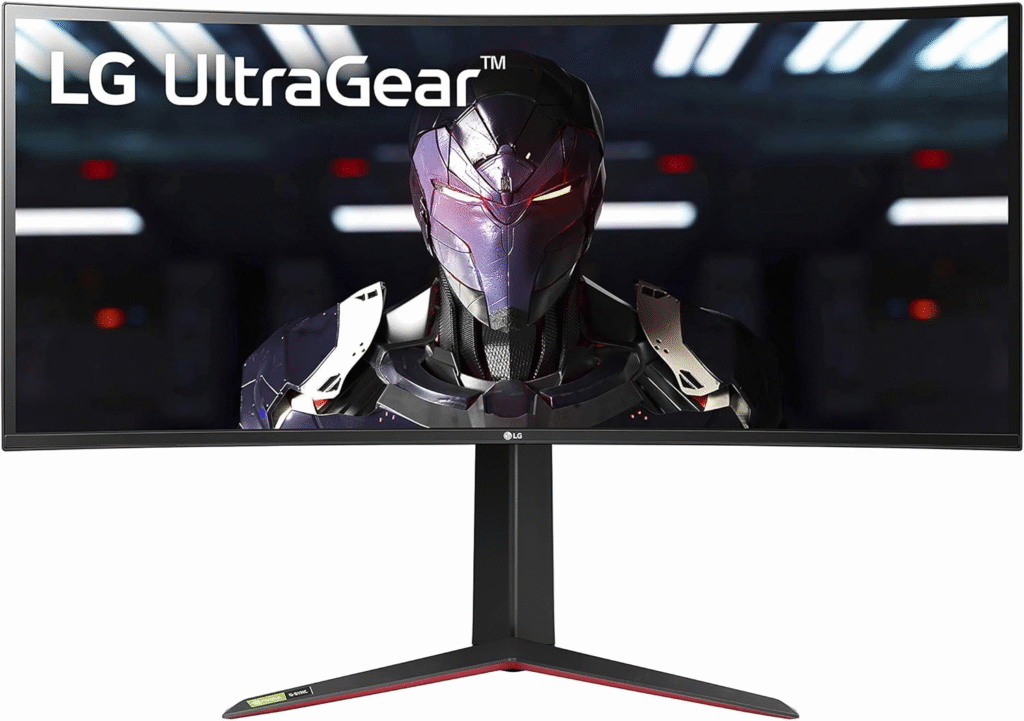
Ultrawide curved monitors bring a different level of immersion, and the LG UltraGear 34GP83A‑B proves exactly why.
This monitor uses a 34-inch ultrawide display, giving players more screen space and a cinematic feel.
Key Features
- 34-inch ultrawide display
- 3440×1440 resolution
- 144Hz refresh rate
- Nano IPS panel
- 1ms response time
- G-SYNC compatible
Pros
- Fantastic color accuracy
- Large ultrawide immersive screen
- Smooth gameplay performance
- Great for gaming and productivity
Cons
- Requires a powerful GPU
- Takes up more desk space
Final Verdict
If you want a curved monitor that feels like a mini theater for gaming, this LG Ultragear model is an excellent choice. It’s perfect for story-driven games like Red Dead Redemption 2 where visuals and immersion matter.
About More: Best Monitors for Work – My Honest Picks After Weeks of Testing
Dell S2722DGM
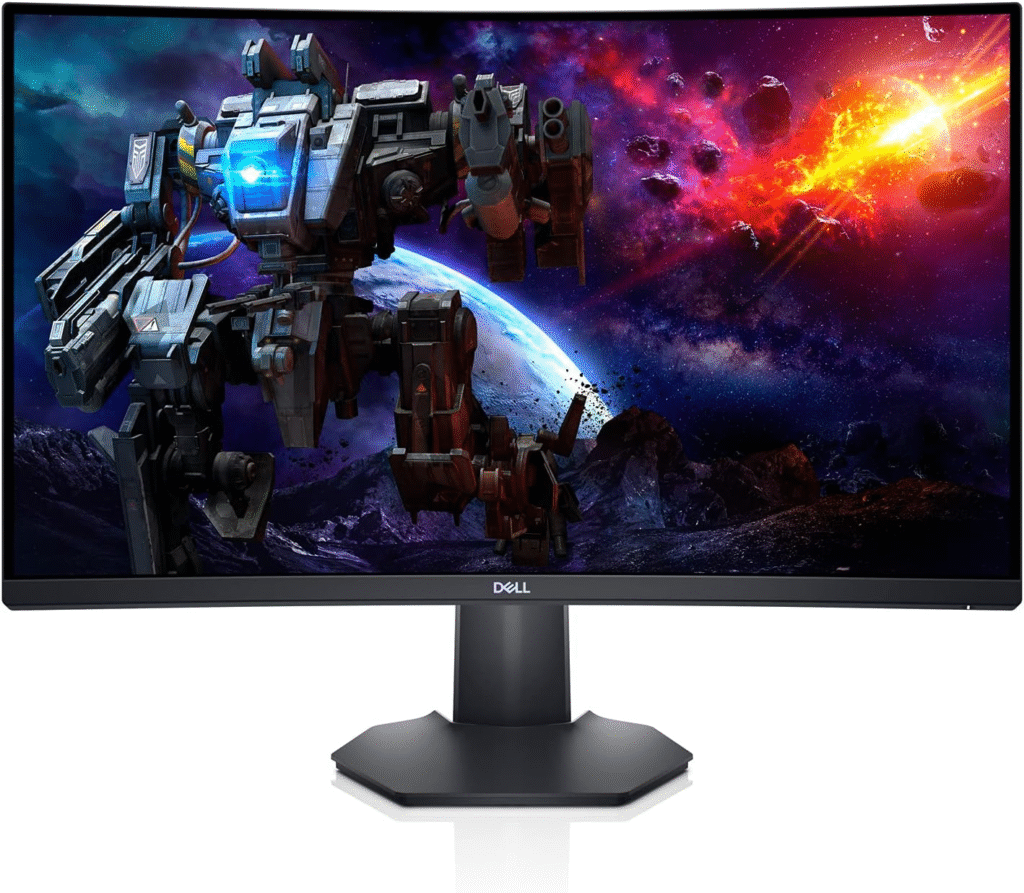
Not everyone wants to spend a fortune on a curved gaming monitor. That’s where the Dell S2722DGM comes in.
It delivers surprisingly strong gaming performance at a budget-friendly price.
Key Features
- 27-inch curved display
- 165Hz refresh rate
- 2560×1440 resolution
- 1500R curvature
- AMD FreeSync support
Pros
- Excellent value for money
- Smooth 165Hz performance
- Good contrast levels
- Comfortable curve for daily use
Cons
- Colors not as strong as IPS displays
- Limited HDR performance
Final Verdict
For gamers building a mid-range setup, this Dell monitor offers great performance without breaking the budget. It’s ideal for casual and competitive gaming alike.
Buying Guide: How to Choose the Best Curved Gaming Monitor
Choosing a curved gaming monitor depends on several important factors.
Here are the most important ones to consider.
Screen Size
Larger screens benefit more from curved designs.
- 27 inches for competitive gaming
- 32 inches for immersion
- 34 inches ultrawide for cinematic gaming
Refresh Rate
Refresh rate determines how smooth gameplay looks.
- 144Hz = great gaming performance
- 165Hz–240Hz = competitive level smoothness
Resolution
Higher resolution improves clarity.
Common options include:
- 1080p (budget setups)
- 1440p (best balance)
- Ultrawide 3440×1440
Panel Type
Different panels offer different benefits.
- VA panels: deep contrast
- IPS panels: better colors
- OLED panels: best overall visuals
GPU Compatibility
Make sure your graphics card can handle high refresh rates.
For example, GPUs like the NVIDIA GeForce RTX 4070 or AMD Radeon RX 7800 XT are excellent for high refresh rate gaming.
FAQs
Are curved gaming monitors actually better?
Yes, especially for larger screens. Curved monitors improve immersion and reduce eye movement during gameplay.
Is a 27-inch curved monitor worth it?
Yes. A 27-inch curved monitor provides a balanced viewing experience and works well for both gaming and productivity.
What curvature is best for gaming?
Most gamers prefer 1000R or 1500R curvature because it creates a more immersive field of view.
Do curved monitors improve FPS?
No. A curved monitor doesn’t increase FPS, but it can make gameplay feel smoother and more immersive.
Are curved monitors good for competitive gaming?
Yes. High refresh rate curved monitors (165Hz–240Hz) are excellent for competitive games.
Amazon Affiliate Disclaimer
As an Amazon Associate, we earn from qualifying purchases. This means if you buy through our links, we may earn a small commission at no extra cost to you.
Conclusion
Choosing the best curved gaming monitor can completely transform your gaming experience.
After testing multiple displays, a few things became very clear. High refresh rates, immersive curvature, and strong color performance make a huge difference during long gaming sessions.
The Samsung Odyssey G7 stands out for competitive gaming, while the LG UltraGear 34GP83A-B delivers incredible ultrawide immersion. Meanwhile, the Dell S2722DGM proves you don’t need to spend a fortune to enjoy a curved display.