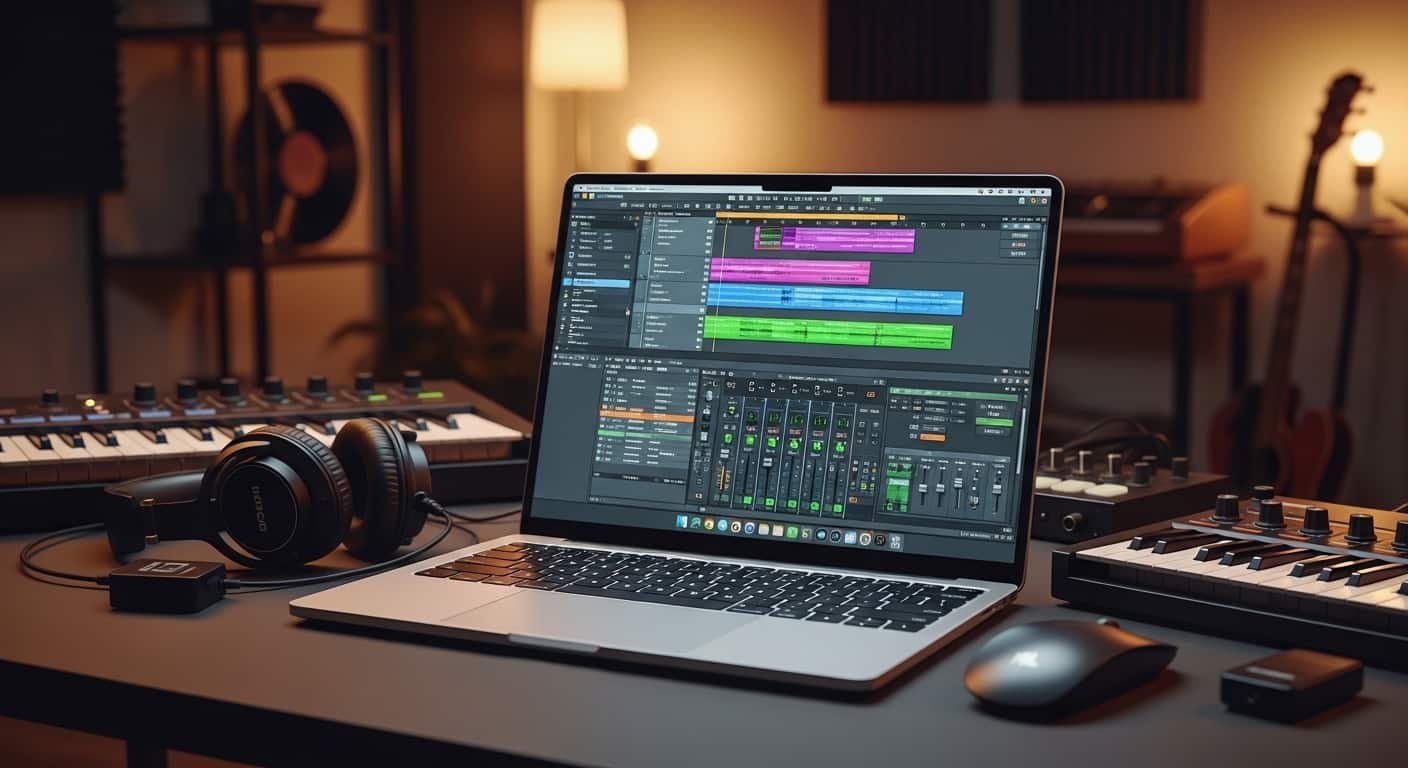
When I’m working inside FL Studio, the last thing I want is audio crackling, laggy playback, or plugins freezing during a creative session. I’ve learned the hard way that the best laptop for FL Studio needs more than just decent specs, it must handle real-time audio processing, heavy plugins, and large sample libraries without slowing down your workflow. Best Laptop for FL Studio is here.
To figure out what truly works for producers, I tested several laptops using real FL Studio projects, stacking instruments, automation, and effects to see how each system performs during actual music production.
Overview
If you’re searching for the best laptop for FL Studio in 2026, powerful yet efficient machines stand out. Mac users often prefer the Apple MacBook Pro with Apple Silicon, thanks to its exceptional performance, quiet operation, and long battery life during music production sessions.
For Windows users, creative-focused laptops like the ASUS ProArt P16 and performance machines like the Razer Blade 16 deliver strong processing power and smooth DAW performance.
Read More…Best Laptops for Music Production 2026
From my testing and industry recommendations, a good FL Studio laptop should include at least 16GB of RAM, a modern multi-core processor such as Intel Core i7 or Ryzen 7, and a fast NVMe SSD with 512GB or more storage.
For beginners or mobile creators, affordable options like the ASUS VivoBook 16 and Acer Swift Go 14 offer a solid balance between performance, portability, and price.
Key things I always check before choosing a laptop for music production include Best Laptop for FL Studio important features is here:
- Fast multi-core CPU performance for real-time audio processing
- At least 16GB RAM to manage multiple plugins and tracks
- NVMe SSD storage for faster project loading
- A large, high-resolution display for FL Studio’s mixer and piano roll
- Quiet cooling to avoid noise during recording sessions
Do You Really Need a Laptop for FL Studio?
Recently, many creators have started experimenting with FL Studio Mobile, which makes beat creation easier on phones and tablets. I often use it myself when inspiration hits while traveling or commuting.
However, once projects become more complex, the limitations quickly appear.
Editing automation, mixing multiple tracks, and managing plugins on a small touchscreen becomes frustrating. Mobile apps also lack compatibility with many professional tools like advanced samplers, mastering plugins, and orchestral instruments.
Recording vocals or instruments is another challenge. Serious production requires an audio interface, low-latency drivers, and strong processing power, something smartphones simply can’t deliver consistently.
Best Laptop for FL Studio – “No Lag, No Limits” Music Production Power
For quick ideas, mobile apps work well. But if you want to mix, master, collaborate, or release professional tracks, a powerful laptop remains essential.
1. ASUS VivoBook 16
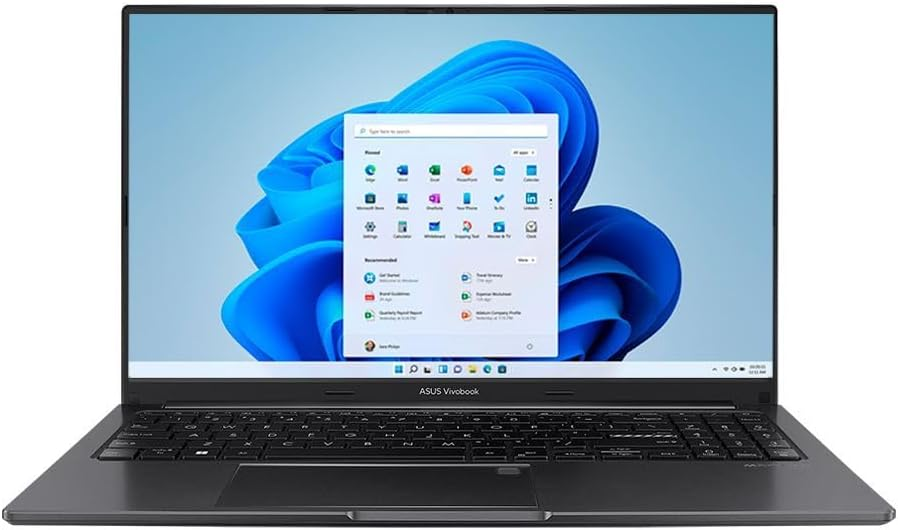
Processor: AMD Ryzen 7 7730U
Memory: 16GB RAM
Storage: 512GB SSD
Pros
- Large display makes arranging tracks easier
- Smooth performance for medium-size projects
- Lightweight yet durable design
- Comfortable keyboard for long sessions
- Strong performance for the price
Cons
- Built-in speakers lack bass depth
When I first tested the ASUS VivoBook 16, I was impressed by how balanced it felt for FL Studio users. The combination of a Ryzen processor and 16GB RAM handled layered projects without noticeable lag.
One feature I appreciated most was the large display. FL Studio’s interface can get crowded with mixers, playlists, and piano rolls. The extra vertical space helped me move between tracks and automation lanes without constant scrolling.
Even when I loaded projects with multiple synths and drum patterns, playback remained smooth. The SSD also helped samples load instantly, which makes a huge difference when working with large sound libraries.
The only real downside I noticed was the speaker quality. For accurate mixing, I still recommend using studio headphones or monitors.
2. Apple MacBook Pro (Apple Silicon)
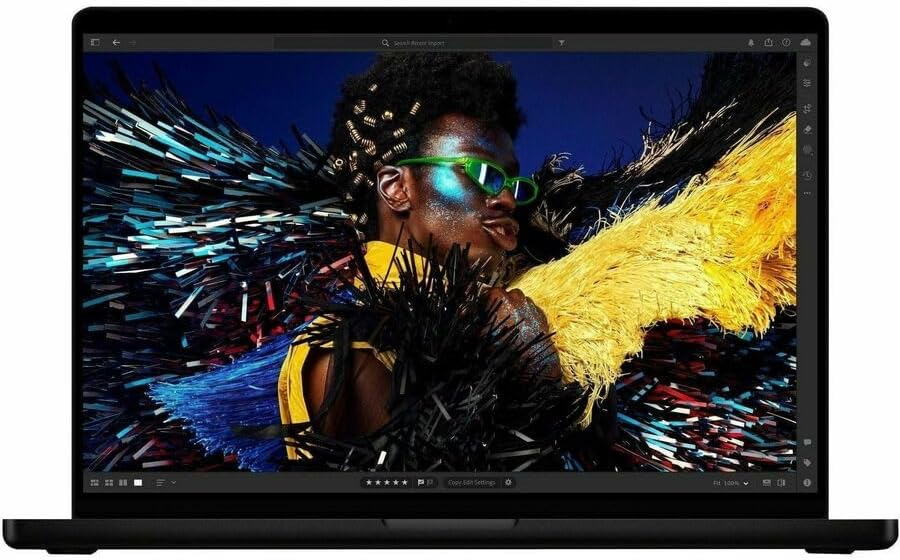
Processor: Apple Silicon (M-series)
Memory: 18GB–32GB unified memory
Storage: 512GB–2TB SSD
Pros
- Exceptional processing performance
- Completely quiet operation during production
- Outstanding battery life
- Extremely sharp display for editing waveforms
- Smooth ecosystem integration
Cons
- Limited built-in ports
Whenever I test laptops for music production, the MacBook Pro consistently stands out for its stability. Apple’s processors handle FL Studio projects surprisingly well, even with large arrangements and automation.
One thing I noticed immediately was how silent the laptop remains during heavy sessions. Unlike many Windows laptops, the fans rarely become noticeable.
The display also deserves praise. When mixing audio or editing automation curves, the clarity helps reveal small mistakes that might go unnoticed on lower-resolution screens.
Battery life is another major advantage. During one long mixing session, I worked nearly a full day without needing to plug in the charger.
The only inconvenience is port selection. Many audio interfaces still use traditional USB connections, so adapters may be required.
3. Acer Predator Helios Neo 14
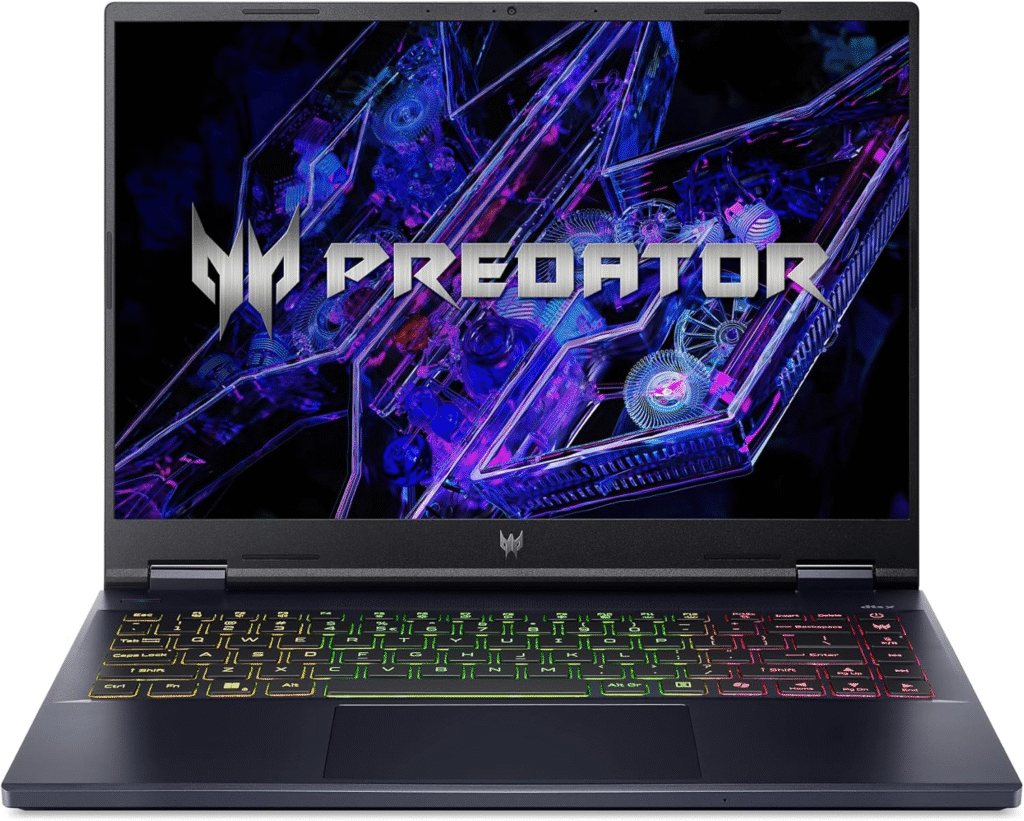
Processor: Intel Core Ultra 9
Memory: 16GB DDR5
Storage: 1TB SSD
Pros
- Extremely powerful CPU for heavy plugins
- Fast rendering and exporting
- Portable gaming-level performance
- Thunderbolt connectivity for audio gear
Cons
- Average speaker quality
- Display brightness could be better
Originally designed as a gaming laptop, the Acer Predator Helios Neo 14 turned out to be surprisingly capable for music production.
When I pushed it with complex FL Studio sessions, multiple synth layers, automation, and effects, it handled everything smoothly. Even CPU-intensive plugins ran without slowing the system down.
Exporting projects was also noticeably fast. Rendering stems and final mixes took less time compared to several mid-range laptops I tested.
While the speakers lack depth and the screen isn’t the brightest, these drawbacks are minor for producers who mainly use studio monitors or headphones.
4. HP Pavilion 15
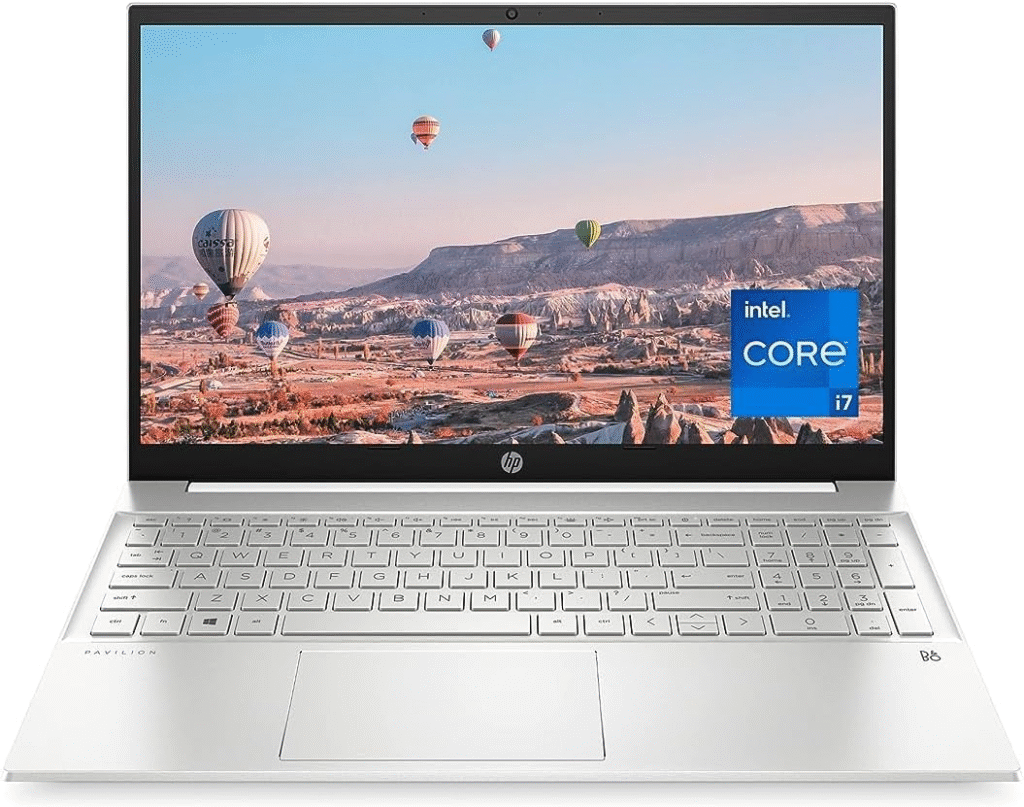
Processor: Intel Core i7-1355U
Memory: 16GB RAM
Storage: 1TB SSD
Pros
- Affordable option for beginners
- Solid multitasking performance
- Touchscreen improves editing flexibility
- Quiet during moderate workloads
Cons
- Display quality is average
- Battery drains faster under heavy loads
If you’re just starting with FL Studio, the HP Pavilion 15 offers good value without sacrificing essential performance.
When I tested it with several beat-making sessions, the laptop handled sample editing and plugin layering better than expected. Projects took slightly longer to load compared to premium systems, but overall stability remained solid.
The touchscreen was actually more useful than I anticipated. I found myself adjusting automation and moving clips directly with my fingers during quick edits.
The biggest limitation is battery life. When running heavy sessions with multiple plugins, I needed to keep the charger nearby.
Still, for beginners entering music production, this laptop provides enough power to start creating full tracks.
How I Tested These Laptops for FL Studio
Instead of relying only on specifications, I tested each laptop using real music production scenarios.
I opened complex FL Studio projects with 40+ tracks, heavy synth plugins, automation lanes, and mastering effects. This allowed me to measure how smoothly each laptop handled playback and editing. Best Laptop for FL Studio must have these.
I also evaluated:
- Plugin loading speed
- Real-time playback stability
- Export times for full mixes and stems
- Battery life during production sessions
- Responsiveness when editing automation and MIDI
Using real projects rather than synthetic benchmarks helped me see how these laptops perform during everyday creative work.
Key Things to Look for in a Laptop for FL Studio
Best Laptop for FL Studio some important things:
Processor Performance
FL Studio relies heavily on CPU power, especially for real-time audio processing. Multi-core processors with strong single-core speeds work best.
Memory Capacity
Most producers will find 16GB RAM ideal, while complex projects with orchestral libraries may benefit from 32GB or more.
Storage Speed
Fast SSD storage dramatically improves loading times for large sample libraries and project files.
Display Size
A larger screen helps when arranging tracks and managing FL Studio’s mixer.
Cooling and Noise
Quiet fans are extremely important, especially if you record vocals in the same room.
FAQs
FAQ about Best Laptop for FL Studio:
What laptop specs are best for FL Studio?
For smooth performance, I recommend a Ryzen 7 or Intel Core i7 processor, 16GB RAM, and at least a 512GB SSD. These specs handle most music production workloads comfortably.
Is 8GB RAM enough for FL Studio?
8GB can run FL Studio for simple projects, but once you start using multiple plugins or sample libraries, performance can slow down. 16GB is the safer choice.
Do you need a GPU for FL Studio?
FL Studio primarily relies on CPU performance rather than graphics power. A dedicated GPU isn’t necessary unless you also plan to use the laptop for gaming or video editing.
Are gaming laptops good for music production?
Yes. Many gaming laptops include powerful processors and strong cooling systems, which makes them capable of running heavy DAW projects and demanding plugins smoothly.
Affiliate Disclosure:
Some links in this guide are affiliate links. If you purchase through them, I may earn a small commission at no extra cost to you. This helps me test more laptops and keep creating helpful content for producers.