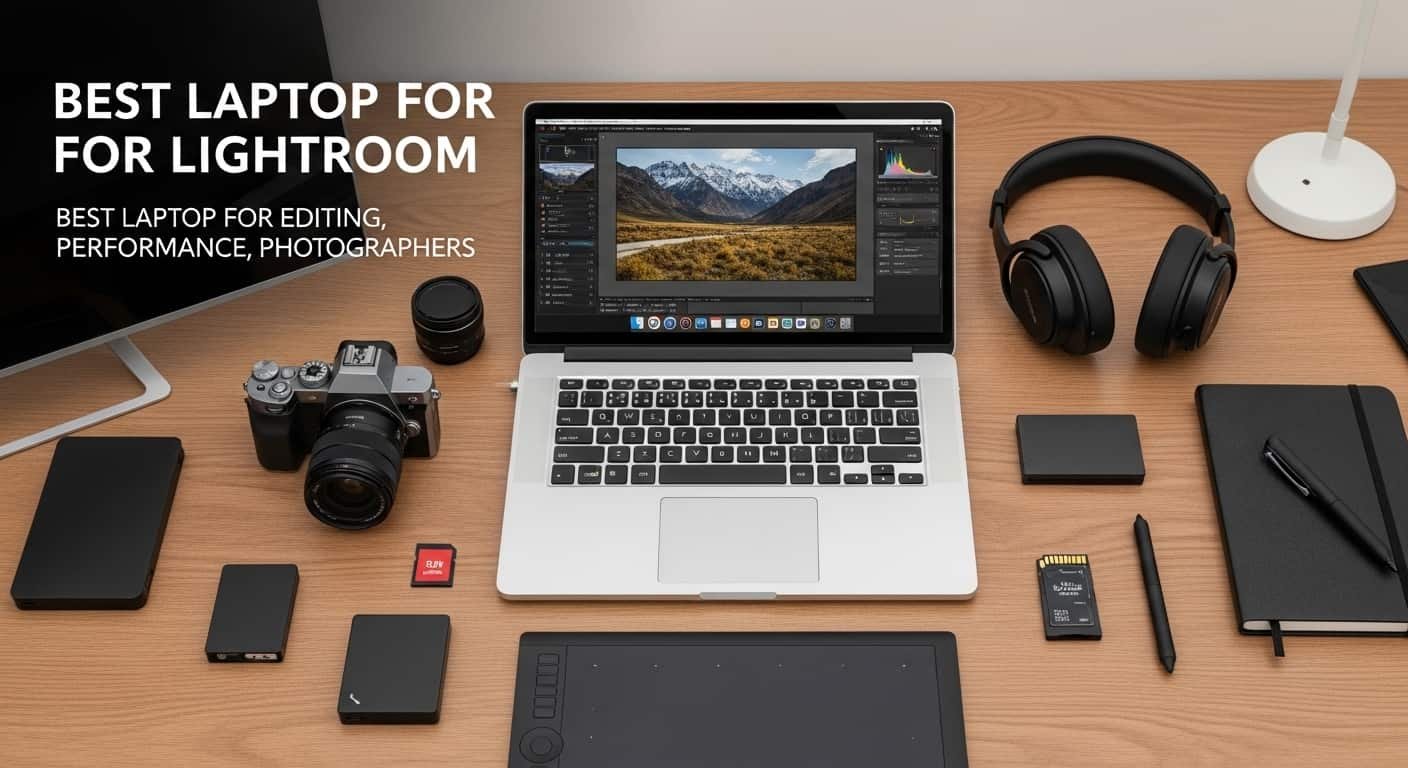
Best Laptop for Lightroom
Have you ever clicked “AI Denoise” in Adobe Lightroom Classic and then sat there… waiting 30–60 seconds for a single image to process? I’ve been there. When you’re editing hundreds, or even thousands, of RAW photos after a wedding or client shoot, slow rendering, laggy previews, and freezing exports can completely destroy your workflow.
A few years ago, my old laptop started struggling with large RAW files. Simple adjustments lagged, batch exports took forever, and Lightroom refused to use all the system resources available. I realized something important: not every laptop can handle modern photo editing workloads.
The good news? You don’t need to waste hours researching hardware specs or guessing what works best. In this guide, I’ll show you how to find the best laptop for Lightroom, explain the specs that actually matter, and share the top laptops photographers recommend in 2026.
See More…Best Laptops for Working From Home
By the end, you’ll know exactly which laptop will speed up your Lightroom workflow and which ones to avoid.
Overview
The best laptops for Lightroom in 2026 combine powerful CPUs, plenty of RAM, fast NVMe storage, and color-accurate displays for professional editing. Popular choices include the MacBook Pro 14‑inch (M4 Pro), ASUS ProArt P16, Dell XPS 16, and the portable MacBook Air 15‑inch (M4).
Most photographers recommend:
- CPU: Intel Core i7/i9, AMD Ryzen 7/9, or Apple M-series chips
- RAM: 16GB minimum, but 32GB–64GB works better for large catalogs
- Storage: Fast NVMe SSD (512GB minimum, ideally 1TB+)
- Display: High-resolution screen with accurate sRGB or DCI-P3 color
Lightroom’s latest AI tool, especially AI Denoise, benefit heavily from GPU acceleration, which is why dedicated graphics cards like NVIDIA RTX series help significantly.
MacBooks are often praised for battery life, stability, and color-accurate displays, while Windows creator laptops provide more GPU power and upgrade options.
(Top Picks)
Apple MacBook Pro 14-inch (M4 Pro)
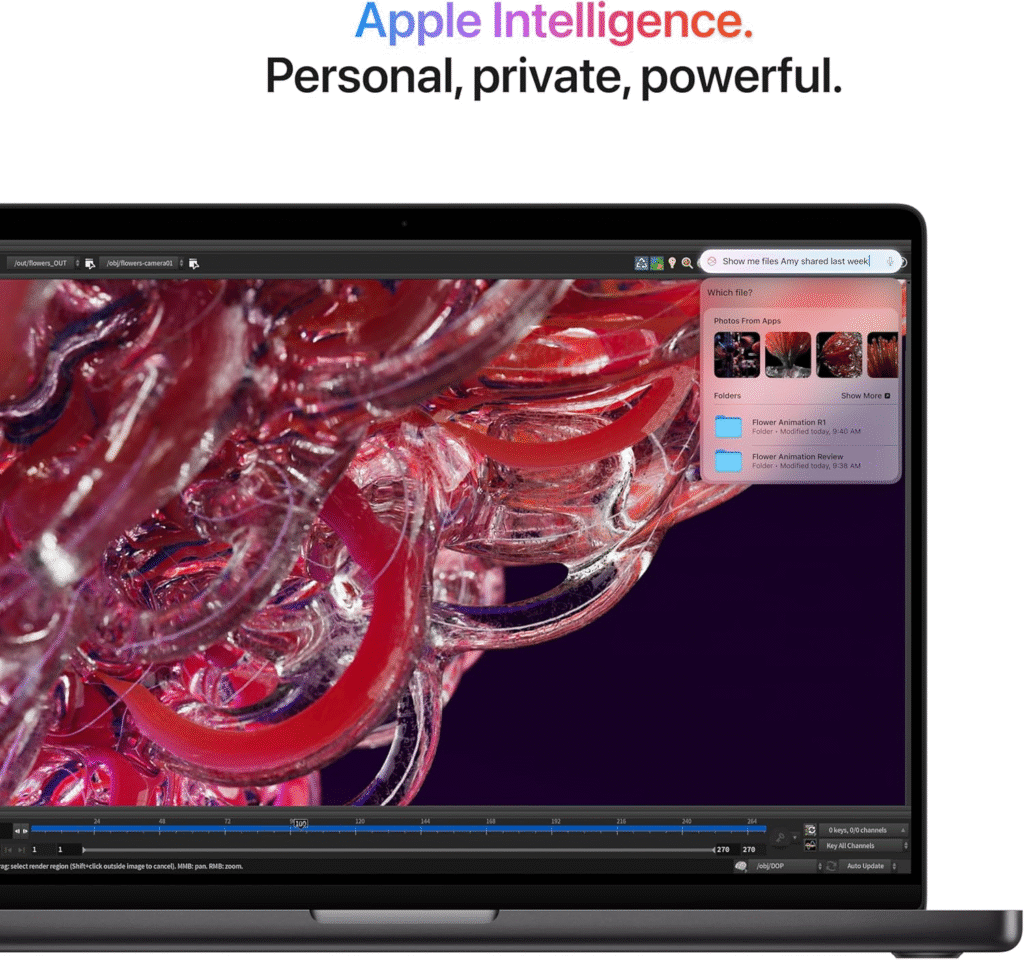
The MacBook Pro 14‑inch (M4 Pro) is widely considered the best laptop for Lightroom editing today. It combines Apple Silicon efficiency with incredible performance, making it ideal for photographers who edit large catalogs or process high-resolution RAW files.
From my experience, this laptop feels incredibly smooth when handling large Lightroom libraries. Previews load quickly, exports run fast, and the display is one of the most color-accurate screens you can get on a laptop.
Key features
- Apple M4 Pro chip with powerful GPU cores
- 32GB–64GB unified memory options
- Liquid Retina XDR display with DCI-P3 color accuracy
- All-day battery life even during editing
- Extremely quiet cooling system
Strengths
- Exceptional Lightroom performance
- Accurate display for photo editing
- Fantastic battery life
Weakness
- Expensive compared to many Windows laptops
ASUS ProArt P16
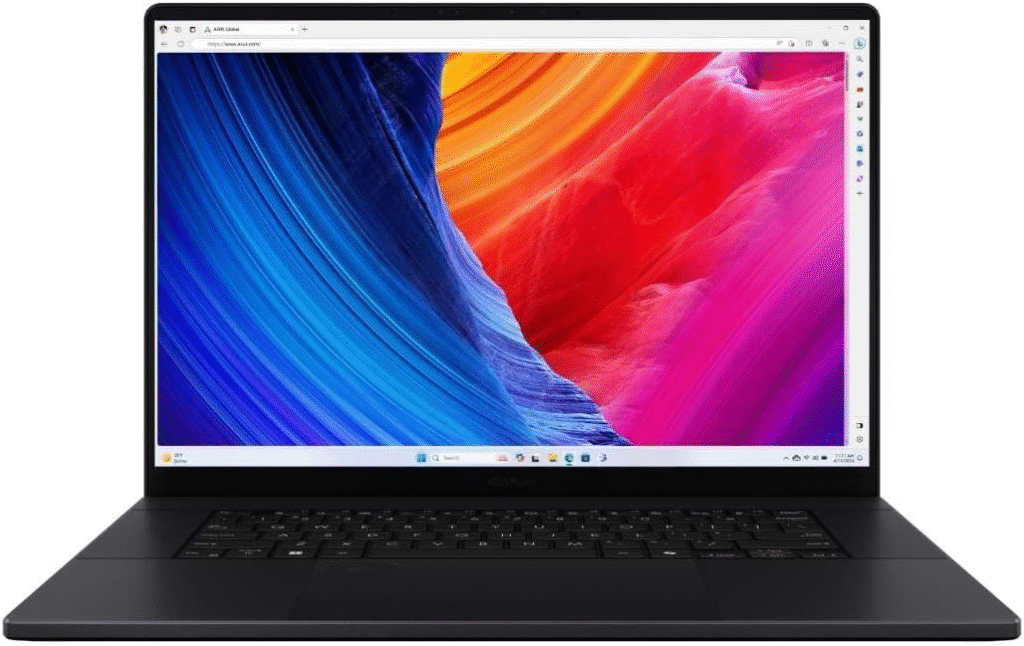
The ASUS ProArt P16 is designed specifically for creators. It’s a powerful Windows laptop built for tasks like video editing, graphic design, and high-resolution photography.
What makes it unique is its creator-focused design and powerful GPU options that accelerate Lightroom AI tools.
Key features
- AMD Ryzen 9 processor
- NVIDIA RTX GPU for GPU acceleration
- OLED display with excellent color accuracy
- Creator dial controls for editing tools
- Strong cooling system
Pros
- Powerful GPU performance
- Great display for photographers
- Designed for creative workflows
Cons
- Battery life isn’t as strong as MacBooks
Dell XPS 16
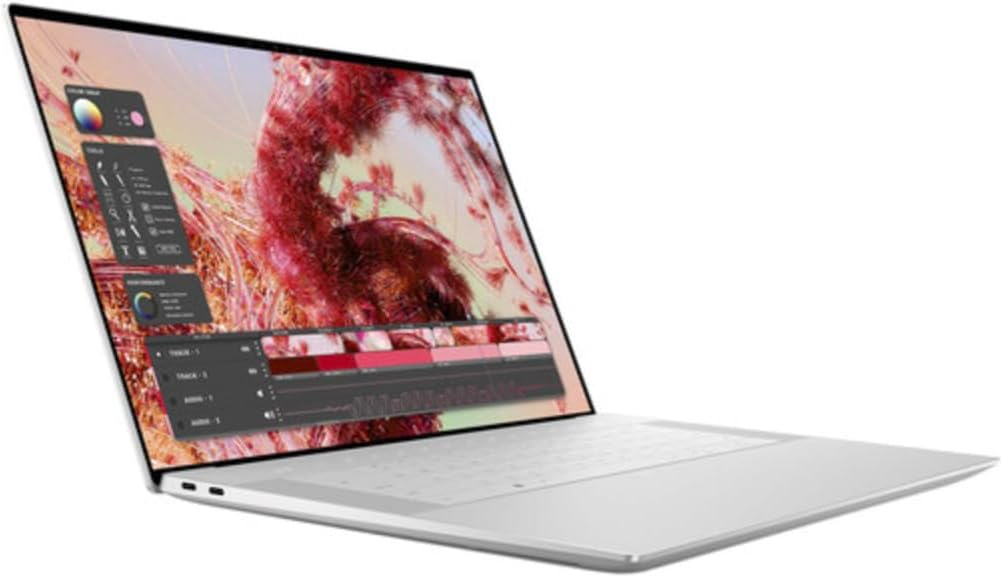
The Dell XPS 16 is one of the best Windows alternatives to MacBook for Lightroom users. It combines sleek design with workstation-level performance.
Photographers often choose it because it offers powerful processors and excellent display quality.
Key features
- Intel Core Ultra processors
- RTX graphics options
- 4K display with high color accuracy
- Premium aluminum design
- Fast NVMe SSD storage
Why I like it
It balances power and portability, making it ideal for photographers who edit while traveling.
Why I dislike it
High-end configurations can get very expensive.
MacBook Air 15-inch
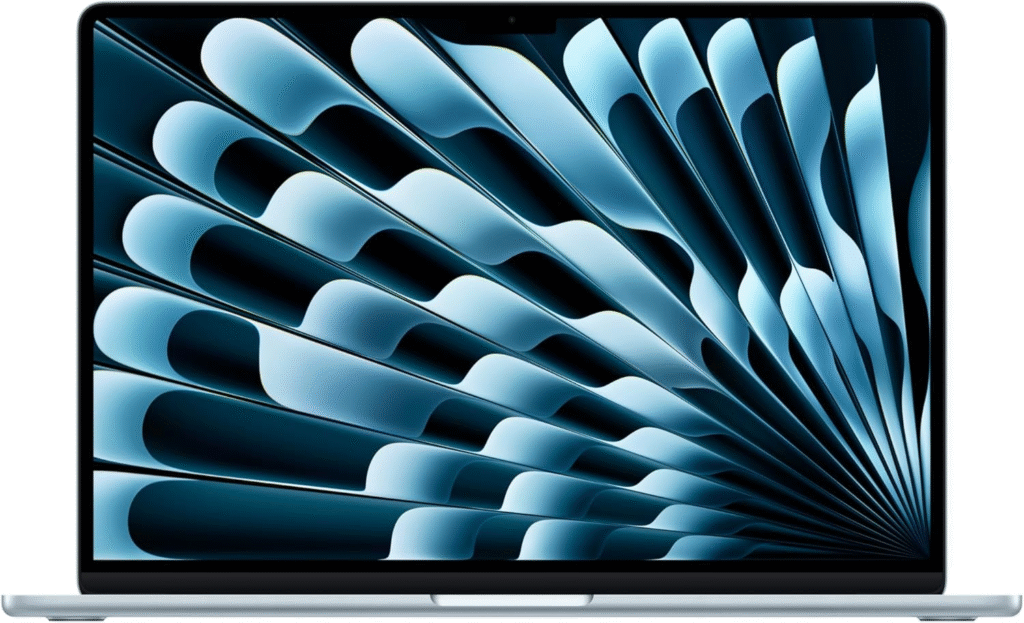
The MacBook Air 15‑inch (M4) is the best option for photographers who want Lightroom performance without spending a fortune.
It’s thin, lightweight, and surprisingly capable.
Key features
- Apple M4 chip
- 16GB or 24GB unified memory
- fanless design
- long battery life
- bright color-accurate display
Buy if
- you want a portable Lightroom laptop
- you edit while traveling
Don’t buy if
- you run extremely heavy batch exports daily
Quick Picks
If you want the best laptop for Lightroom, here are the quick recommendations:
- Best Overall: MacBook Pro 14-inch (M4 Pro)
- Best Windows Laptop: ASUS ProArt P16
- Best Premium Windows Alternative: Dell XPS 16
- Best Portable Lightroom Laptop: MacBook Air 15-inch (M4)
These laptops offer the best balance of performance, display quality, and reliability for photographers.
My Journey Finding the Best Laptop for Lightroom
I started editing photos on a mid-range laptop that worked fine at first. But once my camera upgraded to higher megapixel RAW files, everything changed.
Editing a 45MP RAW file felt sluggish. Batch exporting hundreds of photos from a wedding shoot took hours. Even simple tasks in Adobe Photoshop and Topaz Photo AI became frustrating.
After testing different laptops and reading countless photographer discussions, I discovered something surprising:
Lightroom performance depends less on brand and more on three things:
- RAM
- GPU power
- SSD speed
Once I upgraded my setup, editing became smooth again.and that’s why I’m sharing these laptop recommendations.
What Actually Matters in a Laptop for Lightroom
Before jumping into product reviews, here’s what photographers consistently agree on.
RAM
Lightroom loves RAM.
- 16GB → minimum
- 32GB → recommended for most photographers
- 48GB+ → heavy editing or large catalogs
When editing thousands of RAW images, Lightroom easily consumes large amounts of memory.
GPU
The GPU matters more than many people think.
AI features like:
- AI Denoise
- Masking
- AI Subject Selection
run significantly faster with a dedicated GPU.
Storage
RAW files are huge.
Many photographers recommend:
- 512GB minimum
- 1TB+ preferred
Fast NVMe SSD storage dramatically improves import and export speeds.
Frequently Asked Questions
How much RAM does Lightroom need?
16GB works, but 32GB is the sweet spot for most photographers editing RAW files.
Does Lightroom need a GPU?
Yes. AI tools like AI Denoise benefit greatly from GPU acceleration.
Mac or Windows for Lightroom?
MacBooks offer better battery life and optimized performance. Windows laptops often provide stronger GPUs and more customization.
Is 512GB SSD enough?
It’s the minimum. Many photographers prefer 1TB or more because RAW files take a lot of space.
Final Thoughts
Finding the best laptop for Lightroom isn’t just about buying the most expensive machine—it’s about choosing the right combination of RAM, GPU power, fast storage, and display accuracy.
For most photographers:
- The MacBook Pro 14-inch offers the best overall performance.
- The ASUS ProArt P16 is perfect if you prefer Windows.
- The Dell XPS 16 delivers premium design with strong specs.
- The MacBook Air M4 is the best portable option.
Each laptop has strengths and trade-offs, so the right choice depends on your workflow and budget.
If you’re shopping online, check Amazon deals, seasonal sales, and shipping offers, since these laptops often drop in price during promotions.
Affiliate Disclaimer:
This article contains Amazon affiliate links. If you purchase through these links, I may earn a small commission at no extra cost to you