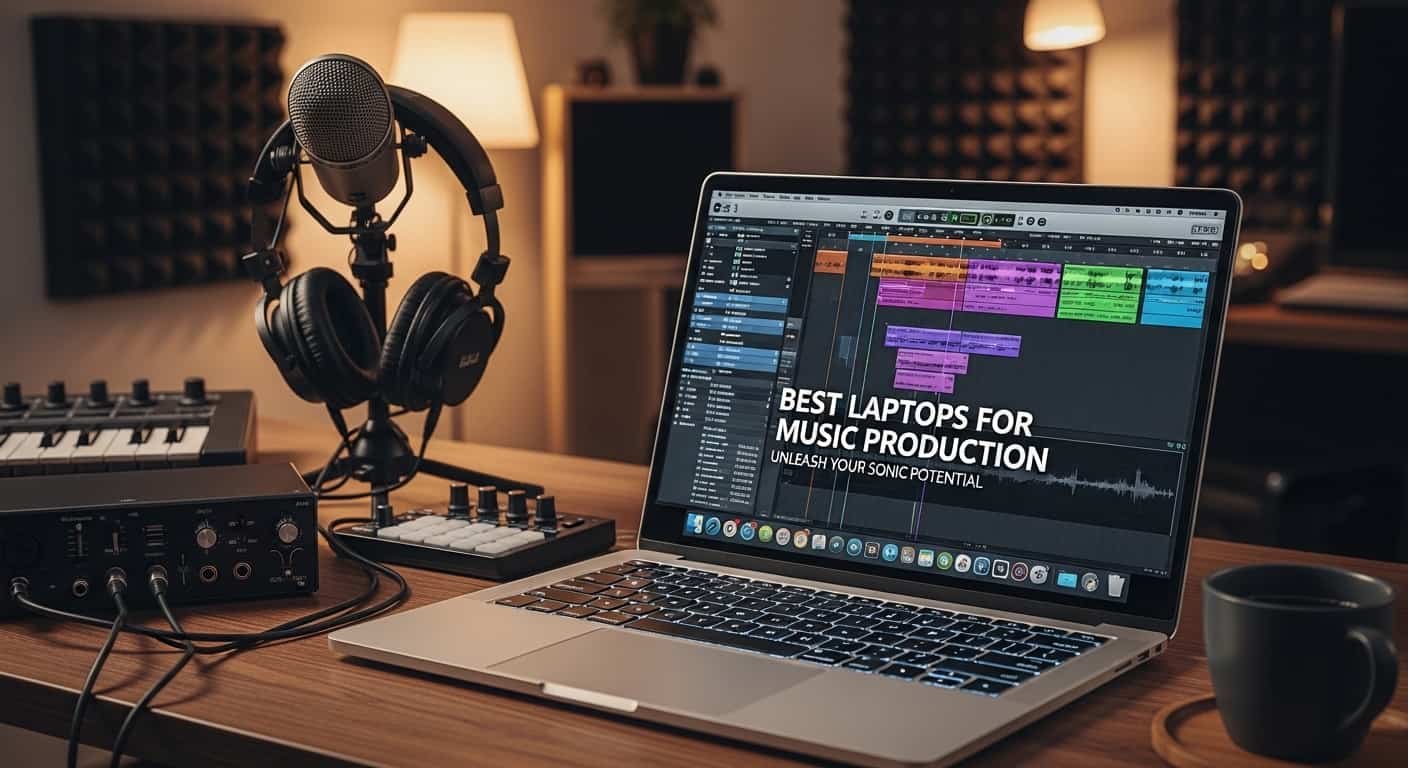
Are you tired of your laptop freezing right when creativity hits, or hearing annoying pops and crackles while recording your best take? I’ve been there. You open your DAW, load a few plugins, stack some virtual instruments, and suddenly your system lags, overheats, or crashes. It kills momentum. It kills ideas. And honestly, it’s frustrating when your gear holds back your talent.
If you’re searching for the best laptop for music production, you probably want three things: smooth performance, zero latency headaches, and long-term reliability. Today’s top performers in 2026 clearly include Apple’s latest MacBook Pro 14- and 16-inch models with M4 Pro or M4 Max chips for unmatched power and ecosystem integration, while Windows users looking for serious performance are gravitating toward machines like the ASUS ProArt P16. No matter your choice, you’ll need a strong processor (Apple M-series, Intel Core i7/i9, or AMD Ryzen 7/9), at least 16GB RAM, though 32GB or more is ideal—and fast SSD storage to handle large sessions. Ports, Thunderbolt connectivity, and audio optimization also matter more than most beginners realize.
“The best laptop for music production isn’t just a device, it’s the engine behind your creativity.”
When I upgraded my old 8GB laptop to a high-performance machine with 32GB RAM and an SSD, the difference was night and day. Projects that once struggled with 20 tracks now handled 80+ tracks effortlessly. In this guide, I’ll walk you through the top laptops for music production, share what I personally like and dislike, and help you confidently choose the right one for your setup, whether you’re a bedroom producer or a professional mixing engineer.
Apple MacBook Pro 14/16-inch
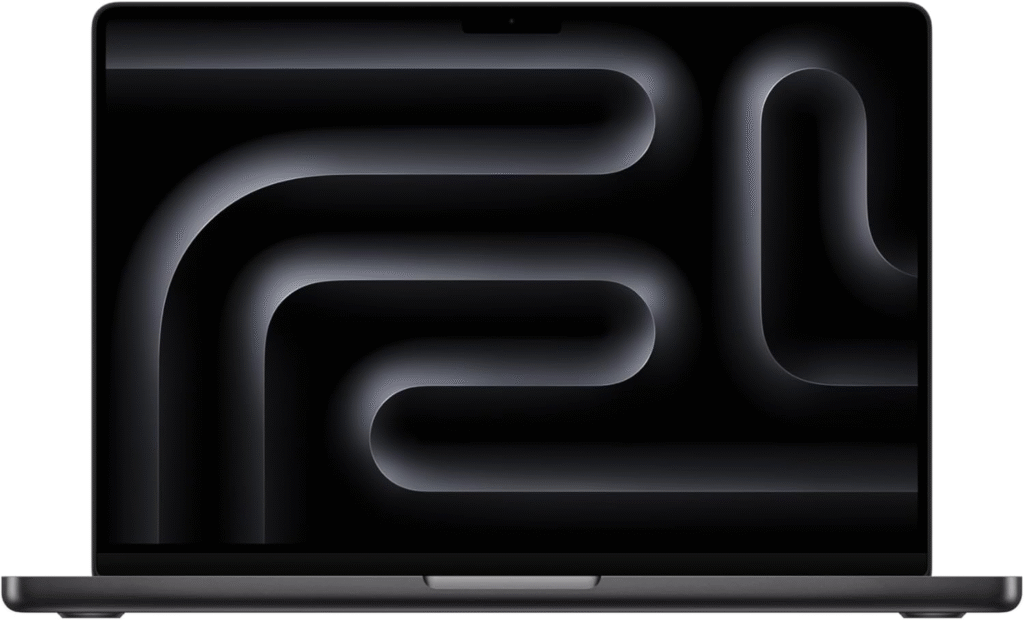
If you want peak performance and reliability, the Apple MacBook Pro 14-inch and its 16-inch sibling are among the strongest laptops for music production in 2026. Apple’s M4 Pro and M4 Max chips deliver serious multi-core performance, ideal for heavy mixing sessions and orchestral libraries.
“The best laptop for music production turns late-night ideas into studio-quality tracks.”
This laptop is built for professionals who want smooth playback, near-zero latency, and long-term reliability inside the Apple ecosystem.
Key Features & Specs:
- Apple M4 Pro or M4 Max chip
- 16GB unified memory (configurable to 32GB+)
- Ultra-fast SSD storage
- 18–22 hours battery life
- Thunderbolt 4 ports
- Stunning Liquid Retina XDR display
- Fan system designed for sustained performance
Why I Like It:
- Insanely optimized for Logic Pro
- Core Audio is stable and low-latency
- Handles massive plugin chains effortlessly
Why I Dislike It:
- Premium price
- Upgrades are expensive
- Limited hardware customization
Buy if: You want professional studio-level power and long-term investment.
Don’t buy if: You’re on a tight budget or prefer hardware flexibility.
Apple MacBook Air M2/M3
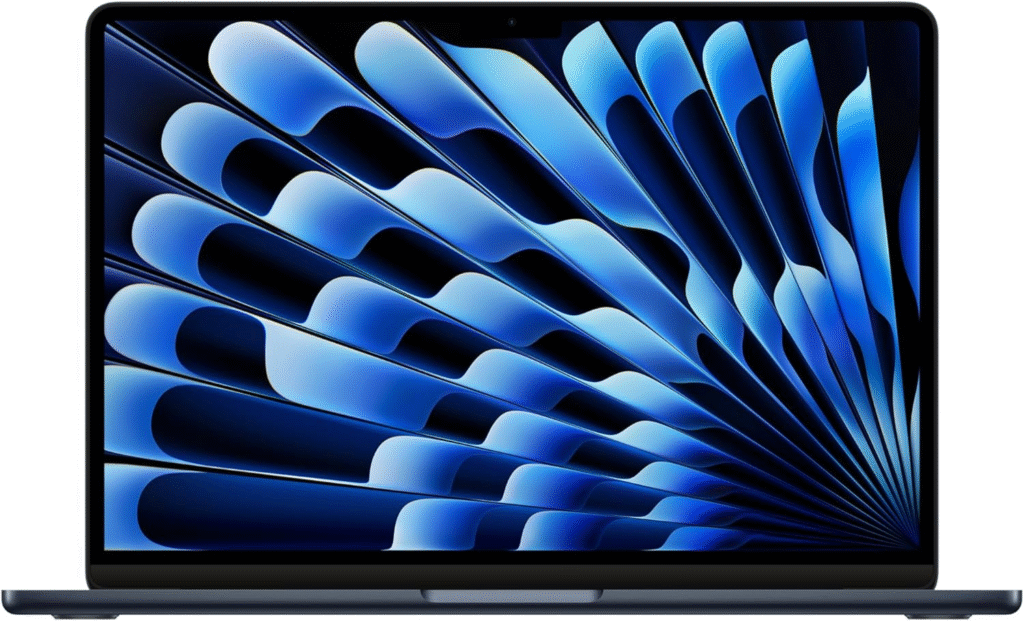
The Apple MacBook Air is a surprisingly powerful budget-friendly Mac option. It’s perfect for beginner producers, songwriters, and mobile creators who need portability without sacrificing smooth performance.
While it’s fanless, it still handles moderate DAW sessions impressively well.
Key Features & Specs:
- Apple M2 or M3 chip
- 16GB RAM recommended
- Lightweight, ultra-portable
- 15–18 hours battery life
- Silent fanless design
Pros:
- Affordable entry into Apple ecosystem
- Extremely portable
- Great battery life
Cons:
- Not ideal for huge orchestral sessions
- Can throttle under heavy loads
Reason to buy: Great value for beginner/intermediate producers.
Reason not to buy: Not built for massive studio workloads.
ASUS Pro Art P16
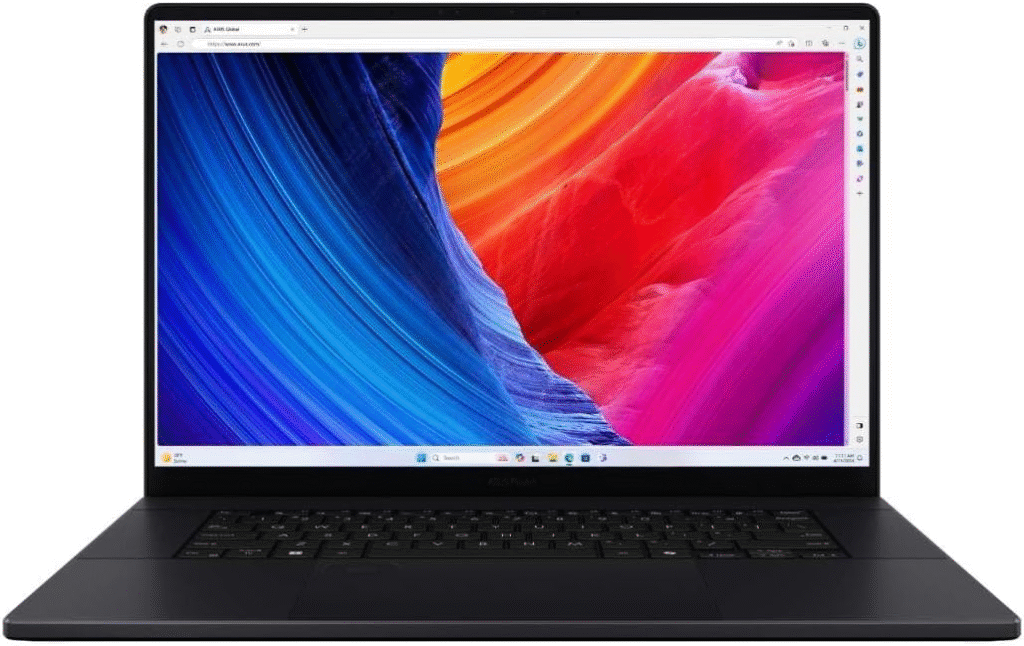
For Windows users, the ASUS ProArt P16 stands out as a powerhouse workstation. Designed for creators, it combines strong CPUs with dedicated GPUs and plenty of RAM.
If you use FL Studio, Ableton Live, Cubase, or Pro Tools on Windows, this machine is built to handle it.
Key Features & Specs:
- AMD Ryzen 9 or Intel Core i9
- 32GB RAM options
- High-speed NVMe SSD
- Multiple USB-C and Thunderbolt ports
- Color-accurate OLED display
- Excellent cooling system
Strengths:
- Powerful for large sessions
- Upgrade-friendly
- Strong multitasking performance
Weaknesses:
- Battery life not as strong as Mac
- Slightly heavier
Buy if: You need Windows flexibility with professional-grade power.
Don’t buy if: You prioritize ultra-long battery life over raw power.
ASUS ROG Zephyrus G14
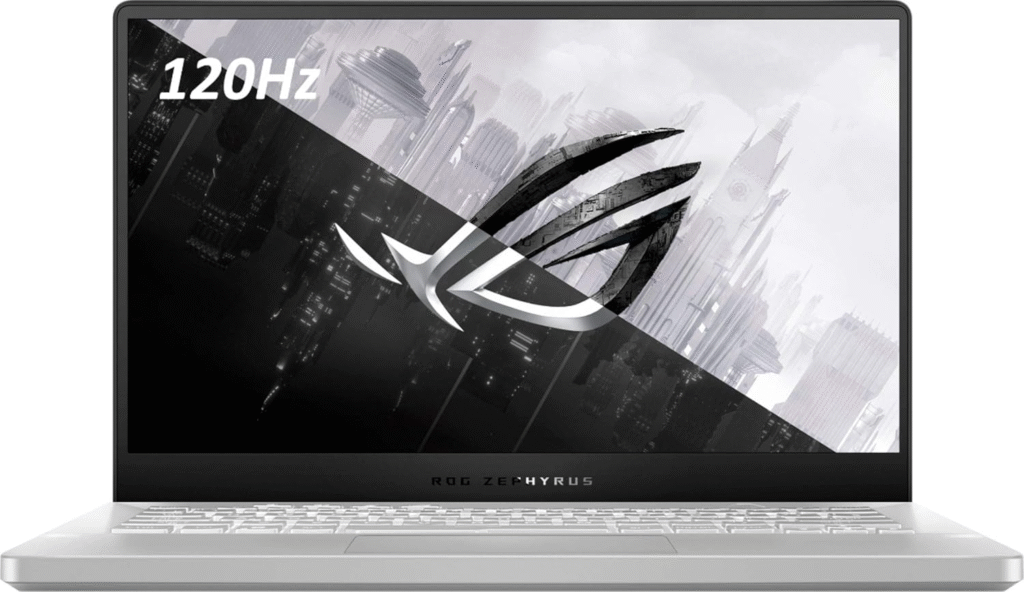
The ASUS ROG Zephyrus G14 is technically a gaming laptop,but it performs beautifully for music production. Strong Ryzen processors and excellent thermals make it surprisingly capable for DAW work.
Key Features:
- AMD Ryzen 9 processor
- 16GB–32GB RAM
- Fast SSD
- Compact 14-inch build
- Great cooling system
Pros:
- Powerful for the price
- Compact but strong
- Good thermal performance
Cons:
- Gaming aesthetics
- Battery life average
Acer Swift X14
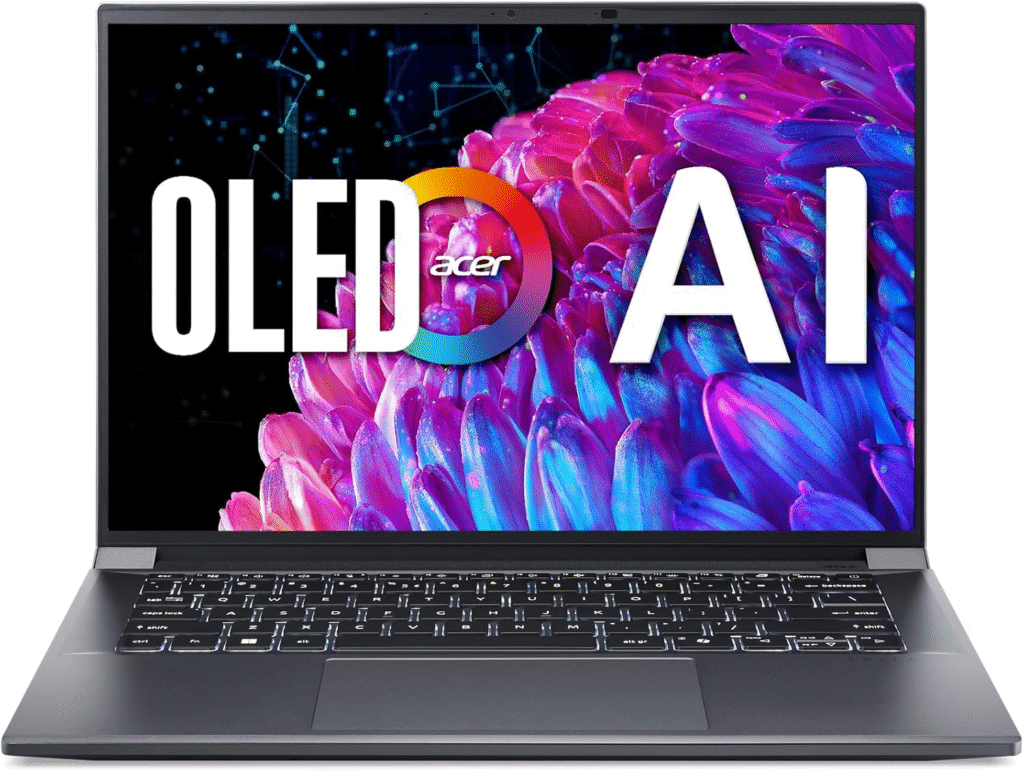
The Acer Swift X14 is a strong budget Windows option for music producers who don’t want to overspend.
Key Features:
- Intel Core i7
- 16GB RAM
- Lightweight design
- SSD storage
- Affordable price point
Why I Like It:
- Budget-friendly
- Good entry-level performance
Why I Dislike It:
- Not built for very heavy sessions
- Speakers are average
Lenovo Yoga 7i 16
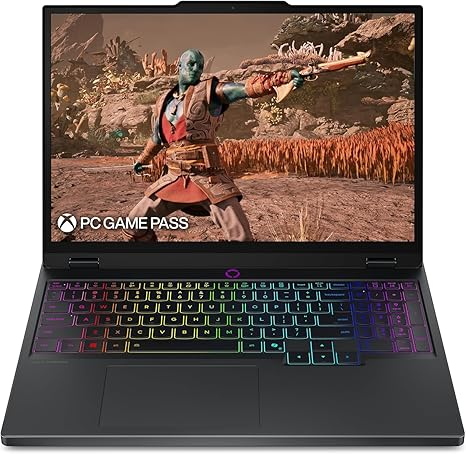
The Lenovo Yoga 7i 16 is a versatile 2-in-1 option for creators who like flexibility.
Key Features:
- Intel Core i7
- 16GB RAM
- Touchscreen display
- Good battery life
- Solid build quality
Strengths:
- Convertible design
- Balanced performance
Weaknesses:
- Not workstation-level powerful
- Limited ports
- Why Choosing the Right Laptop Matters for Music Production
- Music production pushes your laptop harder than basic tasks like browsing or streaming. A heavy DAW session with plugins, real-time effects, and multi-track recordings can easily consume:
- 16GB–32GB RAM
- High multi-core CPU power
- Fast NVMe SSD storage
- Stable low-latency audio drivers
- Multiple USB-C/Thunderbolt ports
- Mac users often love Apple’s Core Audio system for stability and seamless integration with Logic Pro, while Windows users enjoy wider hardware choices and competitive pricing.
- Let’s break down the top options.
Quick Picks – Best Laptop for Music Production
- Best Overall (Mac): MacBook Pro 14/16 M4 Pro/Max
- Best Budget Mac: MacBook Air M2/M3
- Best Windows Workstation: ASUS ProArt P16
- Best Compact Powerhouse: ASUS ROG Zephyrus G14
- Best Budget Windows: Acer Swift X14
- Best 2-in-1 Option: Lenovo Yoga 7i 16
FAQs – Best Laptop for Music Production
1. How much RAM do I need for music production?
16GB is the minimum today. If you use large sample libraries or heavy plugins, 32GB is strongly recommended.
2. Is Mac or Windows better for music production?
Mac offers strong stability and Core Audio integration, especially with Logic Pro. Windows gives more hardware options and competitive pricing.
3. Do I need a dedicated GPU?
Not for music production specifically. CPU and RAM matter more.
4. Is SSD mandatory?
Yes. SSD storage dramatically improves loading times and session responsiveness.
Final Thoughts
Which Laptop Should You Choose?
Choosing the best laptop for music production depends on your workflow, budget, and preferred operating system. If you want unmatched performance and ecosystem stability, MacBook Pro models are hard to beat. If you prefer flexibility and customization, ASUS ProArt or Zephyrus machines are fantastic alternatives.
Think about your future projects. Will you scale up to complex arrangements? Do you travel often? Do you rely on Logic Pro or FL Studio?
Make your decision based on performance, not hype. Watch for Amazon discounts, seasonal sales, and bundle deals to save money on your purchase.
Affiliate Disclaimer:
As an Amazon Associate, I may earn from qualifying purchases at no extra cost to you.