Have you ever joined a Zoom meeting and felt embarrassed because your webcam looked blurry or your microphone sounded distant? I’ve been there. I remember hosting an important client call when my old laptop’s fan kicked in loudly, and my voice kept cutting out. That moment made me realize something: choosing the best laptop for video conferencing isn’t about brand hype, it’s about webcam clarity, mic quality, battery life, and smooth multitasking.
See More...Best Laptop Computer for Home Use
In this guide, I’ll help you find the best laptop for video conferencing and Zoom meetings in 2026 ,whether you’re a remote worker, business professional, student, or executive. I’ve focused on real-world performance, camera quality, microphone clarity, privacy features, and long-term reliability.
Overview
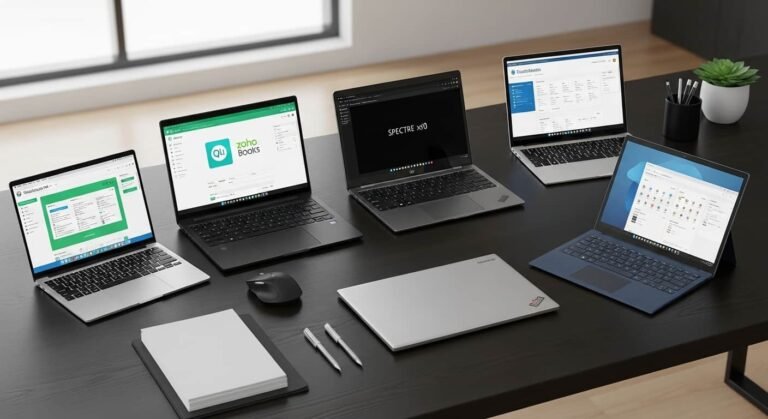
The best laptop for video conferencing combines a sharp 1080p (or better) webcam, noise-canceling microphones, and enough processing power to handle multitasking without lag. Models like the Apple MacBook Pro 14-inch (M4) and Apple MacBook Air (M3) stand out for exceptional camera and audio performance with long battery life. Business users often prefer the Lenovo ThinkPad X1 Carbon Gen 12 for its legendary keyboard and privacy features. If you want a polished Windows experience optimized for Teams and AI-powered enhancements, the Microsoft Surface Laptop 7 is a strong choice.
To choose the right laptop for Zoom meetings, look for a Full HD webcam, strong microphones, at least 16GB RAM, SSD storage, and long battery life for back-to-back meetings.
Apple MacBook Pro 14-inch (M4)
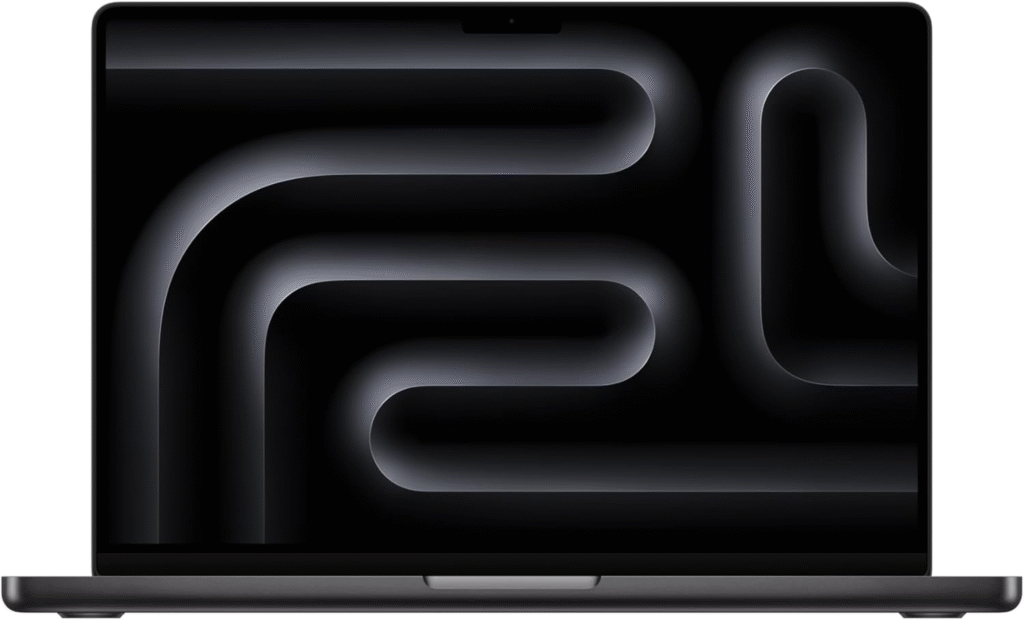
If you want the best laptop for video conferencing with premium video and audio, this is it. The MacBook Pro delivers studio-grade microphones and one of the sharpest webcams I’ve tested in a laptop. It handles Zoom, Teams, Google Meet, and screen recording without breaking a sweat.
Key Features:
- 1080p FaceTime HD camera with advanced image processing
- Apple M4 chip (exceptional multitasking performance)
- Studio-quality triple-mic array
- Up to 18–22 hours battery life
- Liquid Retina XDR display
Why I Like It:
- Crystal-clear video and voice quality
- Silent operation (no distracting fan noise in meetings)
- Incredible battery life
Why I Dislike It:
- Premium price
- Overkill for casual users
Apple MacBook Air (M3)
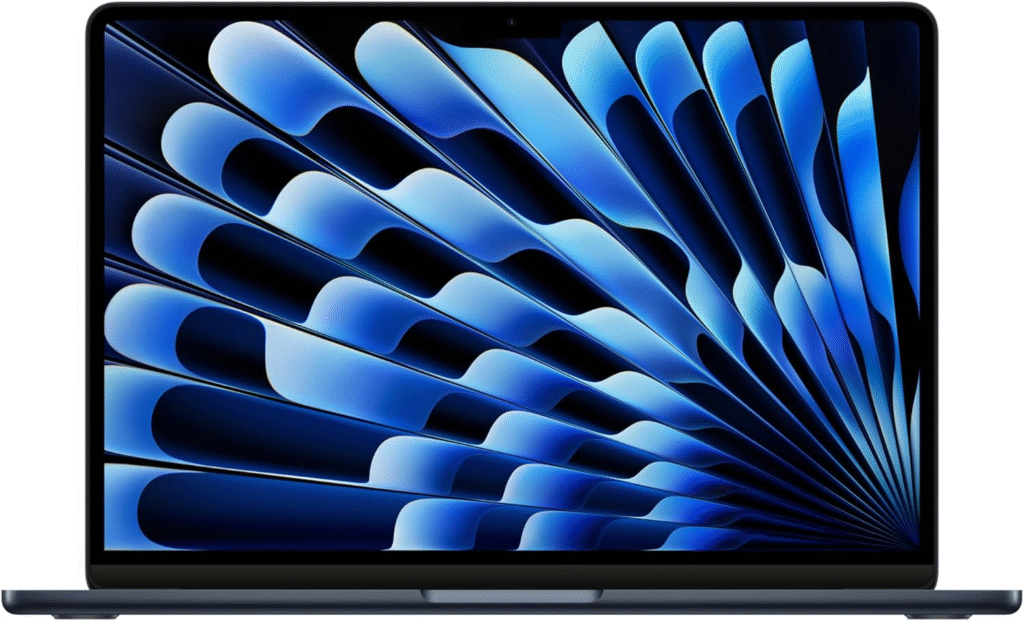
If portability matters to you, the MacBook Air is an excellent best laptop for video conferencing choice. It’s lightweight, fanless (completely silent), and powerful enough for heavy multitasking.
Key Features:
- 1080p webcam with image enhancement
- Fanless design (zero noise during calls)
- Apple M3 chip
- 15+ hours battery life
- Lightweight aluminum body
Strengths:
- Silent during meetings
- Excellent battery life
- Easy to carry
Weaknesses:
- Not ideal for heavy video editing
- Fewer ports
This is perfect if you work remotely or travel frequently.
Lenovo ThinkPad X1 Carbon Gen 12
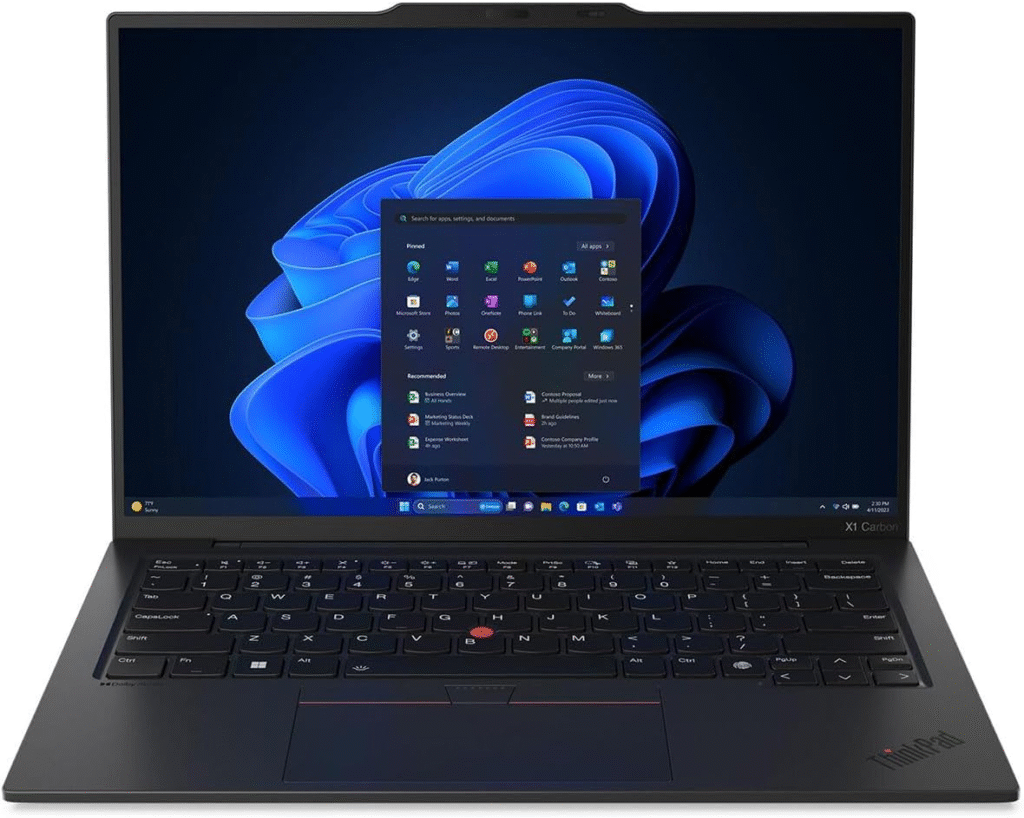
For professionals who type all day and attend meetings, this is a top-tier best laptop for video conferencing option. ThinkPads are known for reliability, durability, and comfort.
Key Features:
- 1080p webcam with privacy shutter
- Excellent dual microphones with AI noise reduction
- Legendary ThinkPad keyboard
- Lightweight carbon-fiber build
- Enterprise-grade security
Pros:
- Best keyboard for long typing sessions
- Strong privacy features
- Durable and business-ready
Cons:
- Expensive configuration upgrades
- Speakers are good but not MacBook-level
Best for: Corporate professionals and executives.
Microsoft Surface Laptop 7
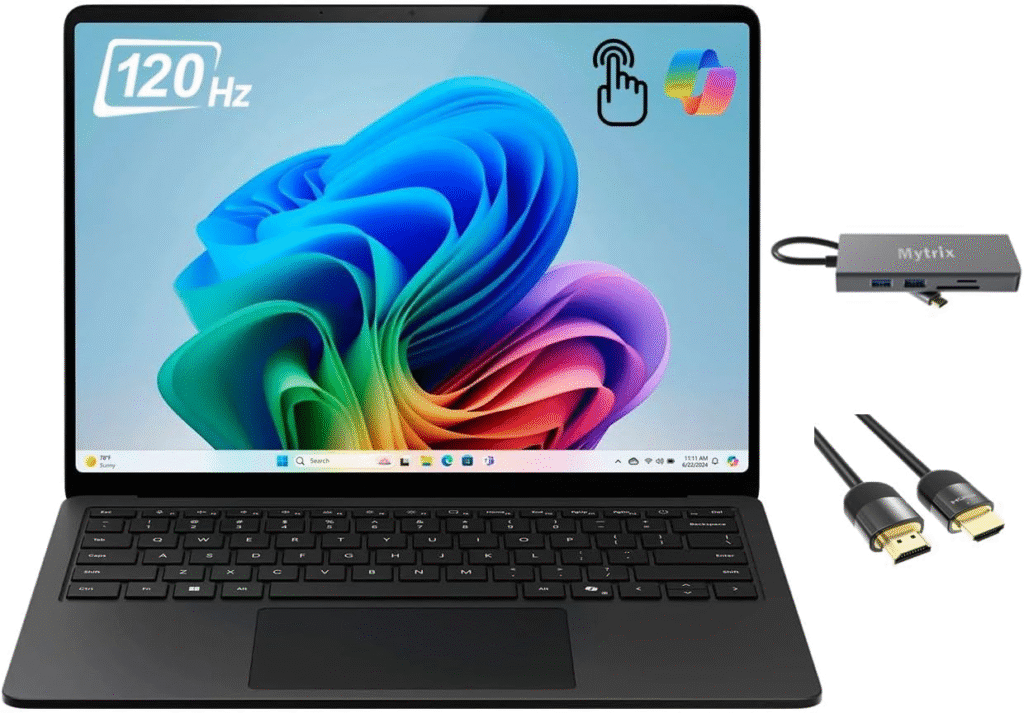
If you prefer Windows, this is one of the best laptop for video conferencing choices in 2026. It’s optimized for Microsoft Teams and includes AI-powered enhancements.
Key Features:
- High-resolution front camera
- AI noise suppression
- Snapdragon X Elite / Intel Core Ultra options
- Long battery life
- Premium touchscreen display
Reason to Buy:
- Excellent Teams integration
- Clean Windows experience
- Strong AI enhancements
Reason to Avoid:
- App compatibility varies with ARM version
- Not as powerful as MacBook Pro
This is ideal for Microsoft ecosystem users.
What Makes the Best Laptop for Video Conferencing?
Before I jump into reviews, here’s what truly matters:
1. Webcam Quality (1080p or Higher)
A Full HD camera ensures you look sharp and professional. Anything below 1080p feels outdated in 2026.
2. Microphone & Noise Cancellation
Clear voice pickup with AI noise suppression prevents background distractions.
3. Performance for Multitasking
Zoom + Slack + Chrome tabs + screen sharing can push weaker laptops to lag. I recommend:
- Intel Core Ultra / Apple M3/M4 / Ryzen 5 or better
- Minimum 16GB RAM
- 512GB SSD
4. Privacy Features
A physical webcam shutter or IR facial recognition adds security.
5. Battery Life
You don’t want your laptop dying during a 3-hour meeting block.
Now, let’s look at the four best laptop for video conferencing options in 2026.
FAQs
1. Do I need 16GB RAM for video conferencing?
Yes. While 8GB works, 16GB ensures smooth multitasking during Zoom meetings.
2. Is a 4K webcam necessary?
Not really. A good 1080p webcam with strong image processing is more than enough.
3. What processor is best for Zoom meetings?
Apple M3/M4, Intel Core Ultra, or Ryzen 5 and above work perfectly.
4. Are MacBooks better for video conferencing?
MacBooks often offer superior mic and webcam optimization, but high-end Windows laptops perform equally well.
Final Thoughts
Choosing the Best Laptop for Video Conferencing
The best laptop for video conferencing depends on your needs:
- Want the absolute best quality? → MacBook Pro 14 (M4)
- Want portability and silence? → MacBook Air (M3)
- Need business durability? → ThinkPad X1 Carbon
- Prefer Windows + Teams? → Surface Laptop 7
I always recommend investing in good lighting and stable internet alongside your laptop. Even the best laptop for Zoom meetings performs better in a well-lit environment.
Amazon Affiliate Disclaimer
As an Amazon Associate, I earn from qualifying purchases. This means I may earn a small commission if you buy through my links, at no extra cost to you. This helps support my content and research.