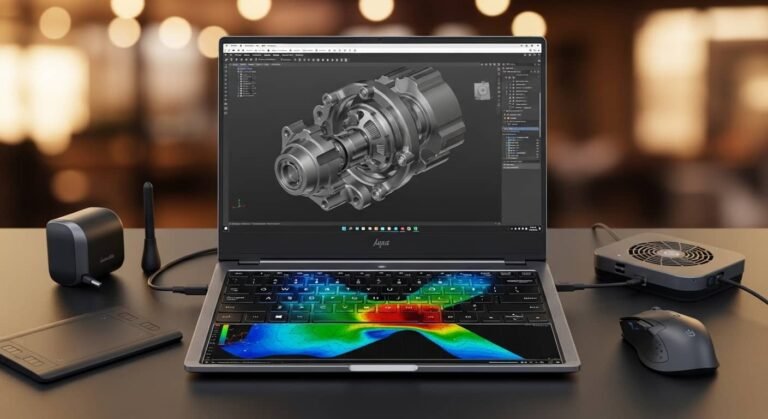
If you’re serious about 3D modelling in 2026, you already know one thing: the wrong laptop will slow you down, crash mid-render, and cost you hours of work. I’ve tested, researched, and compared the best laptops for 3D modelling to find machines that genuinely handle Blender scenes, Maya simulations, Unreal Engine environments, and GPU rendering without choking under pressure.
Overview
For high-end 3D modelling and rendering in 2026, performance comes down to three essentials: an NVIDIA RTX 4070–5090 class GPU, at least 32GB of RAM, and a powerful Intel Core Ultra 9 or Ryzen 9 processor. On macOS, the 16-inch MacBook Pro with M4 Pro stands out for efficiency and creative workflow integration. On Windows, machines like the ASUS ProArt P16 and Razer Blade 17 dominate with workstation-grade graphics and OLED or 4K displays. If you’re after professional reliability, HP’s ZBook line remains a strong enterprise option, while hybrid gaming-creative laptops from Lenovo Legion and others offer serious rendering muscle at competitive prices.
Read More….What Is the Best HP Laptop in 2026?
In this guide, I’ll walk you through the best laptops for 3D modelling, breaking down real-world performance, thermals, display quality, and who each machine is actually for.
My Top Picks
ASUS ProArt P16
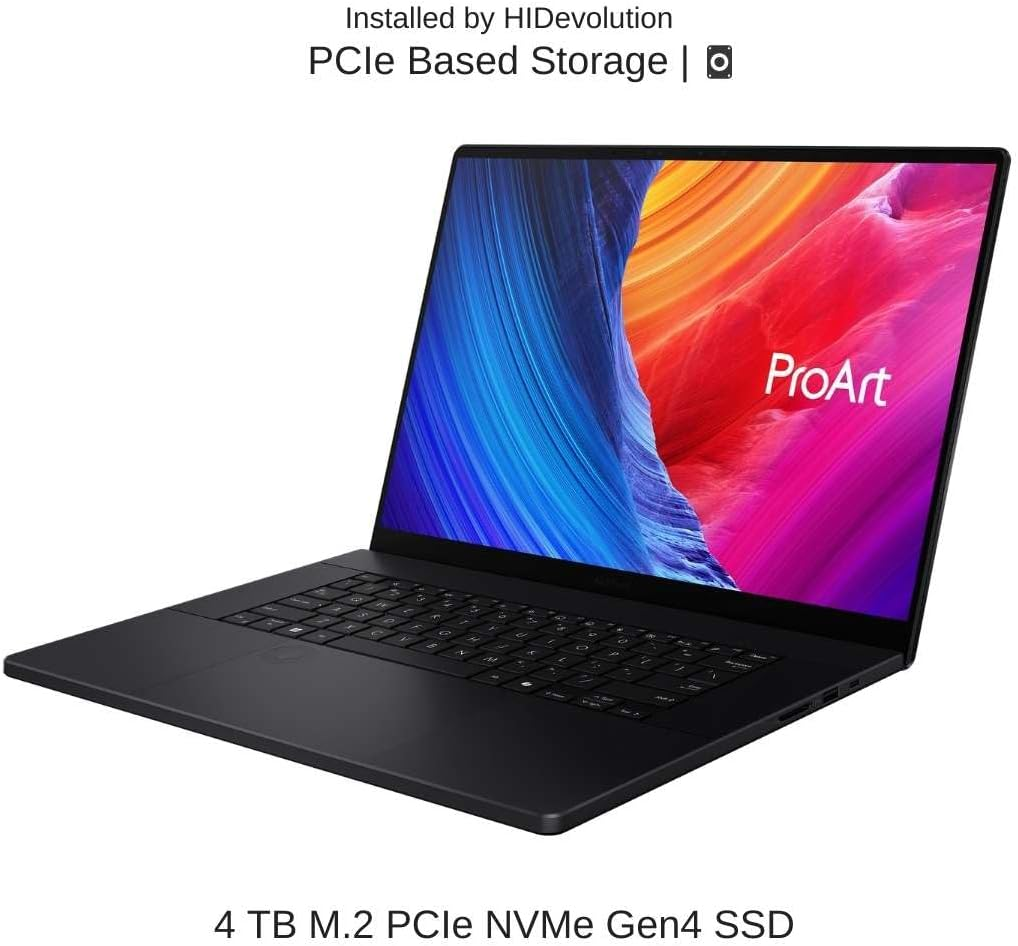
When I think about raw creative power in a portable form factor, this is the first machine that comes to mind.
Key Features
- NVIDIA RTX 4070–5090 options
- AMD Ryzen 9 or AI-enhanced processor
- Up to 64GB DDR5 RAM
- 4K OLED display with full P3 coverage
- Creator-focused software integration
Pros
- Exceptional GPU acceleration for Blender and Maya
- OLED display is ideal for texture and lighting accuracy
- Strong thermals compared to most slim workstations
Cons
- Premium pricing
- Battery drains quickly under heavy rendering
If your workflow revolves around GPU rendering and large simulations, this is easily one of the best laptops for 3D modelling available right now.
MacBook Pro 16-inch
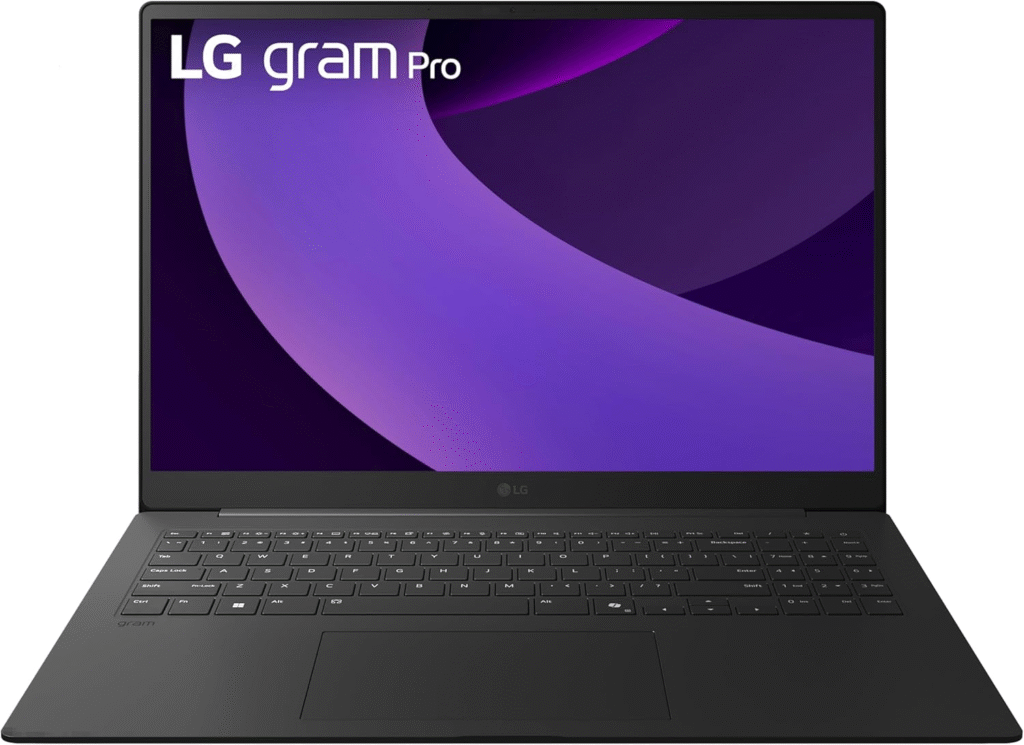
For creators who prefer macOS, this machine blends performance with efficiency better than anything else in its class.
Key Features
- Apple M4 Pro chip
- Unified memory up to 48GB
- Liquid Retina XDR display
- Outstanding battery life
Pros
- Extremely efficient rendering performance
- Silent and cool operation
- Superb display calibration
Cons
- Limited upgradeability
- High cost at upper configurations
For Cinema 4D, Blender (Metal support), and creative workflows, this is among the best laptops for 3D modelling on macOS.
Razer Blade 17
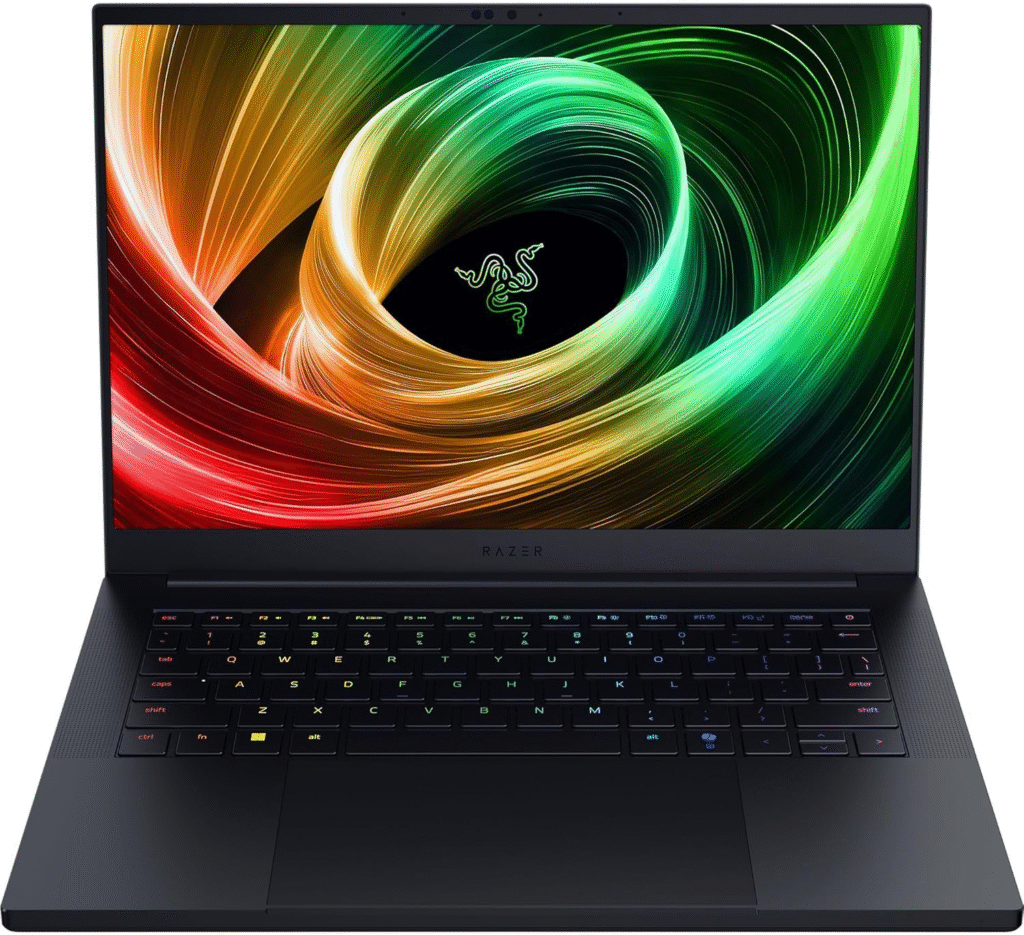
This machine balances workstation-level graphics with premium design.
Key Features
- RTX 3080, 4090, or newer GPU variants
- Intel Core i9 / Ultra 9
- 4K or QHD high-refresh display
- CNC aluminum chassis
Pros
- Excellent viewport fluidity
- Strong build quality
- Color-accurate display
Cons
- Expensive
- Fans get loud under sustained load
If you want a high-end laptop that doubles as a gaming beast and creative workstation, this is one of the best laptops for 3D modelling with portable power.
HP ZBook
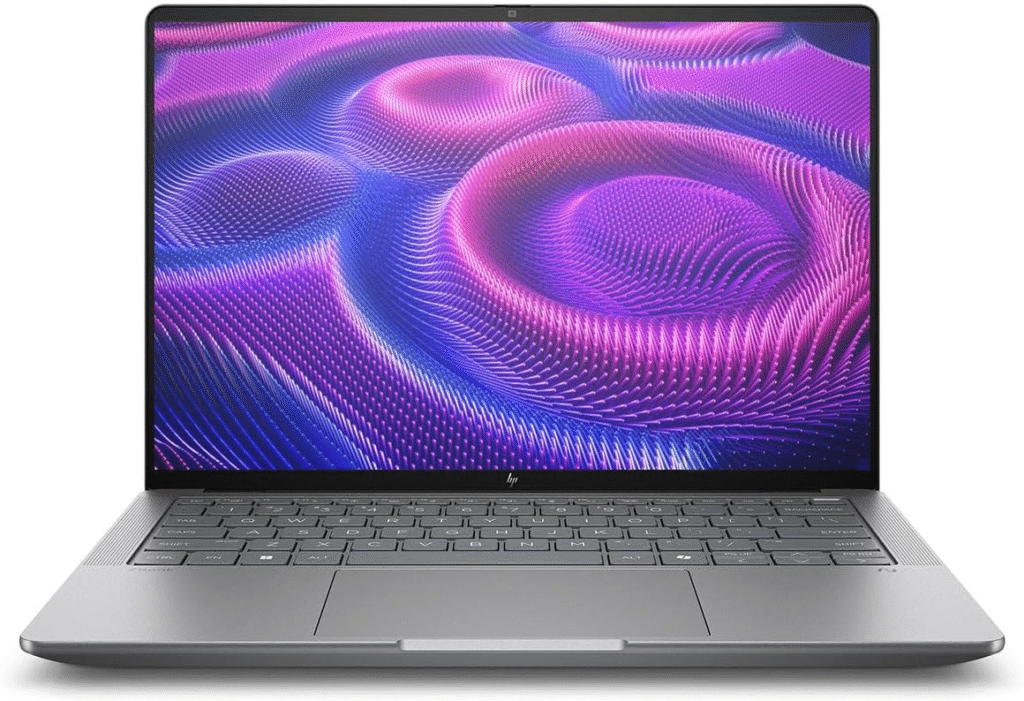
This is built for engineers, architects, and studio environments.
Key Features
- NVIDIA RTX professional GPUs
- ISV certifications
- Enterprise-grade cooling
- Durable chassis
Pros
- Certified reliability for professional apps
- Stable long-duration rendering
- Excellent thermal management
Cons
- Heavier than ultrabooks
- Enterprise pricing
For production studios and professional 3D environments, this category remains one of the best laptops for 3D modelling when stability matters more than portability.
What Makes the Best Laptops for 3D Modelling?
When I evaluate the best laptops for 3D modelling, I focus on five critical specs:
GPU (Most Important)
NVIDIA RTX 4070, 4080, 4090, or 50-series GPUs are ideal. GPU acceleration dramatically speeds up Blender Cycles, Unreal Engine, and real-time viewport rendering.
CPU
Intel Core Ultra 9 or AMD Ryzen 9 class processors are essential for simulations and CPU-based rendering.
RAM
32GB is the realistic minimum for professional work. If you’re working with large scenes, 64GB makes a noticeable difference.
Display
4K OLED with 100% P3 color gamut gives better accuracy for lighting, materials, and texture work.
Cooling & Power Delivery
Without good thermals, performance throttles. High-performance laptops must manage heat effectively.
Best Value Options for High-End Performance
If you want strong 3D rendering without paying workstation prices, look at:
- ASUS ROG Zephyrus G15 – Great balance of Ryzen 9 and RTX power
- Acer ConceptD 7 – RTX Studio certified and creator-focused
These machines often deliver near-flagship GPU performance at a more accessible price.
How I Choose the Best Laptops for 3D Modelling
I prioritize:
- Real-world rendering tests
- Blender benchmark scores
- Thermal stability under sustained loads
- Port selection (Thunderbolt, HDMI, SD card)
- Upgrade flexibility
A gaming laptop can absolutely be one of the best laptops for 3D modelling—as long as it has sufficient cooling and high-wattage GPU performance.
FAQs
1. Is 16GB RAM enough for 3D modelling?
For light projects, yes. For professional scenes and rendering, 32GB is the safer minimum.
2. Are gaming laptops good for 3D modelling?
Yes. Many gaming laptops have powerful GPUs that handle rendering extremely well. Just expect higher fan noise and shorter battery life.
3. Do I need an RTX 4090 or 5090?
Only if you work with very complex scenes, high-resolution textures, or GPU-heavy simulations. RTX 4070/4080 is sufficient for most professionals.
4. Is Mac or Windows better for 3D modelling?
Windows offers broader GPU support and CUDA acceleration. MacBooks offer efficiency and stability, especially for creators already in the Apple ecosystem.
Final Thoughts
The best laptops for 3D modelling in 2026 prioritize GPU acceleration, high RAM capacity, and strong thermals. Whether you choose a Windows workstation like the ASUS ProArt P16, a premium Razer Blade, or the MacBook Pro 16, the key is matching hardware power to your workflow demands.
If you invest in the right machine, you’re not just buying a laptop, you’re buying smoother renders, faster iterations, and fewer creative bottlenecks.
Amazon Affiliate Disclaimer
As an Amazon Associate, I earn from qualifying purchases. This helps support my work at no additional cost to you.