Finding the best laptops for graphic design isn’t about buying the most expensive machine. I’ve tested enough creative laptops to know that what truly matters is display accuracy, processing power, and how smoothly your system handles real Adobe workflows. If you’re serious about design, whether print, branding, UI/UX, or 3D, you need a laptop that keeps up without lag, overheating, or color inconsistencies.
Overview
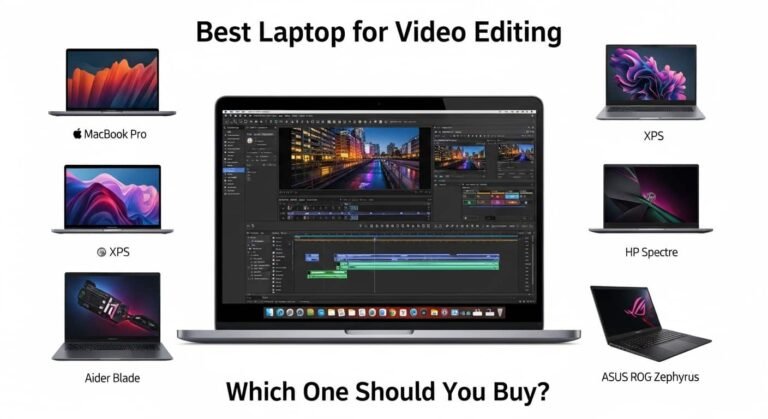
The best laptops for graphic design in 2026 focus on three essentials: high-resolution, colour-accurate displays (preferably OLED or Retina-class panels), powerful processors like Apple’s M-series or Intel Core i7/i9 chips, and a minimum of 16GB RAM. For professionals demanding peak performance, the MacBook Pro 16-inch stands out with exceptional rendering speed and a Liquid Retina XDR display. Windows users looking for a premium OLED creative workstation should consider the Asus ProArt P16. If portability and value are priorities, the MacBook Air 15-inch delivers strong performance for Adobe workflows at a more accessible price.
See More…What Are Best Budget Laptops to Get Your Money’s Worth
Best Laptops for Graphic Design – Top Picks by Category
MacBook Pro 16-inch (M4 Max / M3 Max)
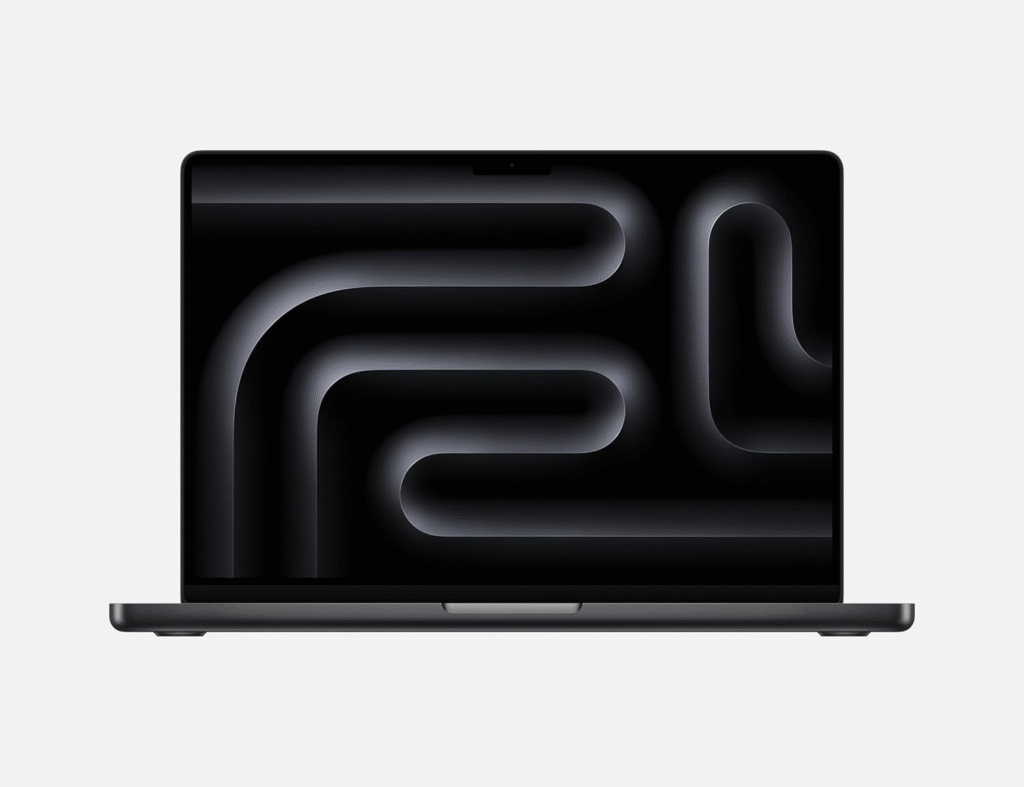
When I evaluate the best laptops for graphic design, this model consistently ranks first. The Liquid Retina XDR display delivers stunning color precision with wide DCI-P3 coverage, making it ideal for print and digital creatives.
Performance-wise, Apple’s M-series chips handle Photoshop layers, Illustrator vectors, and 4K Premiere Pro timelines effortlessly. If you work with large PSD files, 3D rendering, or motion graphics, this machine barely flinches.
Best for: Professional designers, agencies, 3D artists, motion designers.
Asus Pro Art P16
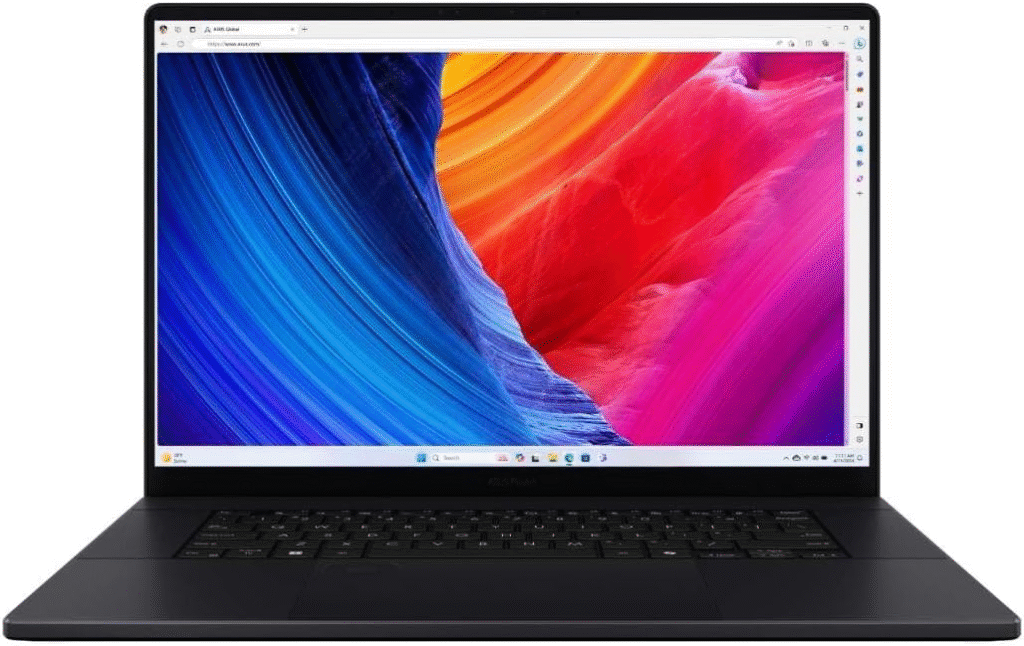
For creatives who prefer Windows, the Asus ProArt P16 offers one of the strongest OLED displays in its class. Its 4K OLED touchscreen provides deep contrast and accurate color reproduction, critical for branding and digital campaigns.
With NVIDIA RTX 4070 graphics, it’s especially strong for Blender, After Effects, and 3D workflows. I recommend this if GPU acceleration matters in your daily projects.
Best for: 3D designers, motion graphics artists, Windows-based studios.
Best 2-in-1 Laptop for Graphic Design
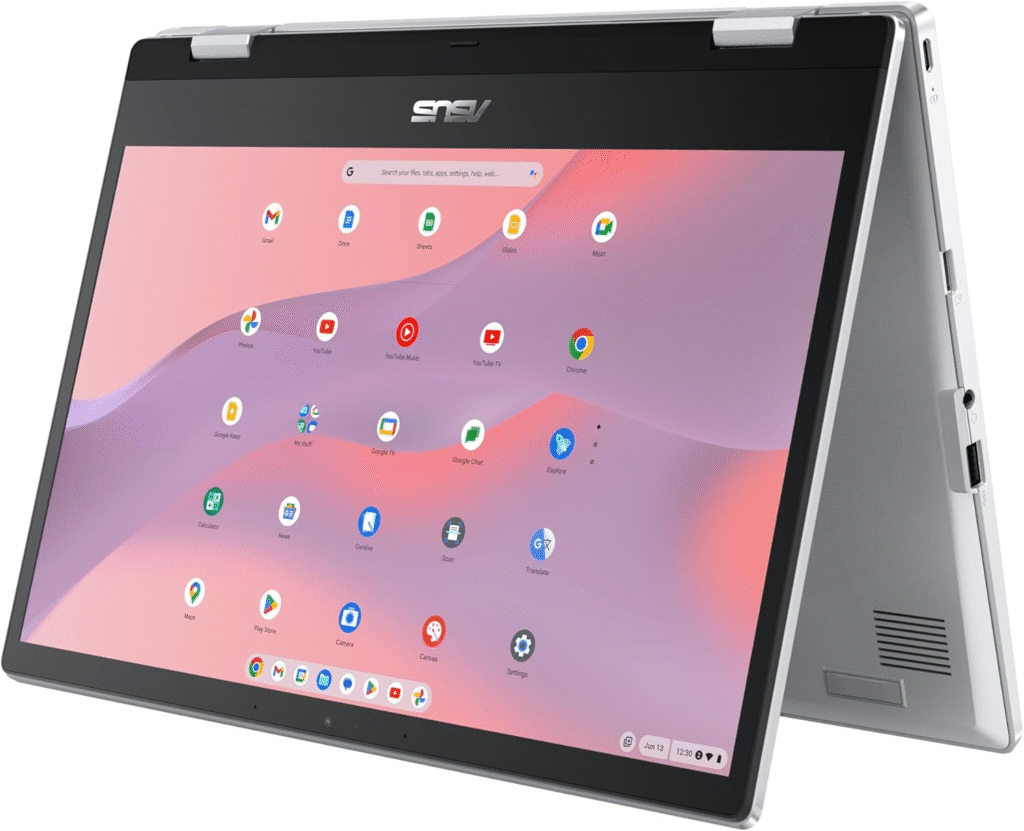
If illustration and stylus work are central to your workflow, flexibility matters. The Microsoft Surface Laptop Studio 2 is built for digital artists who need pen precision and adaptable screen positioning.
Another strong alternative is the Asus ProArt Studiobook PX13, which combines OLED visuals with creative-focused hardware tuning.
Best for: Illustrators, concept artists, UI designers using stylus input.
Best Budget Laptop for Graphic Design
You don’t need to overspend to get the best laptops for graphic design performance at an entry level.
The MacBook Air 15-inch delivers smooth Adobe Suite performance for Photoshop and Illustrator. It’s lightweight, efficient, and perfect for students or freelancers.
On the Windows side, the Asus Vivobook Pro 16 OLED offers an OLED display and capable GPU options at a more affordable price.
Best for: Students, beginners, freelance designers on a budget.
Key Specifications to Look for in the Best Laptops for Graphic Design
When choosing the best laptops for graphic design, I always prioritize these specifications:
1. Display Quality
- 100% sRGB minimum
- DCI-P3 coverage preferred
- OLED or high-end IPS panel
- 2K or 4K resolution for detailed work
Color accuracy directly impacts your client deliverables. Never compromise here.
2. RAM
- 16GB minimum
- 32GB recommended for 3D or multitasking
- 64GB ideal for heavy rendering workflows
3. Processor
- Apple M2, M3, or M4 chips
- Intel Core i7 or i9
- AMD Ryzen 7 or 9
CPU power determines export speed and multitasking performance.
4. Storage
- 512GB SSD minimum
- 1TB or more if you handle large RAW files or layered PSDs
5. Graphics Card
- Integrated graphics are fine for 2D work
- NVIDIA RTX 3050 or higher for 3D and video
macOS vs Windows for Graphic Designers
I often get asked which system is better for the best laptops for graphic design setup.
MacBook Advantages
- Superior battery life
- Seamless ecosystem
- Excellent trackpads
- Optimized Adobe performance
Windows Advantages
- More GPU customization
- Better for 3D-heavy workflows
- Touchscreen and stylus flexibility
- Wider hardware price range
If you mainly use Adobe Creative Cloud for 2D design, macOS offers efficiency and reliability. If 3D modeling or gaming engines are part of your workflow, Windows machines often provide stronger GPU options.
Minimum Requirements for Graphic Design in 2026
If you’re just starting and want the best laptops for graphic design without overspending:
- 16GB RAM
- SSD storage
- Color-accurate IPS or OLED display
- Modern i7 / Ryzen 7 / M-series processor
Anything below that may struggle with large files.
Frequently Asked Questions
What laptop specs are best for graphic design?
At least 16GB RAM, SSD storage, a color-accurate display (100% sRGB), and a modern i7, Ryzen 7, or Apple M-series processor.
Is 8GB RAM enough for graphic design?
For light tasks, maybe. But for professional Adobe work, 16GB is strongly recommended.
Do I need a dedicated GPU for graphic design?
Not always. For 2D design, integrated graphics are fine. For 3D rendering, motion graphics, or video editing, a dedicated RTX GPU is essential.
Are MacBooks better for graphic design?
MacBooks are popular due to color accuracy, battery life, and software optimization. However, high-end Windows laptops can outperform them in GPU-intensive tasks.
Final Thoughts on the Best Laptops for Graphic Design
The best laptops for graphic design depend on your workflow. If you want peak performance and long-term reliability, the MacBook Pro 16-inch leads the pack. If you prefer Windows with powerful graphics, the Asus ProArt P16 is an excellent choice. For budget-conscious creatives, the MacBook Air 15-inch delivers impressive value.
Choose based on your actual design needs, not just specs on paper.
Amazon Affiliate Disclaimer
As an Amazon Associate, I earn from qualifying purchases. This means I may receive a small commission if you buy through links on this page, at no extra cost to you. I only recommend products I genuinely believe are suitable for graphic design workflows.