Remote work sounds flexible,until your laptop starts lagging during a Zoom call or your battery dies mid-presentation. I’ve tested, researched, and compared dozens of machines to find the best laptops for working from home that actually handle multitasking, video meetings, spreadsheets, and creative workloads without frustration.
If you’re searching for the best laptops for working from home, you need performance, long battery life, sharp displays, and a reliable webcam, not just flashy marketing specs.
Overview
In 2026, the best laptops for working from home combine fast processors, all-day battery life, vibrant displays, and smooth multitasking capabilities. Standout choices include the Apple MacBook Air (M4) for macOS users, the Dell XPS 13 (Snapdragon) for Windows users seeking efficiency and AI-driven performance, and the Lenovo Yoga Slim 7x for premium portability. Budget-conscious buyers can still find capable options starting around the mid-range price bracket, such as the HP 15s, which balances affordability and everyday productivity.
See More…Best Laptops for College in 2026
Now let’s break down the top recommendations in detail.
Best Laptops for Working From Home – Top Picks
Dell XPS 13 (Snapdragon)
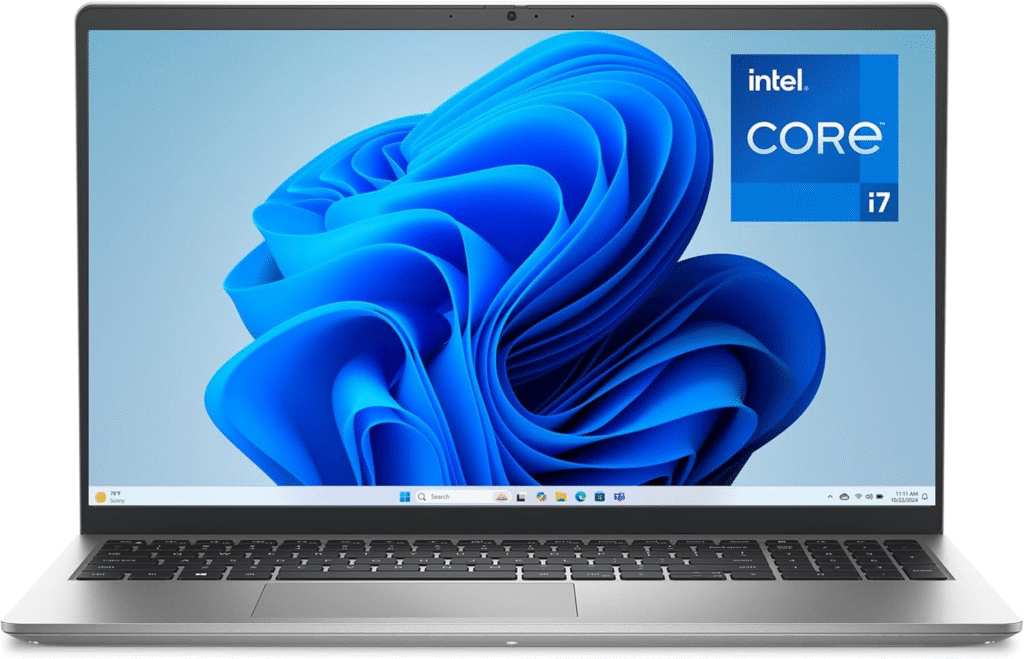
If you prefer Windows, this is one of the best laptops for working from home right now. It features a stunning 3K OLED touchscreen, excellent color accuracy, and up to 20 hours of battery life under light workloads.
Why I recommend it:
- AI-enhanced Snapdragon platform for efficiency
- Excellent multitasking performance
- Sharp webcam for video conferencing
- Lightweight and ultra-portable
It’s ideal for professionals juggling Slack, Teams, Chrome tabs, and spreadsheets all day.
Apple MacBook Air (M4)
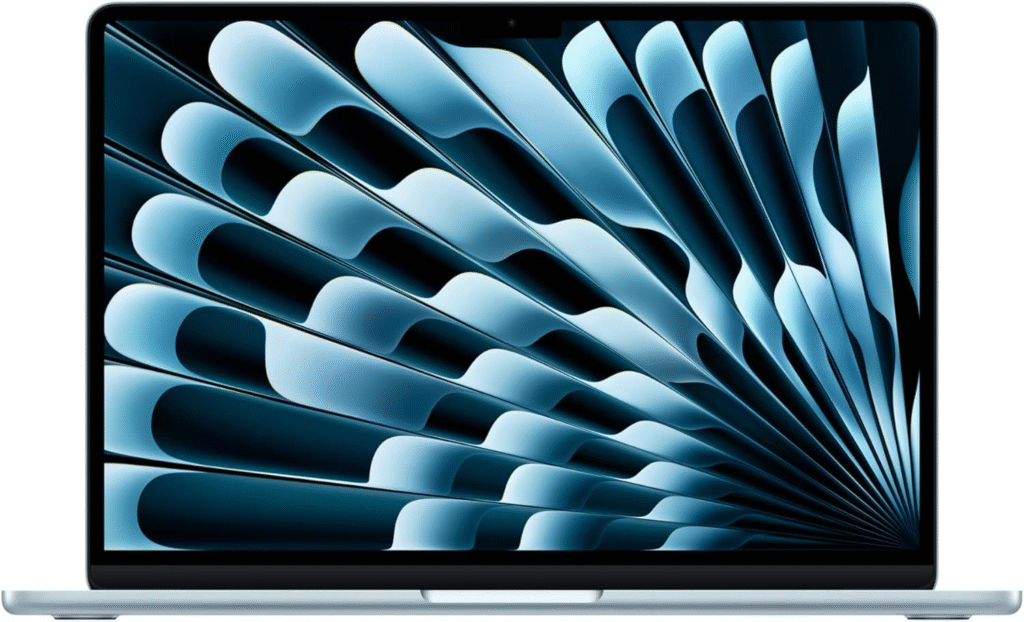
For macOS users, this is one of the best laptops for working from home thanks to Apple’s M4 chip. It delivers fast performance, silent operation (no fan noise), and impressive battery life that easily exceeds 15 hours.
Why it stands out:
- Smooth performance for multitasking
- Excellent Retina display
- Premium build quality
- Reliable 1080p webcam
For remote roles in marketing, content creation, consulting, and administration, this model handles everything comfortably.
Apple MacBook Pro 14 (M3/M4)
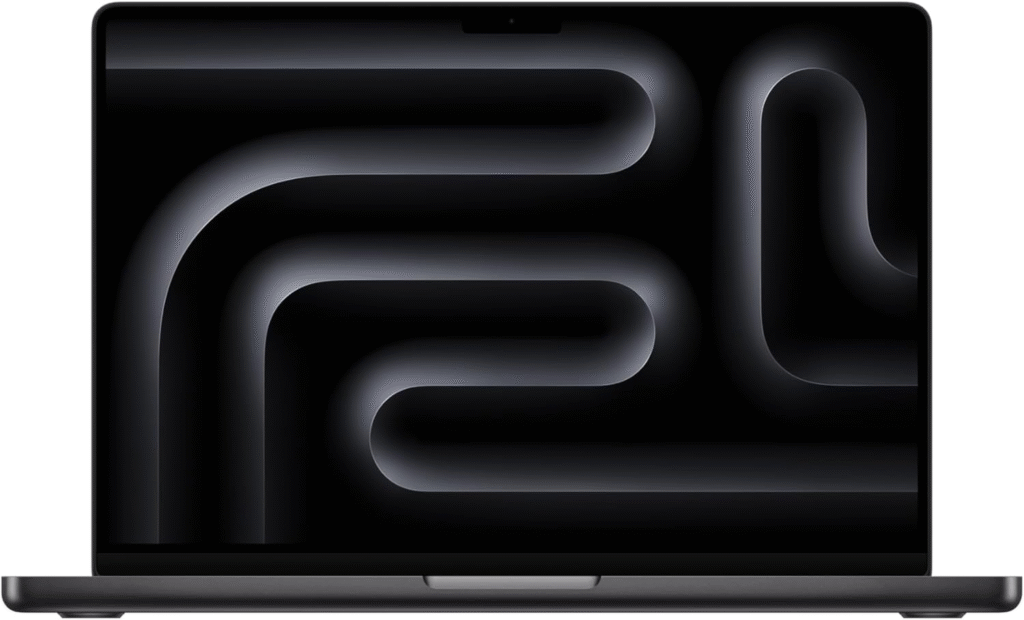
If your remote job involves heavy workloads like video editing, software development, or data analysis, this is one of the best laptops for working from home for demanding tasks.
Key advantages:
- High-performance M-series chip
- Bright, color-accurate display
- Strong speakers for meetings
- Excellent thermals under load
It’s built for professionals who push their machines daily.
HP 15s
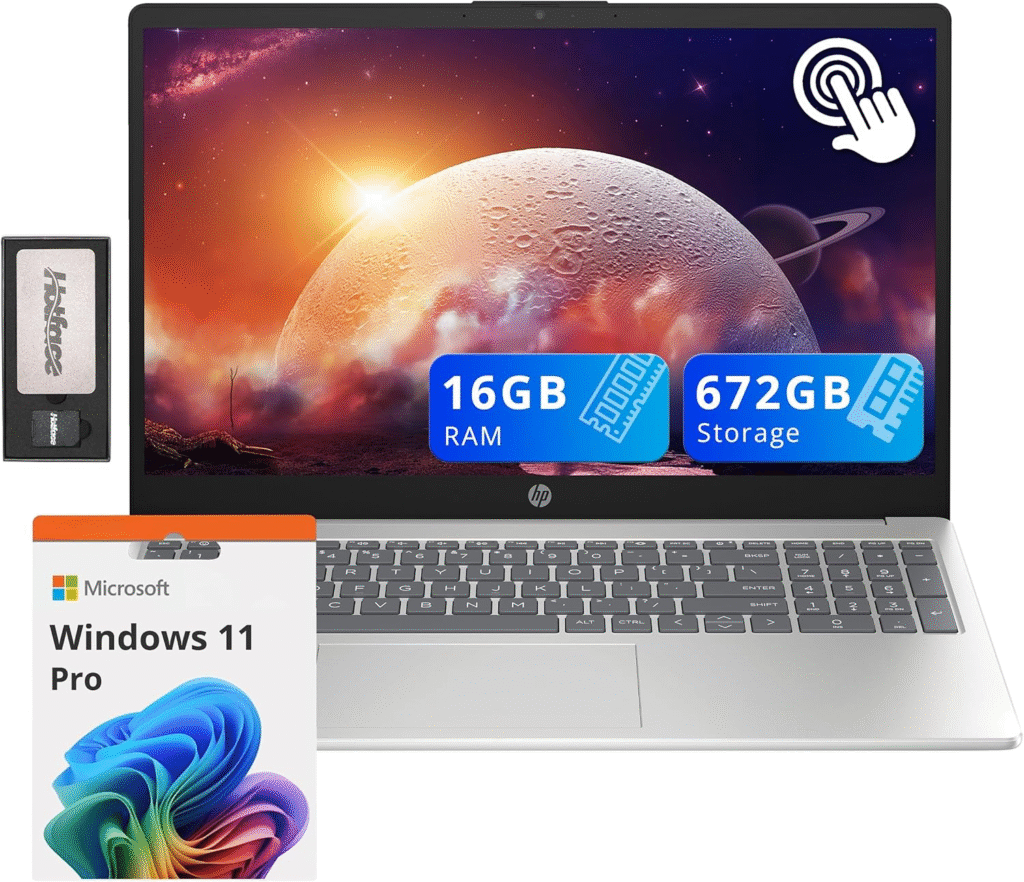
Not everyone needs premium hardware. If your work revolves around email, documents, video calls, and web browsing, this remains one of the most affordable best laptops for working from home alternatives.
Typical configuration includes:
- Intel Core i5 or AMD Ryzen 5
- 8GB RAM (upgradeable in some variants)
- 512GB SSD
It’s practical, reliable, and cost-effective for entry-level remote roles.
Best Laptops by Feature
Lenovo Yoga 9i 2-in-1
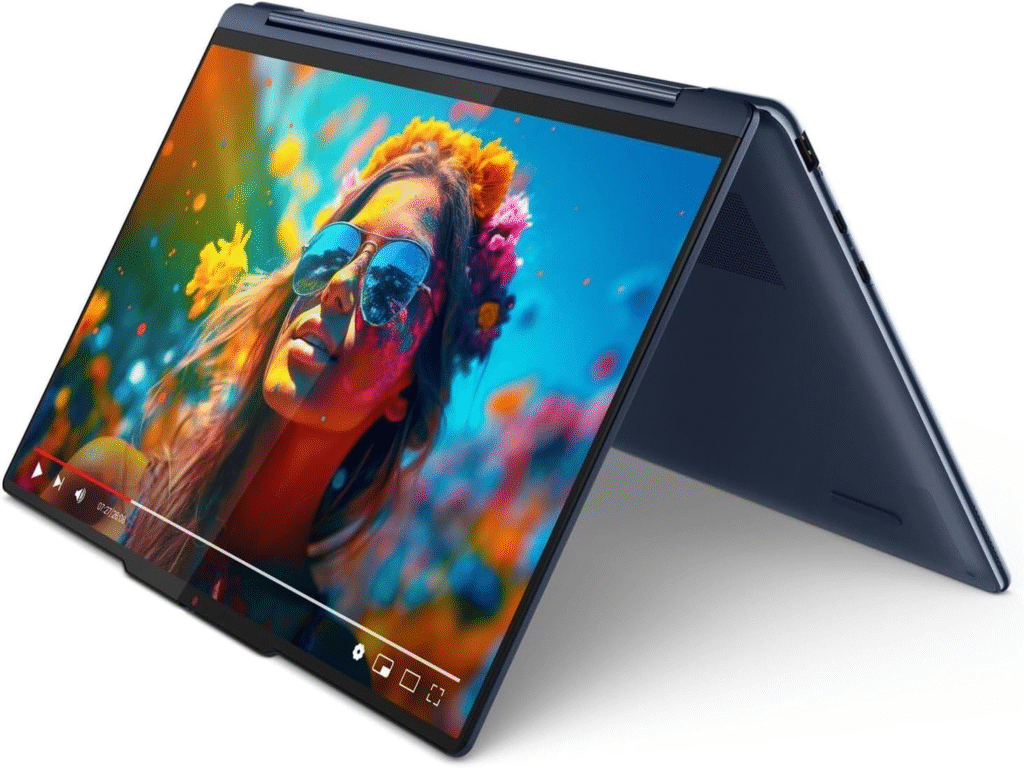
If you need tablet functionality or pen input for note-taking and presentations, this convertible stands out among the best laptops for working from home.
Highlights:
- Premium 2-in-1 design
- Responsive touchscreen
- Strong productivity performance
- Great keyboard experience
Perfect for consultants, educators, and creative professionals.
Acer Swift 14 AI
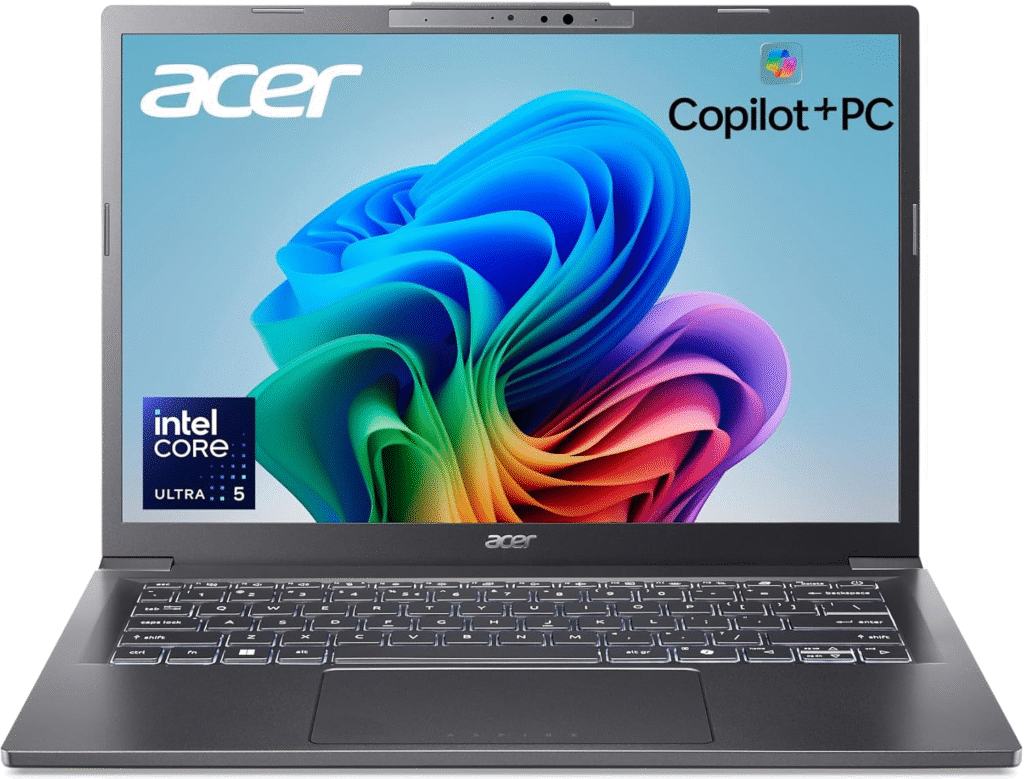
View on Amazon
Powered by Snapdragon X platforms, this laptop focuses on AI-driven efficiency. It’s optimized for modern productivity apps and remote workflows.
Why it matters:
- Efficient multitasking
- 2.5K touchscreen
- Long battery life
- Lightweight chassis
If you’re leaning into AI-enhanced tools for work, this model fits the trend.
Dell Inspiron 16 (5600 series)
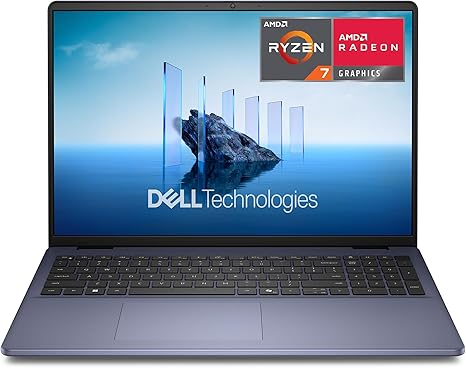
For spreadsheet-heavy workflows and multitasking, screen space matters. This 16-inch model gives you room to breathe.
Advantages:
- Large display
- 16GB RAM options
- 1TB SSD availability
- Ideal for data-heavy work
It’s one of the most practical best laptops for working from home for finance and operations professionals.
HP Omni book X
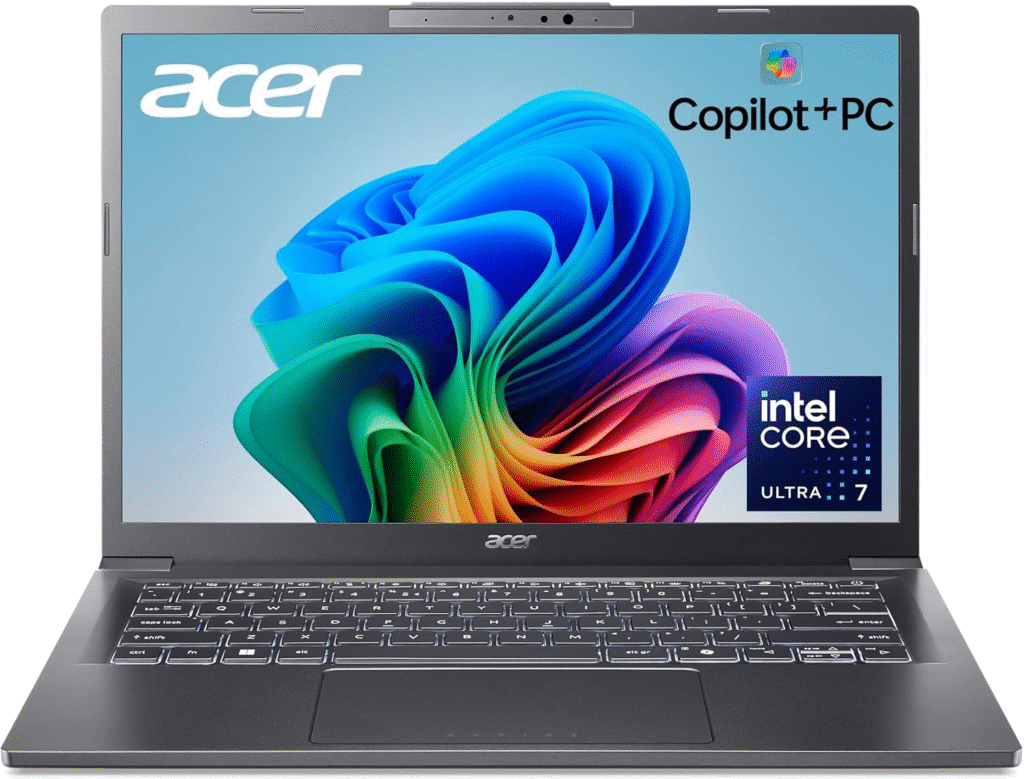
If you frequently move between rooms or co-working spaces, portability becomes critical.
Features:
- Slim and lightweight
- Efficient battery performance
- Reliable productivity specs
It’s a great companion for flexible work environments.
What to Look for in the Best Laptops for Working From Home
When I evaluate the best laptops for working from home, I focus on these essentials:
Processor
Choose at least:
- Intel Core i5
- AMD Ryzen 5
- Apple M-series (M3/M4)
These ensure smooth multitasking and stable performance.
RAM
- 16GB is ideal for modern workflows
- 8GB works for light tasks
Battery Life
Aim for 10+ hours to avoid being tethered to your charger.
Webcam
A 1080p webcam is now essential for professional video meetings.
Frequently Asked Questions
1. Is 8GB RAM enough for working from home?
Yes, for basic tasks like emails and browsing. For multitasking or heavier apps, 16GB is safer.
2. Do I need a dedicated GPU for remote work?
Most remote jobs don’t require one. Only designers, video editors, and 3D professionals need dedicated graphics.
3. Are Chromebooks good for working from home?
They work well for browser-based roles but may lack compatibility for specialized software.
4. What screen size is best for remote work?
14-inch is portable and balanced. 16-inch is better for spreadsheets and multitasking.
Final Thoughts
Choosing the best laptops for working from home depends on your workload, software requirements, and budget. Whether you prefer Windows, macOS, or a flexible 2-in-1, there are strong options in every category. Focus on performance, webcam quality, and battery life, those are non-negotiable for serious remote productivity.
Amazon Affiliate Disclaimer
As an Amazon Associate, I earn from qualifying purchases. This means I may receive a small commission if you buy through links on this page, at no extra cost to you. I only recommend products I believe offer real value for remote work.