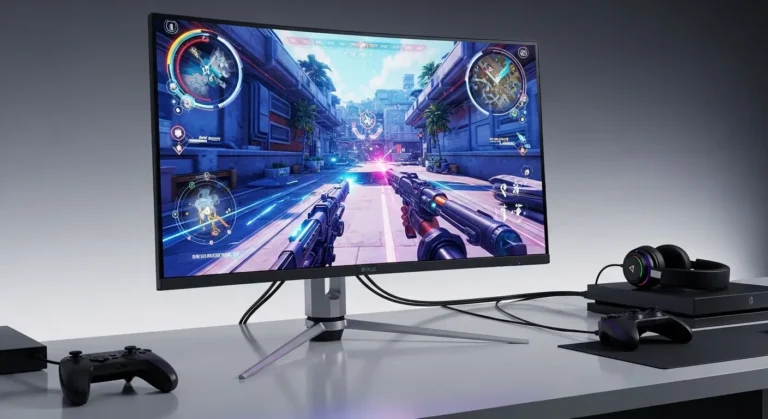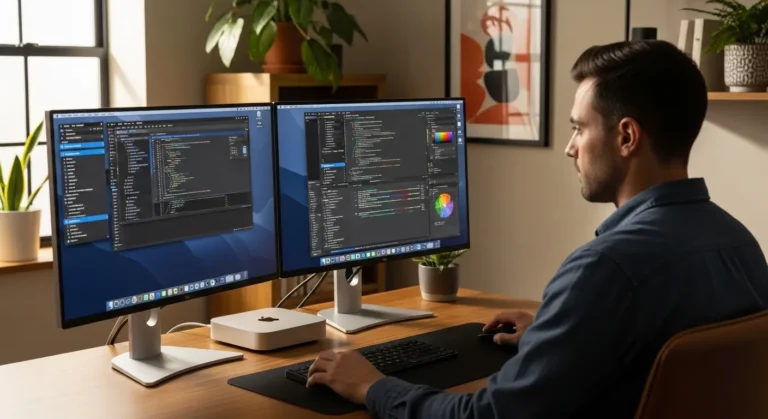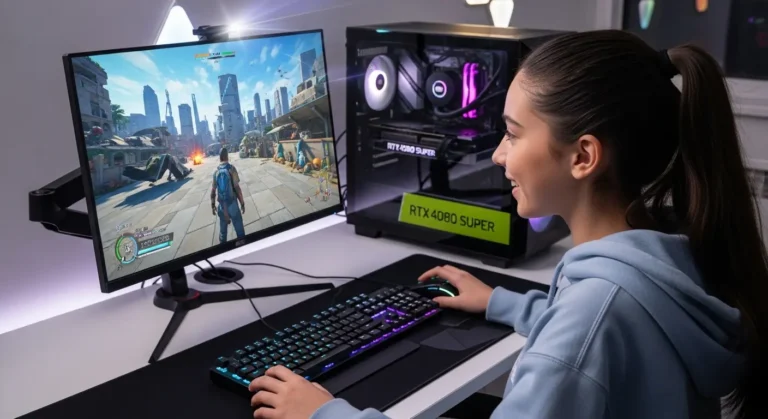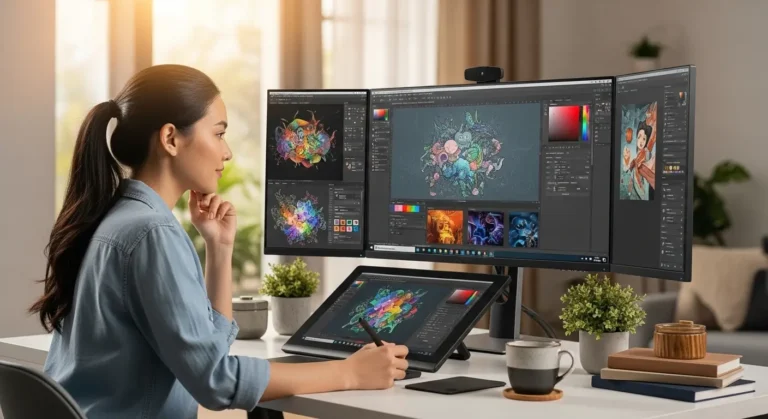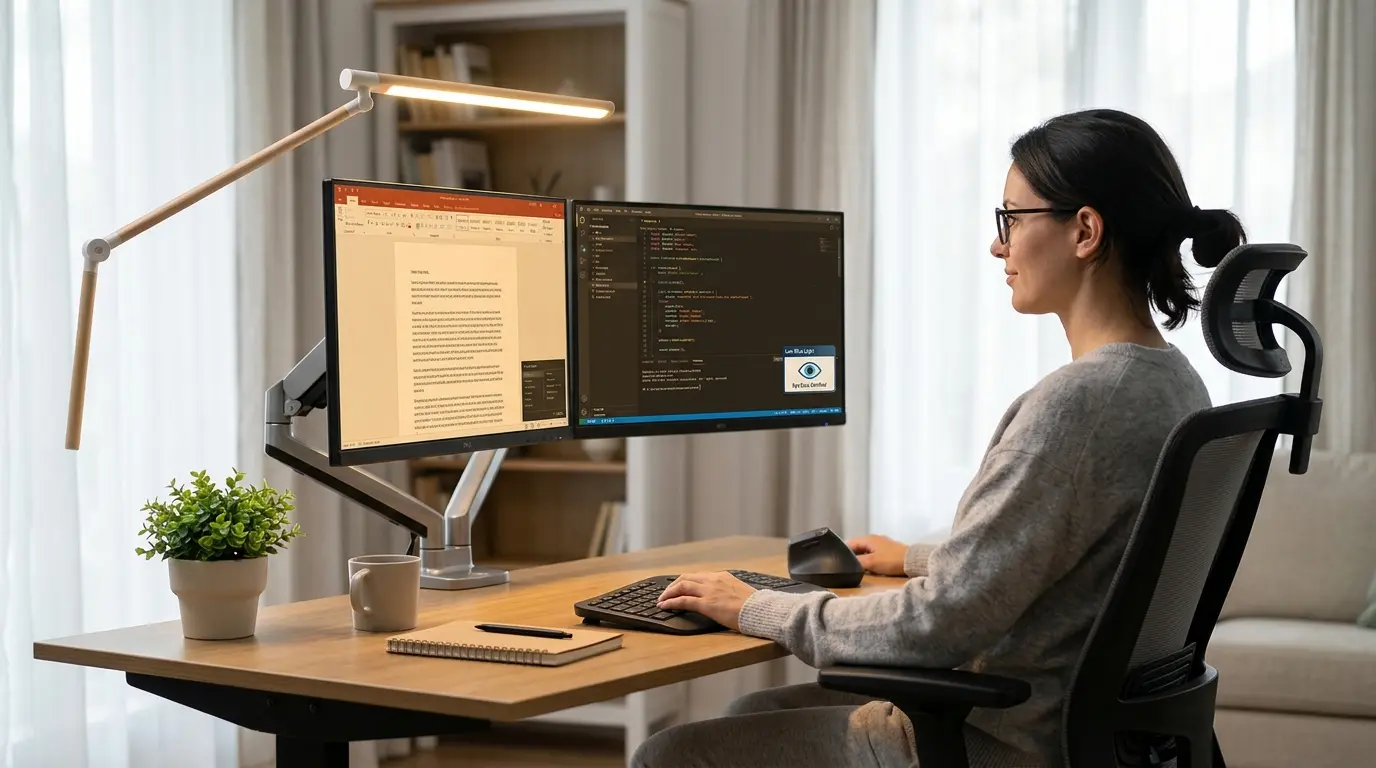
A few months ago, I caught myself rubbing my eyes for the third time in an hour… and that’s when it hit me, my monitor was slowly ruining my day.
If you spend hours in front of a screen like I do, you already know the feeling: dry eyes, headaches, blurry vision, and that annoying pressure behind your eyes. I used to think it was just “part of the job,” but honestly, it doesn’t have to be.
Studies show that over 60% of people who use screens regularly experience digital eye strain, also known as Computer Vision Syndrome. And most of the time? The real problem isn’t you, it’s your monitor.
So I decided to fix it.
I tested, researched, and compared some of the best monitors for eye strain, not as a tech expert, but as someone who just wanted to stop feeling exhausted after work. In this guide, I’ll walk you through what actually works, what doesn’t, and which monitors are genuinely worth your money.
By the end, you’ll know exactly which monitor will keep your eyes comfortable, even after long hours.
Why Your Monitor Is Causing Eye Strain
Before jumping into the best options, let’s quickly understand the problem (don’t worry, I’ll keep it simple).
Most eye strain comes from:
- Blue light exposure (messes with sleep + eye fatigue)
- Screen flickering (even if you can’t see it)
- Low resolution or poor sharpness
- Bad brightness/contrast balance
- Glare from reflections
I didn’t realize how bad my old monitor was until I switched to a flicker-free, low blue light display, the difference was immediate.
What to Look for in a Monitor for Eye Strain
When I was searching, these were the features that actually mattered:
- Flicker-Free Technology → reduces invisible screen flickering
- Low Blue Light Mode → easier on your eyes, especially at night
- High Resolution (1080p minimum, ideally 1440p or 4K)
- IPS Panel → better colors + less strain
- Adjustable Stand → your neck and eyes will thank you
- Matte Screen → reduces glare
Oh, and one more thing… size matters. A 24–27 inch monitor hits the sweet spot for most people.
Product Reviews: Best Monitors for Eye Strain
1. BenQ GW2780 – Best Overall for Eye Comfort
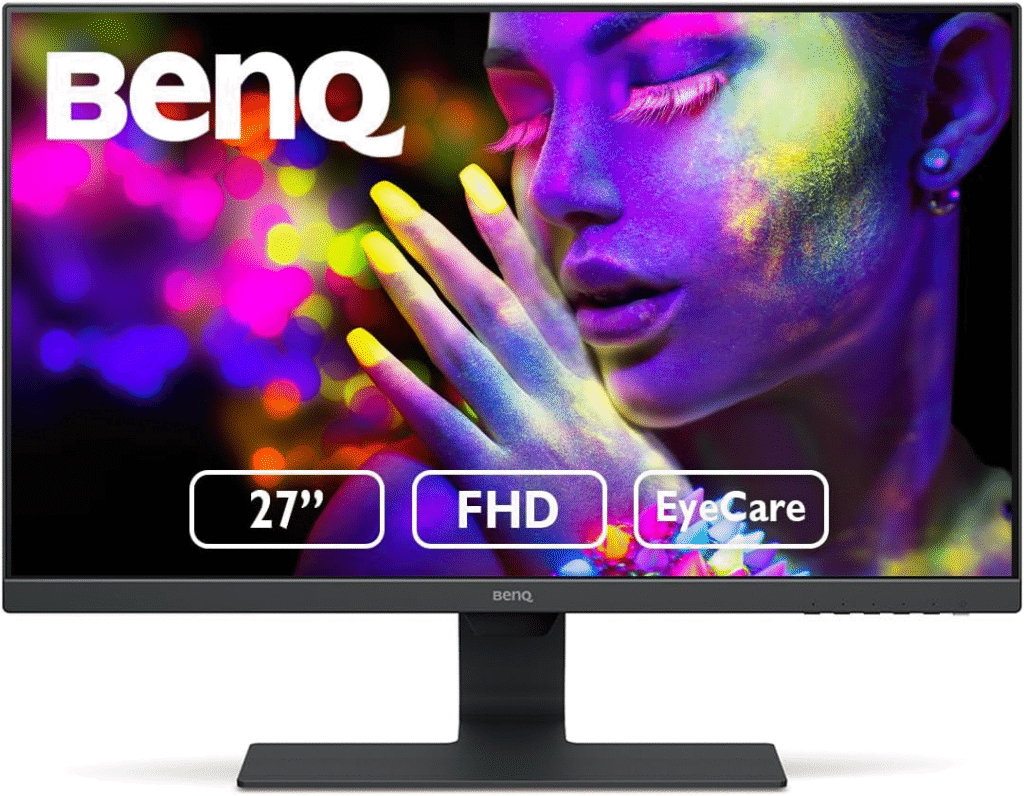
If you just want something that works perfectly without overthinking it, this is the one I recommend the most. The BenQ GW2780 is designed specifically for eye care, and honestly, you can feel it within minutes of using it. When I first tried it, the biggest difference was how relaxed my eyes felt, no harsh brightness, no weird flicker.
Key Features & Specs
- 27-inch Full HD IPS display
- Built-in Low Blue Light + Flicker-Free technology
- Brightness Intelligence (auto-adjusts brightness)
- Ultra-slim bezels
- Built-in speakers
Summary
This monitor focuses entirely on eye comfort without sacrificing everyday performance. It’s perfect for office work, browsing, and long sessions.
Pros
- Excellent eye care features
- Affordable price
- Clean, minimal design
- Good color accuracy
Cons
- Not ideal for high-end gaming
- Only 1080p resolution
About More: Best Monitors for Mac Studio
2. ASUS Eye Care VZ279HE – Budget-Friendly Option
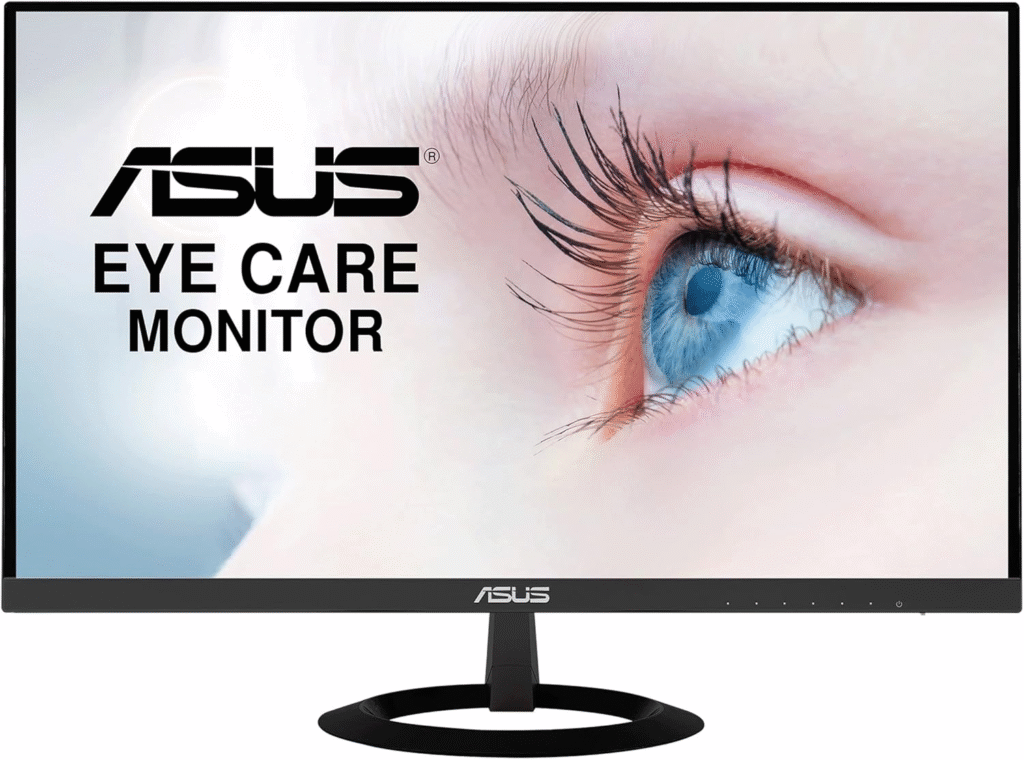
I remember recommending this to a friend who wanted something cheap but effective, and he still thanks me for it. The ASUS VZ279HE is one of the most affordable eye-care monitors that actually delivers. It doesn’t feel “cheap,” which surprised me.
Key Features & Specs
- 27-inch Full HD IPS panel
- TÜV Rheinland-certified Flicker-Free + Low Blue Light
- Ultra-slim design
- Wide viewing angles
Summary
A solid entry-level monitor for anyone who wants eye protection without spending too much.
Pros
- Budget-friendly
- Slim and stylish
- Reliable eye-care tech
Cons
- No height adjustment
- Basic features only
3. Dell S2721QS – Best 4K Monitor for Eye Strain
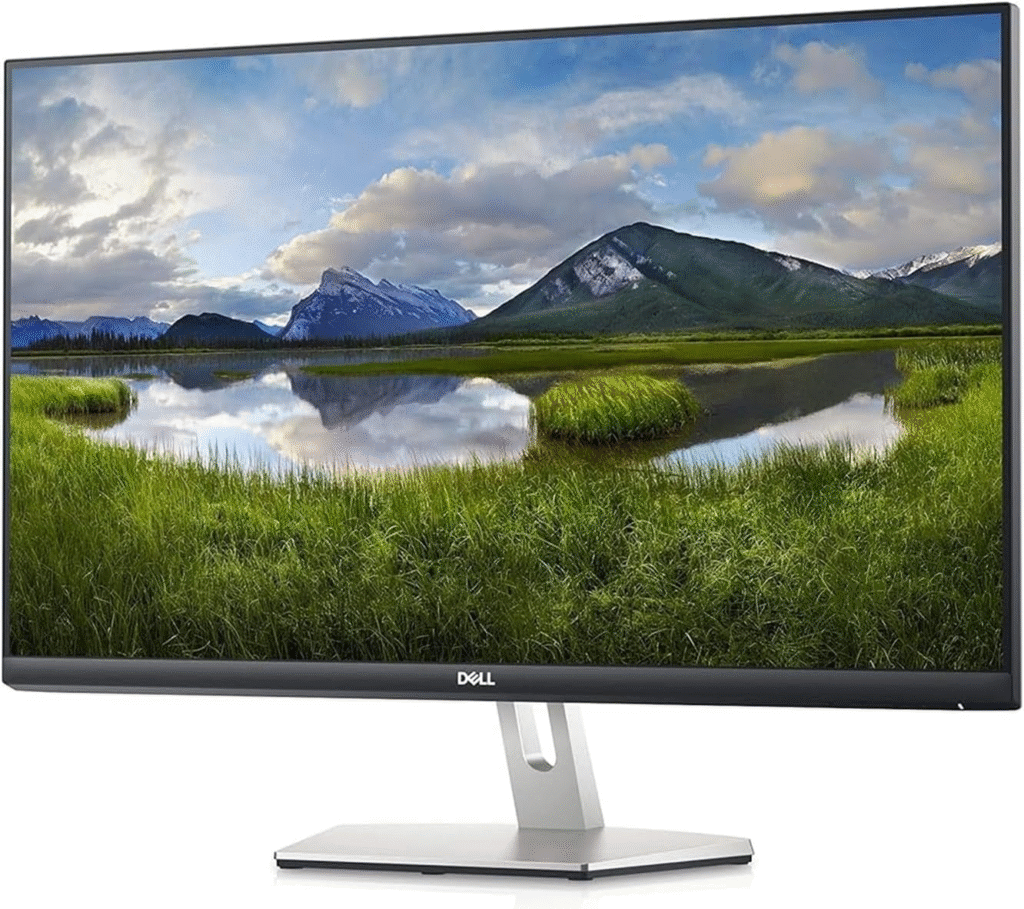
This is where things started to feel premium for me. The Dell S2721QS offers a crisp 4K display, and trust me, sharper visuals actually reduce strain because your eyes don’t have to work as hard.
Key Features & Specs
- 27-inch 4K UHD (3840×2160)
- IPS panel with excellent clarity
- ComfortView (low blue light)
- Adjustable stand
- Thin bezels
Summary
Perfect for professionals, designers, or anyone who stares at text all day. The clarity alone makes a huge difference.
Pros
- Stunning 4K resolution
- Adjustable ergonomics
- Great for productivity
Cons
- Slightly more expensive
- Not gaming-focused
About More: Best Monitor for PS4
4. LG 27QN600-B – Best Value 1440p Monitor
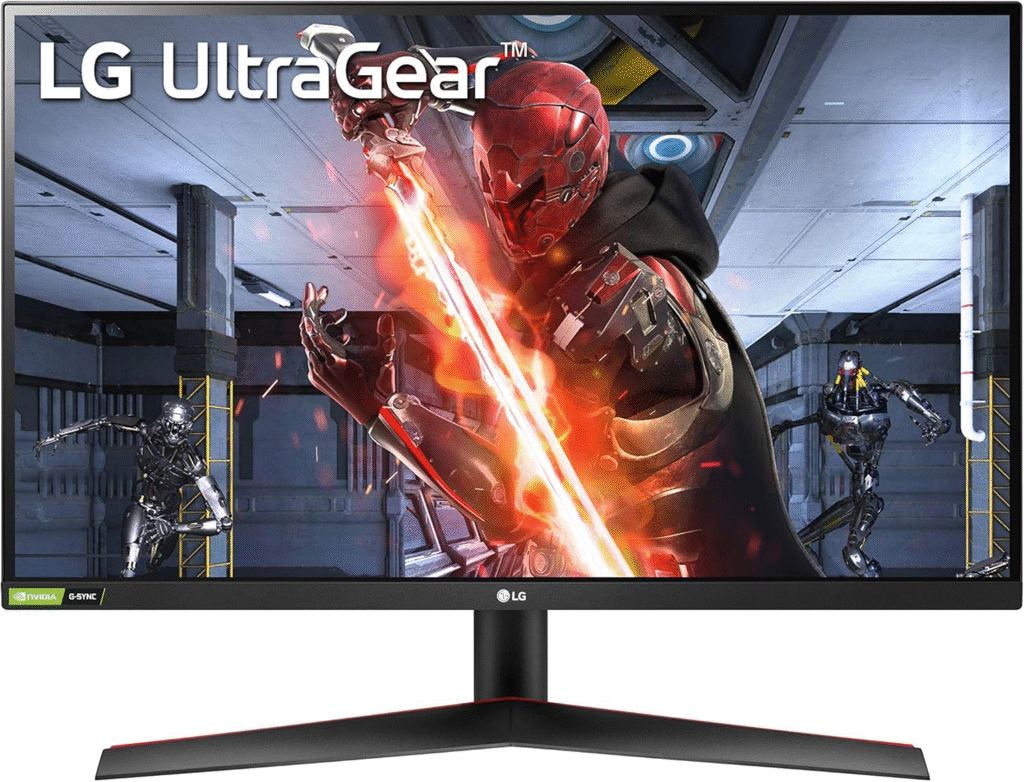
If you want something between budget and premium, this is a sweet spot. The LG 27QN600-B delivers a 1440p resolution, which I personally think is the best balance between performance and eye comfort.
Key Features & Specs
- 27-inch QHD (2560×1440)
- IPS display
- Reader Mode (reduces blue light)
- AMD FreeSync support
Summary
A great all-rounder that’s easy on the eyes and perfect for both work and casual use.
Pros
- Sharp and clear display
- Good price-to-performance ratio
- Comfortable for long sessions
Cons
- Limited ergonomic adjustments
- Average brightness
5. Eizo EV2785 – Premium Eye Care Monitor
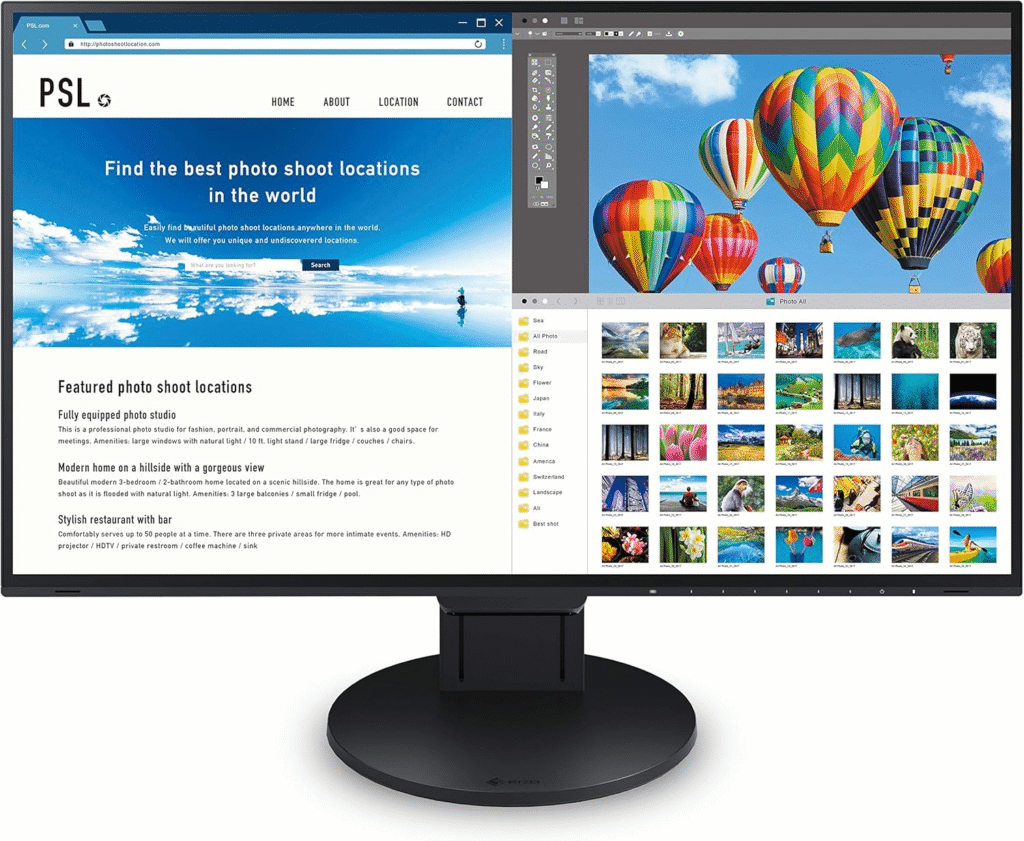
I won’t lie this one is expensive. But if your eyes are your priority (and your work depends on screens), it’s worth considering. The Eizo EV2785 is built specifically for professionals who spend all day in front of screens.
Key Features & Specs
- 27-inch 4K IPS display
- Advanced auto brightness + color adjustment
- Flicker-free + ultra-low blue light
- USB-C connectivity
- Fully adjustable stand
Summary
This is one of the best eye-care monitors on the market. Everything about it is designed for comfort and long-term use.
Pros
- Exceptional eye comfort
- Premium build quality
- Advanced features
Cons
- Expensive
- Overkill for casual users
Quick Picks
If you don’t want to read everything again, here’s what I’d suggest:
- Best Overall: BenQ GW2780
- Best Budget Pick: ASUS VZ279HE
- Best Premium Option: Eizo EV2785
- Best 4K Value: Dell S2721QS
My Honest Experience (What Actually Helped Me)
Switching monitors helped… but it wasn’t the only thing.
Here’s what really made a difference for me:
- Using night mode in the evening
- Taking a 20-second break every 20 minutes
- Lowering brightness (seriously, most people keep it too high)
Oh, and one more thing I stopped sitting too close to the screen. That alone reduced my headaches.
FAQs About Monitors for Eye Strain
1. What type of monitor is best for eye strain?
IPS monitors with flicker-free and low blue light features are the best. Higher resolution also helps reduce strain.
2. Is a bigger monitor better for your eyes?
Not always. A 24–27 inch monitor is ideal. Too big can actually strain your eyes if you sit too close.
3. Does 4K reduce eye strain?
Yes. Sharper text and images mean your eyes don’t have to work as hard to focus.
4. Are curved monitors better for eye strain?
They can help slightly by reducing edge distortion, but they’re not a must-have.
5. How far should I sit from my monitor?
About 20–30 inches (50–75 cm) is ideal for most setups.
Final Thoughts: Are Eye-Friendly Monitors Worth It?
Honestly? Yes, and I wish I had switched sooner.
If you’re dealing with headaches, dry eyes, or fatigue, upgrading your monitor can make a huge difference. But don’t overcomplicate it, even a mid-range monitor with proper eye-care features can completely change your experience.
If I had to give one simple recommendation:
Start with the BenQ GW2780 — it’s affordable, reliable, and genuinely easier on your eyes.
At the end of the day, your eyes are not replaceable. Your monitor is.
Where to Buy (And Save Money)
You can find all of these monitors on Amazon, where prices often drop during sales. I recommend checking for:
- Seasonal discounts
- Bundle deals
- Fast shipping options
Amazon Affiliate Disclaimer
This article contains affiliate links. If you purchase through these links, I may earn a small commission at no extra cost to you. This helps support my work and allows me to keep creating helpful content like this.