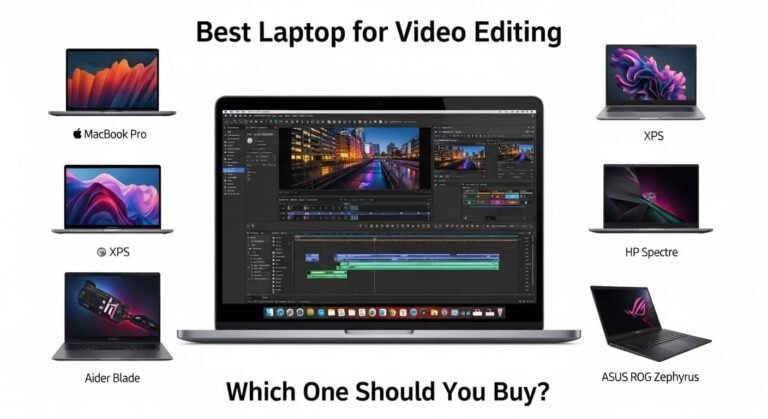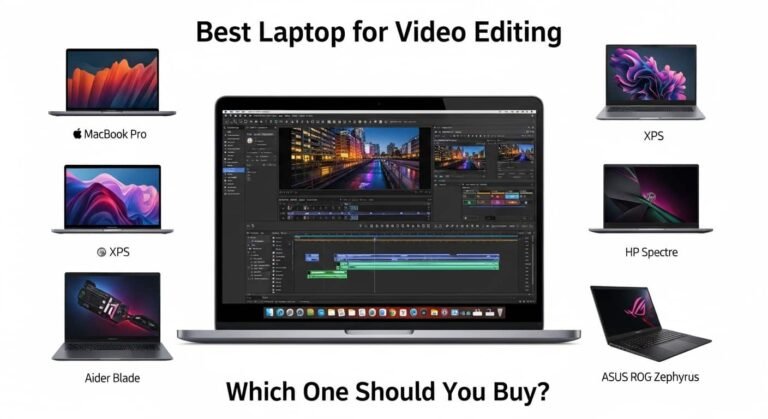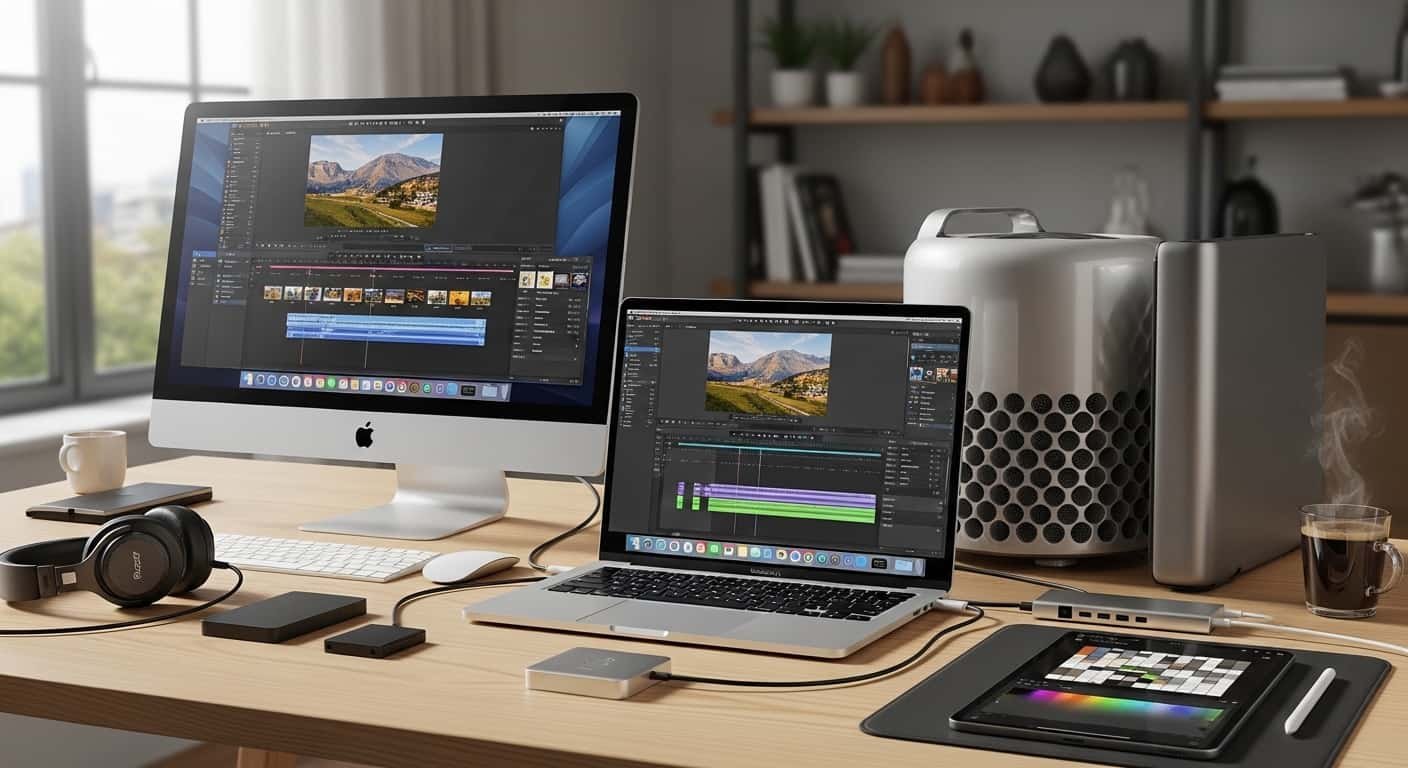
If you’re serious about editing, I know how frustrating it feels when your timeline stutters, exports crawl, or your laptop overheats mid-render. I’ve tested and researched the best setups for smooth 4K and even 8K workflows, and choosing the best video editing Mac and MacBook can completely transform how fast , and how confidently, you work.
Overview
From my research and hands-on comparisons, the best video editing Mac and MacBook in 2026 depends on your workflow. For portable professional power, the 14-inch or 16-inch MacBook Pro with M4 Pro or M4 Max chips leads the pack thanks to active cooling and sustained performance. If you want maximum desktop muscle, the Mac Studio with M4 Max delivers extreme processing strength and better thermal headroom.
For creators on a tighter budget, the M3 or M4 MacBook Air handles 4K editing surprisingly well thanks to Apple’s efficient media engines. Even older M1 Pro and M1 Max machines remain capable for demanding projects.
See More…Top 10 Best Low Budget Laptops for Coding and Programming
When I’m advising editors, I recommend at least 16GB RAM (32GB for complex 4K/8K timelines), 1TB storage or fast external SSDs, and Apple’s Pro/Max chips for heavy color grading, effects, and 3D workflows.
The Best Video Editing Mac and MacBook: My Top Picks
Below are the four systems I consistently recommend when someone asks me for the best video editing Mac and MacBook for their budget and workflow.
Apple MacBook Pro 16-inch (M4 Pro)
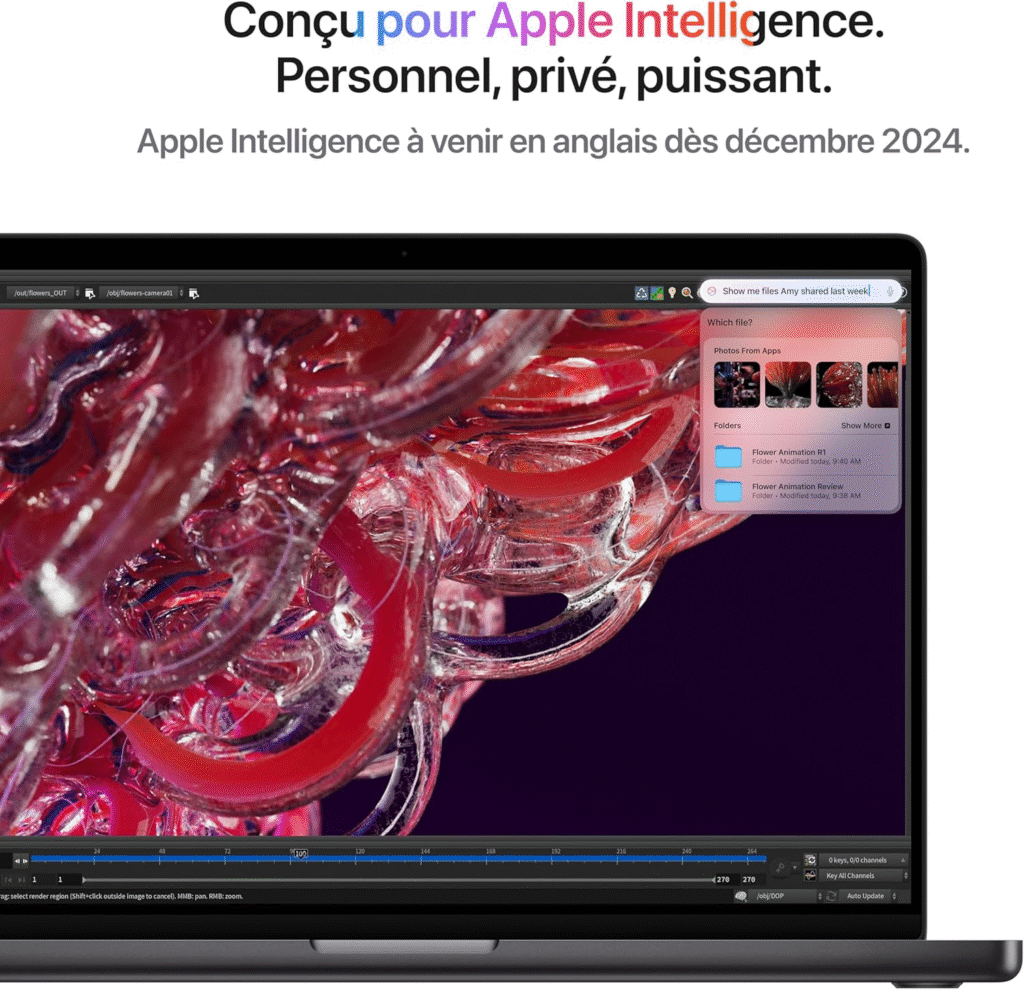
When I need power and portability in one machine, this is my go-to recommendation.
Why I Recommend It
The 16-inch MacBook Pro with M4 Pro strikes the perfect balance between sustained performance and mobility. Its active cooling system keeps exports steady during long renders — something the Air simply can’t match.
Key Features
- M4 Pro chip with advanced media engines
- Liquid Retina XDR display with exceptional brightness and contrast
- Active cooling for sustained rendering
- Multiple Thunderbolt ports + HDMI
- Long battery life even during editing
Reasons to Buy
✔ Handles multi-layer 4K timelines effortlessly
✔ Excellent for color grading and motion graphics
✔ Large, color-accurate display
Consider If
- You want the best video editing MacBook without stepping into desktop territory.
- You edit professionally but still travel or work remotely.
For most professionals, I find this to be the sweet spot of price, performance, and screen size.
Apple Mac Studio (M4 Max)
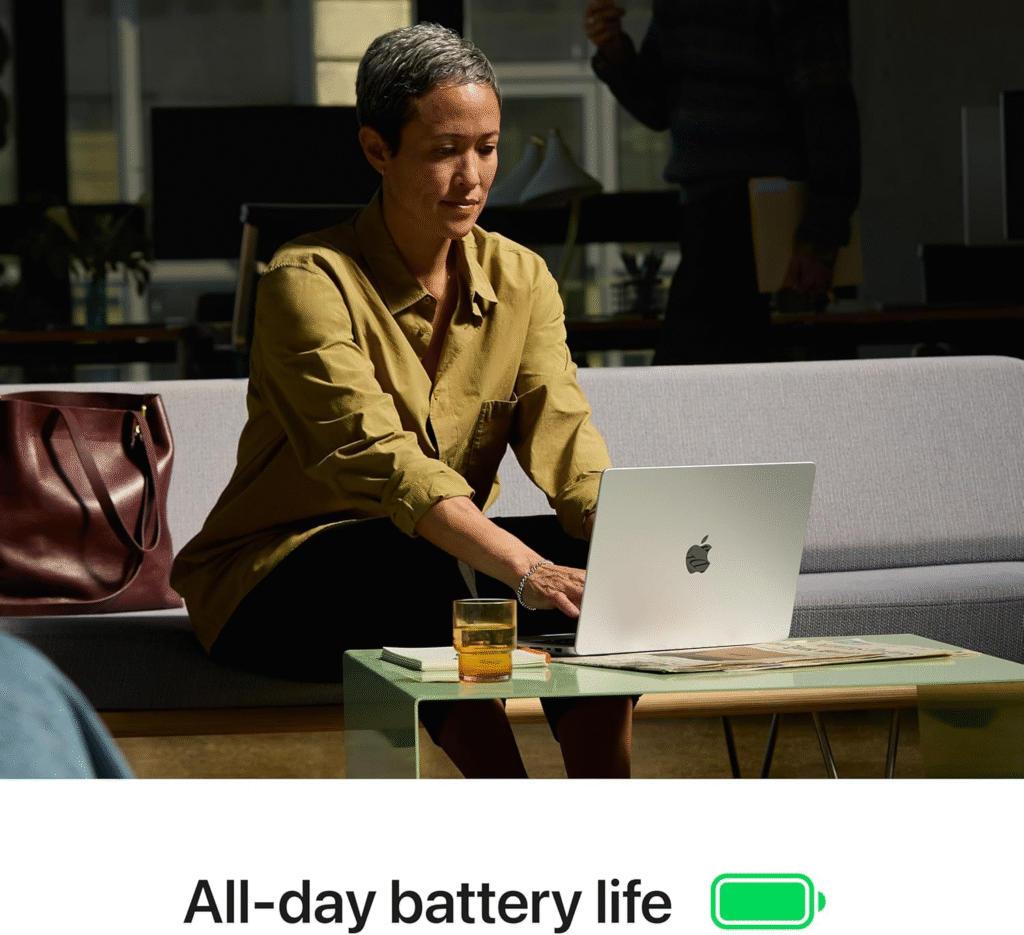
If raw power is your priority, this is the best video editing Mac for a fixed studio setup.
Why I Recommend It
The Mac Studio with M4 Max offers extreme processing performance and superior thermal management. I’ve seen it handle complex 8K footage and heavy color grading without breaking a sweat.
Key Features
- M4 Max chip with powerful GPU cores
- Advanced cooling system
- Extensive port selection
- Massive unified memory options
- Ultra-fast SSD storage
Reasons to Buy
✔ Ideal for 3D rendering and VFX
✔ Handles feature-length timelines smoothly
✔ Excellent connectivity for external drives and displays
Consider If
- You work in a studio environment.
- You edit high-resolution or commercial projects daily.
Apple MacBook Air 15-inch (M4)
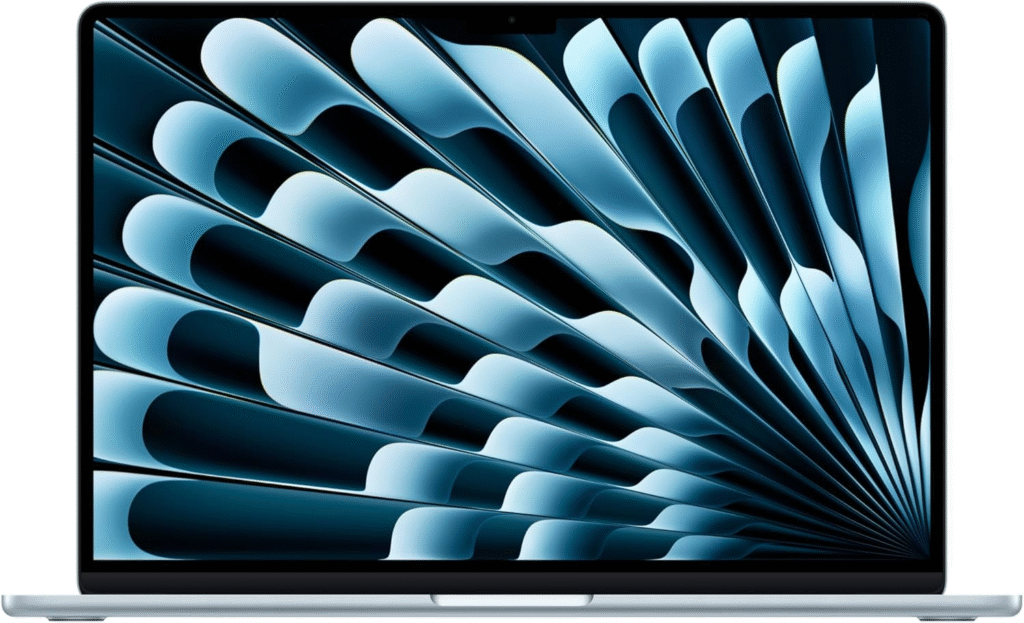
If someone tells me they want the best video editing MacBook under a tighter budget, this is where I start.
Why It’s Surprisingly Capable
Thanks to Apple silicon’s integrated media engines, even the MacBook Air handles 4K editing far better than older Intel machines ever could.
Key Features
- M4 chip efficiency
- Fanless silent design
- Lightweight and portable
- Excellent battery life
- Bright Retina display
Reasons to Buy
✔ Great for YouTube creators
✔ Handles 4K social media edits smoothly
✔ More affordable than Pro models
Limitations
- Not ideal for long 8K rendering sessions
- No active cooling
Still, for value-conscious editors, this remains one of the best video editing Mac and MacBook options available.
Apple MacBook Pro 14-inch (M4 Max)
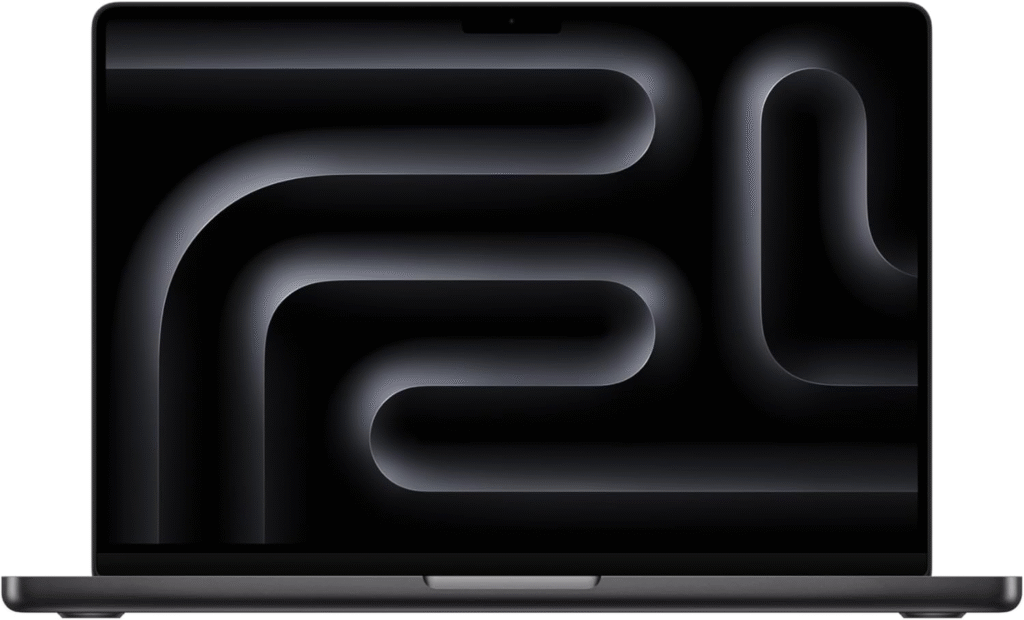
When someone wants serious power in a smaller chassis, I suggest the 14-inch M4 Max model.
Why I Like It
It delivers near-desktop-class performance while staying portable. For content creators who need strength without the bulk of a 16-inch device, this is a strong contender.
Key Features
- M4 Max chip for heavy GPU tasks
- Active cooling system
- ProMotion display
- Multiple high-speed ports
Reasons to Buy
✔ Excellent for multicam editing
✔ Strong for After Effects and 3D work
✔ Compact but powerful
The Best Video Editing Mac and MacBook: How I Choose
When I evaluate the best video editing Mac and MacBook, I focus on these essentials:
Processor
M-series Pro or Max chips are ideal for demanding workflows.
RAM
- 16GB minimum
- 32GB+ for 4K/8K, heavy effects, and 3D rendering
Storage
- 1TB internal preferred
- Fast external SSDs for larger projects
Cooling
Active cooling is crucial for long export sessions.
Best Video Editing Software for Mac
No matter which system you choose, software matters.
- Final Cut Pro – Optimized for Apple silicon and incredibly fast.
- DaVinci Resolve – My pick for professional color grading.
- Adobe Premiere Pro – Industry-standard flexibility.
- CapCut – Quick and beginner-friendly for social content.
Frequently Asked Questions
Is 16GB RAM enough for video editing on a Mac?
For basic 4K projects, yes. For advanced color grading or 8K editing, I recommend 32GB or more.
Is the MacBook Air good for video editing?
For YouTube, short films, and social media content — absolutely. For sustained heavy rendering, the Pro models are better.
Should I buy a Mac Studio instead of a MacBook Pro?
If you work at a fixed desk and need maximum performance, the Mac Studio is stronger. If portability matters, go with a MacBook Pro.
Which Mac is best for 4K editing?
The MacBook Pro 16-inch (M4 Pro) offers the best balance of power and portability for 4K workflows.
Final Thoughts on The Best Video Editing Mac and MacBook
Choosing the best video editing Mac and MacBook comes down to how demanding your projects are and where you work. If I needed the safest all-around choice today, I’d pick the 16-inch MacBook Pro with M4 Pro. For ultimate desktop performance, Mac Studio wins. And for creators starting out, the MacBook Air remains one of the smartest value picks available.
If smooth playback, fast exports, and reliable performance matter to you as much as they do to me, investing in the best video editing Mac and MacBook will pay off every single day you edit.
Amazon Affiliate Disclaimer:
As an Amazon Associate, I earn from qualifying purchases. This helps support my content at no additional cost to you.