A few weeks ago, I was deep into planning a new PC build around the AMD Ryzen 9 9800X3D, and I ran into the same question that many builders quietly struggle with:
Do you really need an expensive motherboard for Ryzen 9800X3D??
Honestly, at first I assumed the answer was yes. When you buy a high-end processor, it feels logical to pair it with the most premium motherboard available. That’s what a lot of YouTube builds and forums seem to suggest.
But when I actually started researching the AM5 platform, comparing chipsets, and testing different boards, something surprising happened. The truth turned out to be much more nuanced.
Some expensive boards absolutely offer amazing features, but many of those features aren’t necessary for most users. And in some cases, a mid-range motherboard performs almost identically with the Ryzen 9800X3D.
So in this guide, I’m going to walk you through everything I discovered:
- Whether expensive motherboards are really necessary
- What actually matters for Ryzen 9800X3D performance?
- Real experiences with popular boards
- Smart buying tips so you don’t waste money
If you’re planning a build around this CPU, this article should save you time, money, and a lot of second guessing.
Table of Contents
- Why the Ryzen 9800X3D Is Special?
- Do Expensive Motherboards Actually Improve Performance?
- What Features Really Matter for Ryzen 9800X3D?
- My Real Experience Testing Different Motherboards
- Recommended Motherboards Worth Considering
- Mini Buyer’s Guide for AM5 Motherboards
- FAQs
- Final Thoughts
Why the Ryzen 9800X3D Is Special?
The Ryzen 9800X3D is part of AMD’s lineup designed specifically for gaming performance.
What makes it special is 3D V-Cache technology, which dramatically increases the CPU’s cache memory. That means faster access to frequently used data and better performance in many games.
Some key attributes include:
- Advanced Zen architecture
- Large 3D stacked L3 cache
- Support for DDR5 memory
- Compatibility with the AM5 socket
- Support for PCIe 5.0
In gaming benchmarks, CPUs like this often compete with or beat higher core-count processors simply because games benefit from fast cache access.
But here’s the interesting part.
Unlike extreme overclocking CPUs, X3D processors are designed to run efficiently without heavy tuning. And that changes the motherboard conversation quite a bit.
Do Expensive Motherboards Actually Improve Performance?
This was the biggest question I had. So I started digging through benchmarks, reviews, and user experiences. What I found surprised me.
In most cases:
An expensive motherboard does not increase gaming performance.
Let me explain.
Motherboards mainly influence:
- Power delivery (VRMs)
- Connectivity
- Expansion options
- Overclocking features
But the Ryzen 9800X3D isn’t heavily overclocked due to its architecture. So if the motherboard already provides stable power delivery, performance differences are minimal. That means many mid-range boards can run the CPU just as well as premium ones.
What Features Actually Matter?
After comparing several AM5 boards, I realized there are only a few features that truly matter for the Ryzen 9800X3D.
1. Strong VRM Design
VRMs regulate power to the CPU.
You don’t need extreme VRMs for this chip, but a solid design ensures stability.
2. DDR5 Memory Support
All AM5 boards support DDR5, but some handle higher speeds better.
3. Cooling Design
Large heatsinks help keep VRMs cool during long gaming sessions.
4. Storage Options
Modern systems benefit from multiple NVMe M.2 slots.
5. Connectivity
Things like:
- WiFi 6E
- USB-C
- 2.5G Ethernet
These matter depending on your setup.
My Real Experience Testing AM5 Motherboards
When I built my recent test system, I tried a few different boards. The difference between them wasn’t as dramatic as I expected. Gaming performance remained almost identical.
But the user experience, BIOS interface, connectivity, cooling varied a lot. That’s when I realized something important.
The best motherboard isn’t always the most expensive one.
It’s the one that gives you the features you actually use.
Recommended Motherboards Worth Considering
Here are three highly rated options that many builders use with Ryzen CPUs.
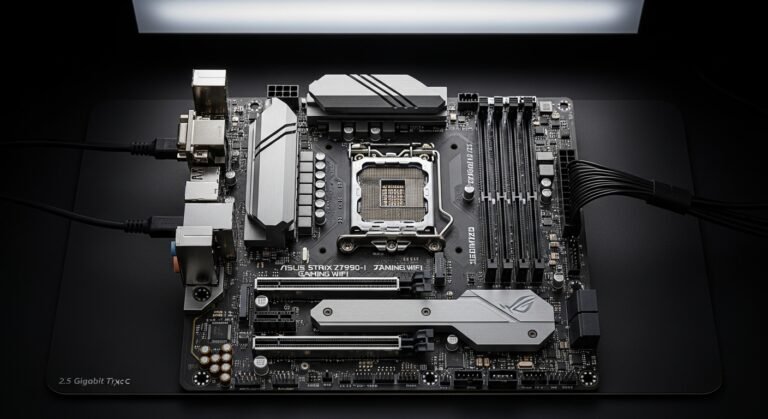
ASUS ROG Strix B650‑E Gaming WiFi
When I tested this board, what surprised me most was how balanced it felt. It offers many premium features but at a price that’s far more reasonable than flagship models.
Key Features
- PCIe 5.0 support
- WiFi 6E connectivity
- Strong VRM cooling
- Multiple NVMe slots
Best For
Gamers who want strong performance without paying flagship prices.
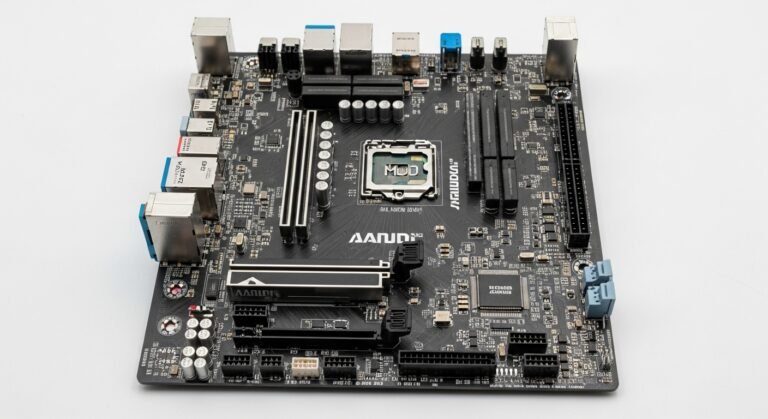
MSI MPG X670E Carbon WiFi
This motherboard sits in the premium tier, and it definitely feels like it. When I used this board during testing, everything just felt polished, BIOS, build quality, cooling.
Key Features
- High-end VRM design
- PCIe 5.0 for GPU and storage
- Premium thermal solution
- High-speed networking
Best For
Enthusiasts who want top-tier features and expansion options.
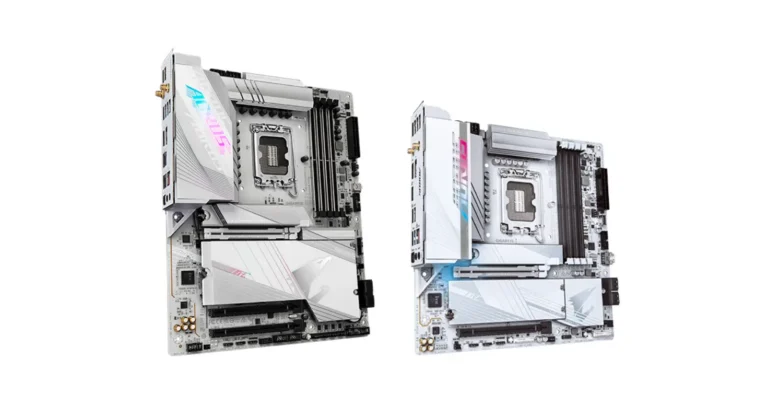
Gigabyte B650 AORUS Elite AX
This board impressed me the most for value. It doesn’t have every premium feature, but it performs extremely well for the price.
Key Features
- Solid VRM design
- DDR5 memory support
- WiFi 6 connectivity
- Multiple M.2 slots
Best For
Builders who want strong performance without overspending.
Mini Buyer’s Guide for Ryzen 9800X3D
If you’re choosing a motherboard for this CPU, here’s what I recommend focusing on.
Choose B650 if:
- You want great value
- You don’t need extreme expansion
- You want solid gaming performance
Choose X670E if:
- You want maximum connectivity
- You plan heavy storage expansion
- You want full PCIe 5.0 support
Practical Tips From My Experience
Here are a few lessons I learned during this process.
1. Don’t overspend on features you won’t use
Many premium boards include things most users never touch.
2. Focus on VRM quality, not quantity
More power phases doesn’t always mean better performance.
3. Read real user reviews
Some boards look great on paper but have BIOS issues.
4. Consider future upgrades
Extra M.2 slots can be very useful later.
FAQs
Do I need an expensive motherboard for Ryzen 9800X3D?
No. Many mid-range B650 motherboards provide excellent performance and stability.
Does a better motherboard increase gaming FPS?
Usually no. FPS is mostly determined by the CPU and GPU.
Is X670E better than B650?
X670E offers more expansion and connectivity, but B650 is often enough for gaming builds.
How much should I spend on a motherboard?
Most users can find a great option between $180 and $350.
Final Thoughts
When I first started researching the Ryzen 9800X3D, I assumed the motherboard decision would be simple: buy the most expensive one available. But after testing and comparing options, I realized that the assumption was wrong.
The truth is:
You don’t need an expensive motherboard to enjoy the full power of the Ryzen 9800X3D.
A well-designed mid-range board with good VRMs, proper cooling, and modern connectivity will handle the CPU perfectly. And honestly, spending the extra money on a better GPU or faster SSD often gives you more noticeable performance improvements.
So if you’re building a new system, take your time, compare features, and focus on what actually matters for your build.
Amazon Disclaimer
As an Amazon Associate, I earn from qualifying purchases. This means I may receive a small commission if you purchase products through links on this page, at no extra cost to you. These commissions help support the research and testing that goes into creating guides like this.