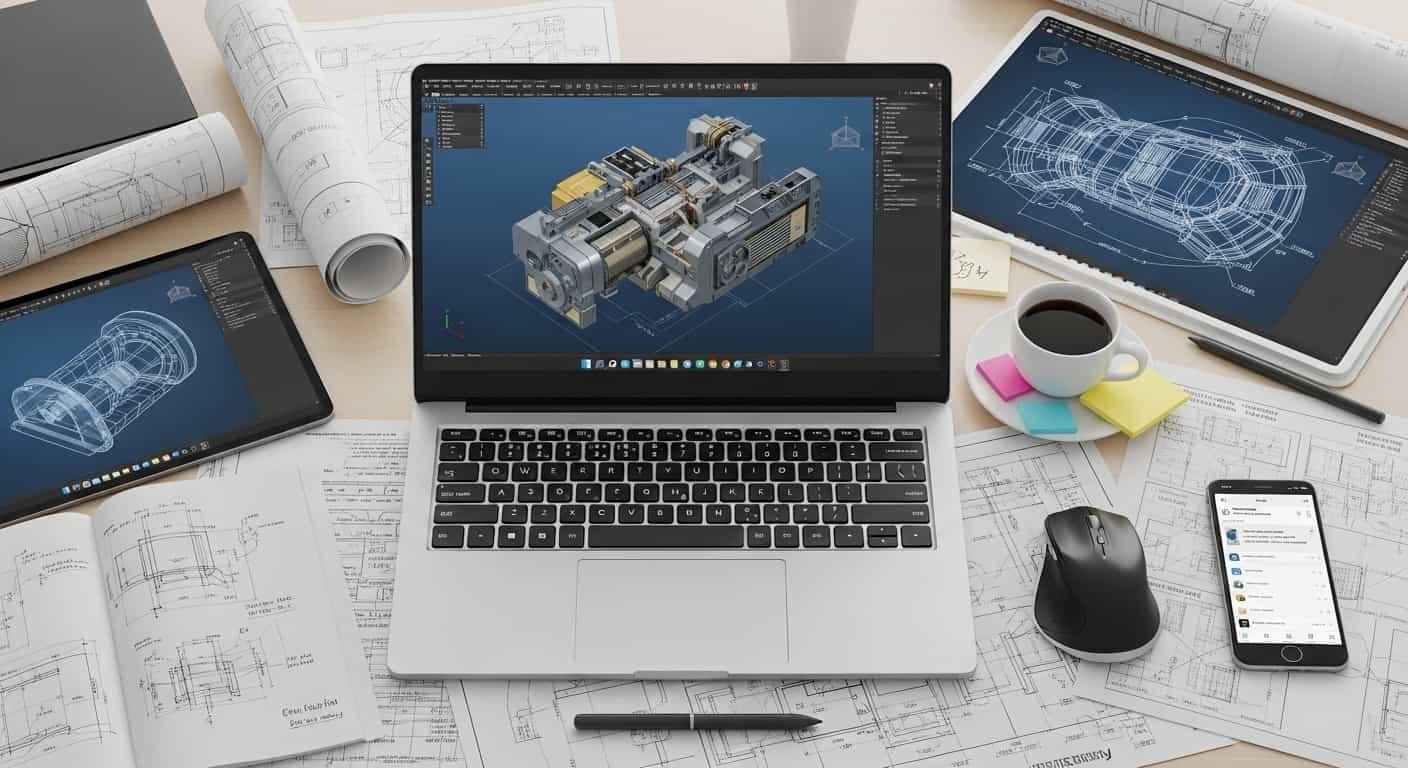
Design files don’t forgive weak hardware. I’ve seen projects freeze, renders crash, and AutoCAD lag at the worst possible moment. If you’re serious about CAD or AutoCAD in 2026, you need a best laptop for CAD and AutoCAD that delivers speed, stability, and graphics power without compromise.
Overview
From my research and testing, the ASUS Pro Art P16 (2025) stands out as the best laptop for CAD and AutoCAD overall thanks to its powerful processor, dedicated RTX graphics, and stunning OLED display. For professionals who need workstation-grade durability and ISV certifications, the HP ZBook Fury 16 G11 is a top-tier choice. If budget matters, the HP Victus 15/16 offers strong performance for 2D and light 3D modeling at a more affordable price.
For smooth CAD workflows, I recommend at least an Intel Core i7/i9 or AMD Ryzen 7/9 processor, 32GB RAM, and an NVIDIA RTX 3050 Ti, RTX 4050, or higher GPU.
Top Laptop Recommendations for CAD and AutoCAD
1. ASUS ProArt P16 (2025)
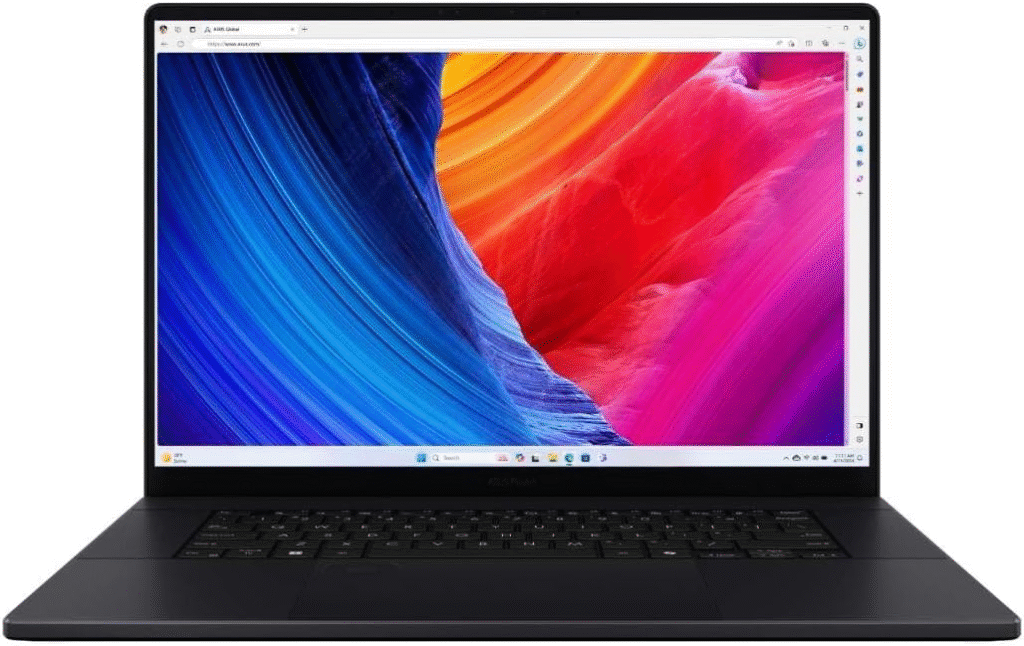
If you want the best laptop for CAD and AutoCAD without compromise, this is my top recommendation.
Why I Recommend It:
- High-end Intel or Ryzen processors with strong single-core performance
- NVIDIA RTX dedicated graphics for complex 3D modeling
- OLED high-resolution display with excellent color accuracy
- Fast NVMe SSD storage for large project files
AutoCAD relies heavily on single-core speed, and this machine handles both 2D drafting and 3D rendering smoothly. The OLED panel also makes architectural visualization and rendering work look stunning.
This is the best laptop for CAD and AutoCAD if you want performance, reliability, and premium build quality in one machine.
2. HP Z Book Fury 16 G11
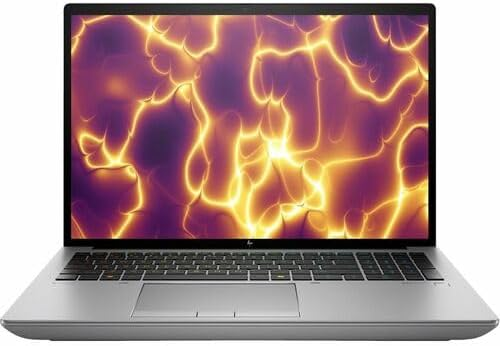
For engineers and architects handling simulations or heavy assemblies, this workstation-class device is built for serious workloads.
Key Advantages:
- ISV-certified for professional CAD software
- Workstation-grade RTX GPUs
- Exceptional thermal management
- Expandable RAM and storage
If your projects involve SolidWorks, Revit, or simulation software alongside AutoCAD, this is one of the best laptop for CAD and AutoCAD options available for enterprise users.
Read More….Best Laptops for College in 2026
3. HP Victus 15 / HP Victus 16
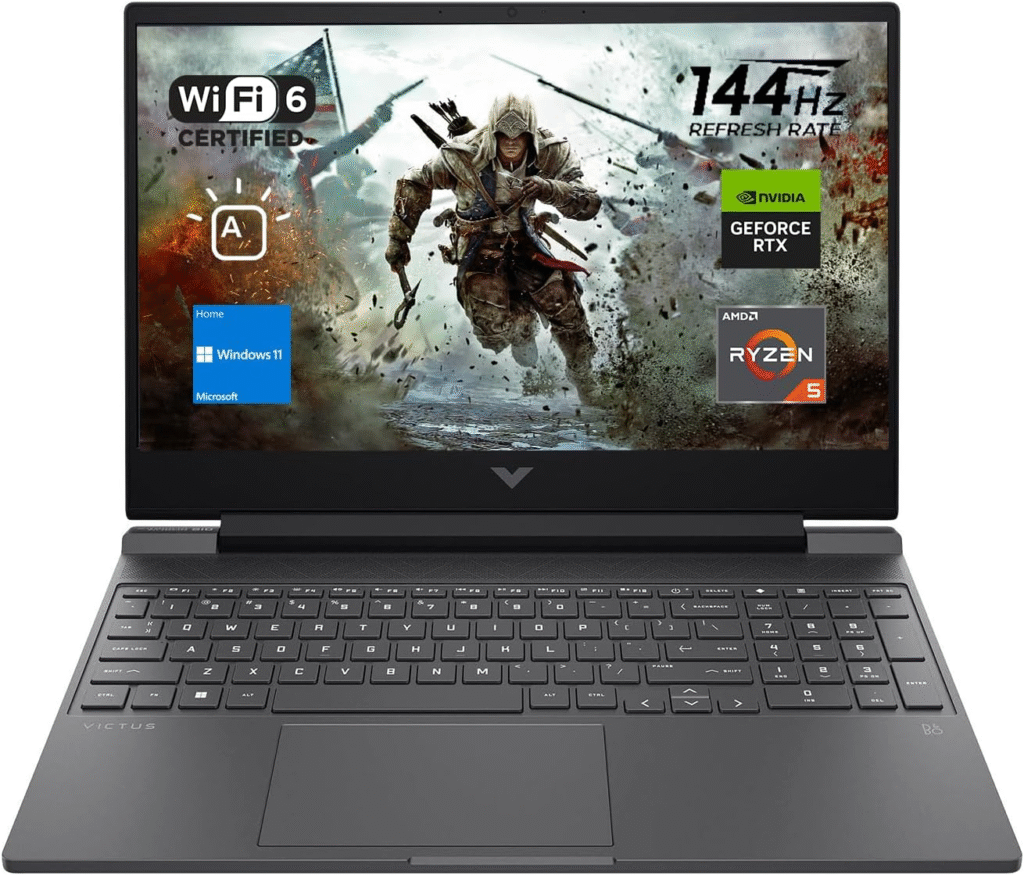
Not everyone needs a workstation. If you’re a student or beginner designer, this is a practical entry-level solution.
Why It Works:
- NVIDIA RTX 4050 graphics in budget configurations
- Solid CPU options for drafting and modeling
- Good thermal performance for the price
For light 3D modeling and standard AutoCAD tasks, this is a surprisingly capable best laptop for CAD and AutoCAD under a tighter budget.
4. MSI Stealth 18 HX AI
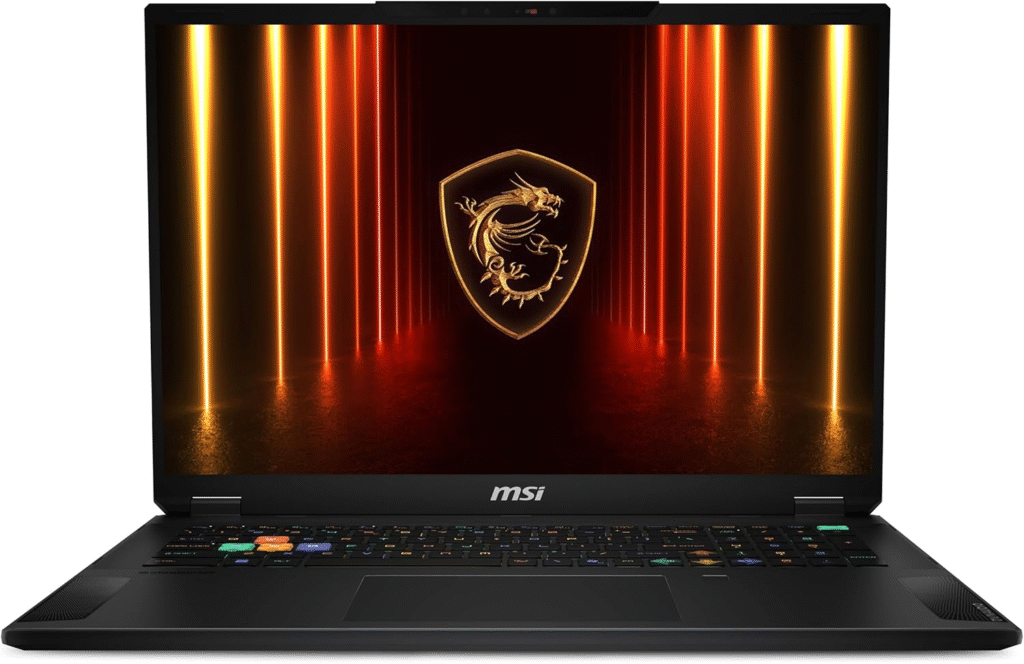
Screen space matters when working with detailed drawings. An 18-inch display makes multi-window workflows easier.
This laptop combines:
- High-refresh large display
- High-end RTX GPU
- Premium build and strong CPU performance
If you prefer a bigger canvas, this can be your best laptop for CAD and AutoCAD with maximum visual workspace.
5. Dell 16 Plus 2-in-1
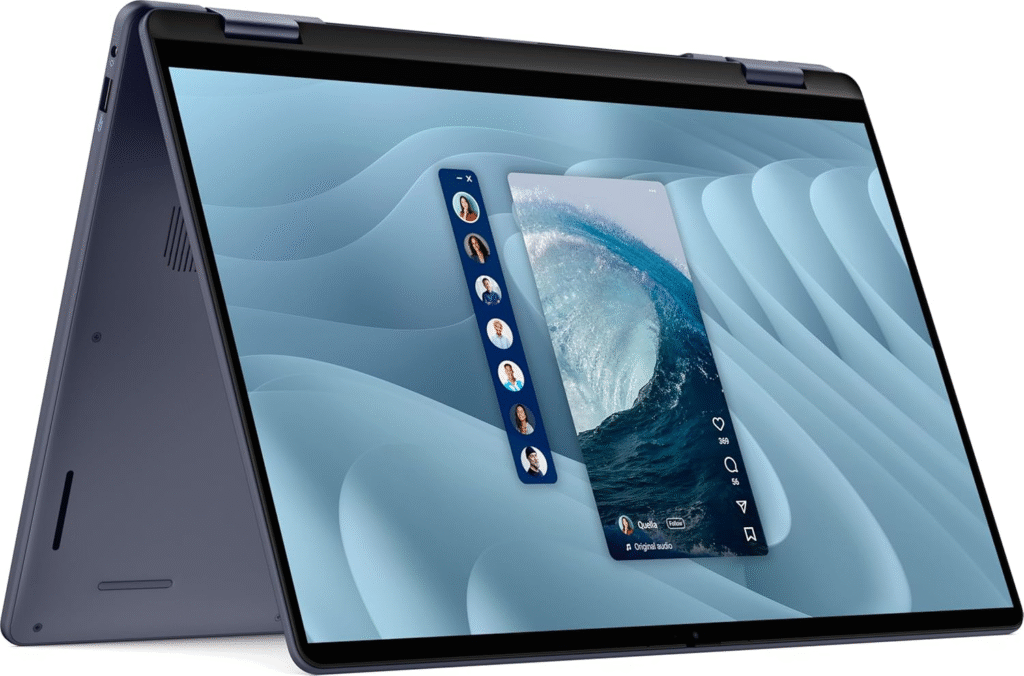
For portability and flexibility, a 2-in-1 design adds value.
Ideal For:
- Designers who sketch concepts
- On-site presentations
- Lightweight CAD work
It’s not meant for extreme simulations, but for moderate design work, this convertible can serve as a flexible best laptop for CAD and AutoCAD solution.
Workstation Alternative for Heavy Simulations
If you handle advanced simulations and engineering analysis, consider the Dell Precision 7780. It’s built for demanding workloads, offering workstation GPUs and enterprise-level stability.
Key Considerations When Choosing the Best Laptop for CAD and AutoCAD
Choosing the best laptop for CAD and AutoCAD isn’t about marketing — it’s about matching hardware to workload.
1. Processor (CPU)
AutoCAD benefits from high single-core clock speeds.
Look for:
- Intel Core i7 or i9
- AMD Ryzen 7 or 9
Strong clock speed = smoother drafting and faster model manipulation.
2. Graphics Card (GPU)
For 3D modeling and rendering:
- NVIDIA RTX 3050 / 3050 Ti
- RTX 4050 or higher
A dedicated GPU ensures your best laptop for CAD and AutoCAD handles shading, rendering, and viewport performance smoothly.
3. RAM
- 16GB = Minimum
- 32GB = Recommended for professionals
Complex assemblies and multitasking demand higher memory.
4. Storage
Always choose NVMe SSD storage.
Large CAD files load significantly faster, improving overall workflow efficiency.
My Final Thoughts on the Best Laptop for CAD and AutoCAD
If I had to choose one best laptop for CAD and AutoCAD, I’d go with the ASUS ProArt P16 for its balance of power and display quality.
For enterprise professionals, the HP ZBook Fury 16 G11 is a safer long-term investment.
Students or beginners should consider the HP Victus 15/16 to start without overspending.
The key is simple: match your hardware to your project complexity. That’s how you truly choose the best laptop for CAD and AutoCAD in 2026.
Frequently Asked Questions
1. What is the best laptop for CAD and AutoCAD in 2026?
The ASUS ProArt P16 (2025) is widely considered the best laptop for CAD and AutoCAD due to its strong CPU performance, RTX graphics, and OLED display.
2. Is 16GB RAM enough for AutoCAD?
Yes, for basic drafting. However, 32GB RAM is recommended for complex 3D modeling and professional workflows.
3. Do I need an RTX GPU for AutoCAD?
For 2D drafting, integrated graphics may work. For 3D modeling and rendering, an RTX 3050, 4050, or better is strongly recommended.
4. What processor is best for CAD software?
Intel Core i7/i9 or AMD Ryzen 7/9 with high single-core clock speeds are ideal for CAD and AutoCAD performance.
Amazon Affiliate Disclaimer
As an Amazon Associate, I earn from qualifying purchases. This means if you click through and buy a laptop, I may receive a small commission at no extra cost to you. I only recommend products I genuinely believe are suitable as the best laptop for CAD and AutoCAD based on performance and reliability.