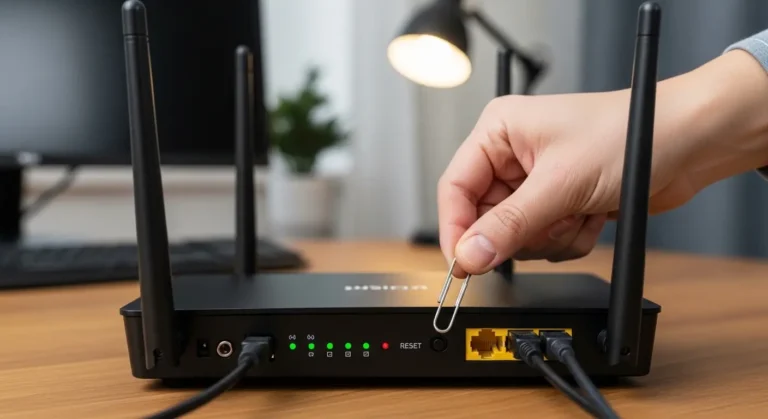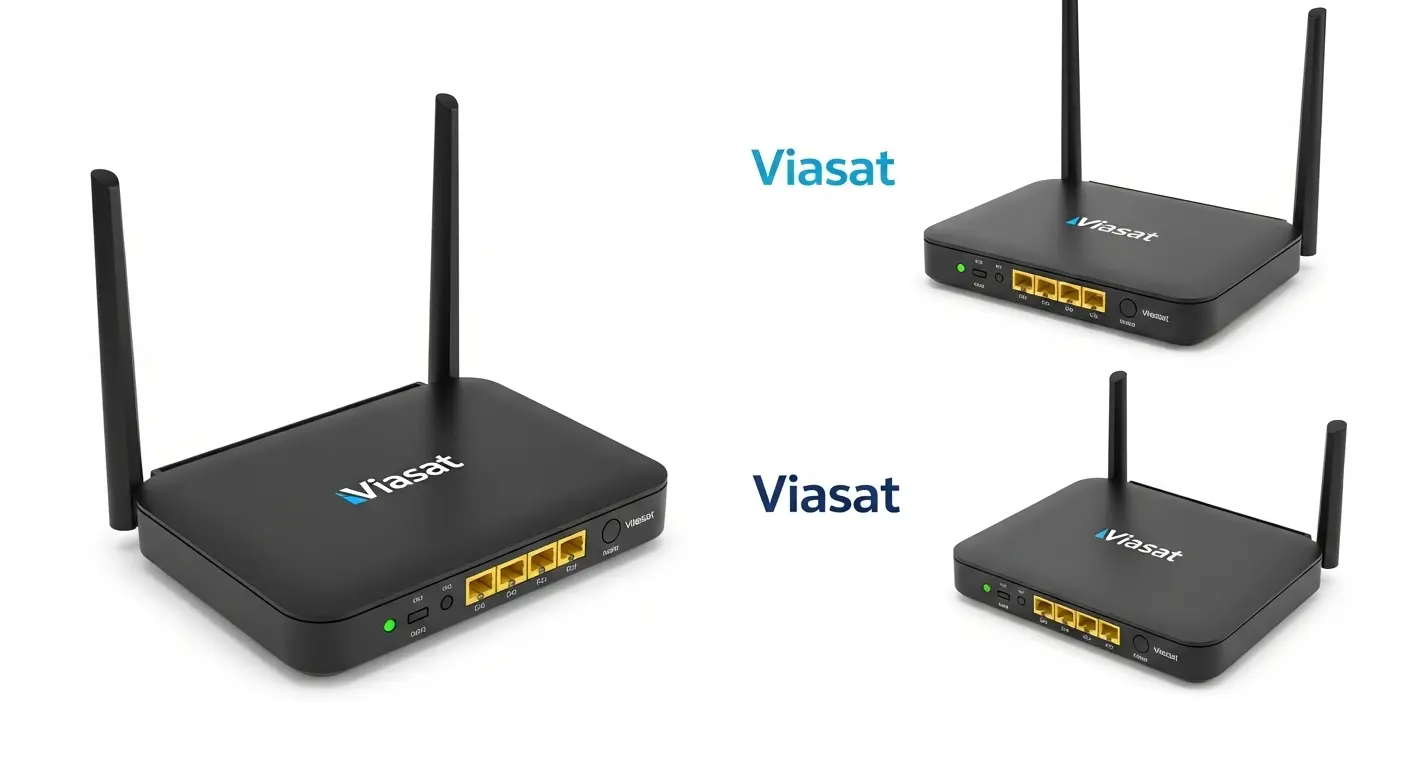
I remember the first time I tried Viasat internet, I was excited to finally get online in a remote area, but I quickly realized that my home network wasn’t keeping up. Even though the satellite signal was strong, my devices were lagging, streaming buffers kept popping up, and my family was frustrated. That’s when I realized it wasn’t the service itself, it was my router struggling to handle the traffic.
Whether you’re a Viasat newbie or looking to optimize your home network, the right router can make a huge difference. In this guide, I’ll show you the top router options, explain why a good router is crucial for satellite internet, and share practical tips to get the most out of your Viasat connection.
Overview
Satellite internet, like Viasat, requires the official modem supplied by the service to connect to the satellite. The “best” setup isn’t about replacing the modem, it’s about pairing it with a high-performance router. Some top options include the TP-Link Archer AXE75 for overall performance, Netgear Nighthawk RAXE300 for high-end needs, and the ASUS RT-AXE7800 for speed. Adding a reliable router helps manage local network traffic, improves Wi-Fi coverage, and can reduce latency challenges that are common with satellite connections.
Quick Picks: Best Routers for Viasat
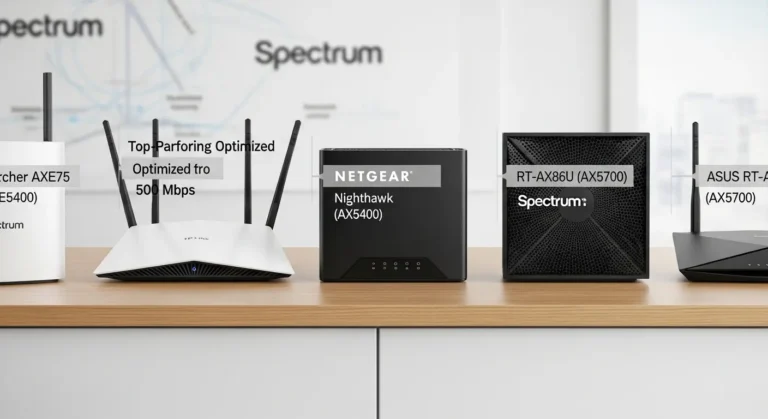
Here’s a roundup of routers that pair well with your Viasat modem:
- Best Overall Router: TP-Link Archer AXE75
Wi-Fi 6E, excellent speed, low latency, ideal for modern homes with multiple devices. - High-End Performance: Netgear Nighthawk RAXE300
Powerful quad-core processor, perfect for streaming, gaming, and handling many devices simultaneously. - Mesh System for Large Homes: Netgear Orbi Pro Wi-Fi 6
Tri-band mesh coverage, ensures consistent signal throughout big houses. - Budget-Friendly Reliable Option: ASUS RT-N16
Stable and affordable, boosts home coverage without breaking the bank.
Detailed Router Reviews
TP-Link Archer AXE75
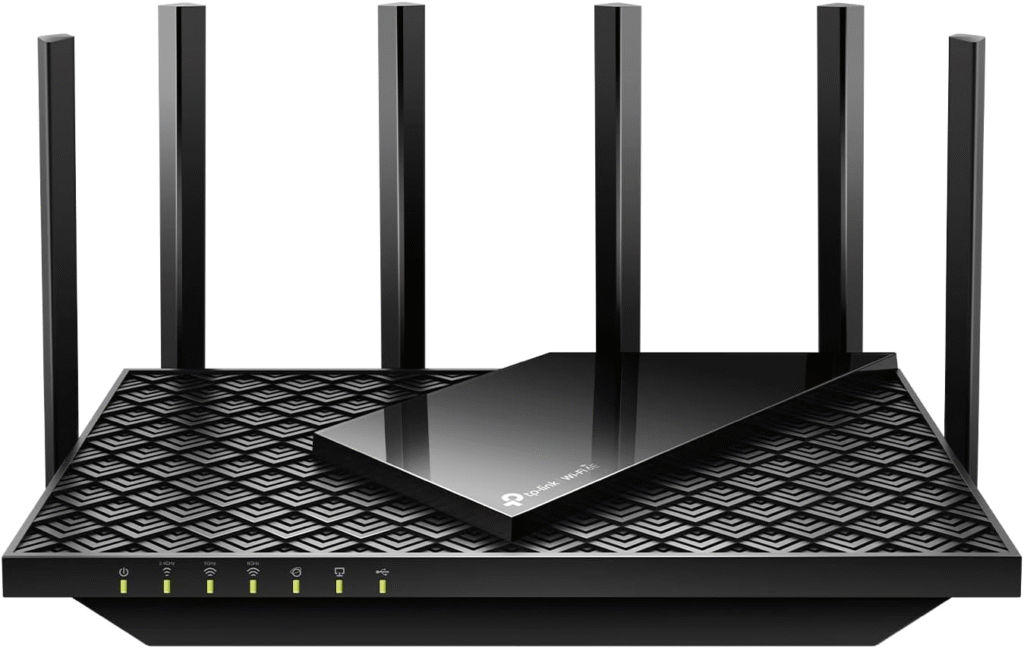
I’ve used this router in my home, and it instantly improved streaming and video calls. Wi-Fi 6E ensures faster speeds on compatible devices and keeps multiple devices running smoothly.
Key Features:
- Tri-band Wi-Fi 6E
- Low latency, ideal for gaming
- Excellent coverage for medium-to-large homes
Why I like it: Fast, reliable, and easy to set up.
Why I dislike it: Slightly higher price than basic routers.
Netgear Nighthawk RAXE300
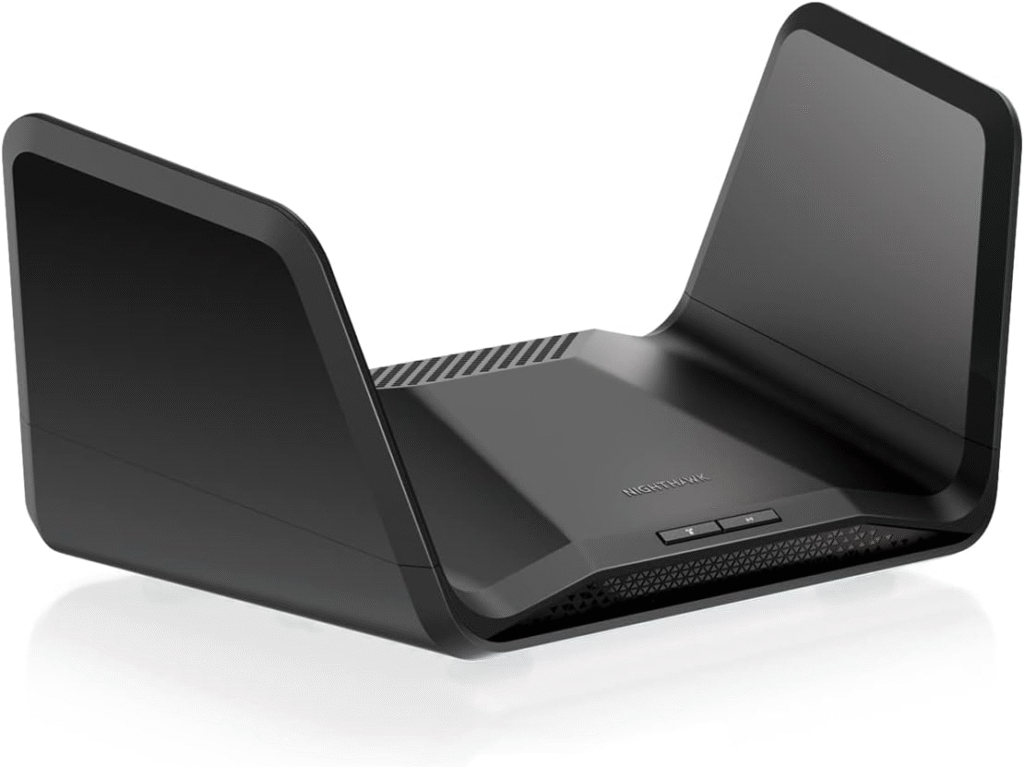
For homes with heavy internet usage, this router is a beast. It manages multiple devices without lag and includes advanced features like dynamic QoS and beamforming.
Key Features:
- Quad-core processor
- Wi-Fi 6E with high throughput
- Ideal for streaming and gaming
Pros: High performance, strong coverage, advanced features
Cons: Expensive, may be overkill for small homes
Netgear Orbi Pro Wi-Fi 6 Mesh System
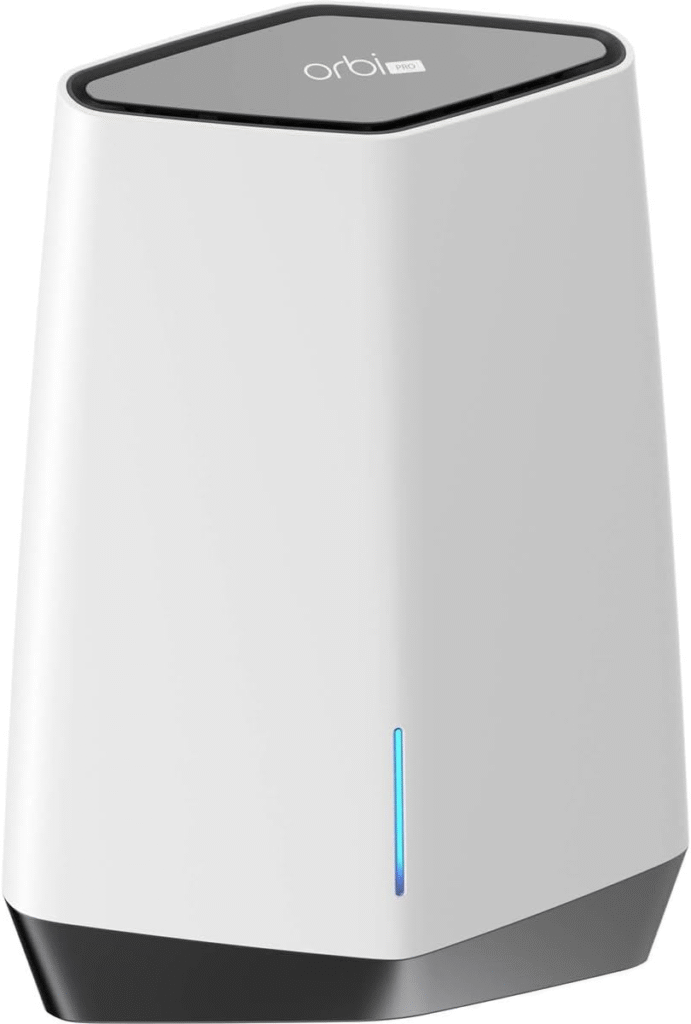
If your house has multiple floors or Wi-Fi dead zones, a mesh system is a game-changer. The Orbi Pro delivers consistent speeds everywhere in my home, even in the basement.
Key Features:
- Tri-band mesh for large coverage
- Easy setup and management
- Can handle 25+ devices
Reason to buy: Great for large homes or offices
Reason not to buy: Pricey for small apartments
ASUS RT-N16
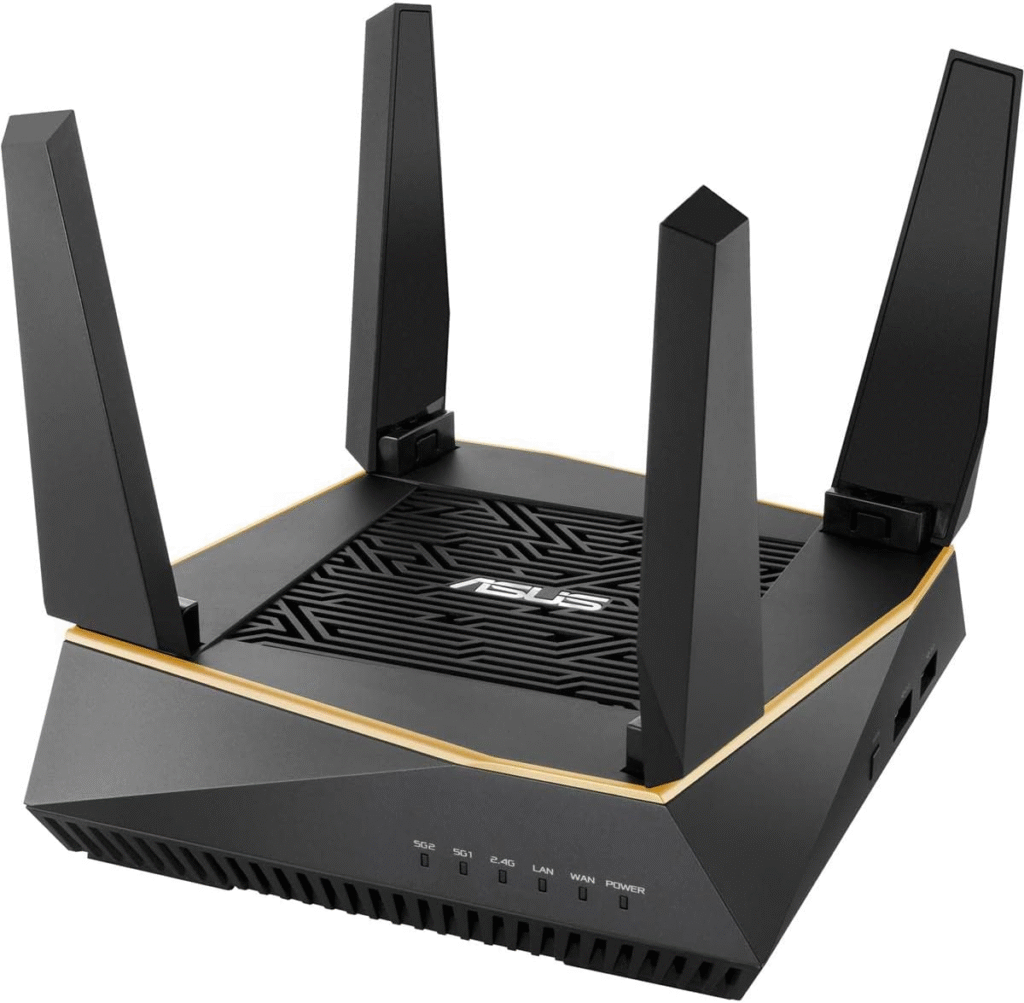
On a budget? This router gives reliable coverage for smaller homes or casual use. It won’t max out your Viasat speeds, but it handles multiple devices well.
Key Features:
- Dual-band Wi-Fi
- Affordable and stable
- Easy to configure
Strengths: Low cost, simple, dependable
Weaknesses: Limited features, not future-proof
What to Look for in a Viasat Router
When selecting a router, keep these factors in mind:
- Coverage: Ensure it fits your home size
- Device Capacity: Check how many devices it can handle without slowing down
- Speed: Your router shouldn’t bottleneck your Viasat plan
- Security: Look for WPA2 or WPA3 encryption and firewall features
- Compatibility: Avoid features like DOCSIS, Viasat is satellite-based, so cable-specific tech doesn’t apply
Do You Need a Modem for Viasat?
One common misconception is that you can swap out your Viasat modem for a third-party one. You can’t, Viasat modems, transceivers, and satellite dishes are proprietary and necessary for connecting to the satellite. But here’s the good news: you can add your own high-quality router to dramatically improve home Wi-Fi coverage and performance.
A solid router will help:
- Handle multiple devices without slowing down
- Reduce Wi-Fi dead zones in your home
- Stabilize latency for smoother streaming and gaming
Renting vs Buying Equipment
When I first signed up, I debated whether to rent Viasat’s included router or buy my own. Here’s what I learned:
Renting:
- Convenient and plug-and-play
- Guaranteed compatibility
- Monthly rental fees can add up over time
Buying Your Own Router:
- One-time purchase, long-term savings
- Choice of features, speed, and coverage
- Requires some setup and compatibility checks
For most households, I recommend buying a high-quality router if you plan to use Viasat long-term. It gives you control and a better experience than relying solely on the included device.
FAQs
1. Can I replace my Viasat modem with a third-party modem?
No. Viasat requires its own modem, transceiver, and satellite dish to connect to the satellite. You can only add a router for better Wi-Fi coverage.
2. Will a better router increase my Viasat speed?
Not the satellite connection speed, but it will improve Wi-Fi performance, reduce latency, and handle multiple devices more efficiently.
3. What’s the best setup for a large home?
A mesh Wi-Fi system, like Netgear Orbi Pro, ensures consistent coverage and reduces dead zones.
4. Do I need Wi-Fi 6 or Wi-Fi 6E for Viasat?
Wi-Fi 6E isn’t required, but it helps manage multiple devices and reduces latency, which improves your experience on satellite internet.
Final Verdict
From my experience, pairing the Viasat modem with a high-quality router is the single best way to improve your home internet. For most users, the TP-Link Archer AXE75 offers the best combination of speed, coverage, and ease of use. If you need more power for multiple devices or streaming-heavy homes, the Netgear Nighthawk or Orbi Pro mesh systems are excellent choices. On a budget, the ASUS RT-N16 is dependable and gets the job done.
Investing in a strong router won’t change your satellite speed, but it will make your experience smoother, faster, and more reliable across your devices.
Amazon Affiliate Disclaimer:
This post contains affiliate links. If you purchase through these links, I may earn a small commission at no extra cost to you.