Building a gaming PC often starts with excitement, a powerful GPU, a sleek case, and the dream of ultra-smooth gaming. But a few weeks ago while helping a friend upgrade his system, we ran into a surprisingly common question: “Can A RTX 3080 Fit In A Mid-Tower Case?”
At first glance, the answer seems simple. Mid-tower cases are the most popular PC cases, and the RTX 3080 is one of the most widely used high-end GPUs. But once you start looking at real measurements, GPU variants, cooling systems, and internal case layouts, things become more complicated.
In my experience building and upgrading multiple gaming PCs, GPU size compatibility is one of the most overlooked parts of PC planning. A powerful card like the RTX 3080 is physically large, and not every mid-tower case is designed with that in mind.
So in this guide, I’ll break down everything you need to know, from real GPU sizes to case clearance, installation tips, and the small details that can save you from a frustrating build.
Understanding the Size of the RTX 3080
The first thing many builders don’t realize is that there isn’t just one RTX 3080 size.
Different manufacturers design their own cooling systems and PCBs, which means the dimensions can vary significantly.
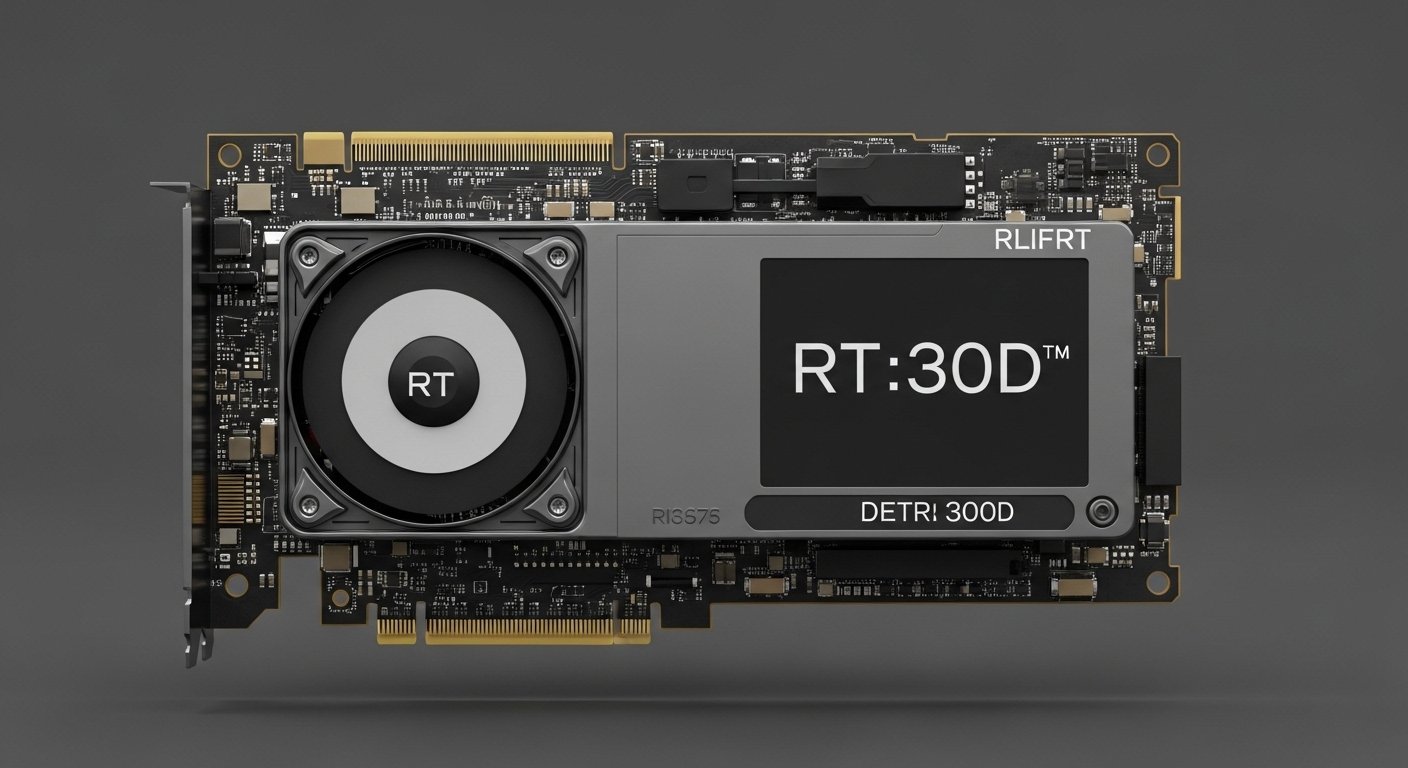
Typical RTX 3080 dimensions usually fall around:
- Length: 285 mm – 330 mm
- Height: 112 mm – 140 mm
- Thickness: 2.5 to 3 slots
When I installed my first RTX 3080, I was surprised at how massive it felt compared to older GPUs. The triple-fan coolers and larger heatsinks make these cards much bulkier than previous generations.
Some examples of common RTX 3080 variants include:
- Compact models around 285 mm
- Standard models around 300 mm
- Large triple-fan models reaching 320–330 mm
That difference of 30–40 mm may not sound like much, but inside a PC case, it can mean the difference between a perfect fit and a complete rebuild.
Do Mid-Tower Cases Support RTX 3080?
The short answer is yes, most mid-tower cases can fit an RTX 3080.
However, there are two important conditions:
- The case must support long GPUs (300 mm or more).
- The internal layout must leave enough clearance around the GPU.
Most modern mid-tower cases support GPUs between 300 mm and 400 mm, which is usually enough for the RTX 3080.
But problems arise when:
- Front radiators are installed
- Hard drive cages block GPU space
- The case is an older mid-tower design
A few years ago, I installed a high-end GPU into a mid-tower case that technically supported it, but after adding a front radiator, the clearance shrank dramatically. The GPU barely squeezed in.
This is why checking measurements is always critical.
How to Check If the RTX 3080 Will Fit Your Case?
If you’re planning a build or upgrade, I always recommend a simple three-step check before buying a GPU.
1. Check the GPU Length
Start by finding the exact model of RTX 3080 you plan to buy.
Manufacturers list the GPU length in the specifications. For example, a triple-fan model might measure 320 mm, while a smaller version could be 290 mm. Always note this number.
2. Check the Case GPU Clearance
Next, look up your case specifications.
Most manufacturers list something like:
“Maximum GPU length: 360 mm”
But here’s something many people miss. This number usually assumes no front radiator installed. If you plan to add liquid cooling or extra fans, the available space may drop to 310–330 mm.
In my experience, leaving at least 20 mm of extra clearance makes installation much easier.
3. Consider Internal Components
Even if the official measurements look fine, internal components can affect GPU fit.
Watch out for:
- Hard drive cages
- Front radiator mounts
- Thick front fans
- Cable management space
These small factors can reduce GPU clearance more than expected.
Real-World Example: Installing an RTX 3080 in a Mid-Tower
A recent build I worked on used a standard mid-tower case with a 360 mm GPU clearance. The RTX 3080 we installed was 320 mm long. On paper, it seemed perfect.
But after installing a front 240 mm radiator, the available space dropped to about 330 mm. That left only 10 mm of room. Installation worked, but it required careful cable routing and precise placement.
That experience taught me an important lesson: always plan extra space for airflow and cable management.
Benefits of Using a Mid-Tower Case for RTX 3080
Despite the size challenges, mid-tower cases remain the most practical option for RTX 3080 builds.
Here’s why.
1. Excellent Balance of Size and Space
Mid-tower cases provide enough room for large GPUs without taking up too much desk space.
You get:
- Full ATX motherboard support
- Large GPU compatibility
- Multiple cooling options
For most gamers and creators, it’s the perfect balance.
2. Better Cooling Potential
High-end GPUs like the RTX 3080 generate significant heat.
Many modern mid-tower cases support:
- 3–6 case fans
- 240 mm or 360 mm radiators
- Large airflow designs
Good airflow keeps GPU temperatures stable during gaming or rendering.
3. Easier Cable Management
Compared to compact cases, mid-towers offer more room behind the motherboard tray.
That extra space helps with:
- PSU cable routing
- GPU power cables
- Clean internal layout
A clean build improves airflow and makes upgrades easier.
Common Mistakes When Installing Large GPUs
Over the years, I’ve seen builders make the same mistakes when installing large GPUs like the RTX 3080.
Avoid these common issues.
Not Checking GPU Thickness
Many RTX 3080 cards use 2.7 or 3-slot designs.
If your motherboard has limited PCIe spacing or other expansion cards installed, this can cause conflicts.
Ignoring Front Radiator Clearance
Cooling upgrades can drastically reduce GPU space.
Always check:
- Radiator thickness
- Fan thickness
- Total clearance remaining
Forgetting GPU Sag
Large GPUs are heavy.
Without proper support, the card can sag over time.
Simple solutions include:
- GPU support brackets
- Vertical GPU mounts
- Reinforced PCIe slots
I always recommend using a support bracket for GPUs as large as the RTX 3080.
Tips for Ensuring the RTX 3080 Fits Comfortably
If you want a smooth building experience, these tips make a big difference.
1. Choose a case with at least 350 mm GPU clearance
This provides flexibility for larger GPU models.
2. Leave at least 20–30 mm of extra space
Extra room improves airflow and cable management.
3. Plan your cooling layout early
Decide where radiators and fans will go before installing the GPU.
4. Route cables before inserting the GPU
Large cards make cable access harder later.
5. Use a GPU support bracket
It protects your motherboard and keeps the build looking clean.
Can a RTX 3080 Fit in a Mid-Tower Case?
In most cases, yes, the RTX 3080 fits comfortably in a modern mid-tower case.
But compatibility depends on three main factors:
- The exact GPU model length
- The case’s maximum GPU clearance
- Any cooling hardware installed in the front
If you check these details before buying, you’ll avoid one of the most frustrating problems in PC building.
Final Thoughts
After working with multiple high-end builds, I’ve learned that GPU size planning is just as important as performance planning.
The RTX 3080 is a powerful card, but it’s also physically large. Thankfully, most modern mid-tower cases are designed with high-end GPUs in mind.
Before installing one, take a few minutes to check:
- GPU length
- Case clearance
- Cooling configuration
Those simple steps can save hours of troubleshooting later.
And when everything fits perfectly, you get what every builder wants, a clean, powerful system ready to handle any game or workload.
Amazon Affiliate Disclaimer
As an Amazon Associate, I earn from qualifying purchases. This comes at no extra cost to you and helps support honest reviews like this one.