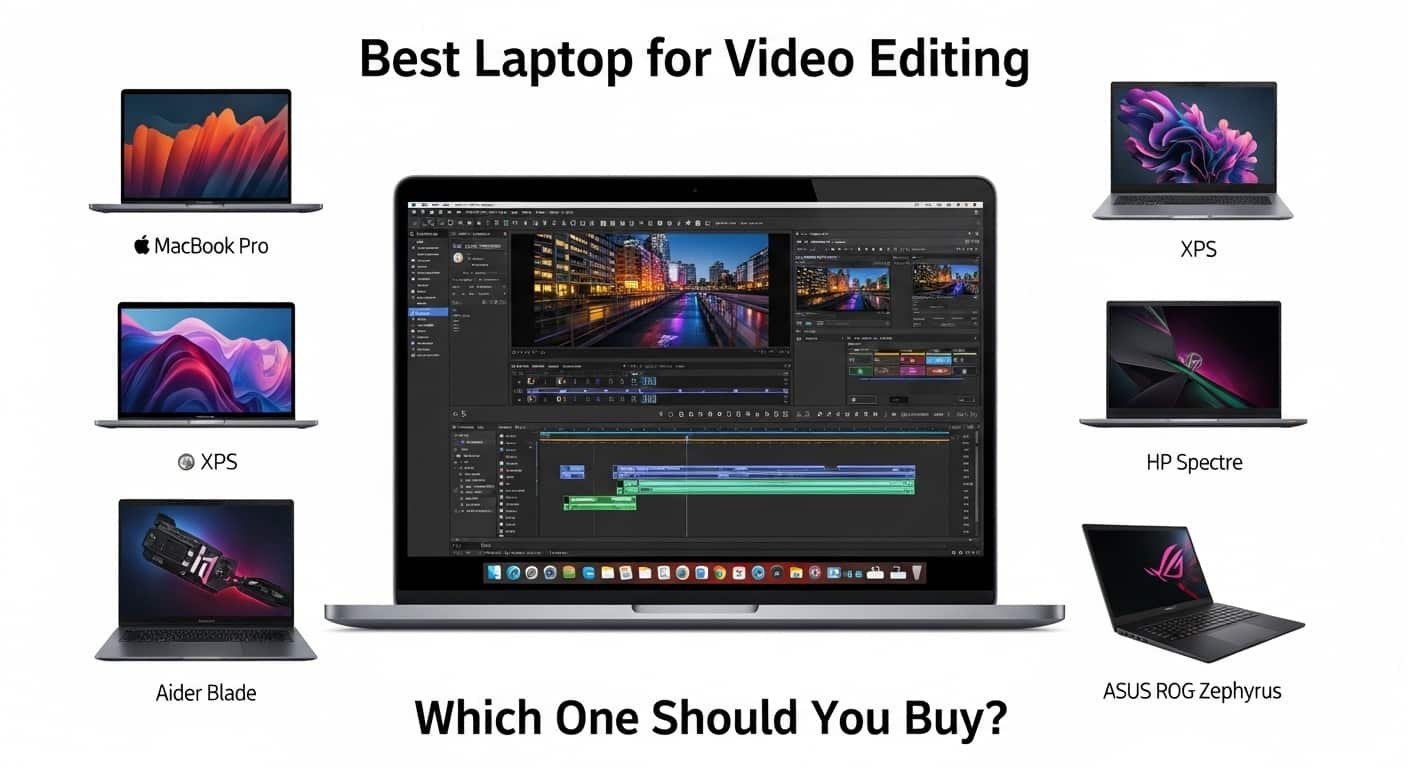
Are you tired of lagging timelines, slow renders, and dropped frames right when your deadline is hours away? I’ve been there, export stuck at 78%, fan screaming, and clients waiting. Choosing the best laptop for video editing isn’t just about specs on paper; it’s about smooth playback, accurate colours, reliable battery life, and zero stress when you hit “Export.”
Here’s what I’ve learned after years of editing: the right machine transforms your workflow. Based on current testing and creator feedback, the best laptop for video editing overall is the Apple MacBook Pro 14-inch and its 16-inch sibling with M4 Pro/Max chips. They combine class-leading performance, dedicated media engines, a colour-accurate Liquid Retina XDR display, and impressive battery life. If you prefer Windows, the Asus Pro Art P16 and Lenovo Yoga Pro 9i 16 deliver serious creative power with OLED/Mini LED panels. On a budget? The Apple MacBook Air 15-inch still punches above its weight. And for heavy 8K workflows, the MSI Titan 18 HX is a mobile workstation beast.
See More…Best PC Laptops 2026
In this guide, I’ll break down the best laptop for video editing for every type of creator, 4K YouTuber, filmmaker, travel editor, or 8K pro, so you can stop guessing and start editing confidently.
Product Reviews
Apple MacBook Pro 14-inch / 16-inch (M4 Pro/Max)
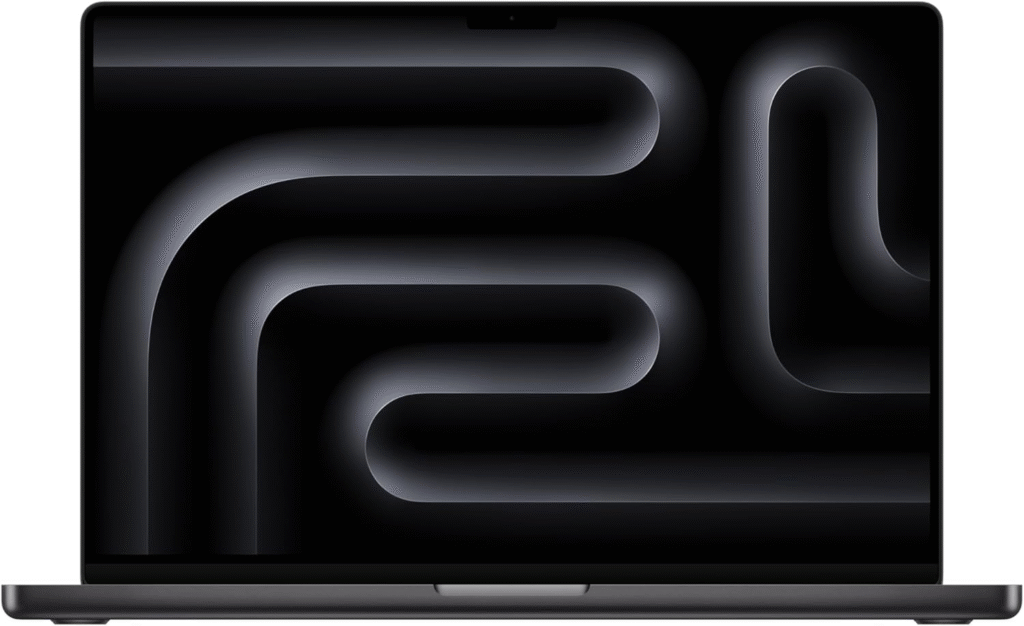
If you want the best laptop for video editing without compromises, this is it. Apple’s M4 Pro and M4 Max chips are built with dedicated media engines that accelerate ProRes and H.264/H.265 workflows. For creators deep in Final Cut or DaVinci, this machine feels effortless.
Key Features & Specs
- Apple M4 Pro or M4 Max chip
- 18–40 core GPU options
- 32GB–128GB unified memory
- Liquid Retina XDR display (100% DCI-P3)
- 1TB–4TB ultra-fast SSD
- 15–20 hours battery life
Why I Like It
- Smooth 4K and even 8K timeline playback
- Stunning color accuracy for grading
- Whisper-quiet even under load
Why I Dislike It
- Expensive upgrades
- Limited gaming flexibility
Buy if: You want the best laptop for video editing with top-tier display and long battery life.
Don’t buy if: You rely heavily on Windows-only software.
Asus Pro Art P16
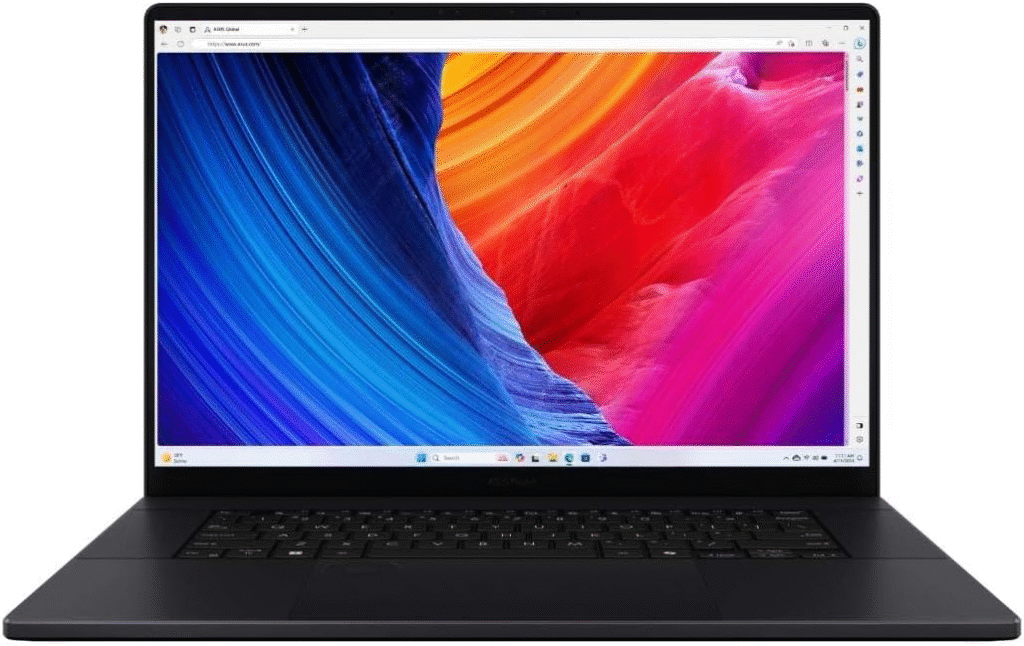
The ProArt P16 is clearly designed for editors. From its OLED panel to the Asus Dial for timeline control, it feels like a tool made for creative professionals.
Key Features & Specs
- AMD Ryzen AI 9 processor
- NVIDIA RTX 4070/4080 options
- Up to 64GB RAM
- 4K OLED display (100% DCI-P3)
- Large precision trackpad + creator dial
Strengths
- Gorgeous OLED screen
- Excellent GPU acceleration
- Smart editing controls
Weaknesses
- Battery life is average
- Premium pricing
If you’re looking for the best laptop for video editing on Windows with strong colour performance, this is a serious contender.
Lenovo Yoga Pro 9i 16
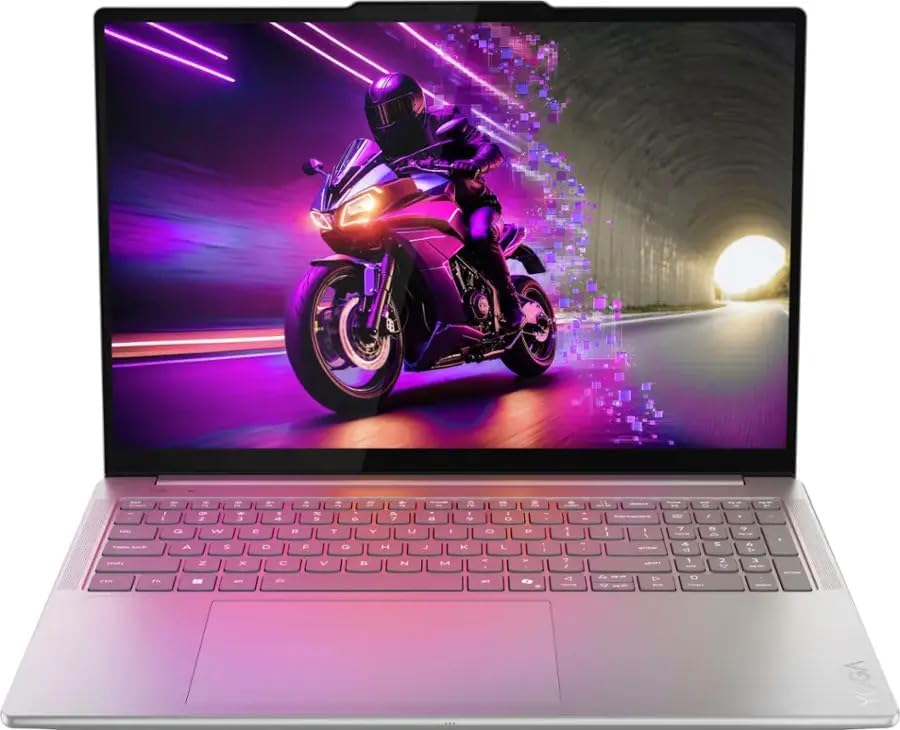
This laptop surprised me. The 3.2K Mini LED display is bright and color-rich, making it ideal for grading 4K footage.
Key Specs
- Intel Core i9 (14th Gen+)
- RTX 4060/4070 GPU
- 32GB RAM recommended
- Mini LED display
- Solid aluminum build
Pros
- Excellent display brightness
- Strong performance for 4K editing
- Sleek, portable design
Cons
- Fan noise under heavy loads
- Not ideal for 8K workflows
A great choice if you want power without going full workstation mode.
Apple MacBook Air 15-inch
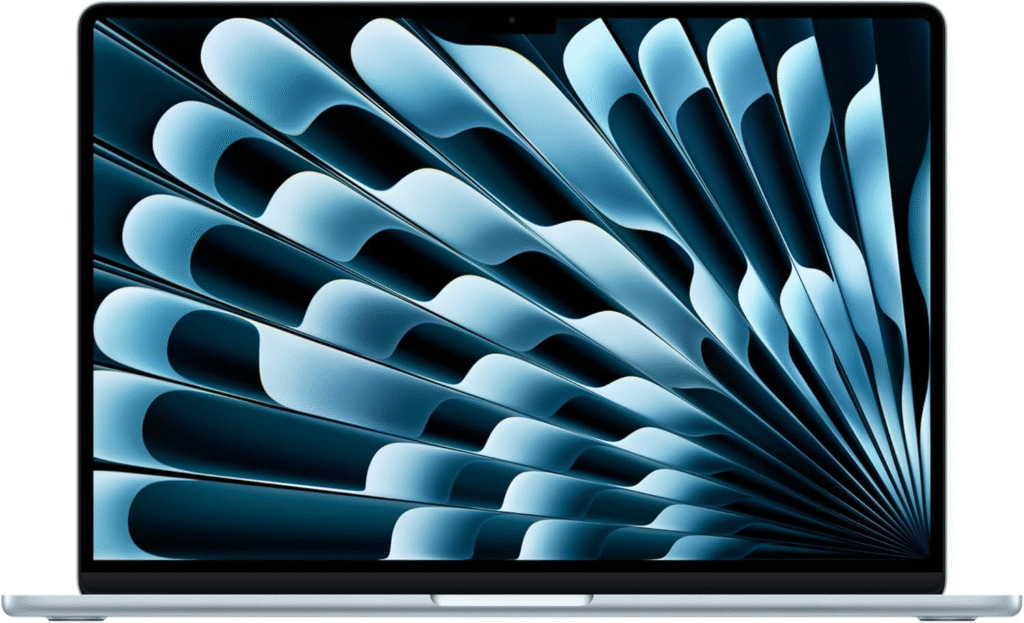
If you’re editing YouTube videos or light 4K projects, this might be the best laptop for video editing under a mid-range budget.
Key Features
- Apple M4 chip
- 16GB–24GB RAM options
- Silent fanless design
- Lightweight and portable
Reasons to Buy
- Excellent battery life
- Affordable compared to Pro models
- Smooth 1080p and light 4K editing
Reasons Not to Buy
- No internal fan (can throttle under long exports)
- Limited ports
Perfect for students, beginner YouTubers, and travel editors.
MSI Titan 18 HX
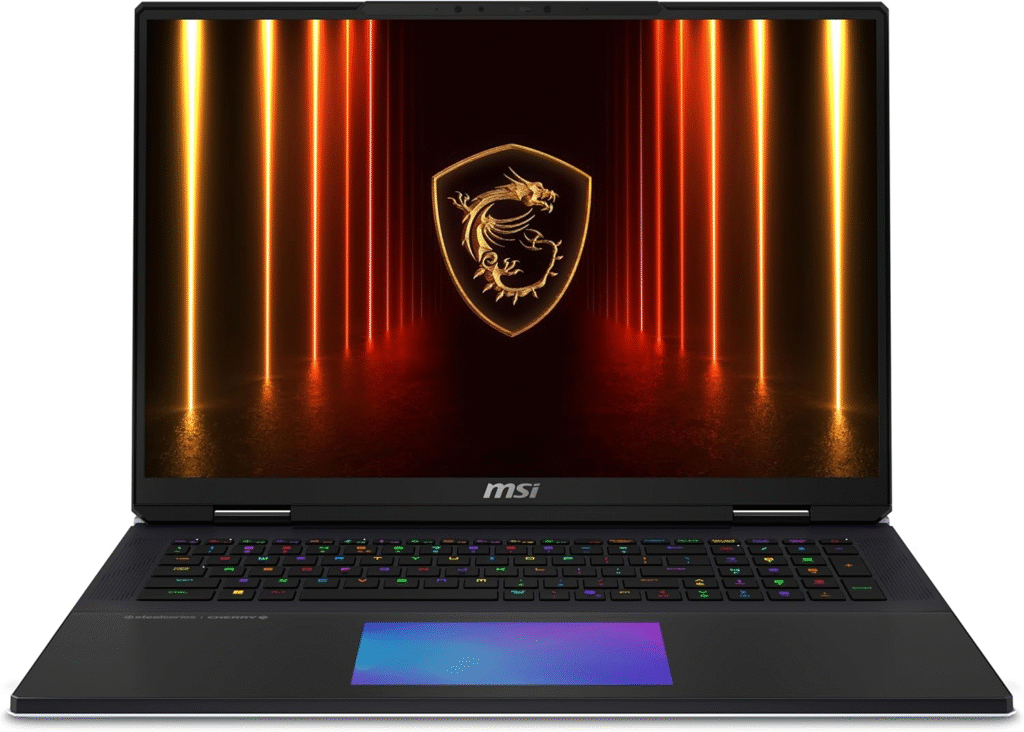
This is not subtle. It’s a powerhouse built for 6K/8K editing, heavy effects, and cinematic workflows.
Key Features
- Intel Core i9 HX series
- RTX 4090 GPU
- Up to 128GB RAM
- 4K Mini LED display
- Desktop-class cooling
Pros
- Handles 8K RAW footage
- Massive RAM capacity
- Best GPU acceleration
Cons
- Very expensive
- Heavy and less portable
If your workflow is commercial filmmaking or heavy VFX, this could be your best laptop for video editing investment.
Quick Picks – Best Laptop for Video Editing
- Best Overall: MacBook Pro 14/16 (M4 Pro/Max)
- Best Windows Creator: Asus ProArt P16
- Best Performance Windows: Lenovo Yoga Pro 9i
- Best Budget Pick: MacBook Air 15” (M4)
- Best Workstation: MSI Titan 18 HX
- Why Finding the Best Laptop for Video Editing Is Hard Today
- Video editing software like Premiere Pro, DaVinci Resolve, and Final Cut Pro has evolved. 4K is standard. 6K and 8K aren’t rare anymore. High-bitrate codecs demand more CPU cores, stronger GPUs, and faster SSDs.
- When I upgraded from a mid-range laptop to a creator-focused machine with 32GB RAM and a high-color-accuracy display, everything changed:
- Scrubbing became smooth.
- Rendering times dropped by nearly 40%.
- I stopped worrying about crashes during exports.
- That’s when I realized: the best laptop for video editing isn’t the most expensive, it’s the one built for your workflow.
What Specs Matter Most?
When choosing the best laptop for video editing, prioritize:
- CPU: M4 Pro/Max, Intel i7/i9 (14th Gen+), AMD Ryzen 7/9
- RAM: 32GB for 4K, 64GB+ for 8K
- GPU: RTX 4060–4090 or strong Apple integrated GPU
- Storage: 1TB+ NVMe SSD
- Display: OLED or Mini LED, 100% DCI-P3
FAQs
1. How much RAM do I need for video editing?
For 4K editing, 32GB is ideal. For lighter 1080p projects, 16GB works. For 8K, aim for 64GB or more.
2. Is Mac or Windows better for video editing?
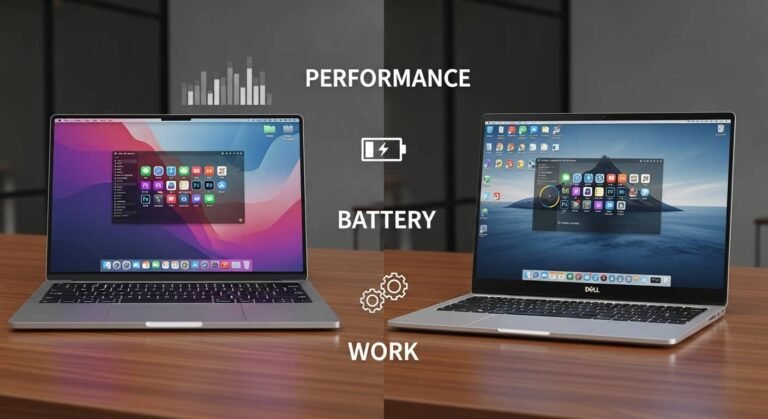
MacBooks excel in battery life and optimized workflows. Windows laptops offer more GPU flexibility and upgrade options.
3. Do I need a dedicated GPU for video editing?
Yes, especially for 4K and higher resolutions. GPUs significantly speed up rendering and effects processing.
4. Is 1TB SSD enough?
For most editors, yes—but external SSDs are often necessary for large projects.
Final Thoughts
The best laptop for video editing depends on your workflow. If you want reliability, color accuracy, and battery life, MacBook Pro dominates. If you prefer Windows flexibility and GPU power, Asus and Lenovo deliver. For extreme performance, MSI stands alone.
Before buying, check Amazon for deals, seasonal discounts, and bundle offers. Prices fluctuate, and you might save hundreds during sales.
Amazon Affiliate Disclaimer
As an Amazon Associate, I earn from qualifying purchases. This helps support my work at no extra cost to you.