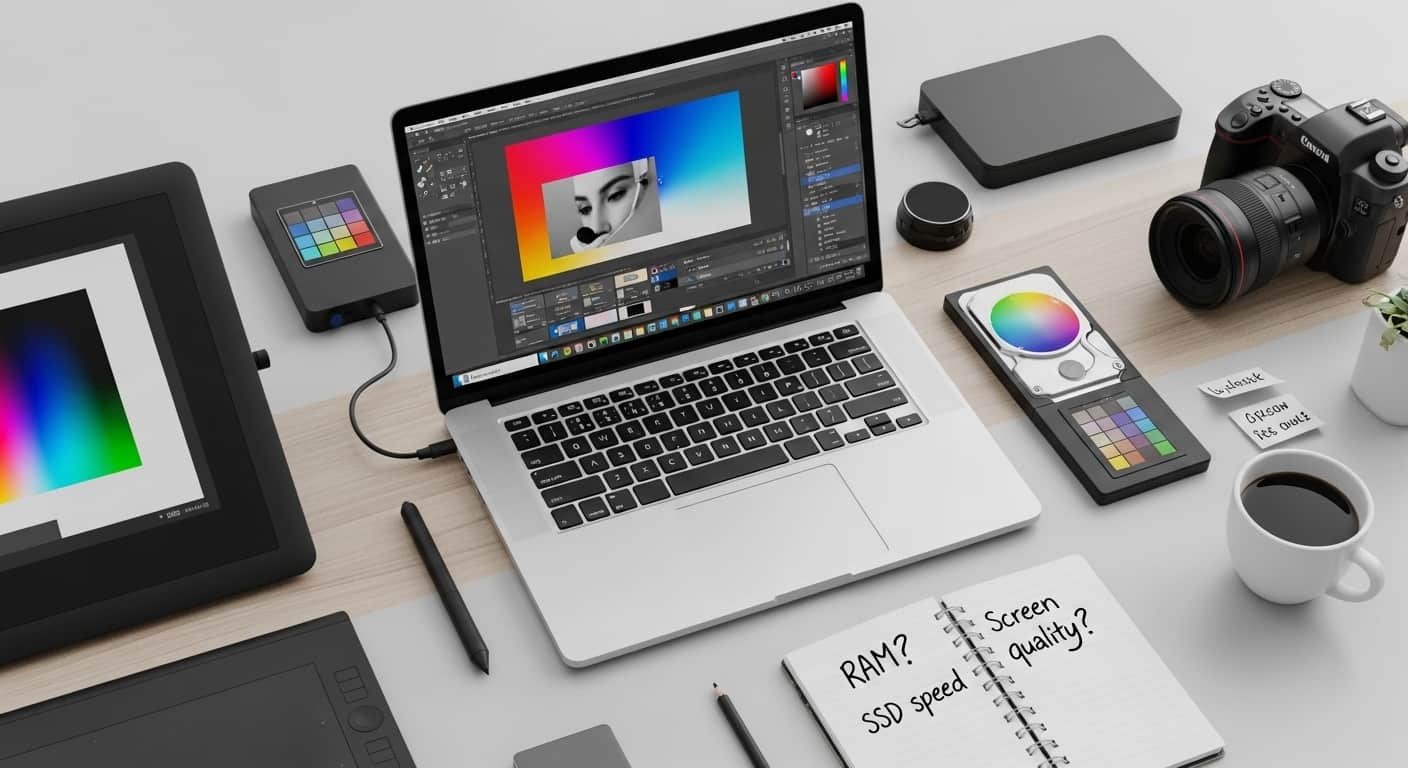
Have you ever tried editing a simple Photoshop file and watched your laptop freeze… lag… or worse, crash right before saving? I’ve been there, staring at a spinning loading icon, wondering if 8GB RAM was a mistake. If you’re searching for the best laptops for Photoshop, chances are you’re tired of slow previews, choppy brush strokes, or storage running out after importing RAW files.
Today, creatives need more than just “a good laptop.” We need color-accurate displays, powerful processors, fast SSD storage, and enough RAM to handle layered PSD files without stress. In this guide, I’ll walk you through the best laptops for Photoshop in 2025/2026, based on performance, real-world usability, and value, whether you’re a beginner, student, freelancer, or pro.
By the end, you’ll know exactly which Photoshop laptop fits your workflow, and which specs actually matter (so you don’t waste money).
Overview:
The best laptops for Photoshop combine three core elements: a powerful CPU, at least 16GB RAM (32GB preferred), and a high-resolution display with strong DCI-P3 or Adobe RGB coverage. For advanced AI filters and heavy RAW editing, dedicated GPUs like RTX 4050/4060 improve speed significantly.
See More…What Are Best Budget Laptops to Get Your Money’s Worth
Top 2026 picks include:
- Lenovo Yoga Pro 9i 16 Gen 9 – Best overall Windows performance
- Apple MacBook Pro 14-inch – Best power and color accuracy
- Asus ProArt P16 – Best for professional workflows
- Asus Zenbook 14 OLED – Best budget Windows option
- Apple MacBook Air 13-inch – Best portable choice
Now let’s break them down properly.
Why Finding the Best Laptop for Photoshop Is Harder Than Ever
When I first searched for the best laptops for Photoshop, I was overwhelmed. Some people said, “Just buy a Mac.” Others insisted Windows machines with RTX GPUs were better. Then there was the RAM debate — 16GB vs 32GB.
Here’s what I discovered:
- Photoshop relies heavily on CPU performance
- 16GB RAM is minimum, 32GB is ideal for layered files
- NVMe SSD (512GB minimum, 1TB better)
- Color accuracy matters more than refresh rate
- Dedicated GPUs help with AI tools but aren’t mandatory for beginners
Now let’s look at the best laptops for Photoshop you can actually buy today.
Product Reviews:
Lenovo Yoga Pro 9i 16 Gen 9
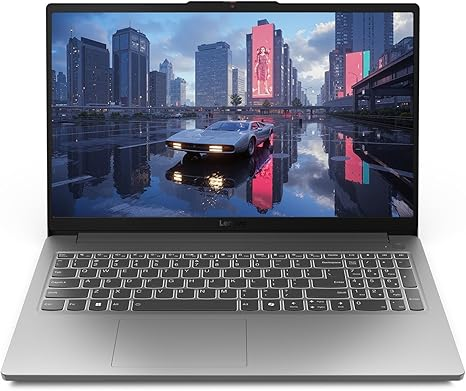
If you want one of the best laptops for Photoshop on Windows, this machine is incredibly balanced. It’s powerful, color-accurate, and designed for creative professionals.
This model features a stunning 16-inch 3.2K Mini-LED display with exceptional brightness and DCI-P3 coverage, perfect for accurate color grading.
Key Features:
- Intel Core Ultra 9 processor
- RTX 4050 or 4060 GPU
- 16GB–32GB RAM options
- 512GB–1TB SSD
- 165Hz Mini-LED display
- Strong build quality
Strengths:
- Incredible display clarity
- Excellent AI filter performance
- Future-proof specs
Weakness:
- Slightly expensive
- Not the lightest option
Buy if: You want one of the best Windows laptops for Photoshop with no compromises.
Don’t buy if: You’re strictly under a $1,000 budget.
Apple MacBook Pro 14-inch
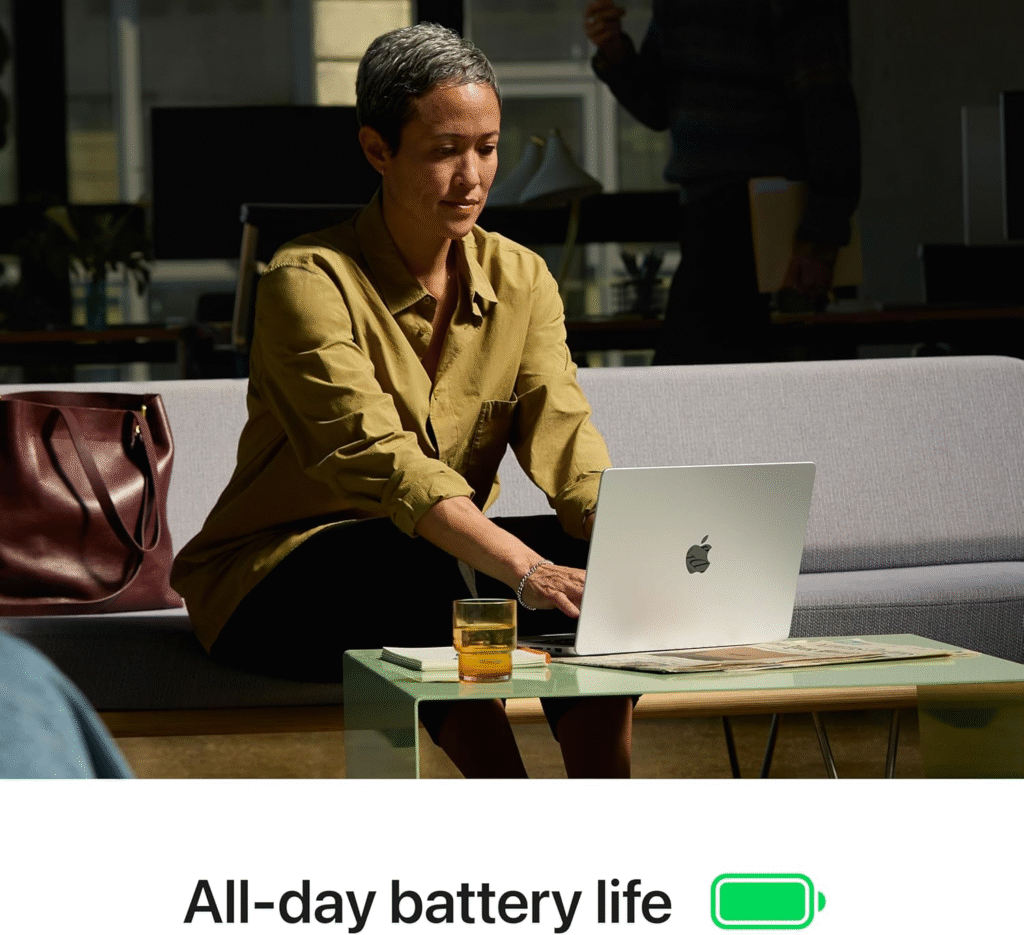
When people talk about the best laptops for Photoshop, the MacBook Pro almost always appears. And honestly, I understand why.
The M4 Pro chip delivers insane performance while maintaining excellent battery life. The Liquid Retina XDR display offers best-in-class brightness and color accuracy.
Key Features:
- Apple M4 Pro or Max chip
- Unified memory (16GB–32GB)
- Liquid Retina XDR display
- Outstanding battery life (up to 18+ hours)
- Silent, efficient cooling
Why I Like It:
- Photoshop runs incredibly smooth
- Color accuracy is unmatched
- Battery lasts all day
Why I Dislike It:
- Expensive upgrades
- Limited port flexibility
This is one of the best laptops for Photoshop if you value reliability and professional-grade display.
Asus ProArt P16
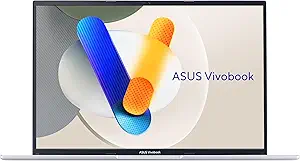
The ProArt series is made specifically for creators. If your workflow includes large RAW files, 3D layers, and AI filters, this machine shines.
Key Features:
- 4K OLED display
- RTX 4060 graphics
- Intel Core Ultra processor
- 32GB RAM option
- Durable aluminum chassis
Pros:
- Studio-grade color accuracy
- Excellent GPU acceleration
- Creator-focused design
Cons:
- Premium price
- OLED may impact battery slightly
This is easily among the best laptops for Photoshop for professionals.
Asus Zenbook 14 OLED
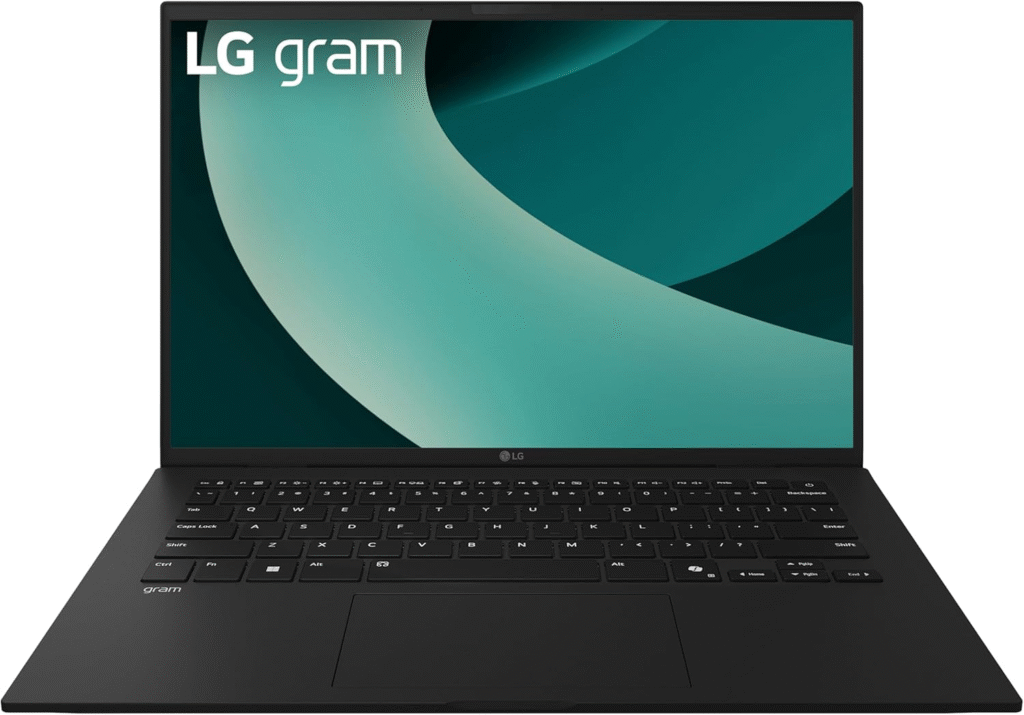
Not everyone has $2,000 to spend. If you’re looking for the best laptops for Photoshop under $1,000, this is a strong pick.
Key Features:
- OLED display
- Intel Core i7 / Ryzen 7 options
- 16GB RAM
- 512GB SSD
- Lightweight and portable
Reason to Buy:
- Excellent screen at lower price
- Portable for students
- Great value
Reason Not to Buy:
- Integrated GPU only
- Not ideal for extreme workloads
For beginners and students, this is one of the smartest affordable Photoshop laptops.
Apple MacBook Air 13-inch
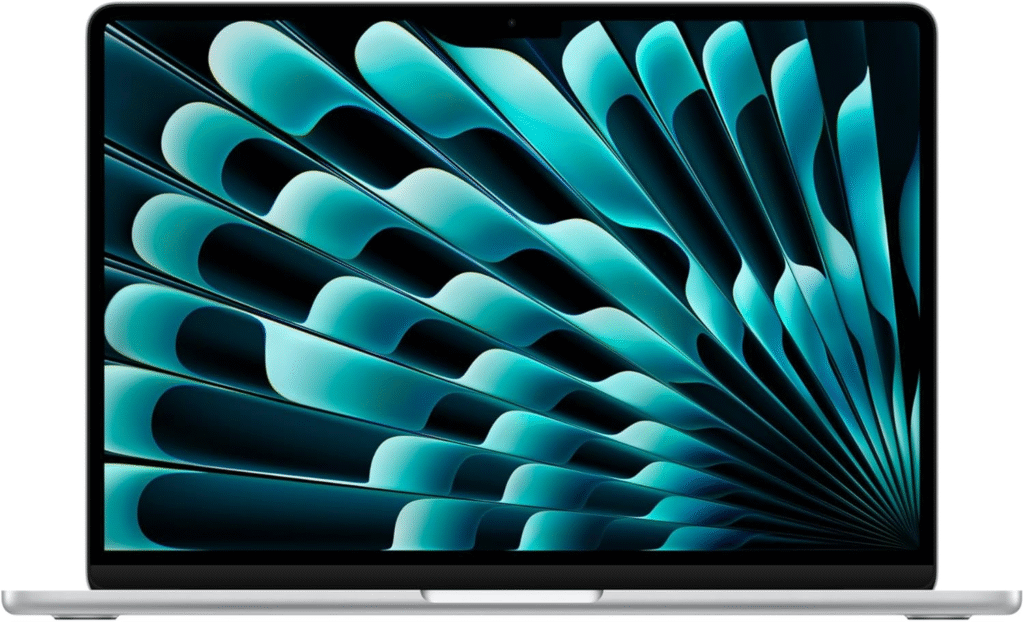
The MacBook Air M4 surprises many creatives. It’s lightweight, powerful, and surprisingly capable for Photoshop.
Key Features:
- M4 chip
- 16GB unified memory option
- Retina display
- Fanless silent design
- All-day battery
If portability matters, this is one of the best laptops for Photoshop for travel and student use.
Quick Picks
- Best Overall Windows: Lenovo Yoga Pro 9i 16 Gen 9
- Best Overall Performance: MacBook Pro 14-inch (M4 Pro)
- Best for Professionals: Asus ProArt P16
- Best Budget: Asus Zenbook 14 OLED
- Best Portable: MacBook Air M4
What Specs Do You Actually Need for the Best Laptop for Photoshop?
If you’re confused, here’s my simple rule:
- CPU: Intel Core Ultra 7/9 or Apple M4/M4 Pro
- RAM: 16GB minimum, 32GB ideal
- Storage: 512GB SSD minimum
- Display: 100% DCI-P3 or Adobe RGB
- GPU: RTX 4050+ if using heavy AI tools
Don’t fall into the trap of buying a “gaming laptop” thinking it’s automatically better. For the best laptops for Photoshop, balance matters more than RGB lights.
FAQs
Is 16GB RAM enough for Photoshop?
Yes, for most users. But if you edit large layered files, 32GB is safer.
Do I need a dedicated GPU?
Not mandatory for beginners. Helpful for AI filters and 3D tasks.
Is Mac better than Windows for Photoshop?
Both work well. Mac offers better optimization; Windows offers flexibility and price variety.
How much storage do I need?
At least 512GB SSD. RAW files fill space quickly.
Final Thoughts:
Finding the best laptops for Photoshop doesn’t mean buying the most expensive machine. It means choosing the right balance of CPU power, RAM, SSD speed, and display quality for your workflow.
If you’re a student or beginner, the Zenbook or MacBook Air will serve you well. If you’re a professional handling complex files daily, the MacBook Pro, Lenovo Yoga Pro 9i, or Asus ProArt P16 are serious long-term investments.
Before purchasing on Amazon or during seasonal sales, check RAM and storage configuration carefully. Discounts often apply only to base models.
Affiliate Disclaimer:
This article contains Amazon affiliate links. If you purchase through them, I may earn a small commission at no extra cost to you. It helps support my work and keeps this content free.