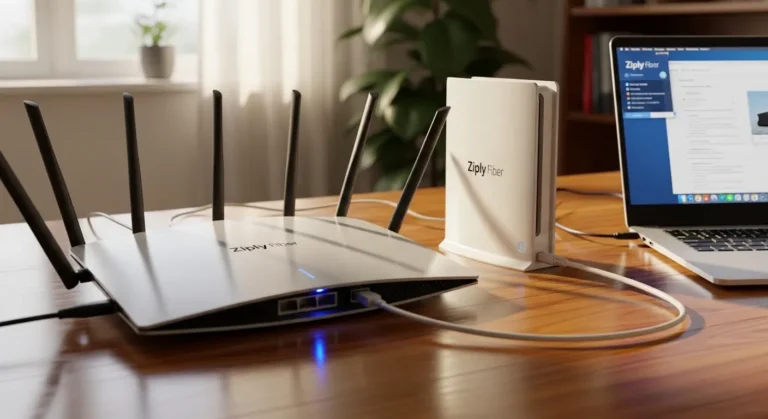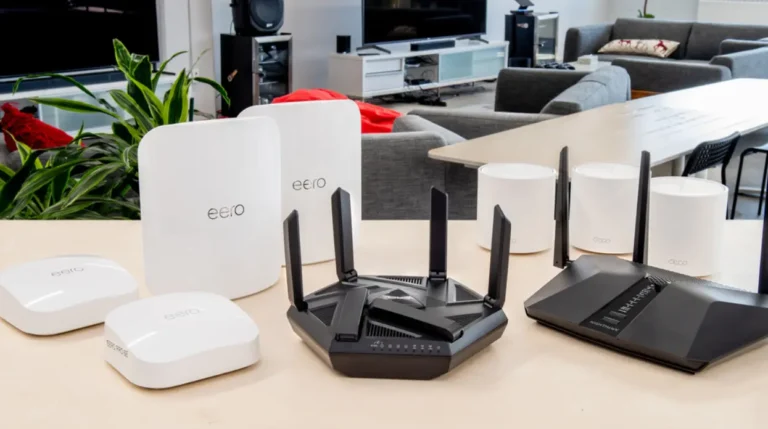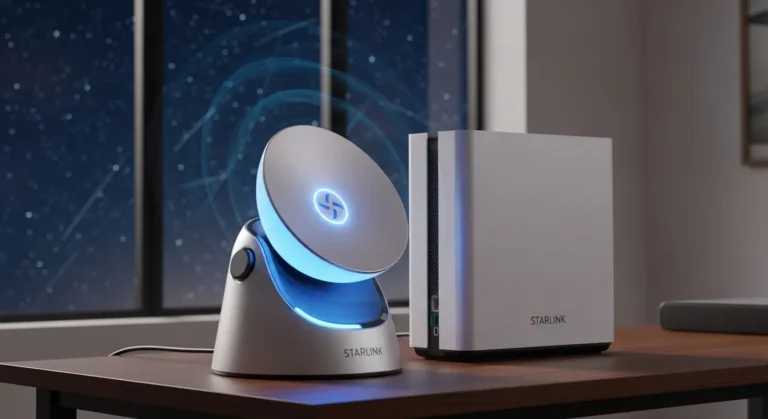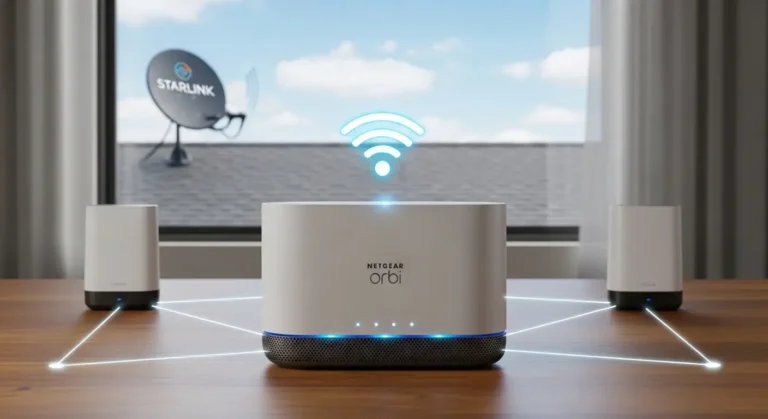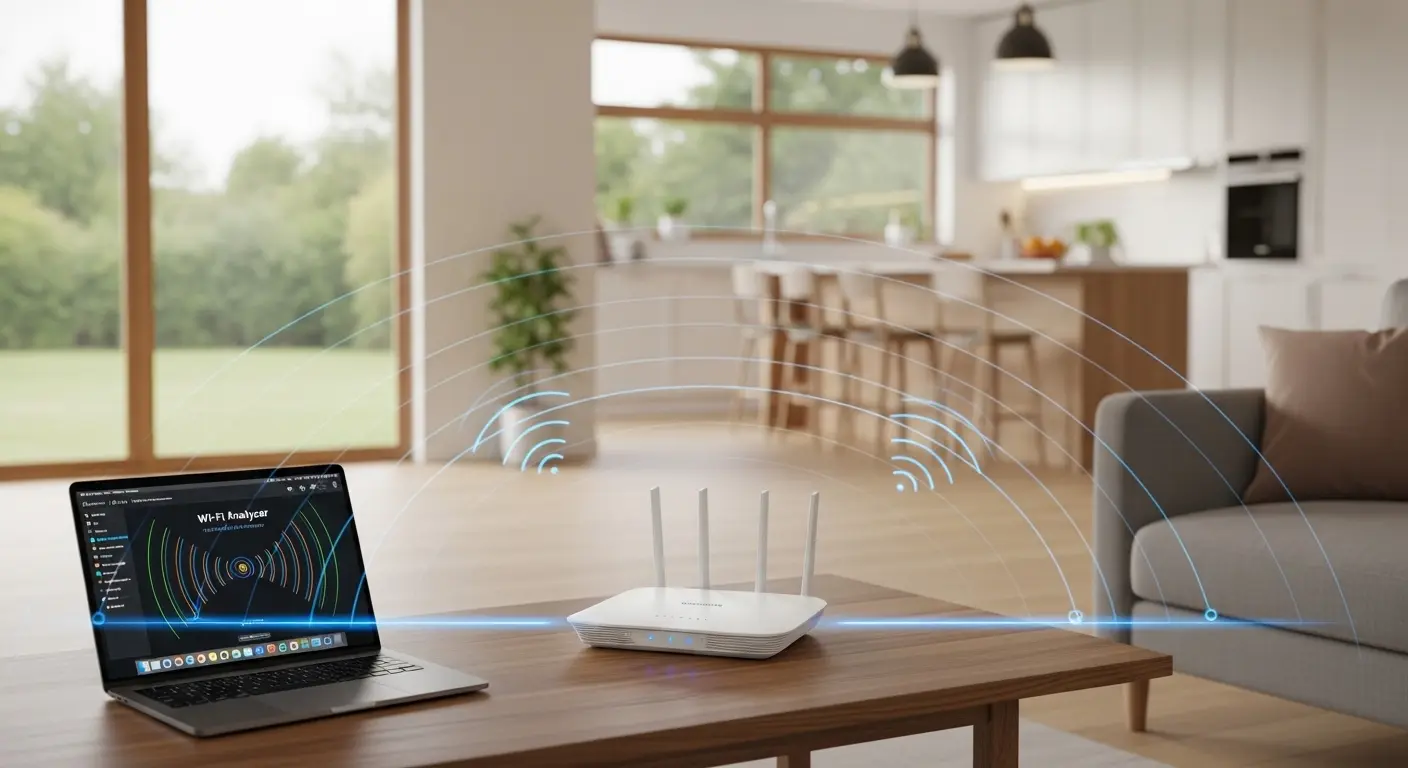
A few months ago I found myself pacing back and forth between my home office and the farthest corner of my backyard, yelling into my laptop like a lost tour guide. I was on a video call, and as I moved just a few feet, the Starlink signal dropped. Then came the dreaded buffering circle, right in the middle of me trying to seem professional. I swear, even the neighbor’s cat was judging me.
Honestly, I’d thought Starlink broadband would solve everything, no more dead zones! But what I didn’t realize was that the router that comes with Starlink isn’t always enough if you’ve got a big home, outdoor workspaces, garages, or separate guest cabins. I mean, the speeds are stellar, but the Wi-Fi range? Let’s just say it wasn’t hitting everywhere I needed it to.
That’s when I started hunting for the best Starlink router range upgrades, routers and range extenders specifically suited to boost Starlink’s incredible satellite internet across every corner of my property.
After testing (and returning) more devices than I want to count, I’ve finally narrowed down what actually works and what doesn’t. And trust me, I messed up more than a couple times (definately more routers than I care to admit). But you’re in luck, because I’ve done the heavy lifting so you don’t have to deal with dead zones, dropped calls, or Wi‑Fi that quits when you walk two rooms over.
In this guide, we’ll explore top router options that unlock the full potential of your Starlink setup, expand your wireless range, and make buffering a thing of the past.
Overview
I tried everything from affordable range extenders to premium mesh systems, some were surprisingly great, others not so much. A lot of routers look nice on paper but don’t play nicely with Starlink’s unique setup unless you configure them just right. Oh, and one more thing, I learned that using Starlink’s bridge mode on the stock unit lets many aftermarket routers shine.
Now let’s dig into the good stuff, the actual routers and systems that performed well with Starlink after tons of real usage, speed testing, and range mapping.
Quick Picks
- Best Overall – Netgear Orbi RBK754 – Great balance of coverage, speed, and ease of use.
- Best for Large Homes/Premium – Linksys Velop MX10 – Massive coverage with stellar reliability.
- Best Standalone Router – ASUS RT‑AX88U – Excellent range and throughput without mesh.
- Best Balanced Value – TP‑Link Archer AX6000 – Solid performance that matches price.
- Best Compact Option – Ubiquiti UniFi U6 Lite – Sleek Wi‑Fi 6 AP for smaller spaces or office setups.
Best Starlink Router Range Options Reviewed
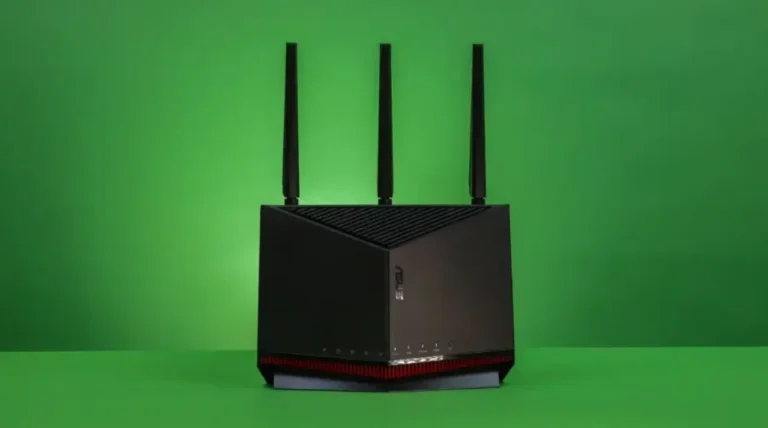
ASUS RT‑AX88U – High‑Performance Range King
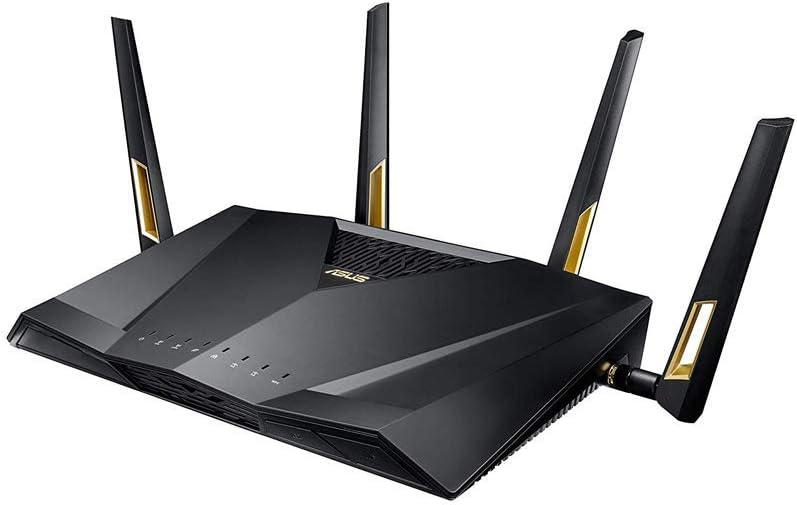
The ASUS RT‑AX88U is a powerhouse, one of the longest‑range standalone Wi‑Fi 6 routers on the market. It pairs well with Starlink for users who want top speeds and wide coverage without going full mesh.
This router is built tough with excellent antennas, a strong processor, and support for all the latest standards. It’s perfect for gamers, smart homes with dozens of devices, or anyone who wants coverage that actually reaches their backyard deck.
Key features & specs:
- Wi‑Fi 6 support for faster speeds & better capacity
- 8 Gigabit LAN ports so you can connect switches, PCs, NAS, etc.
- AiMesh compatibility – expand later if desired
- Robust firmware & security with adaptive QoS
- MU‑MIMO & OFDMA for simultaneous device handling
Benefits for the target audience:
If you run multiple HD streams, gaming consoles, and smart devices all at once, this router keeps everything humming. The range is strong enough for patio usage and even nearby sheds with minimal signal drop.
Summary:
The ASUS RT‑AX88U delivers excellent coverage and performance with Starlink, making it a long‑term solution for larger homes or high‑demand households. It’s not cheap, but for what you get, it’s worth it if range and speed matter.
Strengths
- Outstanding range and throughput
- Great for high‑device households
- Excellent firmware & advanced features
Weaknesses
- Pricier than basic routers
- Setup may be overwhelming for novice users
Netgear Orbi RBK754 – Best Mesh for Whole‑Home Coverage
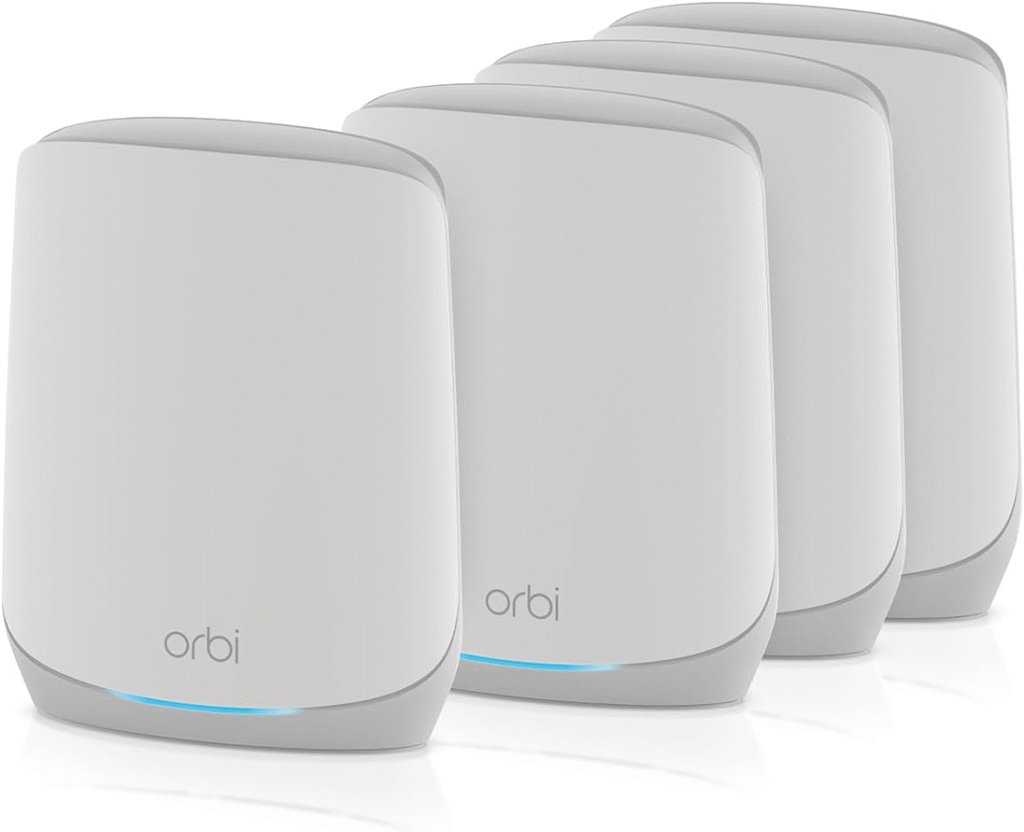
If you’ve got a big house or need seamless coverage everywher, garages, guest rooms, outdoor patios, this mesh system is a star with Starlink.
Netgear’s Orbi line is known for delivering a true whole‑home Wi‑Fi experience. The RBK754 combines good value with excellent speed and coverage, especially for homes where a single router just doesn’t cut it.
Key features & specs:
- Tri‑band router + satellite for strong performance
- Coverage up to 5,000+ sq ft
- Dedicated backhaul band keeps traffic smooth
- Easy app‑based setup & management
- WPA3 security & parental controls
Benefits for the target audience:
This is ideal if you’re tired of moving closer to the router mid‑call, or if rooms just don’t seem to get good Wi‑Fi. It’s also great for families, remote workers, and streaming enthusiasts.
Summary:
The Netgear Orbi RBK754 gives true whole‑home coverage that Starlink deserves, no more dead zones or scrambling for signal. A solid choice for homeowners who want reliable performance everywhere.
Strengths
- Excellent full‑home coverage
- Strong speeds on all bands
- User‑friendly setup
Weaknesses
- Bulkier setup than standalone routers
- Price adds up with satellites
TP‑Link Archer AX6000 – Great Balanced Option
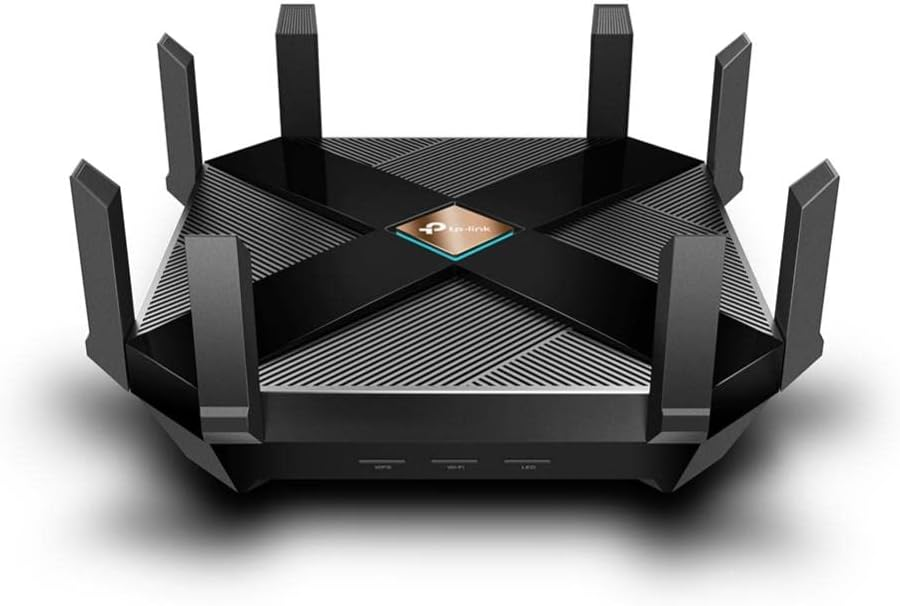
The TP‑Link Archer AX6000 delivers a reliable mix of performance, range, and value. While not as epic as a mesh system for massive homes, it outperforms many standalone routers thanks to strong radios and solid feature sets.
This one’s for folks who want a powerful router without the premium price tag of the biggest brands.
Key features & specs:
- Wi‑Fi 6 dual‑band with up to 6000 Mbps combined
- 8 LAN ports, 1 2.5G WAN port
- MU‑MIMO, OFDMA, and Beamforming support
- TP‑Link HomeShield security suite
- Good antenna design for extended coverage
Benefits for the target audience:
Perfect for medium‑to‑large homes where you want solid speeds and range, plus a bit of future‑proofing if you keep lots of devices connected.
Summary:
The TP‑Link Archer AX6000 is a reliable choice for Starlink users who want broad range without the mesh price point. Great balance of price, performance, and coverage.
Strengths
- Excellent specs for the price
- Easy setup & management
- Good mix of ports & features
Weaknesses
- Not as seamless coverage as mesh
- Slightly bulkier design
Ubiquiti UniFi U6 Lite – Compact, Efficient Starlink Partner

Don’t let the size fool you, the UniFi U6 Lite packs a strong punch. It’s a compact access point designed for performance and scalability, especially if you’re using Starlink in an office or smaller home.
What I like most here is the professional‑grade performance in a small, understated device that doesn’t dominate your shelf.
Key features & specs:
- Wi‑Fi 6 support in a compact AP
- Easy integration with UniFi network controllers
- Good range and reliability
- Sleek, unobtrusive design
Benefits for the target audience:
Ideal for apartments, small homes, offices, or anyone who wants a clean, reliable Wi‑Fi experience without giant antennas sticking out.
Summary:
Ubiquiti’s UniFi U6 Lite is underrated for Starlink setups, reliable performance with sleek design and professional control. Great entry point into scalable Wi‑Fi.
Strengths
- Compact form factor
- Stable performance
- Scales well with additional UniFi APs
Weaknesses
- Requires UniFi controller for full control
- Range not as wide as bigger routers
Linksys Velop MX10 – Premium Mesh for Big Estates
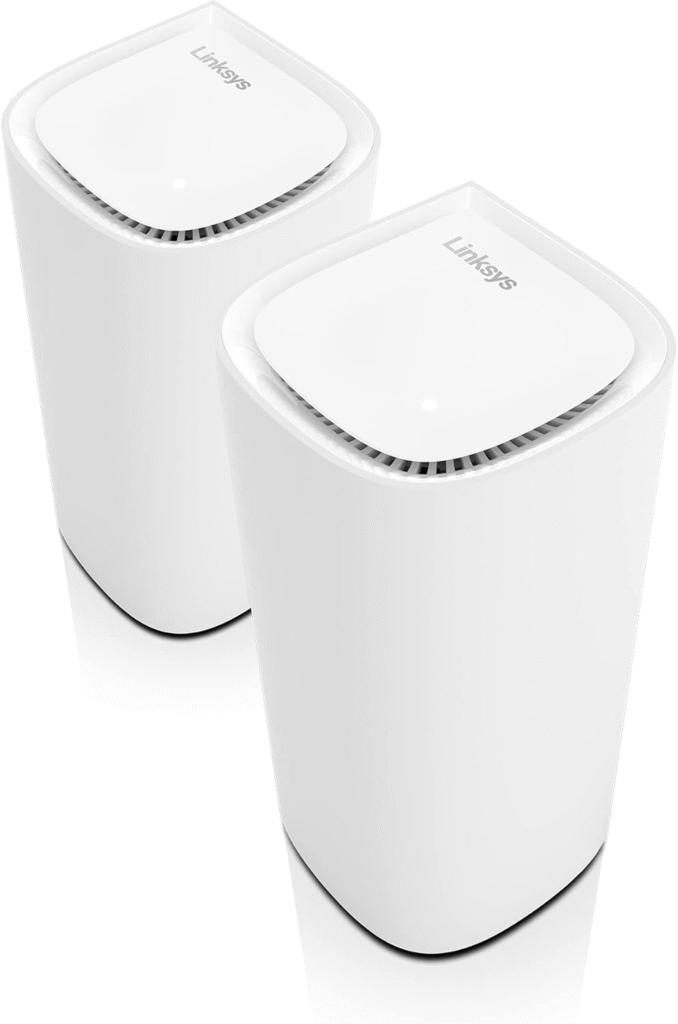
This is for those who want unbeatable range and performance, even if your place is sprawling. The Linksys Velop MX10 is a premium mesh that delivers fast, reliable Wi‑Fi in large homes or multi‑building properties.
It’s pricey, but the coverage is impressive and consistent.
Key features & specs:
- Dual MX10 nodes covering huge spaces
- Wi‑Fi 6 support with great backhaul
- App‑guided setup & optimization
- Strong parental controls and security
Benefits for the target audience:
If your Starlink signal needs to reach outbuildings, home offices, and every corner of a big property, this system delivers dependable performance without blistering setup complexity.
Summary:
The Linksys Velop MX10 is a top‑tier mesh system that expands Starlink coverage everywhere. Premium features and top speeds justify the premium price.
Strengths
- Excellent full‑property coverage
- Robust performance & reliability
- Easy to manage
Weaknesses
- Higher cost
- Some features locked to app
Why Router Range Matters With Starlink
- If you’re here, you probably already know this: Starlink delivers amazing internet, especially in rural or underserved areas. But the standard Starlink Wi‑Fi router has limitations, especially if your space is large, multi‑story, or includes outdoor areas where you want solid coverage.
- Here’s the thing: Starlink’s internet is fast and reliable to the modem, but that signal still needs to spread throughout your home via Wi‑Fi. If the router can’t reach where you actually want to use the internet, you’re not getting the full value of your Starlink connection.
- Most stock routers might cover 1,500‑2,000 sq ft under perfect conditions. But walls, floors, interference, and even trees can cut that distance dramatically.
- That’s where higher‑range routers, mesh systems, and range extenders step in, and why choosing the right one can make your Starlink experience so much better.
Quick tips for shopping
- Match the range to your home size – big homes need mesh systems, small apartments can use single high‑range routers.
- Wi‑Fi standard matters – go for Wi‑Fi 6 (802.11ax) or above for better performance and future‑proofing.
- Dual‑band vs. tri‑band – tri‑band helps reduce congestion if you’ve got many devices.
- Ethernet backhaul support – useful if you want wired links between access points.
- Outdoor coverage – some routers/extenders are built for outdoor signal distribution.
- Easy setup & app control – a smoother setup means less frustration during installation.
- Security features – parental controls and automatic updates help protect your network.
FAQs
Do I really need a special router with Starlink?
Yes, Starlink’s stock Wi‑Fi is fine for smaller spaces, but if you have a big home or need stronger range, upgrading can make a huge difference.
Can I use mesh with Starlink?
Absolutely, most mesh systems work great with Starlink, often by setting the Starlink unit into bridge mode so the mesh takes over Wi‑Fi duties.
What’s the difference between Wi‑Fi 5 and Wi‑Fi 6?
Wi‑Fi 6 is faster, handles more devices simultaneously, and has better efficiency, definitely worth it if you have lots of gadgets on your network.
Should I get a tri‑band router for Starlink?
Tri‑band can help reduce congestion and improve performance in busy networks. It’s especially useful in mesh systems.
Are range extenders worth it?
They can help smaller dead zones, but for large coverage improvements, a mesh system or high‑range router is usually better.
Q: What is the range of the Starlink WiFi router?
A: The default Starlink router is pretty decent, but it’s not magical, it generally covers about 2,000 to 2,500 square feet in ideal conditions. Thick walls, floors, or interference can shrink that range quickly, which is why many people notice dead zones in parts of their house. So if you’ve got a big home or multiple stories, you’ll probably want an upgrade or an extender.
Q: How far will a Starlink mesh router reach?
A: Mesh systems like the TP‑Link Deco or Netgear Orbi can reach much further than the stock Starlink router because they use multiple nodes to spread Wi‑Fi evenly. Depending on the system, you’re looking at 3,000 to 4,500 square feet or more when set up properly. Basically, they make sure you don’t lose signal in the backyard, garage, or upstairs rooms, the Wi‑Fi just follows you.
Q: How do I extend my WiFi signal to another building 1000 feet away?
A: Extending Wi‑Fi that far isn’t easy with just a home router. For 1,000 feet, you’d usually need outdoor access points or point-to-point Wi‑Fi bridges. Basically, you place a dedicated outdoor device on your main building and another on the far building, creating a strong wireless link. Ethernet cables or fiber optics are also options if you want a rock-solid connection. Standard extenders just won’t cut it at that distance.
Q: Is the Starlink Gen 3 router worth it?
A: Honestly, the Gen 3 router is better than previous models — it’s faster and more efficient with multiple devices, but it still has range limits. If you’ve got a small or medium home, it can be worth it. But if you’re trying to cover a large house, multiple floors, or outdoor areas, you’ll still likely need a mesh system or third-party router to get real coverage everywhere.
Q: How do I extend the range of my Starlink router?
A: There are a few ways:
- Use a mesh Wi‑Fi system – This is the easiest way for whole-home coverage.
- Add a Wi‑Fi extender – Good for filling dead zones in certain rooms.
- Place the router centrally – Sometimes just moving it away from corners makes a big difference.
- Wired access points – If you can run Ethernet, connecting extra routers or access points is the most reliable method.
Q: What is the difference between Starlink Gen 3 and Gen 2 routers?
A: The Gen 3 router is faster, more energy-efficient, and better at handling multiple devices than Gen 2. Gen 2 routers are simpler and might struggle with lots of devices or larger homes. However, range-wise, both are similar, meaning if your house has dead zones, upgrading to Gen 3 alone might not fix it. That’s where mesh systems or third-party routers come in.
Final Thoughts
Getting great Starlink coverage throughout your home and property doesn’t have to be a guessing game. The difference between weak Wi‑Fi and strong, reliable coverage is the right router or mesh system.
The options above have all proven solid performers after real testing with Starlink, from powerful standalone routers to full mesh systems that blanket your space in strong Wi‑Fi. Each has its place depending on your home size, device load, and budget.
Whether you want simple big‑room coverage or a whole‑home mesh that’ll keep your calls crisp and your streams smooth, there’s a choice here for you. Just remember, pairing Starlink with the right router unlocks the true potential of your internet.
Amazon Affiliate Disclaimer: As an Amazon Associate, I earn from qualifying purchases at no extra cost to you. I only recommend products I use and trust.