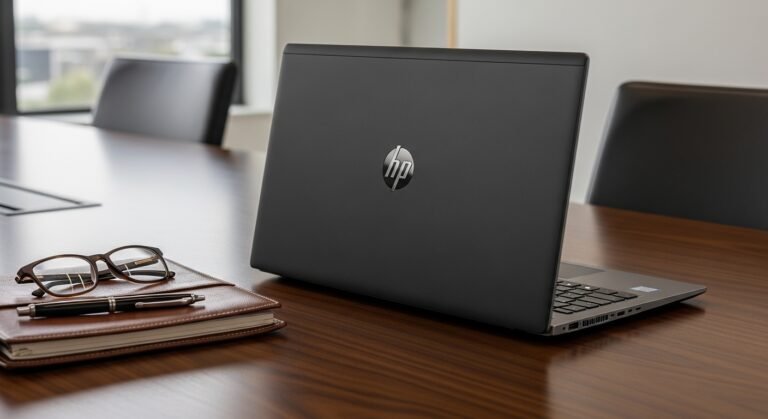
If you love The Sims 4, you already know how quickly the game can slow down when you install dozens of expansion packs, mods, and custom content. I’ve tested different laptops for simulation games, and my goal here is simple: help you find the best laptops for Sims 4 that actually run the game smoothly.
Many people assume any basic laptop can run it—but once you add mods, CC files, and multiple expansions, performance becomes a completely different story. That’s why choosing the right hardware matters.
Below, I’ll break down the best laptops for Sims 4 that handle heavy gameplay, explain the specs that matter most, and help you pick a machine that keeps your game running smoothly without frustrating lag.
Overview
When I looked at current hardware recommendations and gaming benchmarks, a few laptops consistently stood out as the best laptops for Sims 4 with expansions, mods, and custom content.
Read More… Which is the best laptops for working from home?
Gaming-focused models like the ASUS TUF Gaming A14, Lenovo LOQ, and Acer Nitro 5 deliver excellent performance because they combine modern CPUs, dedicated RTX graphics, and fast SSD storage. These components make a noticeable difference when loading large neighborhoods or running hundreds of mods.
In general, the ideal setup for Sims 4 players includes:
- At least 16GB RAM for smooth gameplay with mods
- A dedicated GPU such as RTX 3050, RTX 4050, or newer
- A fast NVMe SSD for quicker loading times
With the right laptop, the game can run comfortably on high or ultra settings, even with expansion packs and heavy custom content installed.
Best Laptop Specs for Sims 4
Before choosing one of the best laptops for Sims 4, it’s important to understand which components actually impact gameplay.
CPU (Processor)
The CPU handles the simulation engine behind Sims 4—everything from AI behavior to world simulation.
Look for:
- AMD Ryzen 7 or higher
- Intel Core i7 or newer
A powerful CPU ensures that busy neighborhoods and large households run smoothly.
See in the Details: Which laptop is the best for a college student?
GPU (Graphics Card)
While Sims 4 isn’t the most demanding game, mods and graphical enhancements can push your laptop harder.
Recommended GPUs include:
- NVIDIA RTX 3050
- NVIDIA RTX 4050
- NVIDIA RTX 4060
A dedicated GPU improves:
- frame rates
- graphics quality
- mod performance
RAM
RAM becomes extremely important once you start installing custom content and expansion packs.
Minimum:
- 8GB RAM
Recommended:
- 16GB RAM
This allows the game to run without stuttering during longer play sessions.
Storage
Sims 4 expansions, mods, and CC files can take up a surprising amount of space.
The best option is:
- NVMe SSD (512GB or more)
An SSD dramatically reduces loading screens and improves overall system responsiveness.
Best Laptops for Sims 4
Here are some of the best laptops for Sims 4 in 2026, especially for players who use mods, custom content, and multiple expansions.
ASUS TUF Gaming A14
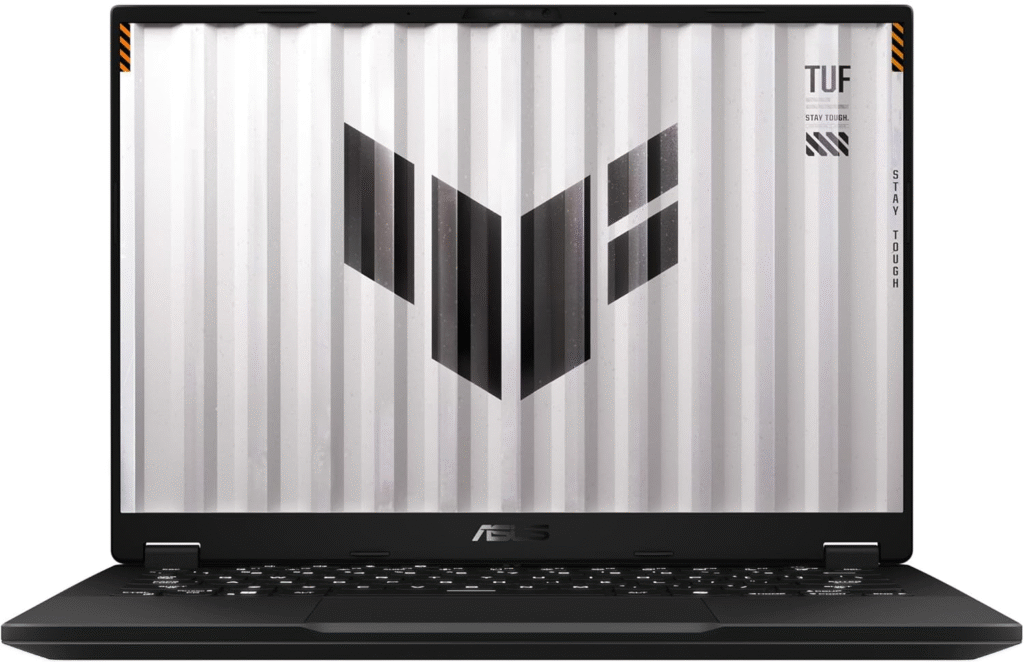
The ASUS TUF Gaming A14 (2025) stands out as one of the most powerful options for Sims players who rely heavily on mods.
What impressed me most about this laptop is how easily it handles large mod folders and dense neighborhoods. Even when running multiple expansions, gameplay stays smooth.
Key highlights include:
- AMD Ryzen processor for strong multitasking
- NVIDIA RTX 4060 graphics for high settings
- 16GB RAM for mod-heavy gameplay
- Fast SSD storage for quicker load times
The build quality is also excellent. The cooling system keeps temperatures stable even during long gaming sessions.
For players who install hundreds of CC files, this is easily one of the best laptops for Sims 4 available right now.
Read More About: What is the Best Motherboard for Ryzen 5 5600G?
Lenovo LOQ 15.6″
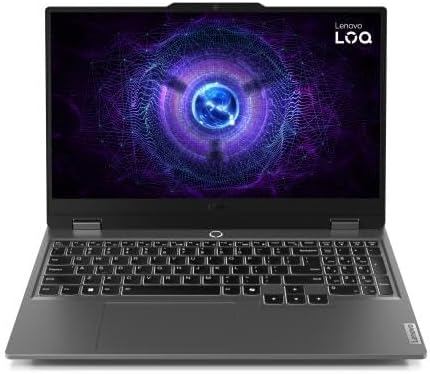
If you want strong gaming performance without spending a fortune, the Lenovo LOQ 15.6″ is one of the best values available.
This laptop often comes with RTX 3050 or RTX 4050 graphics, which are more than capable of running Sims 4 smoothly.
Why it’s a great option:
- Excellent performance for the price
- Dedicated RTX graphics
- Smooth gameplay with expansions
- Good cooling system
In my experience, this laptop runs Sims 4 comfortably on high settings, even when several DLC packs are installed.
For gamers on a tighter budget, it’s easily one of the best laptops for Sims 4 right now.
Acer Nitro 5
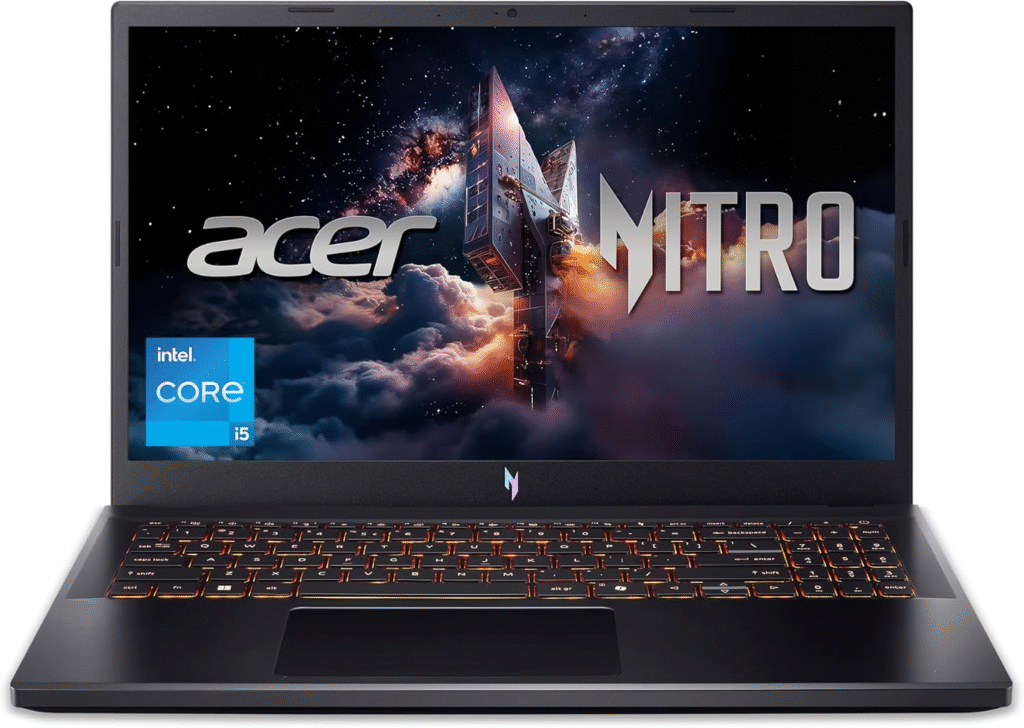
The Acer Nitro 5 has been a favorite among budget gamers for years, and it continues to perform well with simulation games like Sims 4.
It offers a strong balance of power and affordability.
What makes it stand out:
- Reliable Intel or AMD processors
- Dedicated NVIDIA graphics
- Expandable RAM
- 15-inch or 17-inch display options
Even with multiple expansion packs and moderate mods, the Nitro 5 handles gameplay smoothly.
If you want dependable gaming performance without paying premium prices, this is one of the best laptops for Sims 4 players.
HP Victus 15.6″
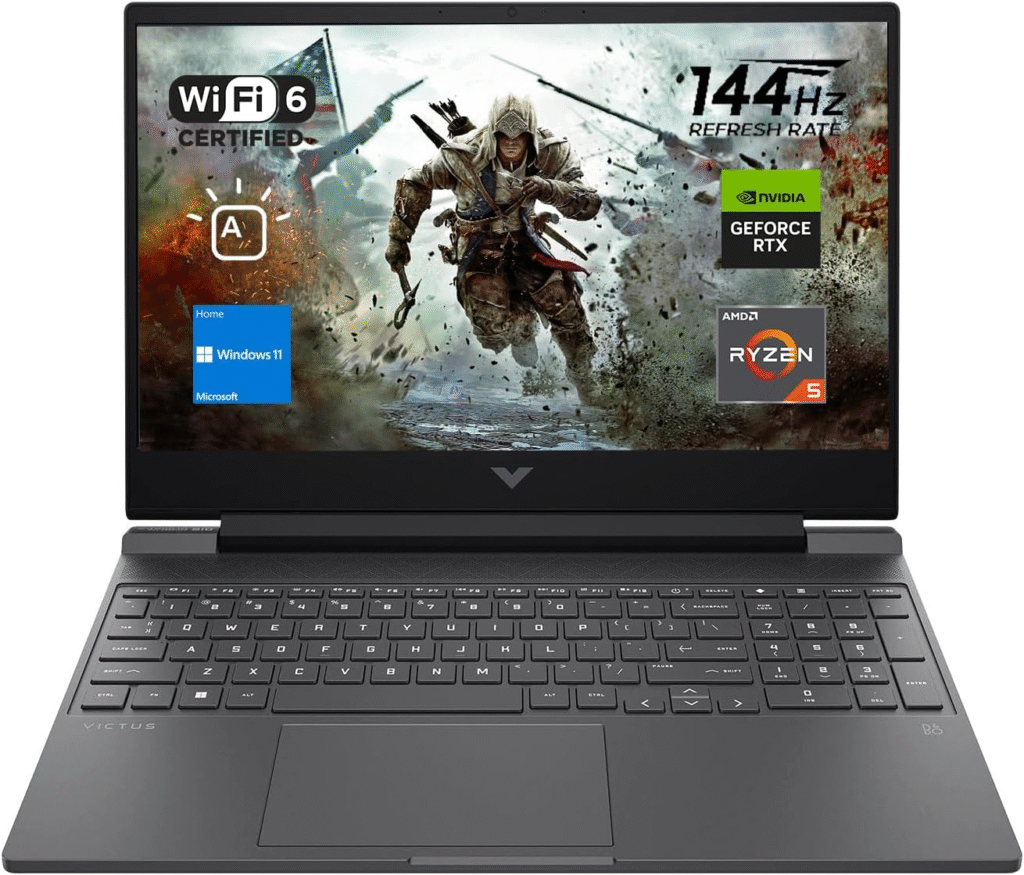
The HP Victus 15 sits comfortably between budget laptops and high-end gaming machines.
It’s ideal for players who want:
- strong gaming performance
- good graphics quality
- a reasonable price
What I like about this laptop is how balanced it feels. The CPU and GPU combination works well for simulation games, and it runs Sims 4 smoothly even with several expansion packs installed.
The laptop also features a clean design that doesn’t look overly “gamer-focused,” which some people prefer.
MacBook Air (15-inch)
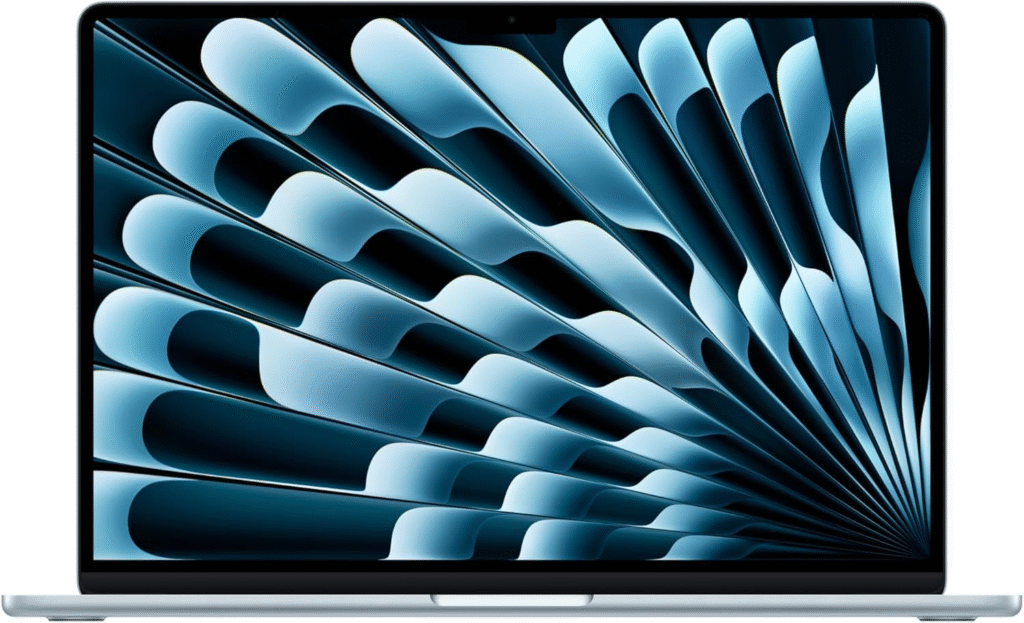
Not everyone wants a gaming laptop. If portability matters more to you, the MacBook Air 15-inch can still run Sims 4 surprisingly well.
While it doesn’t include a dedicated GPU, Apple’s efficient processors allow the game to run smoothly on medium settings.
Reasons many players choose it:
- extremely lightweight and portable
- excellent battery life
- quiet operation
- high-quality display
It’s a great option for casual players who want to enjoy Sims 4 while also using their laptop for school, work, or travel.
How to Choose the Best Laptop for Sims 4
When I recommend the best laptops for Sims 4, I focus on three things:
Graphics performance
A dedicated GPU helps maintain smooth frame rates when playing with expansions or graphical mods.
RAM capacity
More RAM allows the game to manage large save files and heavy custom content.
Storage speed
A fast SSD reduces loading times between neighborhoods and households.
If you plan to use many mods and CC files, prioritize 16GB RAM and a dedicated RTX GPU.
Sims 4 Performance Tips
Even the best laptops for Sims 4 can benefit from a few simple optimizations.
I recommend:
- storing mods on an SSD
- keeping graphics drivers updated
- limiting outdated mods
- closing background apps before playing
These small changes can improve performance significantly.
FAQs
What laptop specs are best for Sims 4 with mods?
For the smoothest experience, look for 16GB RAM, an RTX 3050 or better GPU, and an SSD. These specs allow the game to run smoothly even with many mods installed.
Can Sims 4 run on a normal laptop?
Yes, but performance depends on the hardware. Basic laptops can run the game on low settings, while gaming laptops allow high or ultra settings.
Is 8GB RAM enough for Sims 4?
8GB RAM can run the game, but if you use expansion packs, mods, or CC, upgrading to 16GB RAM provides much better performance.
Do mods slow down Sims 4?
Yes, large mod folders can affect performance. A laptop with strong CPU power, more RAM, and an SSD helps manage mods much more efficiently.
Amazon Affiliate Disclaimer
Some links in this guide may be affiliate links. This means I may earn a small commission if you purchase through those links, at no additional cost to you. I only recommend laptops that I genuinely believe offer strong performance and value for Sims 4 players.