I’ve been there. You want a premium machine with 32GB RAM, 1TB storage, a gorgeous high-resolution display, good speakers, and long battery life, but you don’t want to fight ACPI bugs, unsupported webcams, or unstable NVIDIA drivers. The Ultimate Guide to “Best Linux Laptops” – Performance, Battery & Compatibility
That’s the reality many Linux users face today. Brands advertise cutting-edge specs, Core Ultra chips, OLED screens, RTX GPUs, but Linux compatibility still varies wildly. Some laptops work perfectly out of the box. Others require kernel patches, custom tweaks, or patience.
The good news? In 2026, the best Linux laptops finally strike the right balance: pre-installed open-source systems, high-quality hardware, and seamless driver support. Professional favorites like the Lenovo ThinkPad T14s Gen 6 deliver enterprise-grade Linux stability. Modular champions like the Framework Laptop 13 and Framework Laptop 16 offer unmatched repairability. Linux-first brands such as System76 and TUXEDO Computers focus on native Linux performance. Even compact options like the Dell XPS 13 Developer Edition remain strong contenders. Best Linux Laptops are the besteat ever.
In this guide, I’ll walk you through the best Linux laptops available right now, share what I’ve personally learned after years of testing and tweaking, and help you choose the right machine, without the frustration. Looking for the “Best Linux Laptops”? Here Are the Top 2026 Choices.
Read More…Top Dell Laptops of 2026
Product Review
Lenovo ThinkPad T14s Gen 6
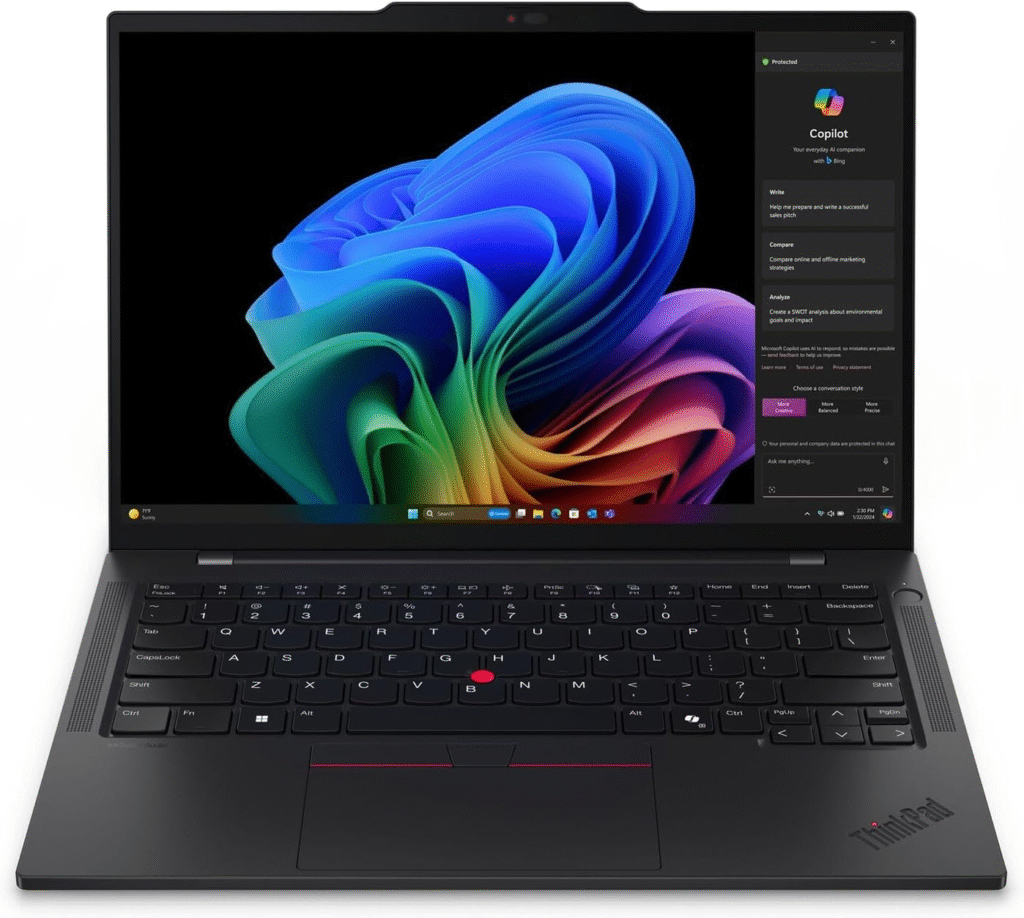
If you want a professional-grade Linux machine that “just works,” this is the safe bet. The ThinkPad T and X series have supported Linux reliably for over a decade, and the T14s Gen 6 continues that legacy.
This laptop is ideal if you’re a developer, sysadmin, or professional who wants zero driver drama and excellent keyboard comfort.
Key Features & Specs
- Intel Core Ultra processors
- Up to 64GB RAM
- Up to 2TB SSD
- 14″ high-resolution display (2.8K options available)
- Excellent ThinkPad keyboard
- Lightweight magnesium build
- Strong battery life (8–12 hours typical Linux use)
Why I Like It
- Exceptional Linux stability
- Enterprise-grade durability
- Fantastic keyboard feel
Why I Dislike It
- Speakers are decent, not amazing
- Premium pricing
Buy it if: You want long-term reliability for development work.
Don’t buy it if: You’re prioritizing modular upgrades or flashy design.
Framework Laptop 13 & 16
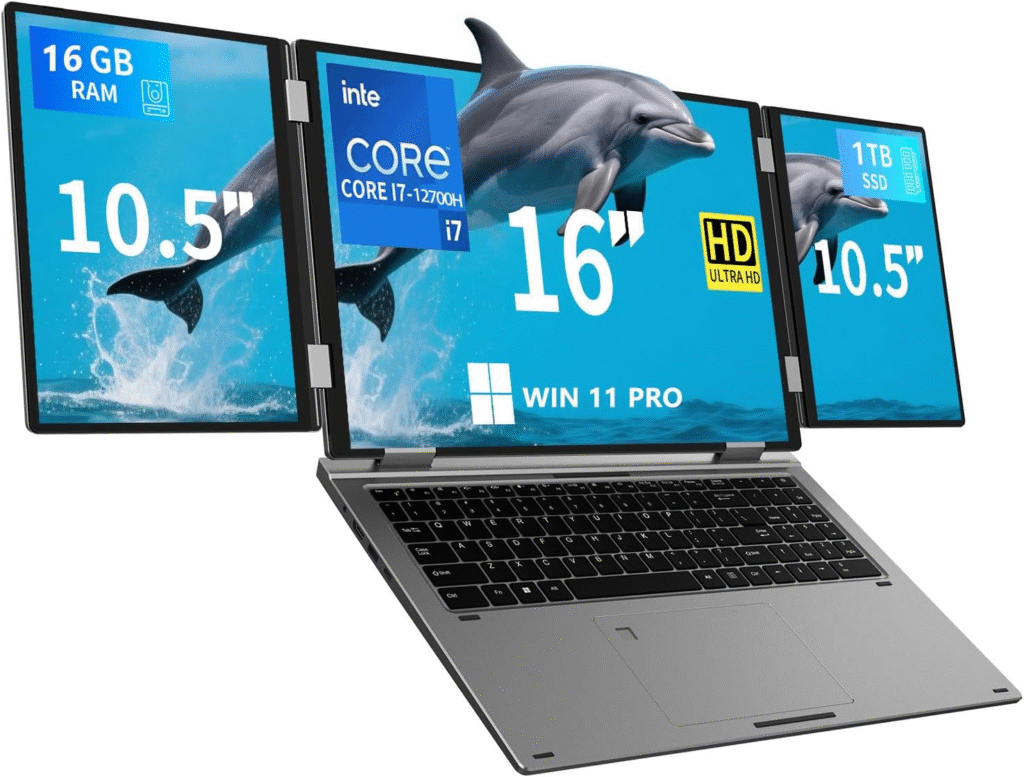
The modular revolution is real. The Framework 13 and 16 are perfect if you want to upgrade RAM, storage, ports, even the motherboard,years later.
If your goal is “buy once, upgrade forever,” this machine makes sense.
Key Features & Specs
- Fully modular design
- Up to 64GB+ RAM (user replaceable)
- 1TB+ NVMe SSD (replaceable)
- High-resolution 3:2 display
- Excellent Linux compatibility (Ubuntu, Fedora, Arch)
- Replaceable ports via expansion cards
Strengths
- Repairability unmatched in the industry
- Sustainable and upgrade-friendly
- Great Linux community support
Weaknesses
- Speakers are average (though upgrade kits exist)
- Battery life is good, not MacBook-level
Reason to buy: You value control, customization, and long-term investment.
Reason not to buy: You demand premium audio out of the box.
Dell XPS 13 Developer Edition
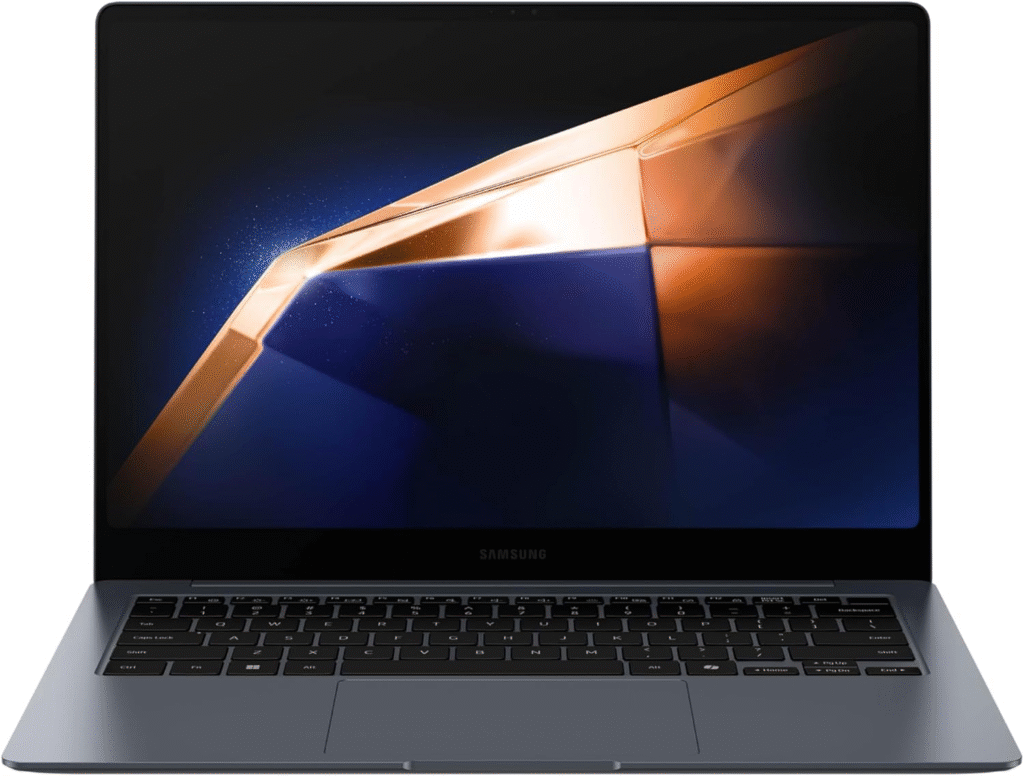
The XPS 13 has been a Linux favorite for years. The Developer Edition ships with Ubuntu, ensuring hardware compatibility.
It’s ideal for students, writers, and lightweight developers.
Key Features & Specs
- Compact 13″ premium chassis
- High-resolution display
- Excellent trackpad
- 16–32GB RAM options
- Ubuntu pre-installed
- Lightweight and travel-friendly
Why I Like It
- Gorgeous design
- Strong Linux certification
- Smooth trackpad experience
Why I Dislike It
- Limited upgradeability
- Smaller screen
Quick Picks (2026 Edition)
- Best Overall for Work: Lenovo ThinkPad T14s Gen 6
- Best Modular & Repairable: Framework Laptop 13 / 16
- Best for Performance & Gaming: System76 Oryx Pro
- Best Thin & Light: Dell XPS 13 Developer Edition
- Best Linux-First European Option: TUXEDO InfinityBook Pro 14
- Best Budget Choice: Used ThinkPad T480 (great Linux support under $200)
Why Linux Laptop Compatibility Still Matters
- When I first switched fully to Linux for development, I assumed any modern laptop would work fine with Ubuntu or Fedora. That assumption cost me hours.
- Common problems users still report:
- Broken webcam support (especially MIPI cameras)
- Poor power management due to ACPI misconfiguration
- Keyboard backlight issues
- NVIDIA driver headaches
- Weak speakers in otherwise premium machines
- Soldered RAM limiting upgrades
- The safest route? Choose vendors that either ship Linux pre-installed or have long-standing Linux certification.
- Now, let’s dive into the best options.
FAQs
1. Should I buy a laptop with Linux pre-installed?
Yes—especially from brands like System76 or Dell Developer Edition models. It ensures Wi-Fi, webcam, fingerprint readers, and power management work without manual fixes.
2. Is NVIDIA bad for Linux?
Not necessarily. It works well now—but AMD GPUs often require less configuration. If you choose NVIDIA, buy from vendors that test it with Linux.
3. Are OLED displays good for Linux?
Yes. Modern kernels handle scaling and color well. Just ensure you choose 2K+ resolution if you want crisp visuals.
4. What about ASUS or gaming laptops?
They can work—but users report ACPI bugs, keyboard lighting issues, or power management quirks. Linux-focused brands are safer.
Final Thoughts:
Which Linux Laptop Should You Buy?
If you want peace of mind and professional stability, go with a ThinkPad.
If you love modular upgrades and sustainability, Framework is unmatched.
If performance matters most, System76 delivers.
If you want sleek portability, the XPS 13 remains strong.
The truth? There’s no perfect Linux laptop, only the one that matches your workflow.
Affiliate Disclaimer:
This article may contain affiliate links. If you purchase through these links (such as Amazon), I may earn a small commission at no extra cost to you. This helps support my content and testing.