A few months ago, I found myself staring at two laptops on my desk: the MacBook Air M1 vs Dell XPS 15. I’d been juggling remote work, editing photos, writing blog posts, and occasionally streaming a movie late at night. My old laptop was slowing down, fans constantly spinning, and honestly… it was frustrating.
So I decided to test two machines people constantly recommend: Apple’s MacBook Air M1 and Dell’s XPS 15. Both are premium laptops, both have strong reputations, and both promise powerful performance.
But which one is actually better for daily work, creative tasks, and long battery life?
After testing multiple configurations, including the MacBook Air M1, MacBook Air M2, Dell XPS 15 (9520), and Dell XPS 15 OLED version, I realized the differences aren’t always obvious on paper. Specs can look similar, but real-world use tells a different story.
See More…Best Laptop Computer – Top Picks for Work, Study & Gaming
This guide shares my honest experience, key features, strengths, and weaknesses to help you decide which laptop is worth your money.
Overview:
A few weeks ago my sister surprised me with a MacBook Air M1 as a birthday gift. She knew I’d been complaining about laptop battery life for months. At the same time, I’d already ordered a Dell XPS 15 because many creators swear by its power and gorgeous display.
So suddenly I had both laptops sitting next to each other.
Naturally… I started testing them.
Over the past several weeks I used them for:
- writing and blogging
- photo editing in Lightroom
- video streaming and casual editing
- Zoom meetings and daily work tasks
Honestly, I was surprised by some results. On paper, the Dell XPS 15 is more powerful. But the MacBook Air M1 sometimes felt smoother and more efficient.
After testing both machines side-by-side, plus trying the newer MacBook Air M2 and Dell XPS 15 OLED, I gathered enough real-world experience to compare them properly.
Product Reviews
Product reviews about MacBook Air M1 vs Dell XPS 15:
Apple MacBook Air M1
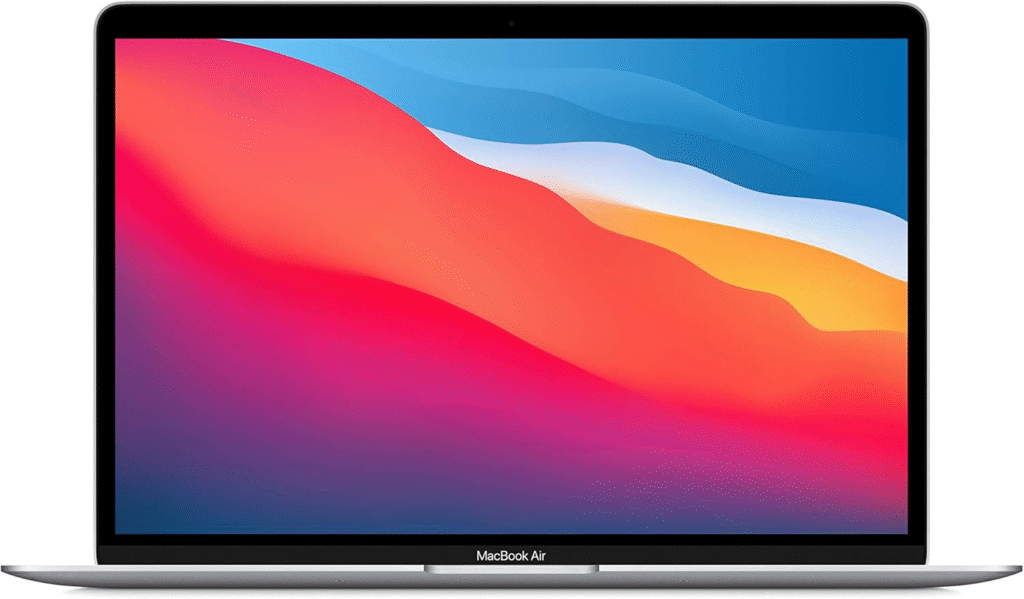
The MacBook Air M1 is one of Apple’s most popular laptops, and for good reason. It combines impressive battery life with Apple’s efficient M1 chip, all inside a lightweight aluminum design.
Apple introduced the M1 processor to replace Intel chips, and honestly, it changed how MacBooks perform. The MacBook Air M1 runs quietly because it doesn’t even have a fan. That alone was surprising.
During my testing, this laptop handled everyday work effortlessly. Writing articles, browsing dozens of tabs, and editing images felt smooth and responsive.
Battery life was the biggest surprise. I could work nearly an entire day without charging.
The Retina display is sharp and color accurate, which makes it great for media consumption and casual creative work.
Summary
The MacBook Air M1 is an excellent laptop for students, writers, and remote workers who want portability and long battery life. It’s not the most powerful machine, but it’s surprisingly efficient for everyday tasks.
Strengths
• Incredible battery life
• Silent fanless design
• Lightweight and portable
• Smooth macOS performance
Weaknesses
• Limited ports
• Not ideal for heavy video editing
• 256GB storage fills quickly
Apple MacBook Air M2
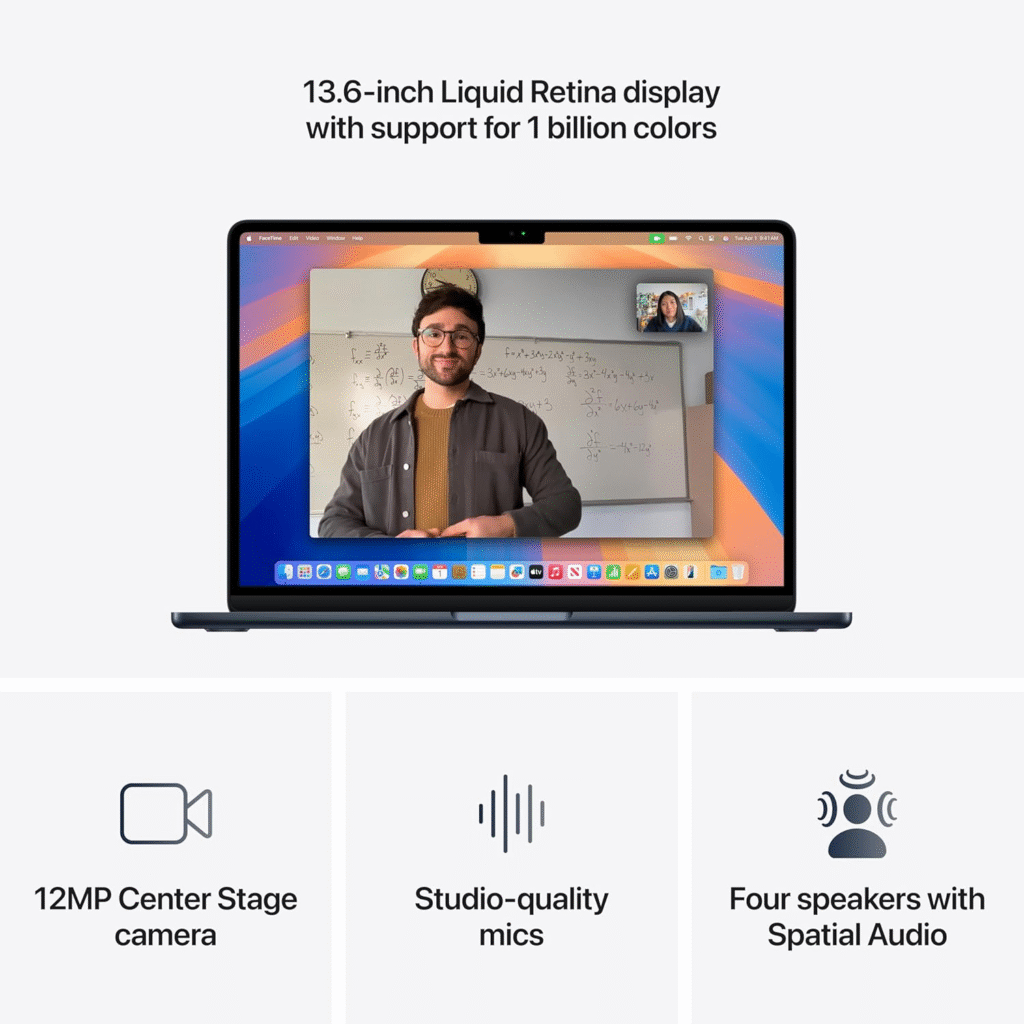
The MacBook Air M2 is the upgraded version of the M1 model. Apple redesigned the laptop with a thinner body, brighter display, and a slightly more powerful chip.
At first glance, the design looks closer to the MacBook Pro line. The screen is larger, the bezels are thinner, and the laptop feels more modern overall.
Performance improvements are noticeable, especially when running multiple apps simultaneously.
The new display is brighter, which makes working outdoors easier. The keyboard and trackpad also remain some of the best in the laptop industry.
Battery life remains impressive, although slightly less than the M1 in some cases.
Summary
The MacBook Air M2 improves design and performance while maintaining portability. It’s perfect for users who want a modern MacBook with better graphics and a brighter display.
Strengths
• Improved performance over M1
• Beautiful modern design
• Bright Liquid Retina display
• Excellent trackpad and keyboard
Weaknesses
• More expensive than M1
• Still limited ports
• Can warm under heavy workloads
Dell XPS 15
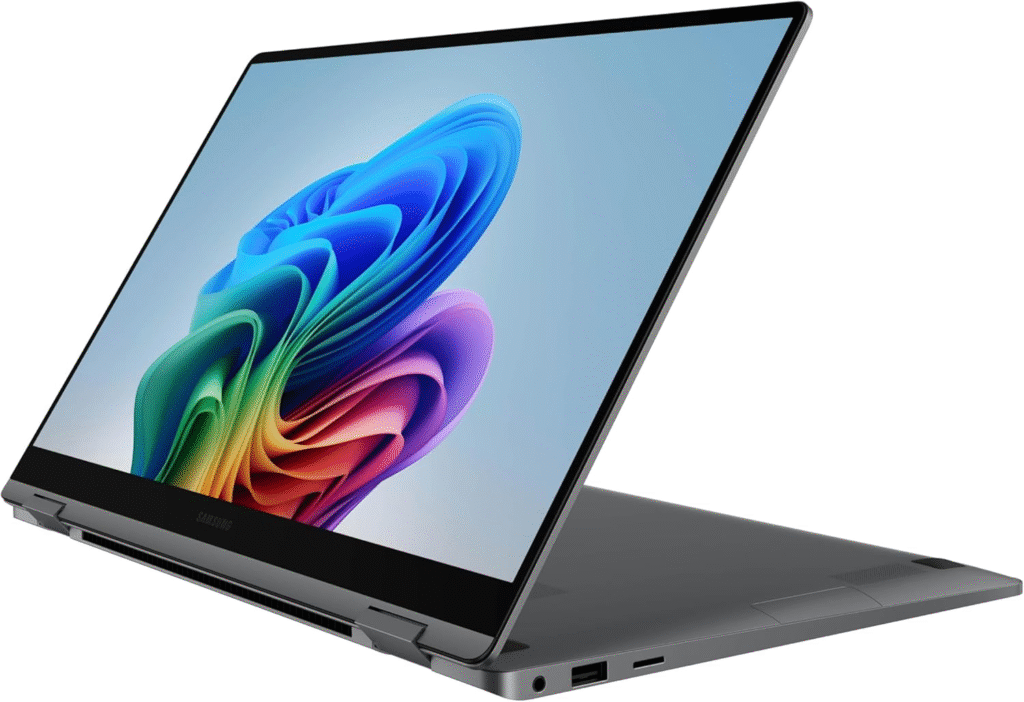
The Dell XPS 15 has long been considered one of the best Windows laptops for professionals. Its combination of powerful hardware and premium build quality makes it popular among designers, developers, and video editors.
Compared to the MacBook Air, the XPS 15 feels like a workstation. It includes powerful Intel processors and optional NVIDIA graphics.
The display is stunning. Dell’s InfinityEdge design creates extremely thin bezels, making the screen feel larger than it actually is.
When I tested it for photo editing and multitasking, performance was excellent. Large applications opened quickly and heavy workloads felt smooth.
However, the laptop is noticeably heavier than the MacBook Air.
Summary
The Dell XPS 15 is a powerful Windows laptop designed for professionals who need strong performance and a large display.
Strengths
• Powerful CPU and GPU options
• Large high-resolution display
• Excellent build quality
• Great for creative professionals
Weaknesses
• Heavier than MacBook Air
• Battery life varies depending on model
• Expensive configurations
Dell XPS 15 OLED
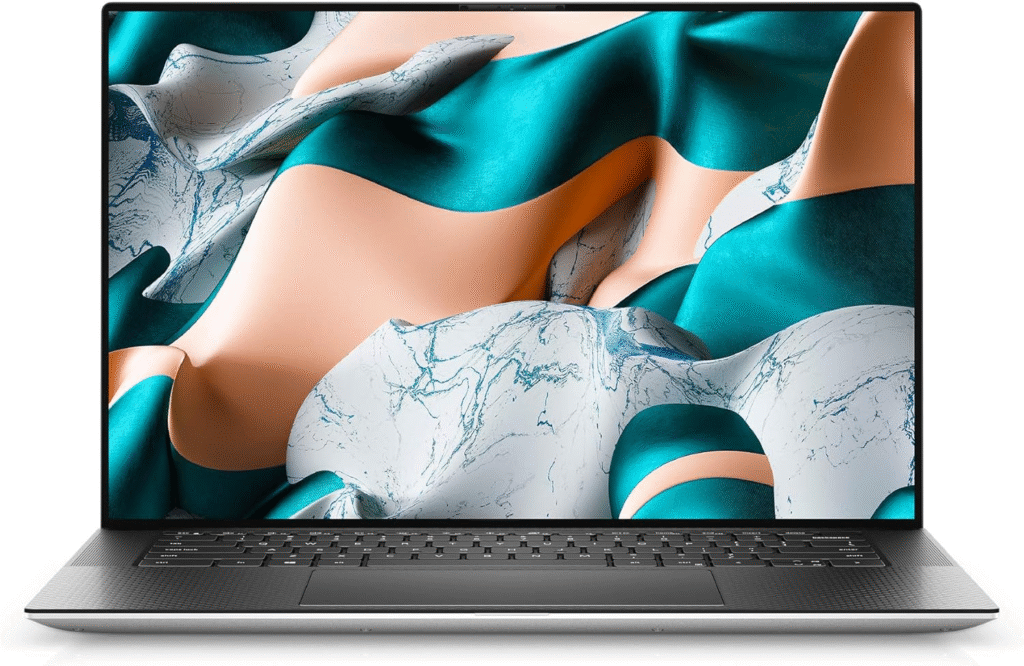
The Dell XPS 15 OLED version takes the standard model and upgrades the display dramatically.
OLED panels produce deeper blacks and more vibrant colors, which makes a big difference for visual work.
When watching movies or editing photos, the difference was immediately noticeable. Colors pop, contrast is stronger, and overall image quality feels more immersive.
However, OLED displays usually consume more battery power, and that was definately noticeable in my testing.
Still, if display quality matters most, this version stands out.
Summary
The Dell XPS 15 OLED is ideal for creators who prioritize visual quality and color accuracy.
Strengths
• Stunning OLED display
• Perfect for video editing and design
• Powerful performance
Weaknesses
• Shorter battery life
• Higher price
• Slightly heavier laptop
Why Choosing the Right Laptop Matters
Choosing between MacBook Air M1 vs Dell XPS 15 isn’t just about specs.
For many people, a laptop is:
- their work machine
- their creative studio
- their travel companion
- their everyday productivity tool
Battery life affects productivity. CPU power affects creative work. Even the screen can influence how comfortable long work sessions feel.
For example, photo editors often prefer high-resolution displays, while writers and students prioritize battery life and portability.
And let’s be honest, laptops in this category cost a lot. Spending over $1,000 means you want something reliable.
That’s why comparing MacBook Air M1 vs Dell XPS 15 performance, battery life, and design is so important before buying.
Quick Tips for Shopping
Before choosing between MacBook Air M1 vs Dell XPS 15, here are a few things I always recommend considering:
• Think about portability. If you travel or work remotely, lighter laptops are easier to carry.
• Check battery life claims versus real usage. Some laptops advertise long battery life but drain quickly during heavy work.
• Consider your software needs. Creative professionals sometimes prefer Windows for flexibility.
• Look at screen quality if you do visual work like editing photos or videos.
• Don’t overlook keyboard comfort. If you type a lot, this matters more than you’d expect.
• Watch Amazon deals or seasonal sales. Premium laptops often drop hundreds of dollars during promotions.
Quick Picks
If you’re still deciding between MacBook Air M1 vs Dell XPS 15, here are my quick recommendations.
Best Overall Laptop
MacBook Air M1 – Excellent battery life, lightweight design, and smooth performance.
Best Premium Power Laptop
Dell XPS 15 – Powerful processor and larger display for demanding tasks.
Best Display Laptop
Dell XPS 15 OLED – Ideal for designers and video editors.
Best Value Upgrade
MacBook Air M2 – Modern design with improved performance.
FAQs
FAQ about MacBook Air M1 vs Dell XPS 15:
Is MacBook Air M1 better than Dell XPS 15?
It depends on your needs. The MacBook Air M1 offers better battery life and portability, while the Dell XPS 15 provides more raw power and a larger screen.
Which laptop is better for students?
The MacBook Air M1 is usually better for students because it’s lighter, quieter, and lasts longer on battery.
Is Dell XPS 15 good for video editing?
Yes. With powerful processors and optional graphics cards, the Dell XPS 15 handles video editing much better than the MacBook Air.
Is MacBook Air M1 still worth buying?
Absolutely. Even years after release, the MacBook Air M1 remains one of the best value laptops for everyday work.
Final Summary
Choosing between MacBook Air M1 vs Dell XPS 15 really comes down to how you plan to use your laptop.
The MacBook Air M1 shines with portability, battery life, and smooth everyday performance. It’s perfect for students, writers, and remote workers who need reliability and efficiency.
The Dell XPS 15, on the other hand, is a powerhouse. Its larger display and stronger hardware make it better suited for creative professionals and demanding workloads.
If you value lightweight design and long battery life, the MacBook Air is hard to beat. If performance and screen size matter more, the Dell XPS 15 might be the better investment.
Both laptops are widely available on Amazon and major electronics retailers, and you can often find discounts during seasonal sales.
Affiliate Disclaimer:
This article contains Amazon affiliate links. If you purchase through these links, I may earn a small commission at no extra cost to you. This helps support the site and allows us to continue testing products and creating honest reviews.